Subplot

Visualisasi Data Interaktif dengan Bokeh

George Boorman

Core Curriculum Manager, DataCamp

Mengapa memakai subplot?
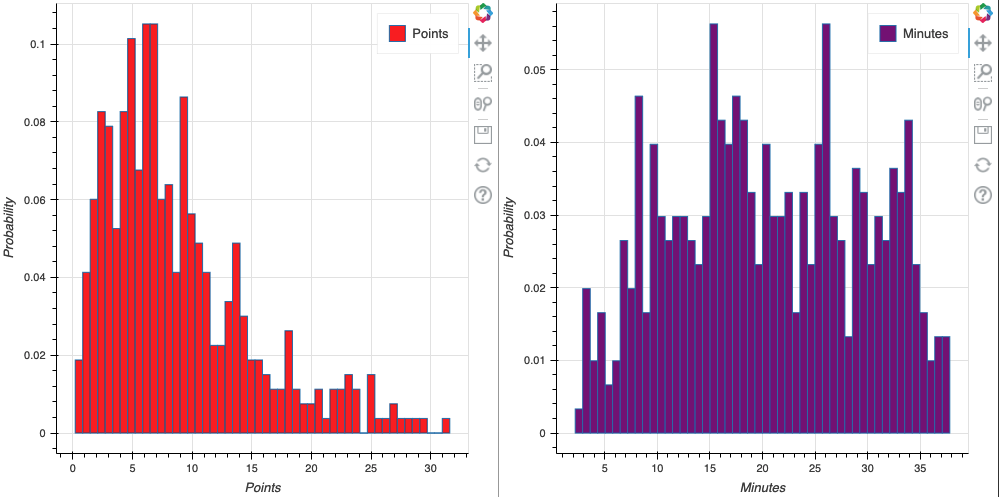
histogram

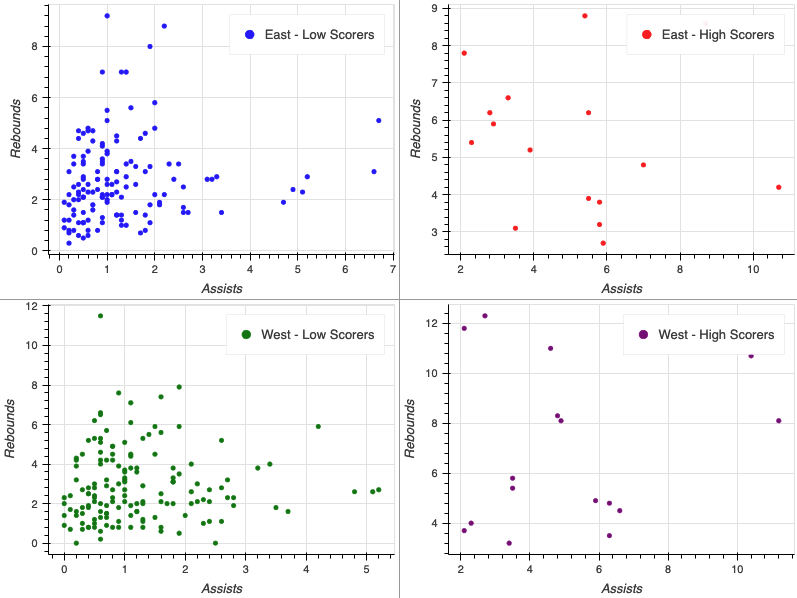
subplot baris tinggi vs rendah

Visualisasi Data Interaktif dengan Bokeh

Membuat baris

from bokeh.layouts import row

east_source = ColumnDataSource(data=east) west_source = ColumnDataSource(data=west) fig_one = figure(x_axis_label="Assists per Game", y_axis_label="Points per Game") fig_two = figure(x_axis_label="Assists per Game", y_axis_label="Points per Game")
fig_one.circle(x="assists", y="points", source=east_source, color="blue", legend_label="East") fig_two.circle(x="assists", y="points", source=west_source, color="blue", legend_label="West")
output_file(filename="row_plots.html")
show(row(fig_one, fig_two))
Visualisasi Data Interaktif dengan Bokeh

Subplot baris

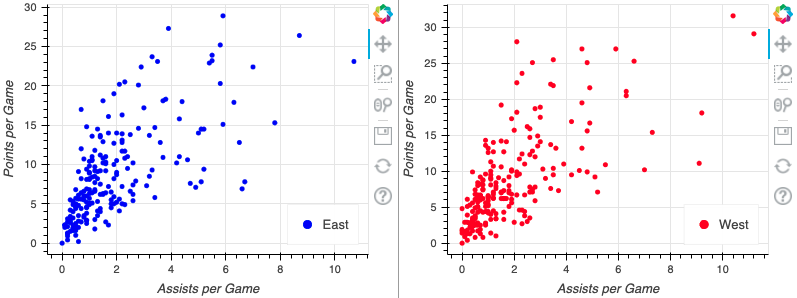
subplot baris NBA

Visualisasi Data Interaktif dengan Bokeh

Subplot kolom

from bokeh.layouts import column

fig_one = figure(x_axis_label="Assists", y_axis_label="Rebounds") fig_two = figure(x_axis_label="Assists", y_axis_label="Rebounds") fig_one.circle(x="assists", y="rebounds", source=east_source, color="blue", legend_label="East") fig_two.circle(x="assists", y="rebounds", source=east_source, color="blue", legend_label="East")
output_file(filename="column_plots.html") show(column(fig_one, fig_two))

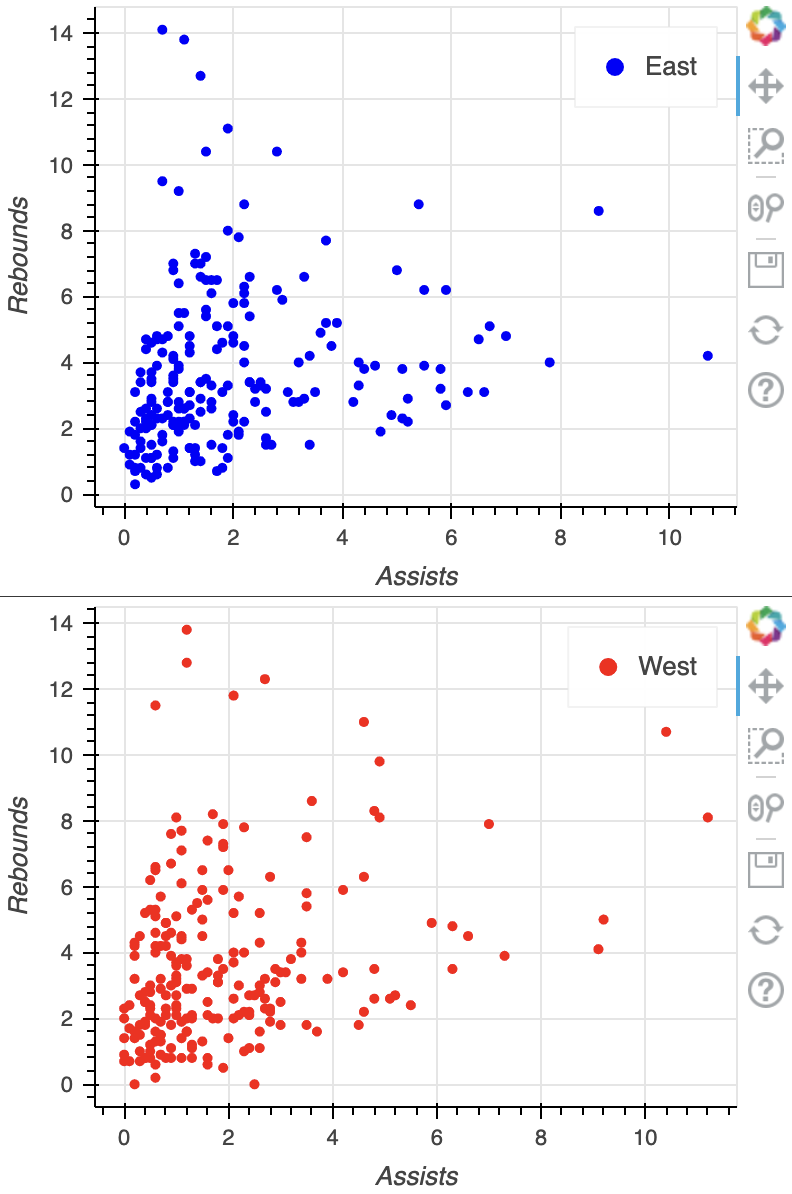
plot kolom dasar

Visualisasi Data Interaktif dengan Bokeh

Membuat gridplot

from bokeh.layouts import gridplot

positions = ["PG", "SG", "SF", "PF"]
plots = []
for position in positions:
nba_positions = nba.loc[nba["position"] == position] source = ColumnDataSource(data=nba_positions)
fig = figure(x_axis_label="Assists", y_axis_label="Points")
fig.circle(x="assists", y="points", source=source, legend_label=position)
plots.append(fig)
output_file(filename="nba_gridplot.html") show(gridplot(plots, ncols=2))
Visualisasi Data Interaktif dengan Bokeh

Gridplot

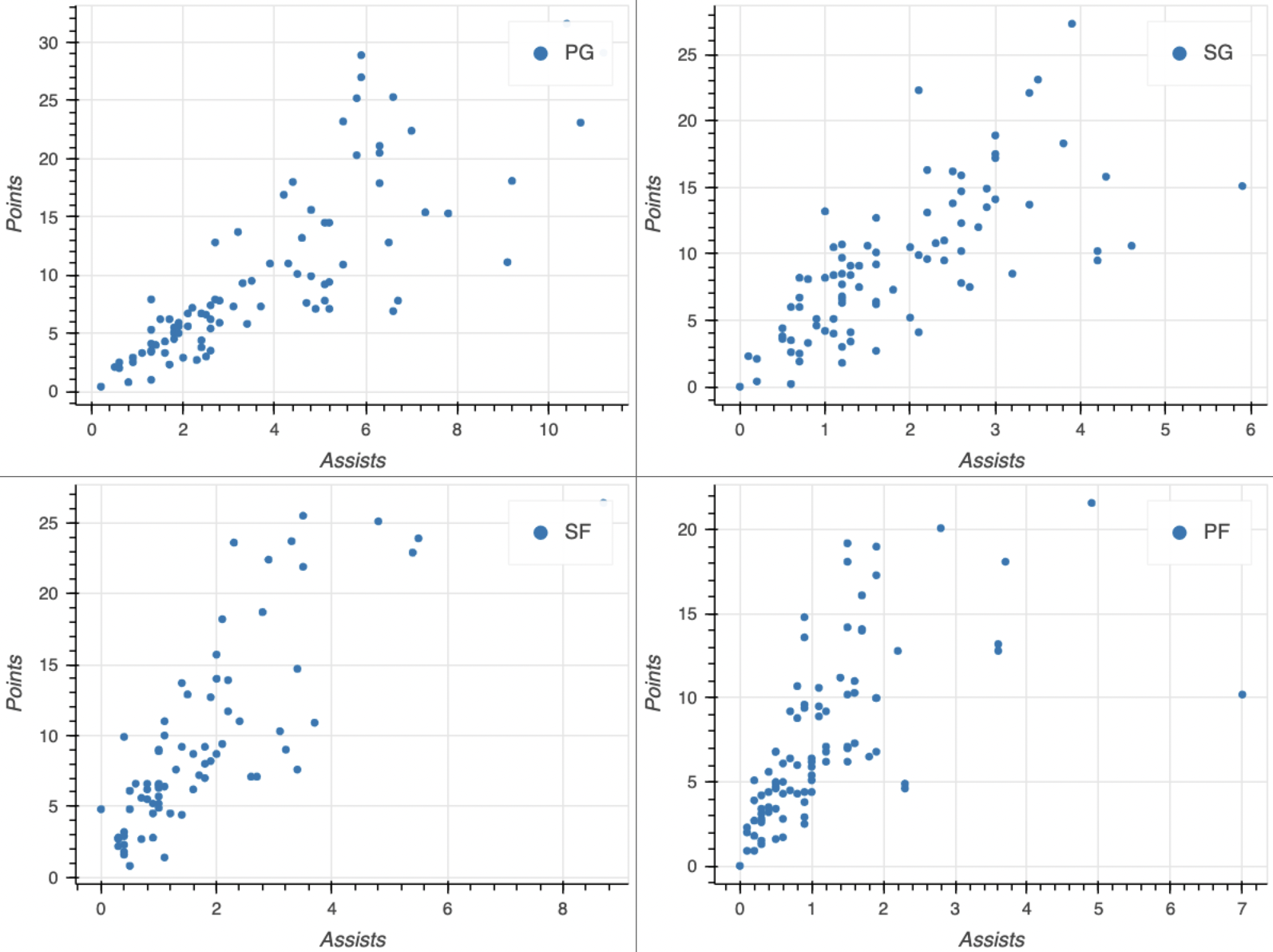
gridplot

Visualisasi Data Interaktif dengan Bokeh

Kustomisasi ukuran figure

fig = figure(x_axis_label="Assists", y_axis_label="Rebounds",

width=750, height=300)
fig.circle(x="assists", y="rebounds", source=source) output_file(filename="custom_size_plot.html") show(fig)
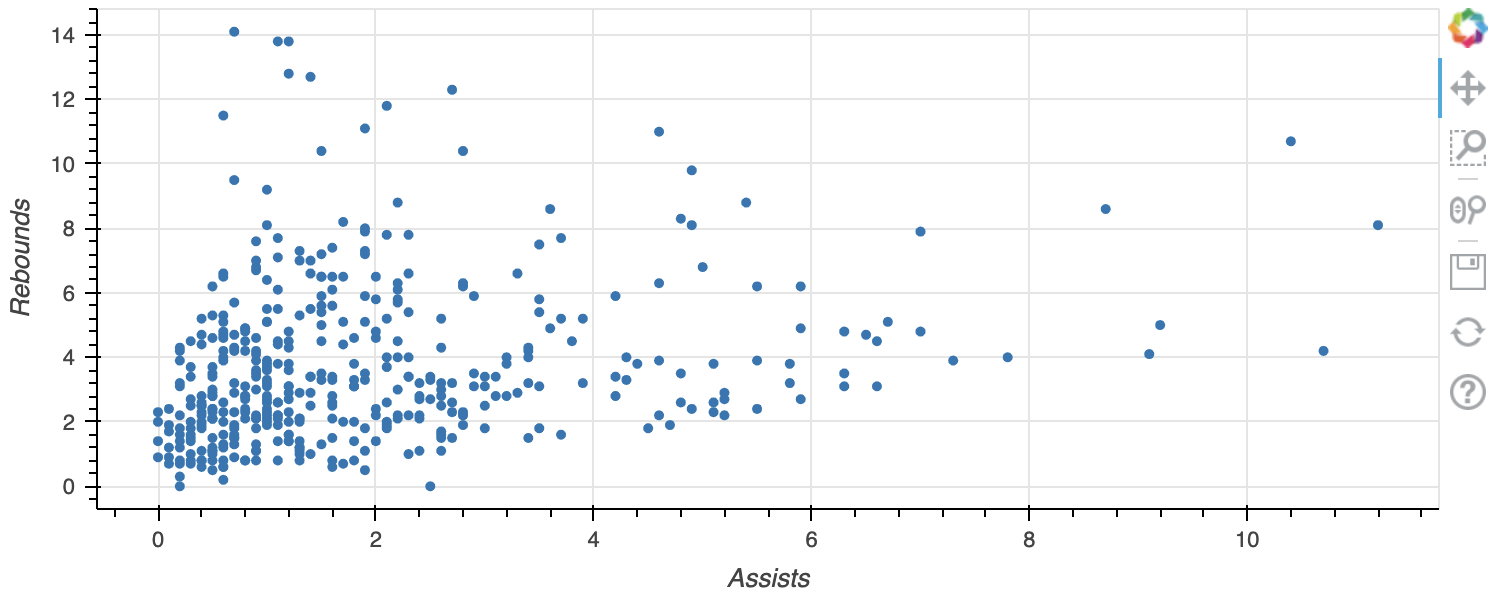
custom_size_plot

Visualisasi Data Interaktif dengan Bokeh

Ayo berlatih!

Visualisasi Data Interaktif dengan Bokeh

Preparing Video For Download...