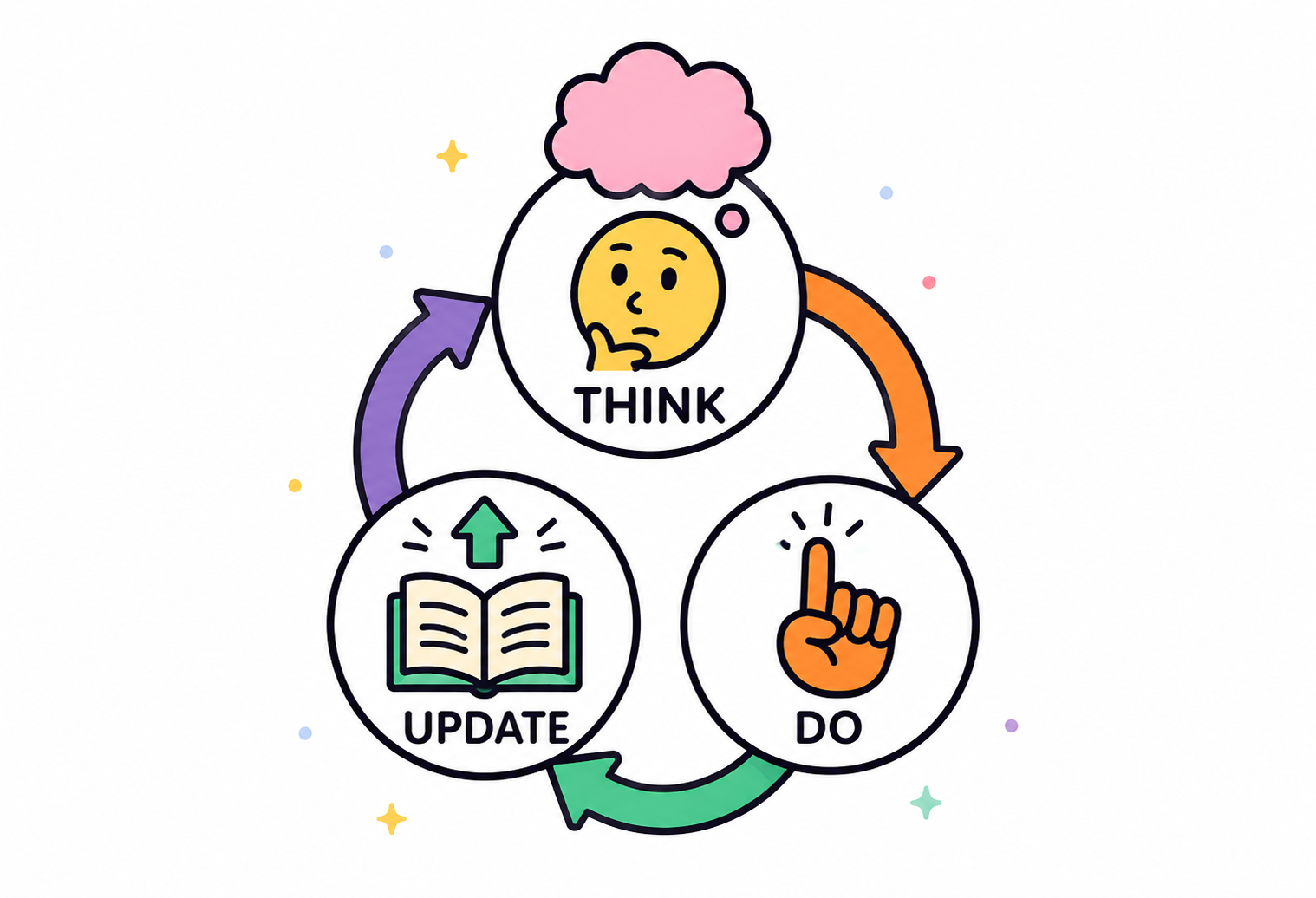
Selamat!

Bekerja dengan DeepSeek di Python

James Chapman

Curriculum Manager, DataCamp

Bab 1


  • Membuat request untuk model chat dan reasoning DeepSeek

Logo DeepSeek.

client = OpenAI(api_key="<TogetherAI API Key>")

response = client.chat.completions.create(
    model="deepseek-ai/DeepSeek-V3",
    messages=[{"role": "user", "content": "..."}]
)
print(response.choices[0].message.content)
Bekerja dengan DeepSeek di Python

Bab 2

response = client.chat.completions.create(
  model="deepseek-ai/DeepSeek-V3",
  messages=[{"role": "user", "content": "..."}],
  max_tokens=20,
  temperature=0.5
)
  • Tanya jawab (Q&A)
  • Transformasi teks
  • Pembuatan konten
  • Kategorisasi, mis. analisis sentimen
  • Debugging kode
  • max_tokens dan temperature

Berbagai aplikasi model DeepSeek.

Bekerja dengan DeepSeek di Python

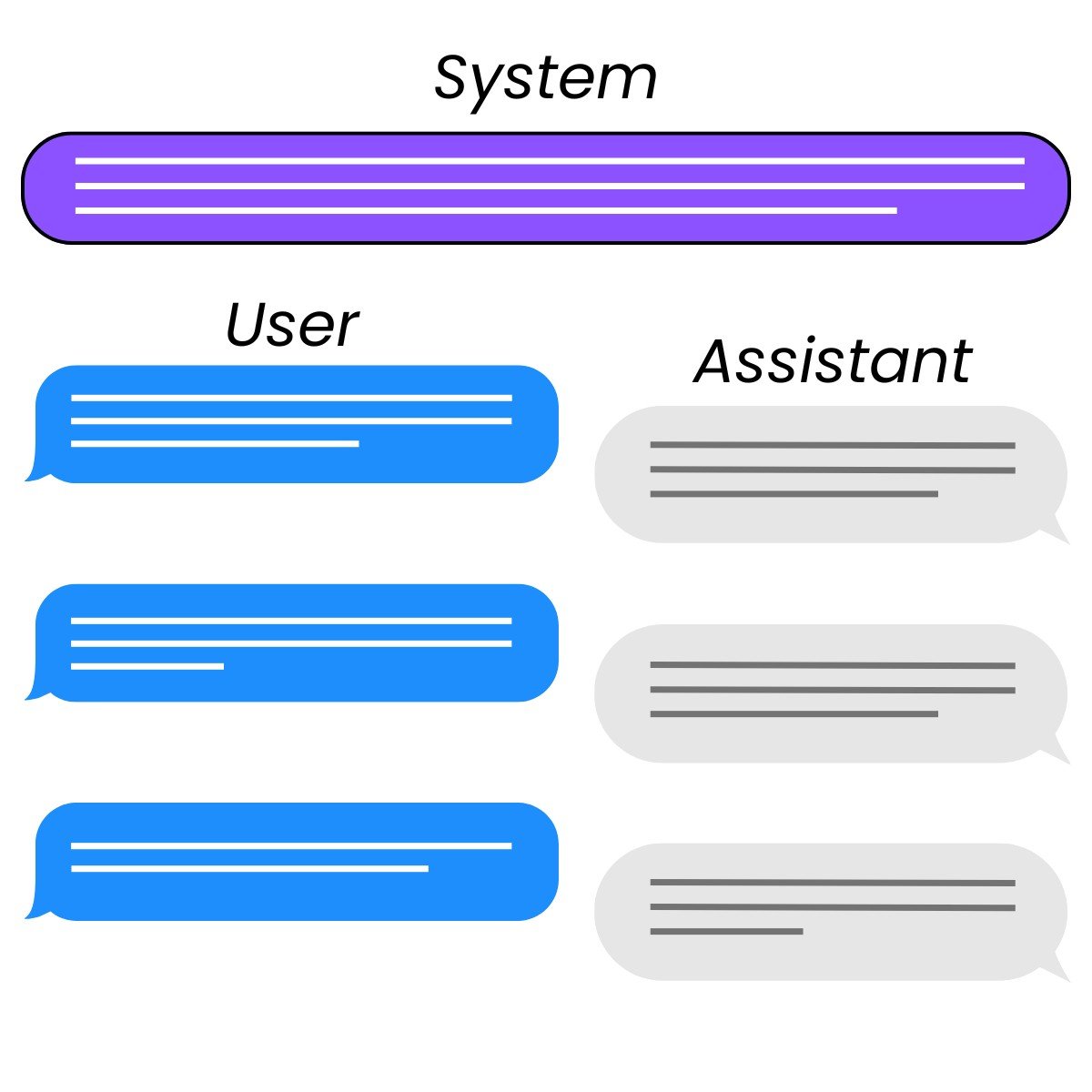
Bab 3


  • "system"

    • Mengarahkan keluaran model
    • Menambahkan guardrail
  • "assistant"

    • Few-shot terstruktur
    • Membangun riwayat percakapan

Tiga peran dalam interaksi chat: system, user, dan assistant.

Bekerja dengan DeepSeek di Python

Langkah selanjutnya?

Bekerja dengan DeepSeek di Python

Ayo berlatih!

Bekerja dengan DeepSeek di Python

Preparing Video For Download...