Modellazione con tidymodels in R
David Svancer
Data Scientist
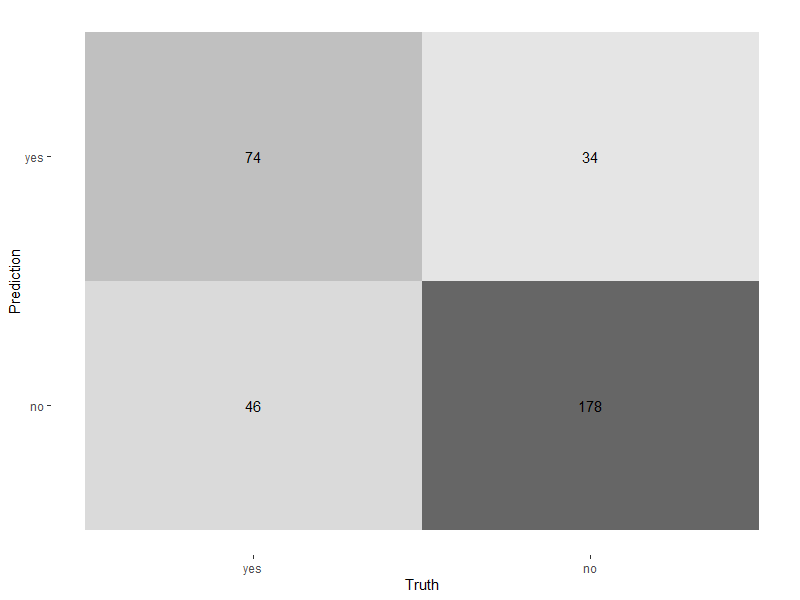
Heatmap con autoplot()
autoplot()type su 'heatmap'
conf_mat(leads_results, truth = purchased, estimate = .pred_class) %>%autoplot(type = 'heatmap')

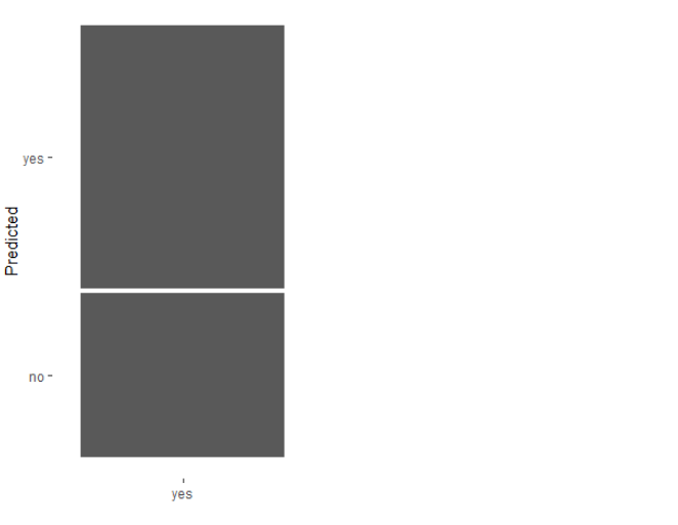
Mosaico con autoplot()
type su 'mosaic'
conf_mat(leads_results,
truth = purchased,
estimate = .pred_class) %>%
autoplot(type = 'mosaic')

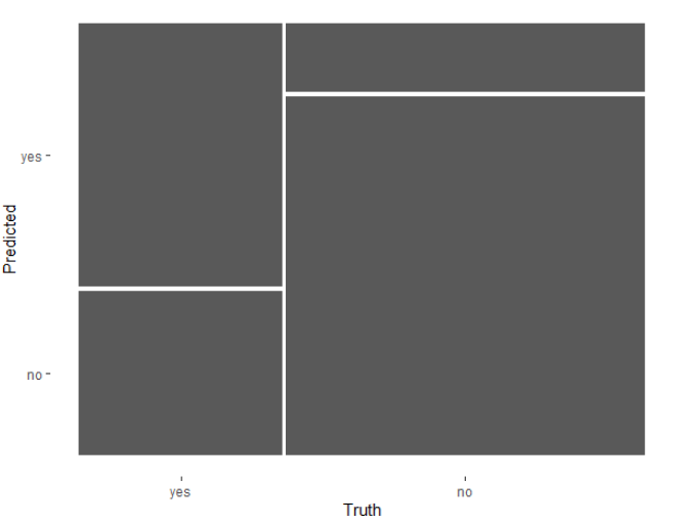
Mosaico con autoplot()
type su 'mosaic'conf_mat(leads_results,
truth = purchased,
estimate = .pred_class) %>%
autoplot(type = 'mosaic')

La soglia di probabilità predefinita nel binary classification è 0,5
leads_results
.pred_yes è ≥ 0,5 allora .pred_class è 'yes' con predict() in tidymodelsleads_results
# A tibble: 332 x 4
purchased .pred_class .pred_yes .pred_no
<fct> <fct> <dbl> <dbl>
1 no no 0.134 0.866
2 yes yes 0.729 0.271
3 no no 0.133 0.867
4 no no 0.0916 0.908
5 yes yes 0.598 0.402
6 no no 0.128 0.872
7 yes no 0.112 0.888
8 no no 0.169 0.831
9 no no 0.158 0.842
10 yes yes 0.520 0.480
# ... with 322 more rows
Come rende un modello di classificazione su diverse soglie?
.pred_yes dei risultati di test
| soglia | specificità | sensibilità |
|---|---|---|
| 0 | 0 | 1 |
| 0.11 | 0.01 | 0.98 |
| 0.15 | 0.05 | 0.97 |
| ... | ... | ... |
| 0.84 | 0.89 | 0.08 |
| 0.87 | 0.94 | 0.02 |
| 0.91 | 0.99 | 0 |
| 1 | 1 | 0 |
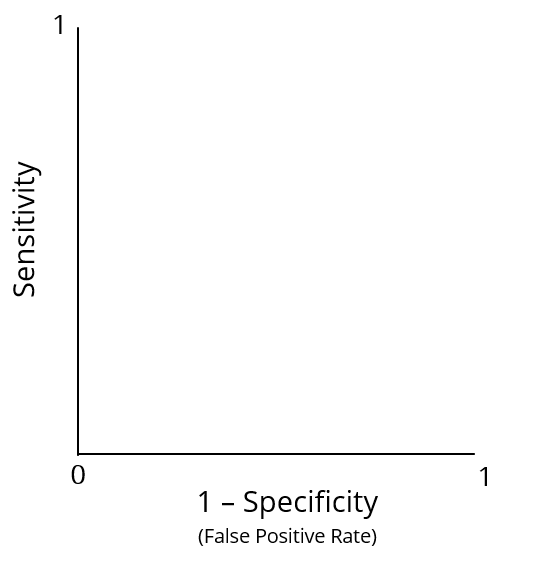
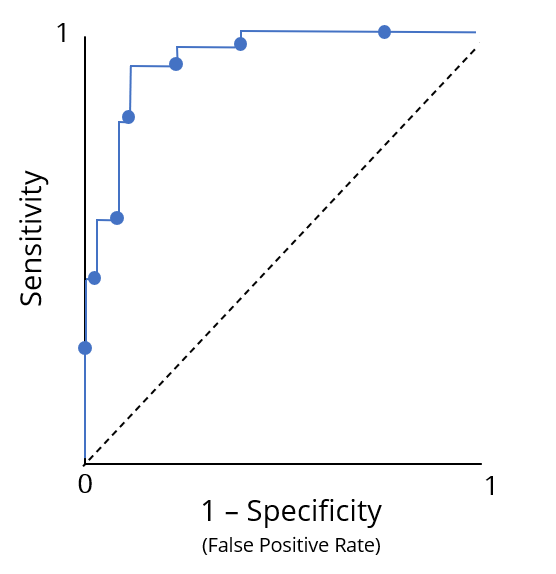
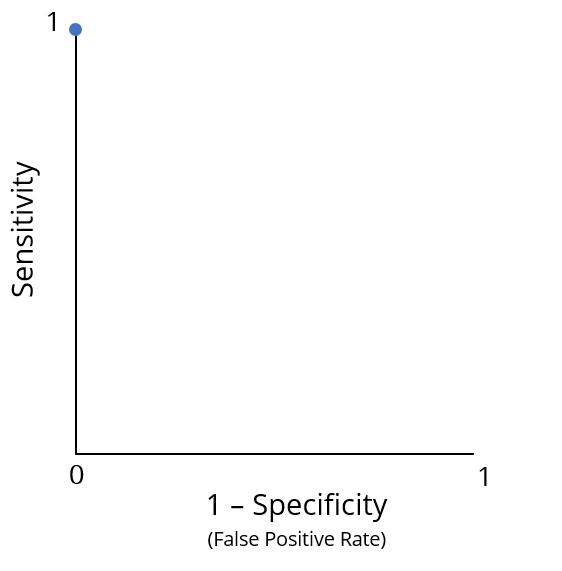
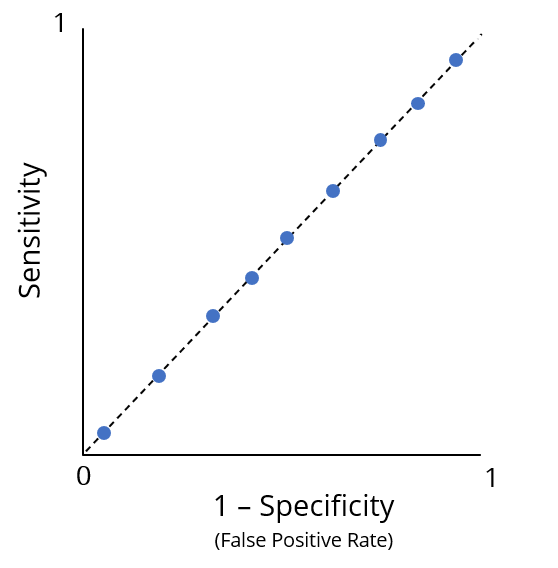
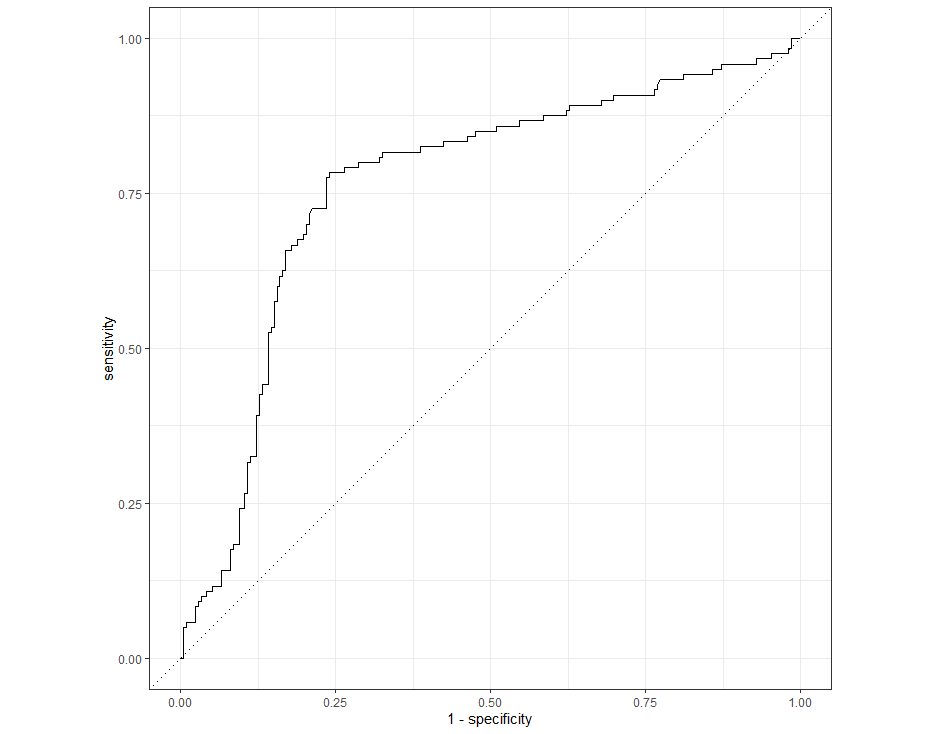
Curva ROC (Receiver Operating Characteristic)

Le prestazioni ottimali sono nel punto (0, 1)
Prestazioni scarse

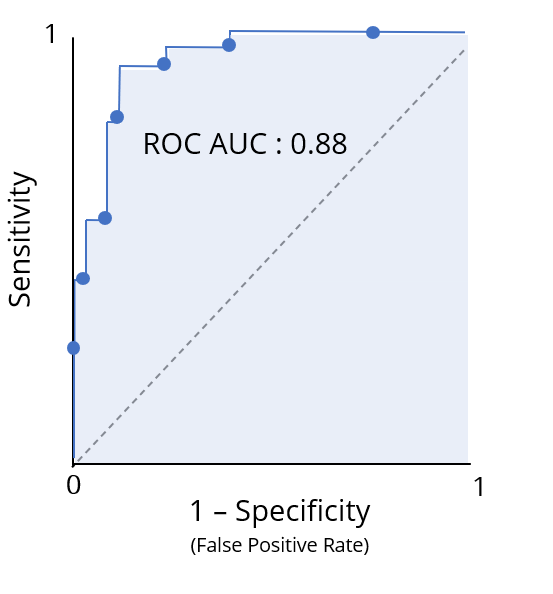
L'area sotto la curva ROC (ROC AUC) riassume la curva ROC in un singolo numero
Utile da leggere come un voto sulle prestazioni di classificazione

La funzione roc_curve()
truth con le classi reali.pred_yes nella tibble leads_results
.pred_yesleads_results %>%
roc_curve(truth = purchased, .pred_yes)
# A tibble: 331 x 3
.threshold specificity sensitivity
<dbl> <dbl> <dbl>
1 -Inf 0 1
2 0.0871 0 1
3 0.0888 0.00472 1
4 0.0893 0.00943 1
5 0.0896 0.0142 1
6 0.0902 0.0142 0.992
7 0.0916 0.0142 0.983
8 0.0944 0.0189 0.983
# ... with 323 more rows
Passare i risultati di roc_curve() a autoplot() restituisce il grafico ROC
leads_results %>%
roc_curve(truth = purchased, .pred_yes) %>%
autoplot()

La funzione roc_auc() di yardstick calcola la ROC AUC
truthroc_auc(leads_results,
truth = purchased,
.pred_yes)
# A tibble: 1 x 3
.metric .estimator .estimate
<chr> <chr> <dbl>
1 roc_auc binary 0.763
Modellazione con tidymodels in R