Strategie avanzate di prompting

Introduzione ad Amazon Bedrock

Nikhil Rangarajan

Data Scientist

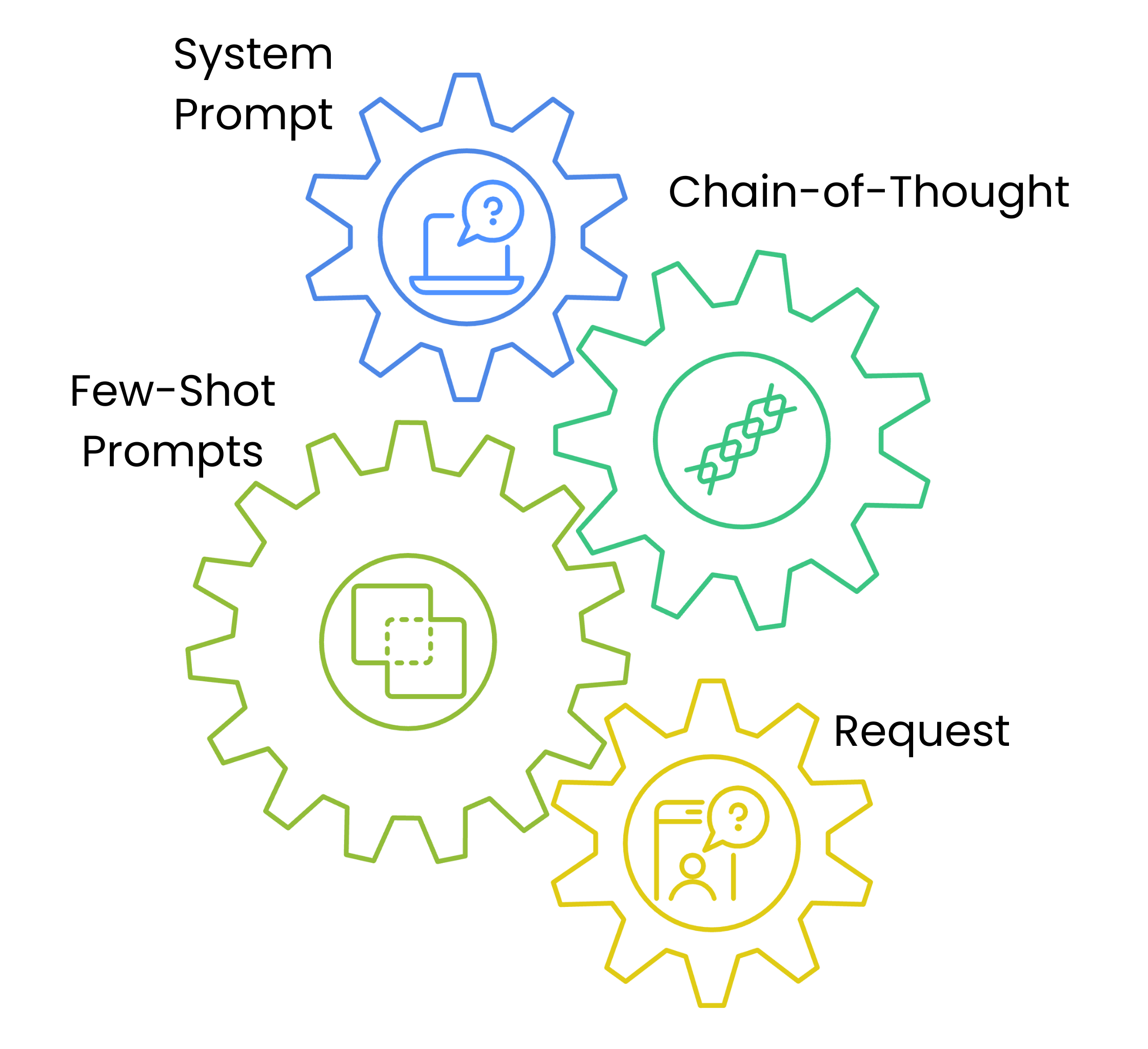
Architettura del prompting

  • I system prompt definiscono stile e approccio
  • I chain-of-thought danno uno schema di ragionamento
  • I few-shot forniscono esempi
  • Ogni livello aumenta la comprensione e l'affidabilità

Un grafico con quattro ingranaggi collegati che mostra la sequenza dell'architettura del prompt: System Prompt, Passi di Chain of Thought, Esempi Few-Shot e Richiesta di Contenuto.

Introduzione ad Amazon Bedrock

System prompt e controllo dello stile

prompt_template = {
    "system_prompt": f"""System: Write in a professional but approachable tone.""",

"content_type": "blog_post",
"examples": [ { "title": "Cloud Migration Basics", "content": "Moving to the cloud doesn't have to be complex..." } ],
"task": f"Write a blog post about {topic}"
}
Introduzione ad Amazon Bedrock

Chain-of-thought prompting

def generate_message_content(text_data):
    steps = [
        "1. Understand the target audience",
        "2. Outline key points",
        "3. Draft a promotional email"
    ]

text_data["text"] += f"\nSteps:{' '.join(steps)}"
return text_data
  • 💡 Guida il processo di ragionamento del modello
Introduzione ad Amazon Bedrock

Adattamento del contenuto e parametri

parameters = {

"blog_post": {"temperature": 0.7, "top_p": 0.9}, "social_media": {"temperature": 0.8, "top_p": 0.95},
"technical": {"temperature": 0.4, "top_p": 0.8}
}
content_type = "blog_post" prompt_data["parameters"] = parameters[content_type]
  • Parametri in base al tipo di contenuto
  • Preset dei parametri per coerenza
Introduzione ad Amazon Bedrock

Generare prompt con template

# Write the prompt
topic = "Cloud Security"
content_type = "blog_post"
prompt = f"Write a {topic} blog post. Use this example: {prompt_template["examples"][0]}"


# Define the parameters temperature = parameters[content_type]["temperature"] top_p = parameters[content_type]["top_p"]
# Call the model response = bedrock.invoke_model(modelId=model_id, body=json.dumps({"messages": [{"role": "user","content": [{"type": "text", "text": prompt}]}], "temperature": temperature, "top_p": top_p}))
Introduzione ad Amazon Bedrock

Passons à la pratique !

Introduzione ad Amazon Bedrock

Preparing Video For Download...