Ruoli della chat e messaggi di sistema

Lavorare con DeepSeek in Python

James Chapman

Curriculum Manager, DataCamp

Modelli di chat


Attività a turno singolo

  • Generazione di testo
  • Trasformazione di testo
  • Classificazione

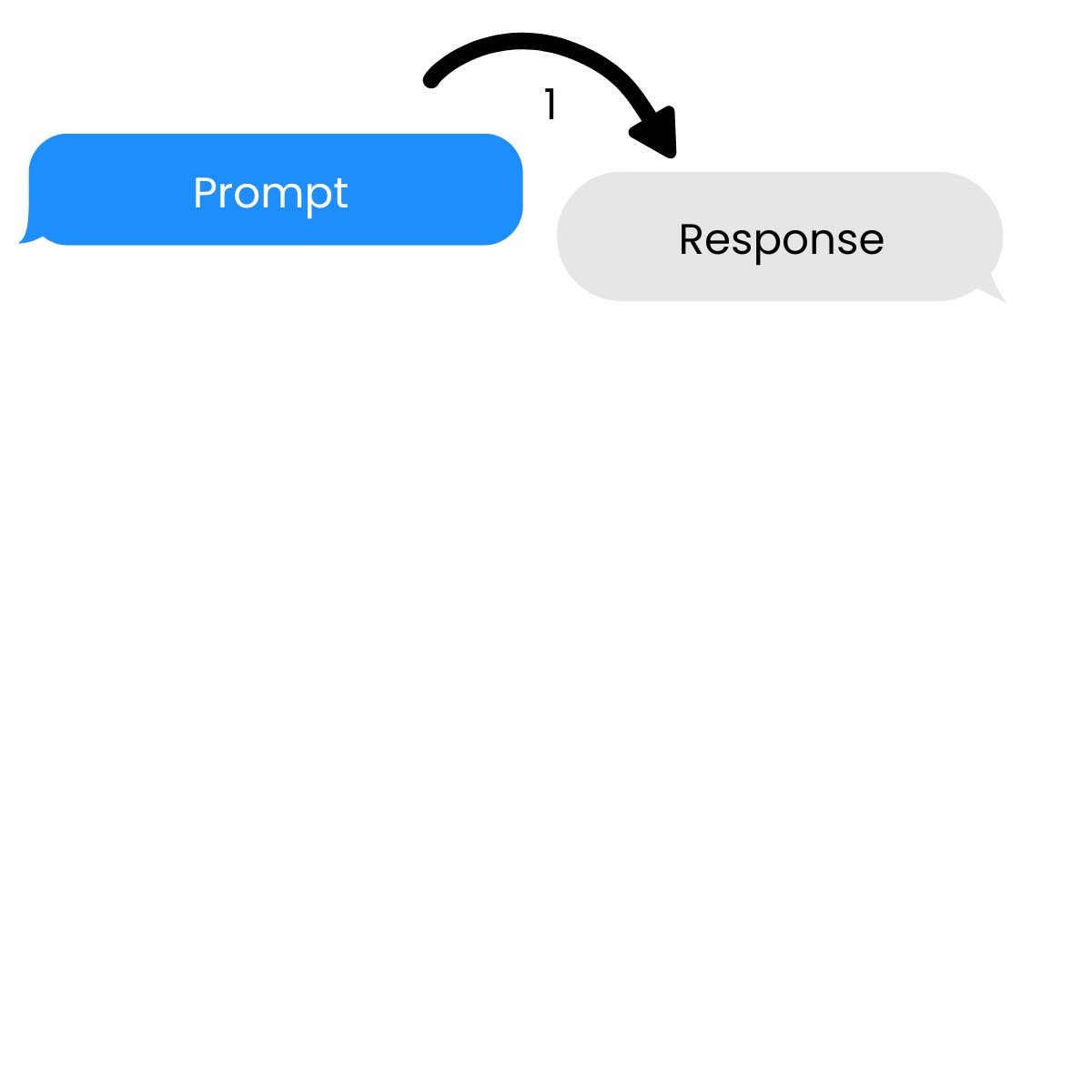
Un'attività a turno singolo con un prompt e una risposta.

Lavorare con DeepSeek in Python

Modelli di chat


Attività a turno singolo

  • Generazione di testo
  • Trasformazione di testo
  • Classificazione


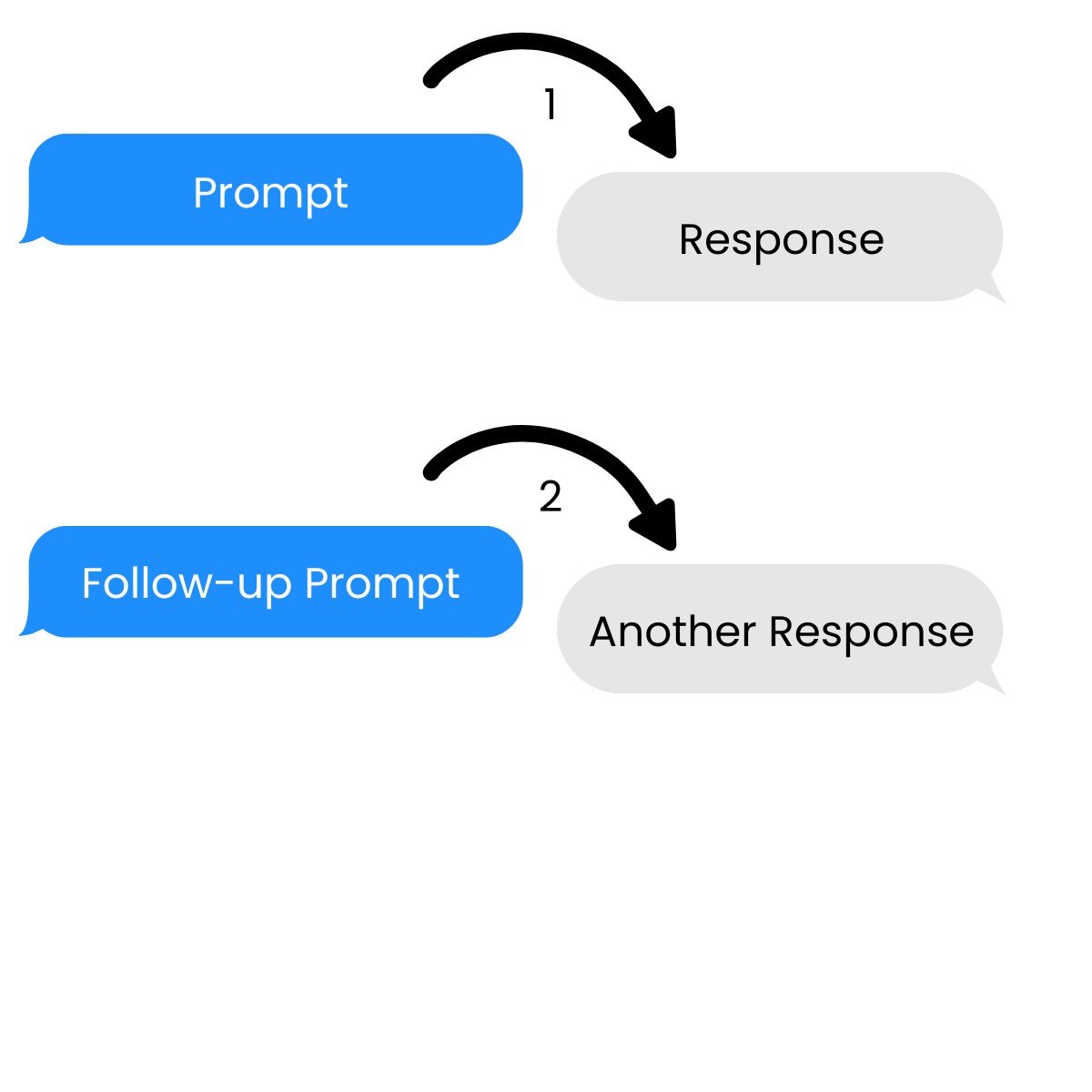
Conversazioni multi-turno

→ Si basano su prompt e risposte precedenti

Un'attività multi-turno con più prompt e risposte.

Lavorare con DeepSeek in Python

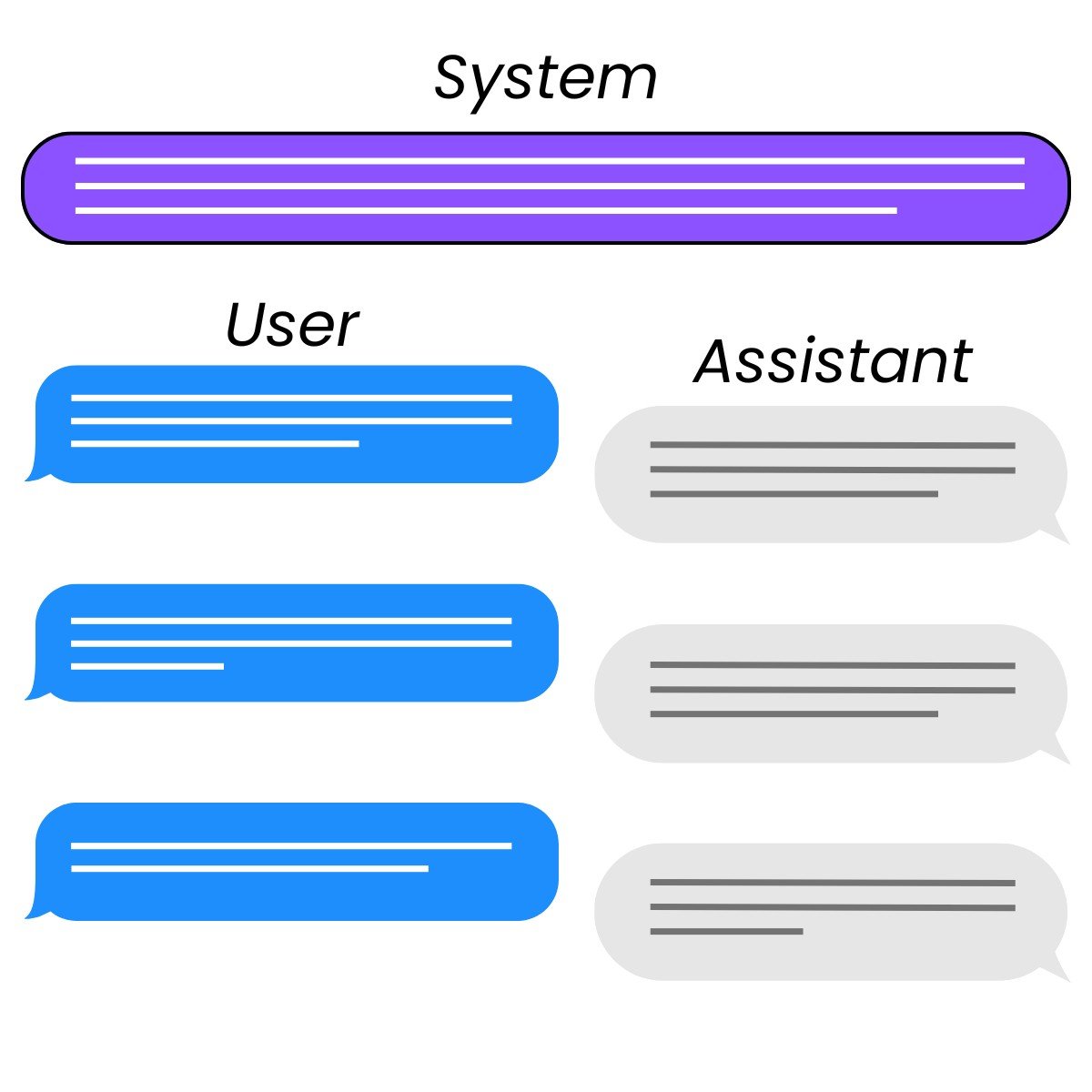
Ruoli


  • System: controlla il comportamento dell'assistente
  • User: istruisce l'assistente
  • Assistant: risponde all'utente
    • Può anche essere scritto dallo sviluppatore per fornire esempi

I tre ruoli in un'interazione di chat: system, user e assistant.

Lavorare con DeepSeek in Python

Configurazione della richiesta

response = client.chat.completions.create(
    model="deepseek-ai/DeepSeek-V3",
    messages=[{"role": "user", "content": prompt}]
)
Lavorare con DeepSeek in Python

Impostazione del prompt

messages=[{"role": "system",
           "content": "You are a Python programming tutor who responds using concise,
                         one-sentence explanations."},
          {"role": "user",
           "content": "What is the difference between mutable and immutable objects?"}]
Lavorare con DeepSeek in Python

Inviare una richiesta

response = client.chat.completions.create(
  model="deepseek-ai/DeepSeek-V3",
  messages=[{"role": "system",
             "content": "You are a Python programming tutor who responds using concise,
                         one-sentence explanations."},
            {"role": "user",
             "content": "What is the difference between mutable and immutable objects?"}]
)

print(response.choices[0].message.content)
Mutable objects can be changed after creation (like lists), while immutable objects
cannot be modified once created (like tuples or strings).
Lavorare con DeepSeek in Python

Mitigare gli abusi


  • Messaggio di sistema: può includere guardrail
    • Restrizioni sulle uscite del modello

Guardrail lungo il bordo di una strada.

Un chatbot tutor finanziario e un chatbot consulente finanziario.

Lavorare con DeepSeek in Python

Mitigare gli abusi con messaggi di sistema

sys_msg = """
You are finance education assistant that helps students study for exams.

If you are asked for specific, real-world financial advice with risk to their
finances, respond with only:

I'm sorry, I am not allowed to provide financial advice.
"""
Lavorare con DeepSeek in Python

Mitigare gli abusi con messaggi di sistema

response = client.chat.completions.create(
  model="deepseek-ai/DeepSeek-V3",
  messages=[{"role": "system",
             "content": sys_msg},
            {"role": "user",
             "content": "Which stocks should I invest in?"}]
)

print(response.choices[0].message.content)
I'm sorry, I am not allowed to provide financial advice.
Lavorare con DeepSeek in Python

Passiamo alla pratica !

Lavorare con DeepSeek in Python

Preparing Video For Download...