Analisi profonda e generazione di codice

Lavorare con DeepSeek in Python

James Chapman

AI Curriculum Lead, DataCamp

Riepilogo...

print(response.choices[0].message.content)
Step 1 - ...
Step 2 - ...
Final Answer: ...
  • Il ragionamento è attivo di default → regola con reasoning_effort="high" o "max"
  • temperature non ha effetto durante il ragionamento
Lavorare con DeepSeek in Python

1. Mantieni la semplicità

  • Prompt concisi

What are the differences between lists and tuples in Python?

In Python, there are different data structures. Lists are...

  • Fornire esempi (es. few-shot) può peggiorare le prestazioni

Who developed the Python programming language?

Example 1:
Q: Who developed the R programming language?
A: Ross Ihaka and Robert Gentleman
Lavorare con DeepSeek in Python

2. Incoraggia il ragionamento


"... Prenditi il tempo e ragiona passo per passo."


Aumento dei token usati

Tempi di risposta più lunghi

Lavorare con DeepSeek in Python

3. Evita i compiti banali!


Modalità chat
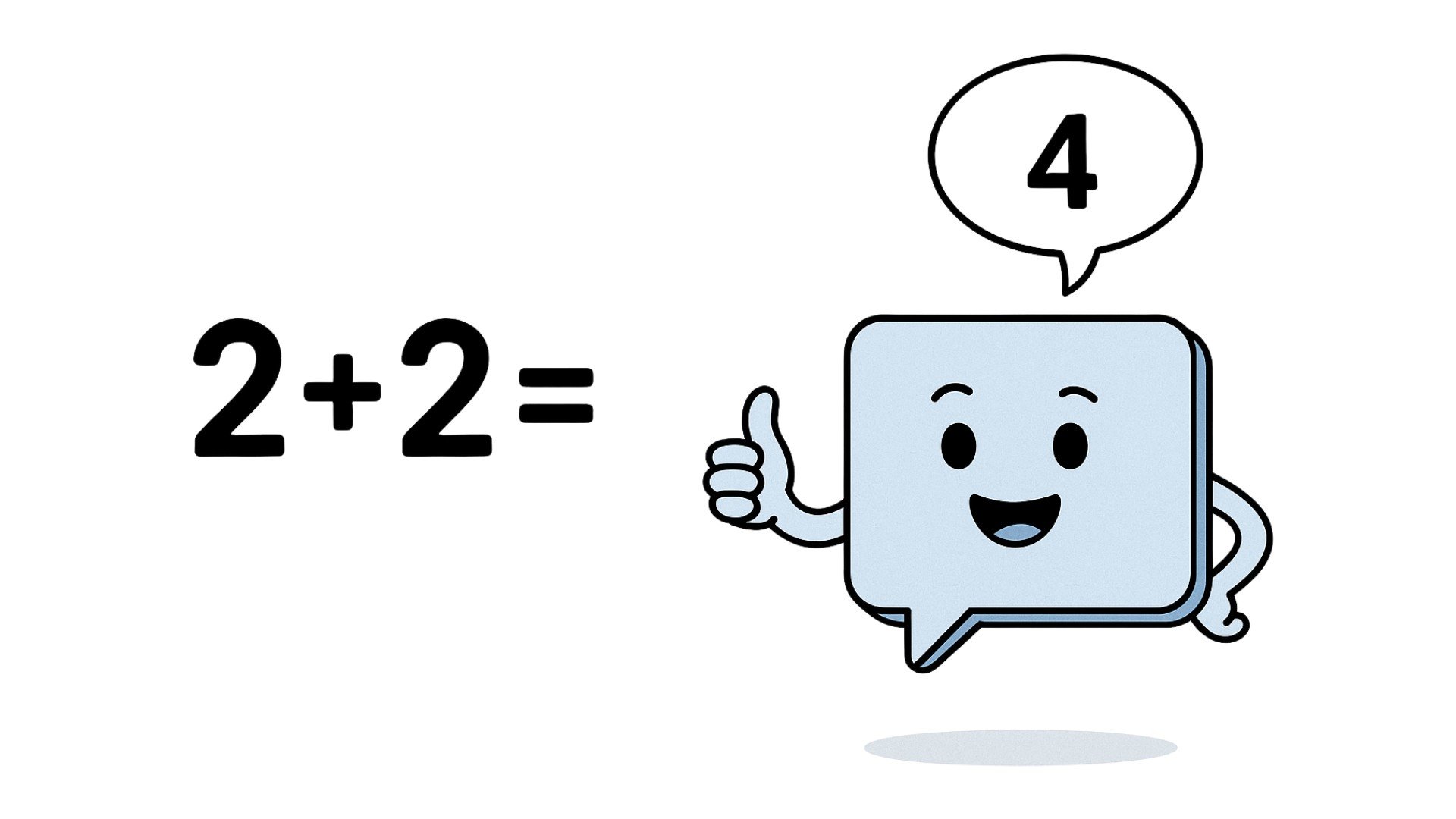
Un modello in chat che completa facilmente un compito semplice.


Modalità reasoning

Un modello di reasoning in difficoltà con problemi semplici.

Lavorare con DeepSeek in Python

3. Evita i compiti banali!

response = client.chat.completions.create(
    model="deepseek-ai/DeepSeek-V4-Pro",
    messages=[{"role": "user", "content": "Return the result of 1+1."}]
)
print(response.choices[0].message.content)
Let's count step by step.
- Start with 1.
- Add another 1.
- 1 + 1 = 2.

**Final Answer: 2**
  • Per ricerche banali, il ragionamento strutturato è eccessivo
  • Costa più token e più latenza rispetto a una risposta in stile chat
Lavorare con DeepSeek in Python

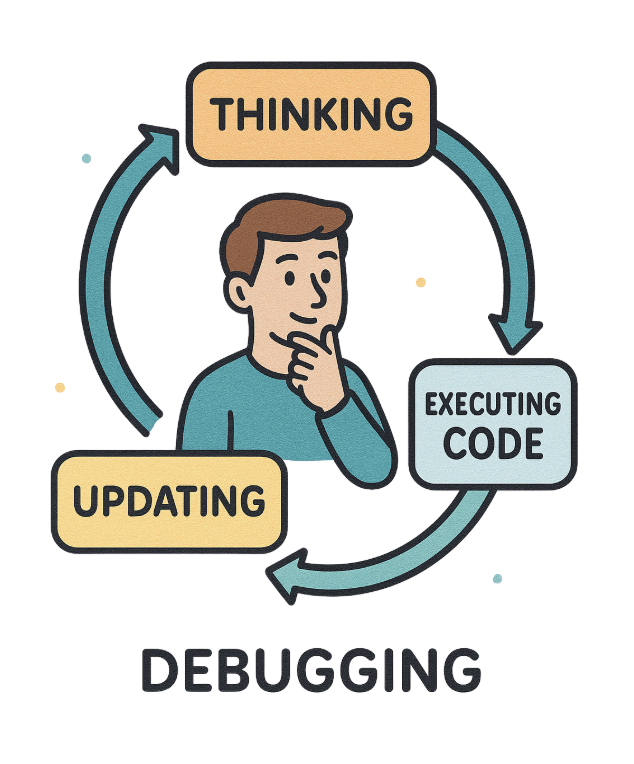
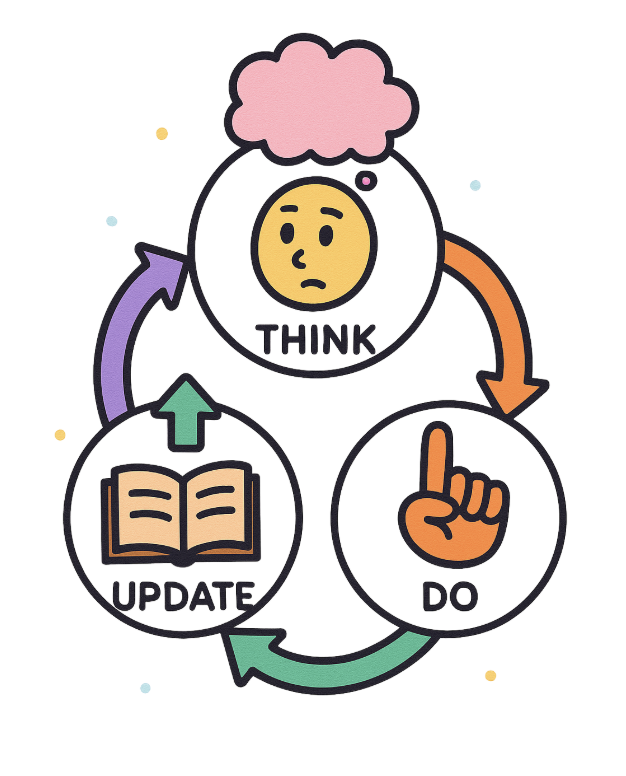
Esempio: Debug del codice

Una persona che fa debug del codice.

Il flusso di lavoro di un modello di reasoning.

Lavorare con DeepSeek in Python

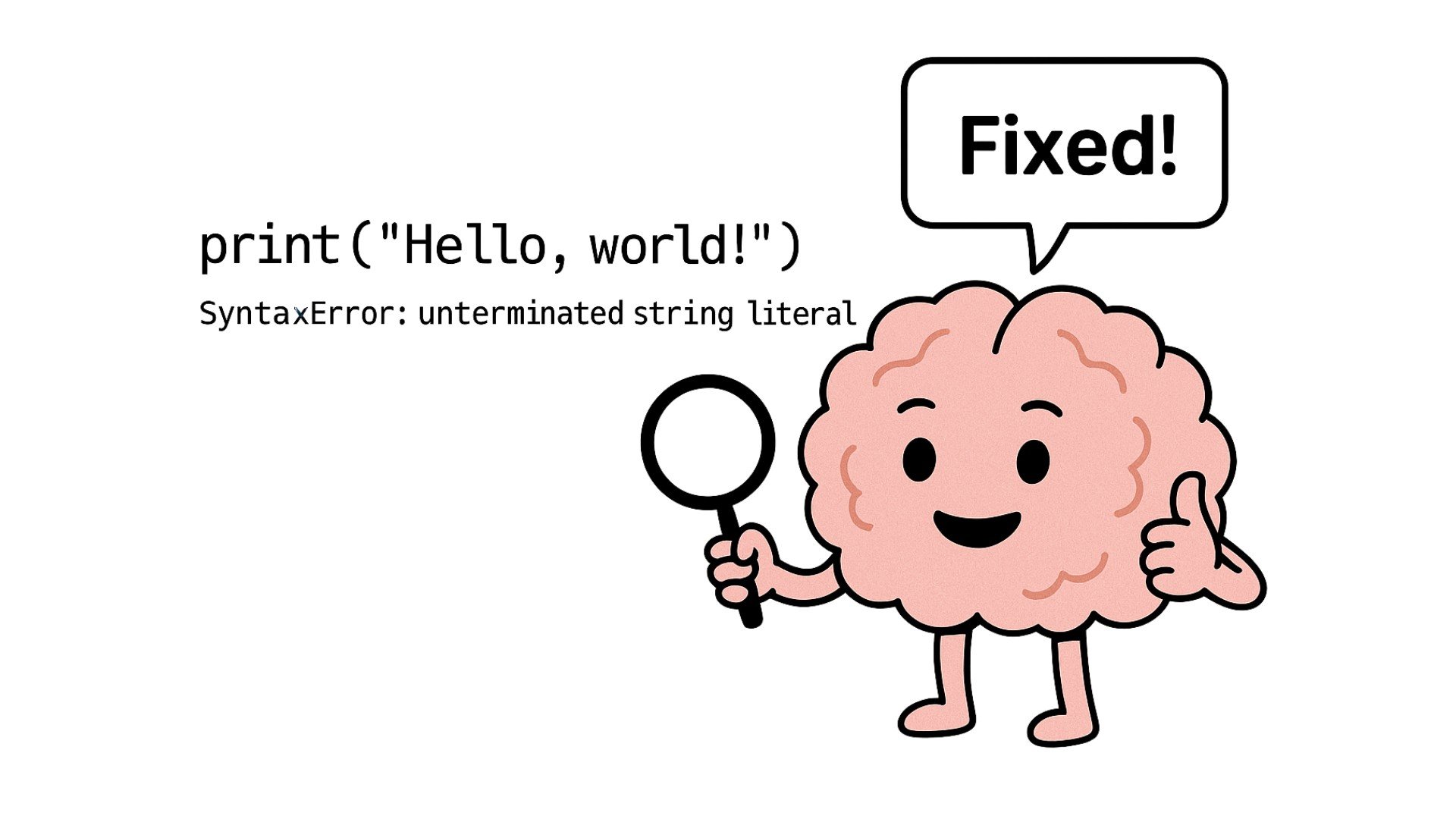
Esempio: Debug del codice

Un modello di reasoning che corregge il codice in base all'errore.

Lavorare con DeepSeek in Python

Esempio: Debug del codice

prompt = """
[Task: Fix the following code.]

Code:
def count_to_ten(start):
    while start < 10:
        print(start)
    return "Done"

count_to_ten(1)
"""
Lavorare con DeepSeek in Python
print(response.choices[0].message.content)
Analizzo la funzione passo per passo.

La funzione usa un ciclo while: while start < 10. Poi stampa start. Ma attenzione, dentro il ciclo
non c'è incremento della variabile start — ecco il problema.

La correzione è aggiungere l'incremento di start dentro il ciclo, ad esempio start += 1.

Ecco il codice corretto:

def count_to_ten(start):
    while start < 10:
        print(start)
        start += 1
    return "Done"

count_to_ten(1)
Lavorare con DeepSeek in Python

Esercitiamoci!

Lavorare con DeepSeek in Python

Preparing Video For Download...