Embedding cho bài toán phân loại

Nhập môn Embeddings với OpenAI API

Emmanuel Pire

Senior Software Engineer, DataCamp

Bài toán phân loại
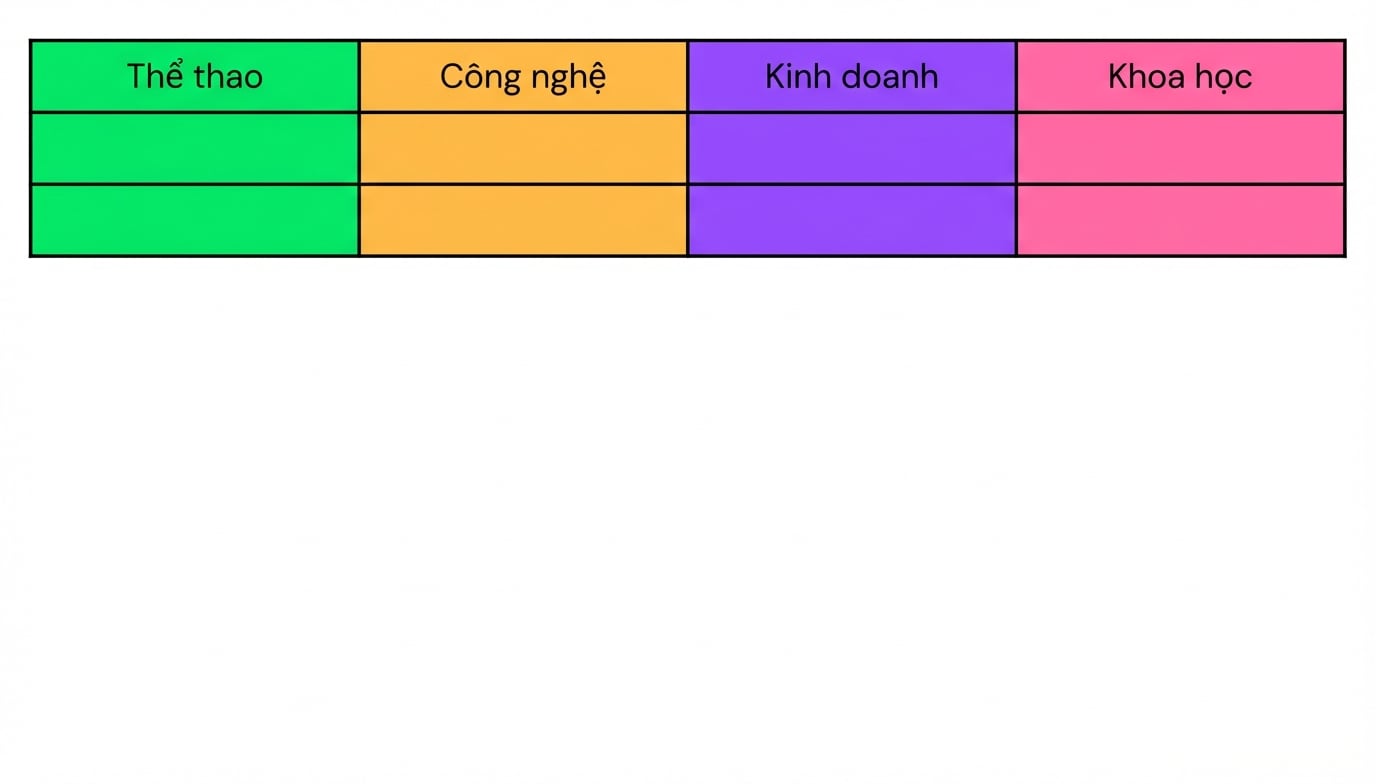
 

Gán nhãn cho mục

  • Phân loại
    • Ví dụ: tiêu đề theo chủ đề
  • Phân tích cảm xúc


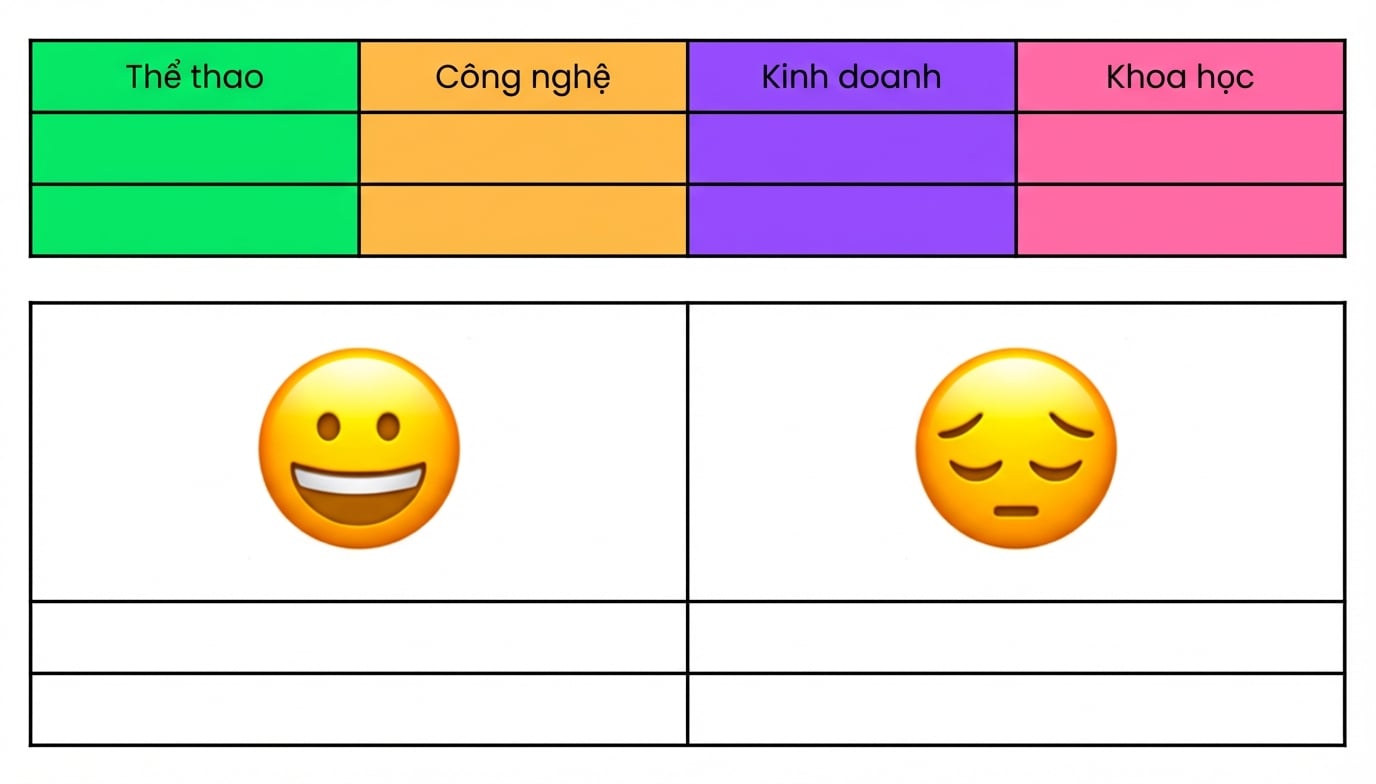
Bảng các chủ đề có thể dùng để phân loại bài viết.

Nhập môn Embeddings với OpenAI API

Bài toán phân loại


Gán nhãn cho mục

  • Phân loại
    • Ví dụ: tiêu đề theo chủ đề
  • Phân tích cảm xúc
    • Ví dụ: phân loại đánh giá tích cực/tiêu cực


Embedding nắm bắt ý nghĩa ngữ nghĩa


Bảng có mặt cười và mặt buồn, dùng để phân loại theo cảm xúc.

Nhập môn Embeddings với OpenAI API

Phân loại với embedding

  • Phân loại zero-shot:
    • Không dùng dữ liệu gán nhãn


Quy trình:

  1. Embed mô tả lớp

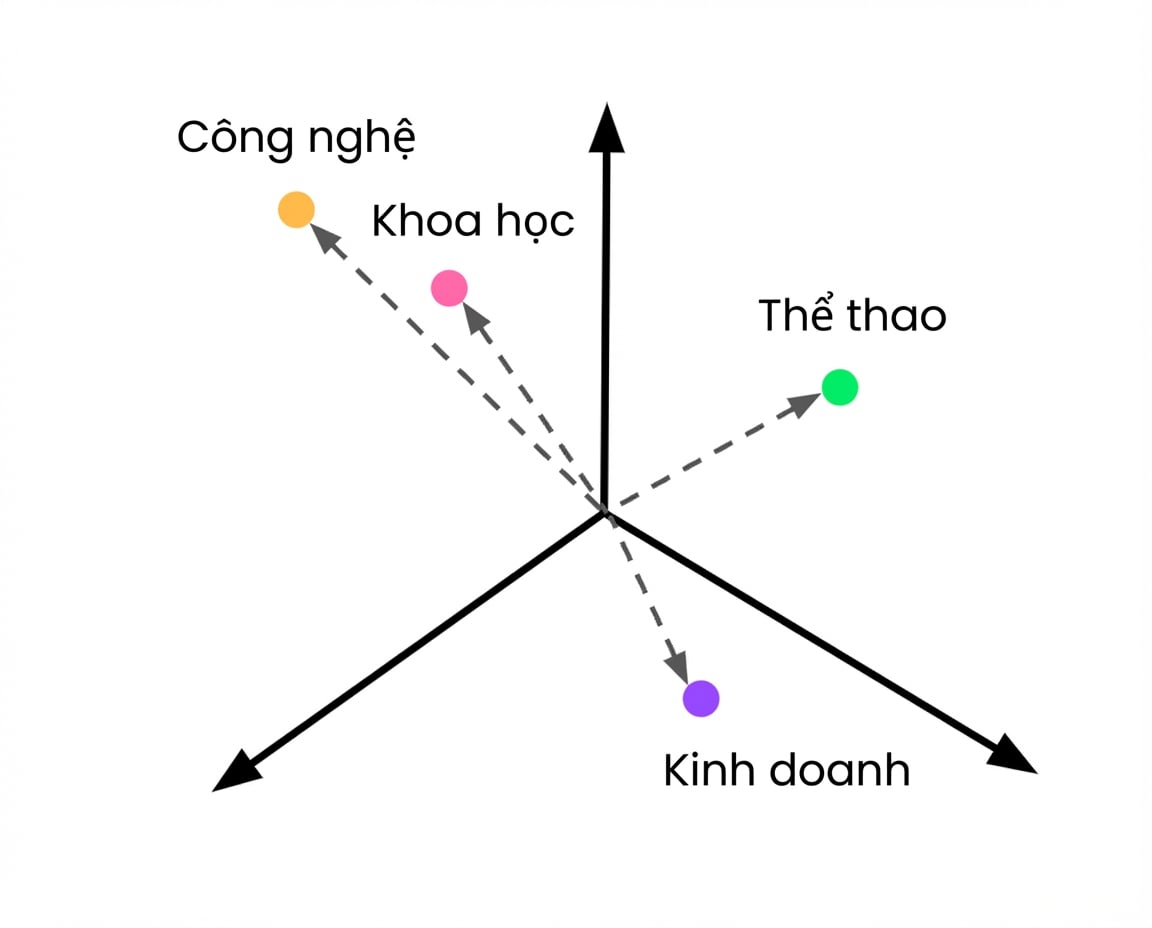
Các mô tả lớp được nhúng trong không gian vector.

Nhập môn Embeddings với OpenAI API

Phân loại với embedding

  • Phân loại zero-shot:
    • Không dùng dữ liệu gán nhãn


Quy trình:

  1. Embed mô tả lớp
  2. Embed mục cần phân loại
  3. Tính khoảng cách cosine

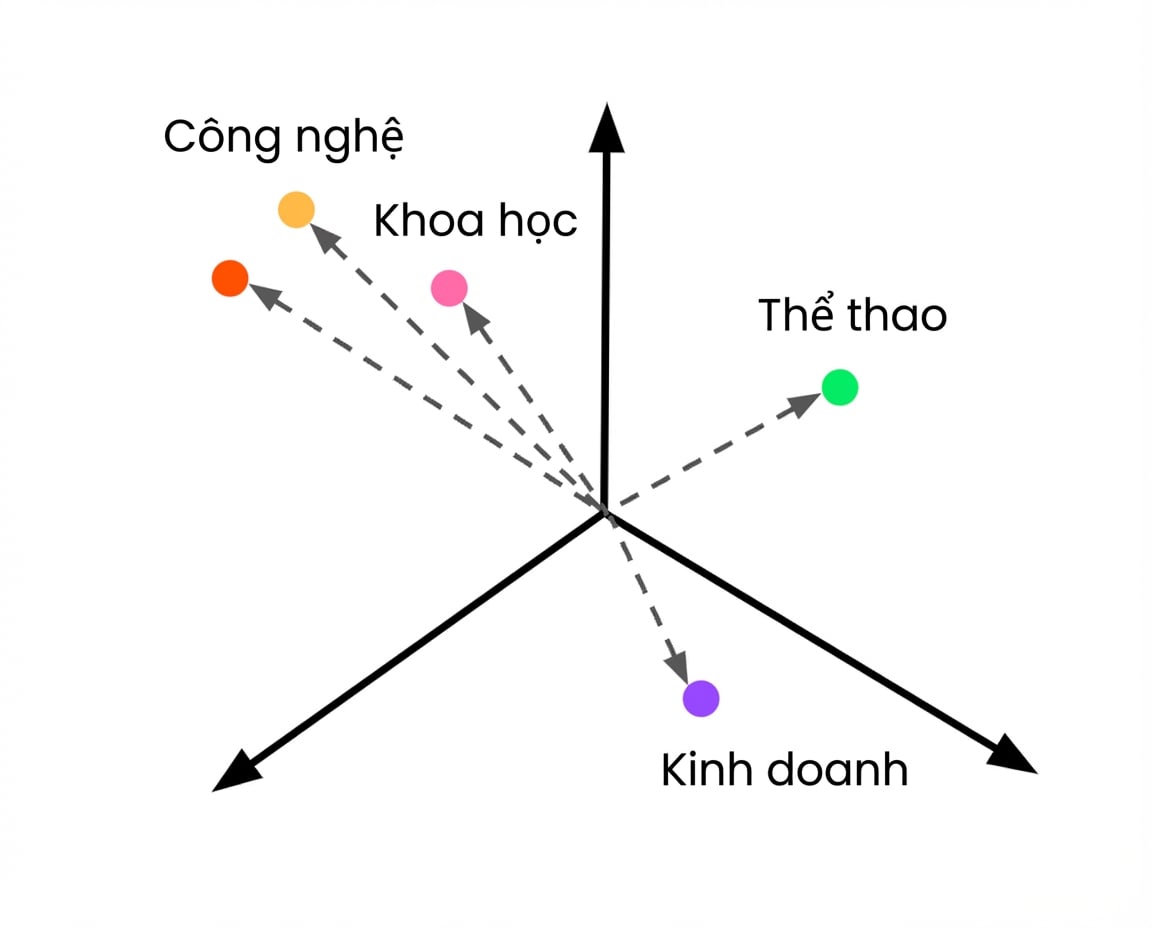
Các mô tả lớp được nhúng trong không gian vector, với một vector chưa biết.

Nhập môn Embeddings với OpenAI API

Phân loại với embedding

  • Phân loại zero-shot:
    • Không dùng dữ liệu gán nhãn


Quy trình:

  1. Embed mô tả lớp
  2. Embed mục cần phân loại
  3. Tính khoảng cách cosine
  4. Gán nhãn gần nhất

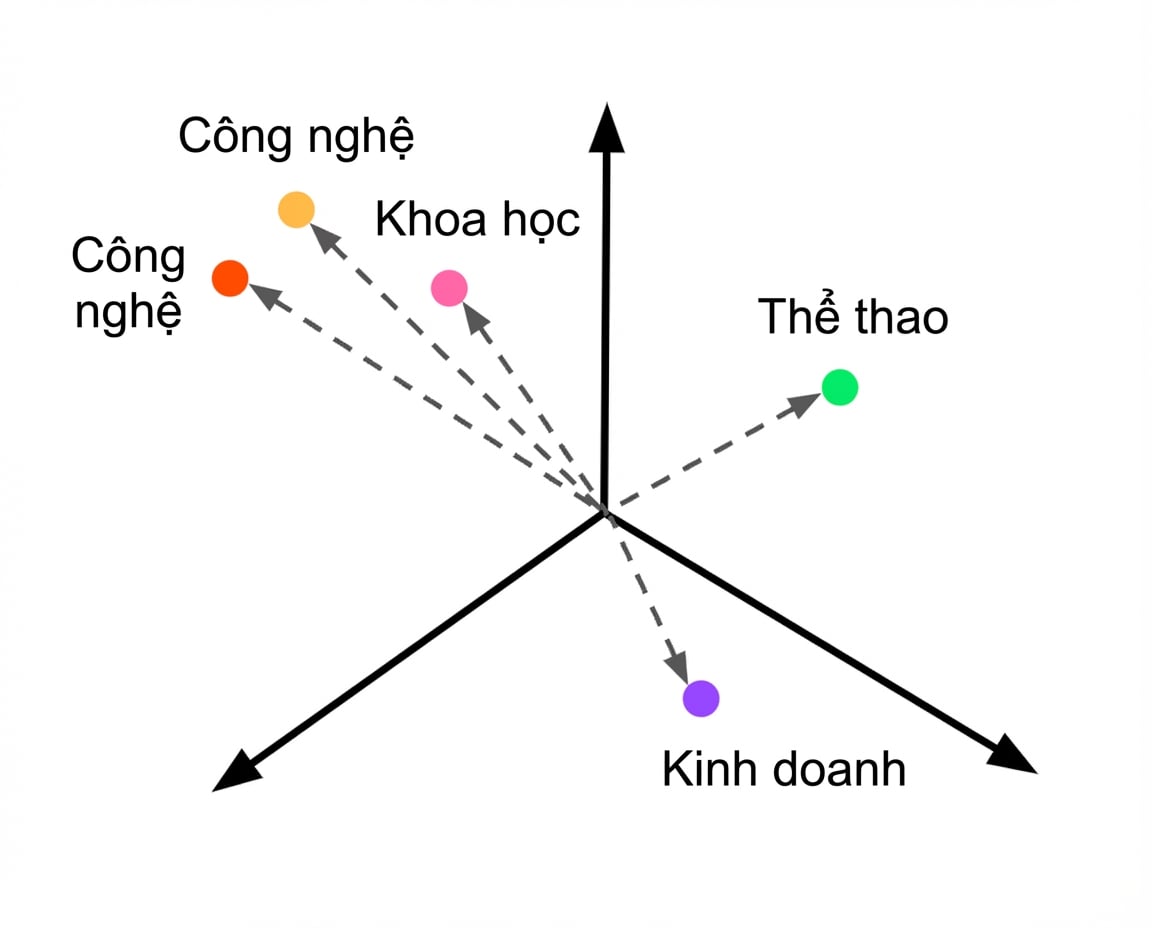
Các mô tả lớp được nhúng trong không gian vector, với một vector chưa biết được gán nhãn Tech.

Nhập môn Embeddings với OpenAI API

Nhúng mô tả lớp

topics = [
  {'label': 'Tech'},
  {'label': 'Science'},
  {'label': 'Sport'},
  {'label': 'Business'},
]

class_descriptions = [topic['label'] for topic in topics]
class_embeddings = create_embeddings(class_descriptions)
Nhập môn Embeddings với OpenAI API

Nhúng mục cần phân loại

article = {"headline": "How NVIDIA GPUs Could Decide Who Wins the AI Race",
           "keywords": ["ai", "business", "computers"]}

def create_article_text(article): return f"""Headline: {article['headline']} Keywords: {', '.join(article['keywords'])}""" article_text = create_article_text(article)
article_embeddings = create_embeddings(article_text)[0]
Nhập môn Embeddings với OpenAI API

Tính khoảng cách cosine

def find_closest(query_vector, embeddings):
  distances = []
  for index, embedding in enumerate(embeddings):
    dist = distance.cosine(query_vector, embedding)
    distances.append({"distance": dist, "index": index})
  return min(distances, key=lambda x: x["distance"])

closest = find_closest(article_embeddings, class_embeddings)
Nhập môn Embeddings với OpenAI API

Trích xuất nhãn gần nhất

label = topics[closest['index']]['label']

print(label)
Business
article = {"headline": "How NVIDIA GPUs Could Decide Who Wins the AI Race",
           "keywords": ["ai", "business", "computers"]}

Hạn chế:

  • Mô tả lớp chưa đủ chi tiết
Nhập môn Embeddings với OpenAI API

Mô tả chi tiết hơn

topics = [
  {'label': 'Tech', 'description': 'A news article about technology'},
  {'label': 'Science', 'description': 'A news article about science'},
  {'label': 'Sport', 'description': 'A news article about sports'},
  {'label': 'Business', 'description': 'A news article about business'},
]

class_descriptions = [topic['description'] for topic in topics] class_embeddings = create_embeddings(class_descriptions)
[...] label = topics[closest['index']]['label'] print(label)
Tech
Nhập môn Embeddings với OpenAI API

Ayo berlatih!

Nhập môn Embeddings với OpenAI API

Preparing Video For Download...