Nạp dữ liệu gọn nhẹ với pandas
Amany Mahfouz
Instructor


requests.get() để lấy dữ liệu từ URL
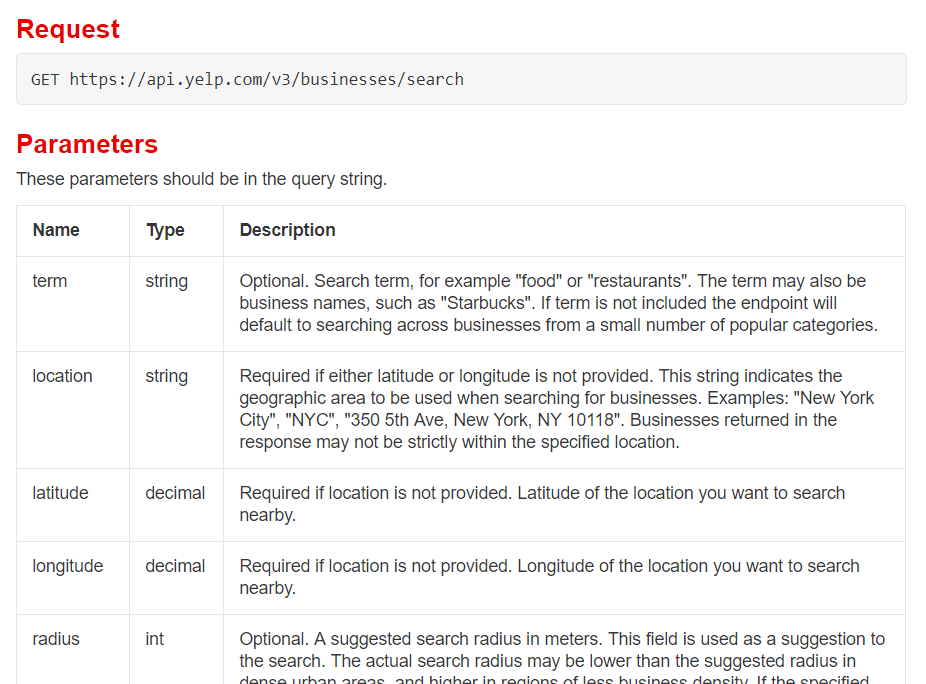
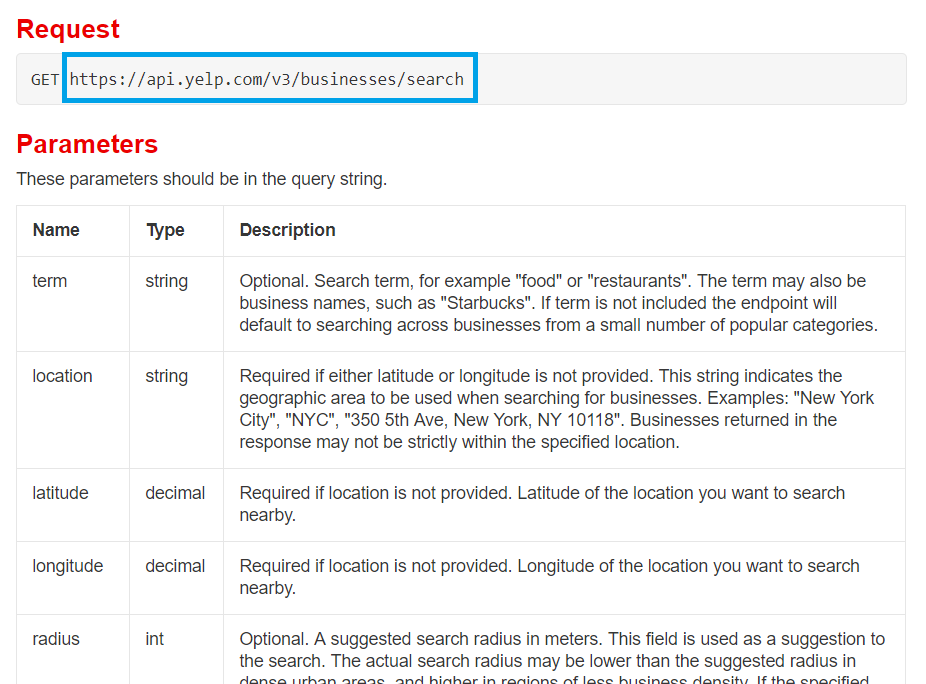
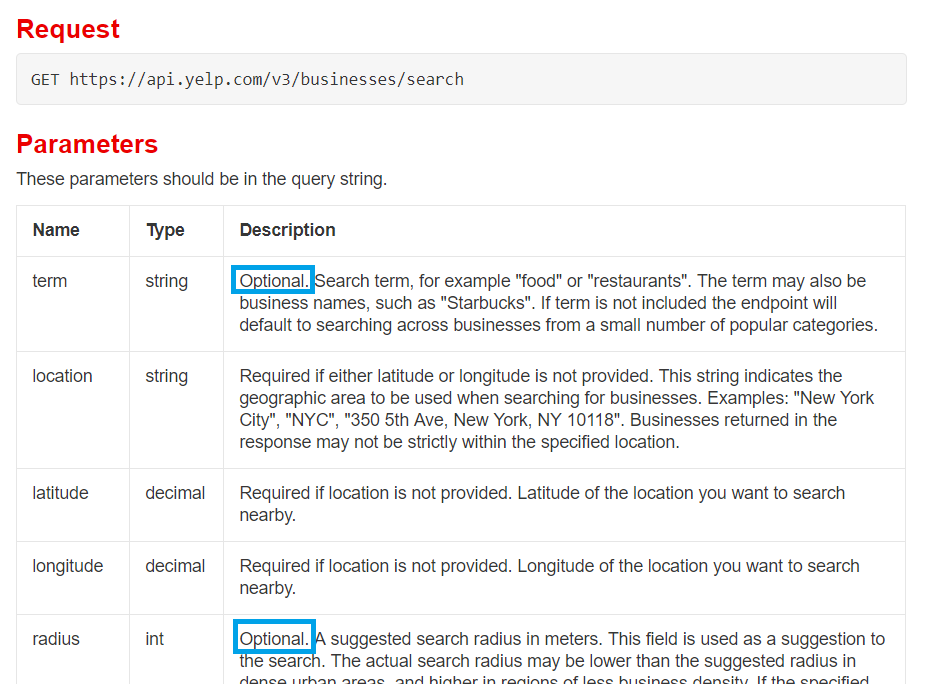
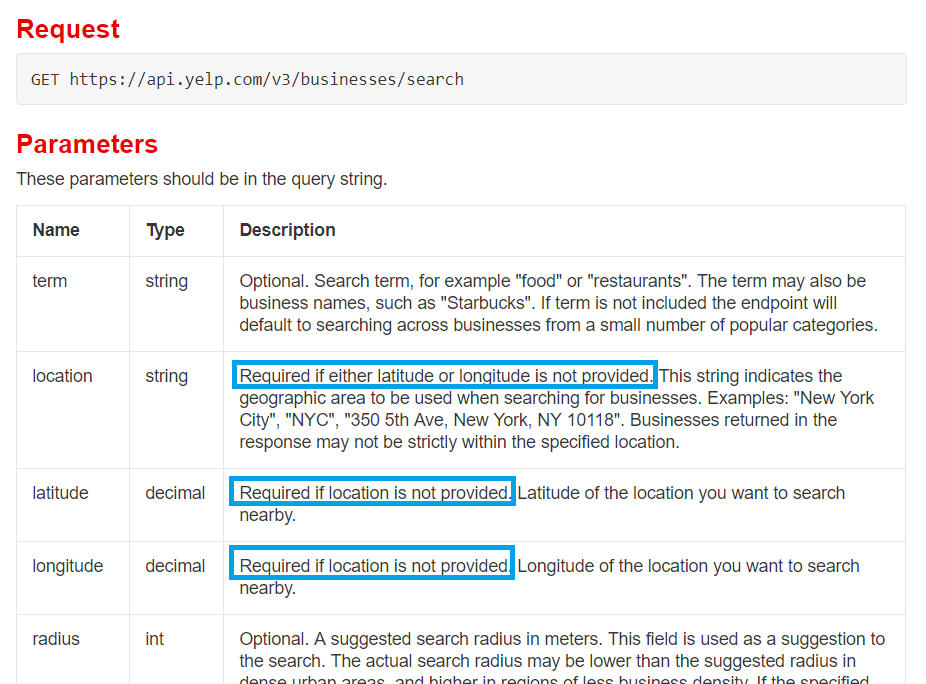
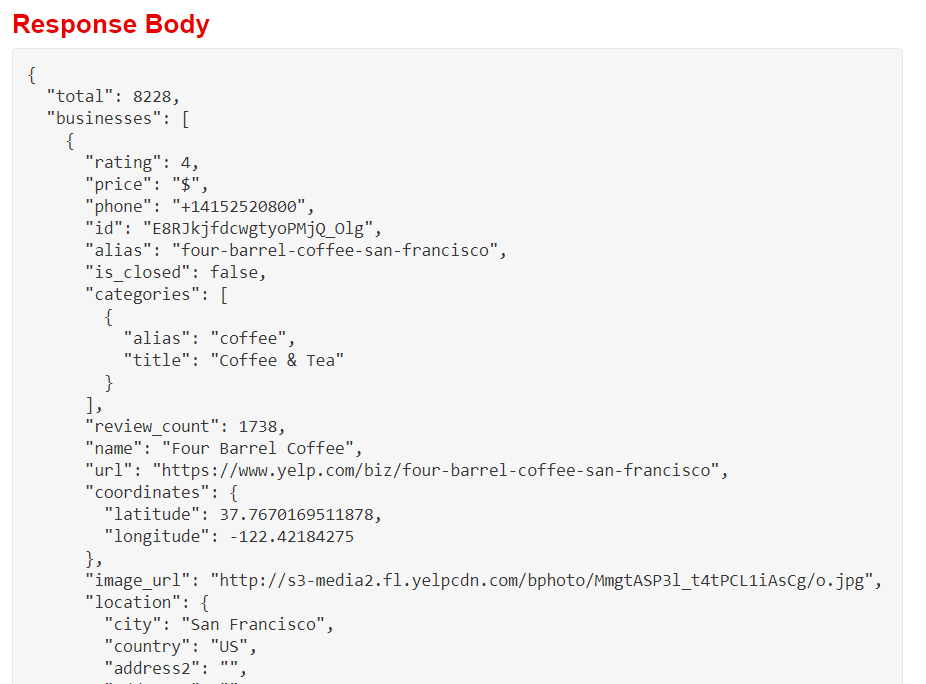
requests.get(url_string) để lấy dữ liệu từ URLparams: nhận dict tham số và giá trị để tùy chỉnh yêu cầu APIheaders: nhận dict, dùng để cung cấp xác thực người dùng cho APIresponse, chứa dữ liệu và siêu dữ liệuresponse.json() chỉ trả về dữ liệu JSONresponse.json() trả về một dictread_json() mong đợi chuỗi, không phải dictpd.DataFrame()read_json() sẽ lỗi!


import requests import pandas as pdapi_url = "https://api.yelp.com/v3/businesses/search"# Thiết lập dict tham số theo tài liệu params = {"term": "bookstore", "location": "San Francisco"}# Thiết lập dict header kèm khóa API theo tài liệu headers = {"Authorization": "Bearer {}".format(api_key)}# Gọi API response = requests.get(api_url, params=params, headers=headers)
# Tách dữ liệu JSON từ đối tượng response
data = response.json()
print(data)
{'businesses': [{'id': '_rbF2ooLcMRA7Kh8neIr4g', 'alias': 'city-lights-bookstore-san-francisco', 'name': 'City Lights Bookstore', 'image_url': 'https://s3-media1.fl.yelpcdn.com/bphoto/VRydkkpVbA3CeVLBKzs2Vw/o.jpg', 'is_closed': False,
# Nạp dữ liệu businesses vào dataframe
bookstores = pd.DataFrame(data["businesses"])
print(bookstores.head(2))
alias ... url
0 city-lights-bookstore-san-francisco ... https://www.yelp.com/biz/city-lights-bookstore...
1 alexander-book-company-san-francisco ... https://www.yelp.com/biz/alexander-book-compan...
[2 rows x 16 columns]
Nạp dữ liệu gọn nhẹ với pandas