Tiền xử lý dữ liệu để tinh chỉnh

Fine-Tuning với Llama 3

Francesca Donadoni

Curriculum Manager, DataCamp

Dùng datasets cho tinh chỉnh
  • Chất lượng dữ liệu là then chốt

  • Tập huấn luyện:

    • Dùng để huấn luyện mô hình
    • Chiếm phần lớn dữ liệu

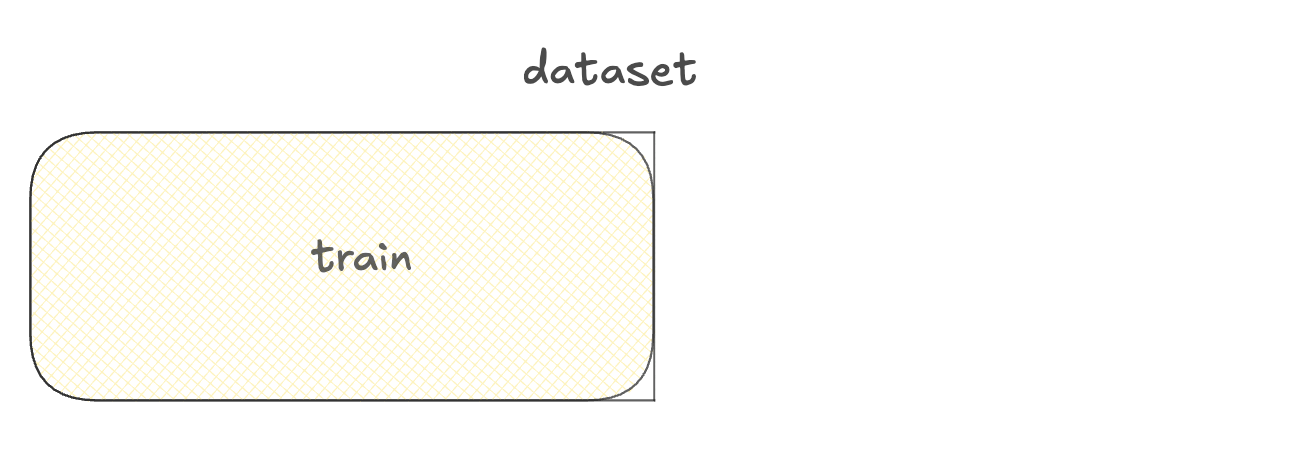
Sơ đồ một dataset với tập huấn luyện.

Fine-Tuning với Llama 3

Dùng datasets cho tinh chỉnh

  • Chất lượng dữ liệu là then chốt

  • Tập huấn luyện:

    • Dùng để huấn luyện mô hình
    • Chiếm phần lớn dữ liệu
  • Tập xác thực:
    • Dùng để chọn phiên bản mô hình tốt nhất

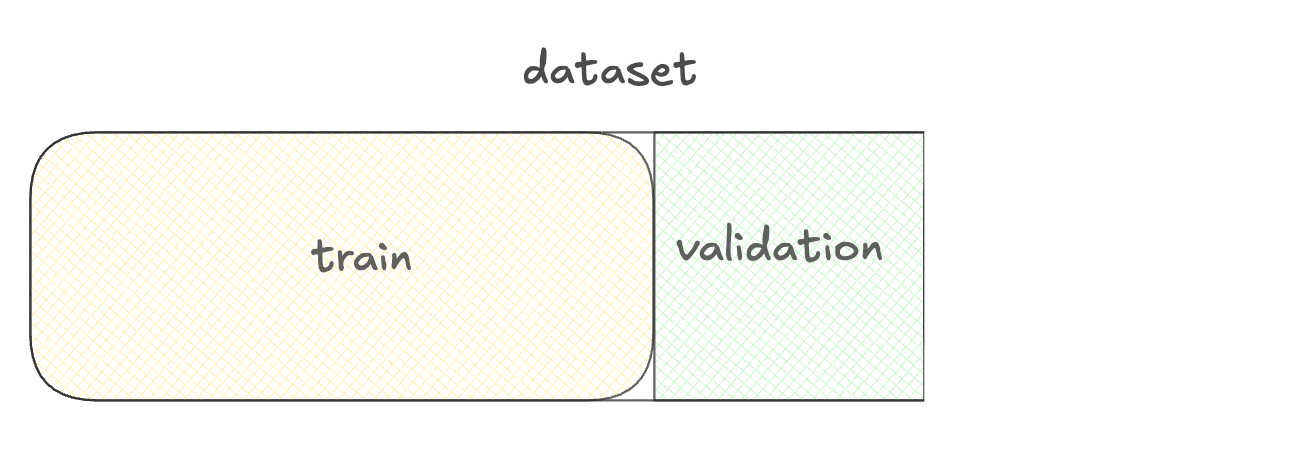
Sơ đồ tập huấn luyện và tập xác thực.

Fine-Tuning với Llama 3

Dùng datasets cho tinh chỉnh

  • Chất lượng dữ liệu là then chốt

  • Tập huấn luyện:

    • Dùng để huấn luyện mô hình
    • Chiếm phần lớn dữ liệu
  • Tập xác thực:
    • Dùng để chọn phiên bản mô hình tốt nhất
  • Tập kiểm tra:
    • Dùng để đánh giá hiệu năng mô hình

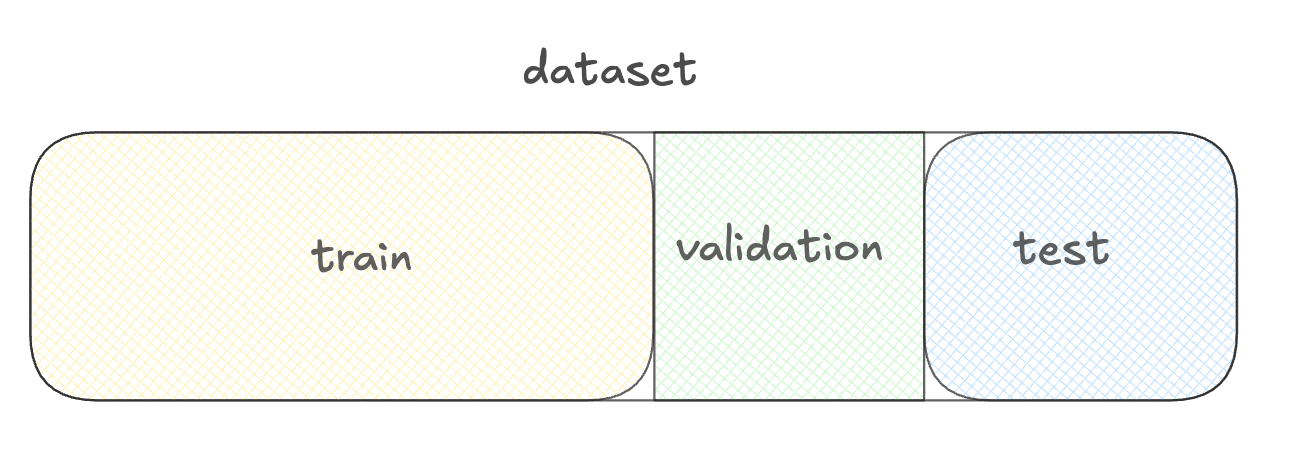
Sơ đồ tập huấn luyện, xác thực và kiểm tra.

Fine-Tuning với Llama 3

Chuẩn bị dữ liệu với thư viện datasets
 

  • Thư viện Datasets
  • Tiền xử lý
  • Chia tập
  • Nạp
  • Quản lý bộ nhớ

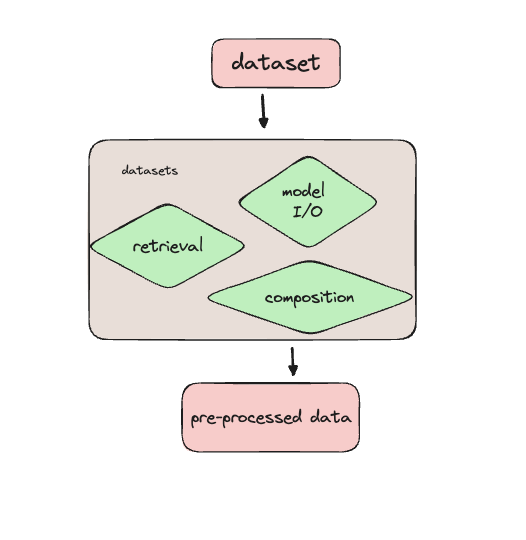
Sơ đồ luồng dữ liệu: từ dataset vào thư viện datasets, gồm 3 khối xanh lá cho tiền xử lý, nạp/quản lý dữ liệu và tích hợp, sau đó mũi tên tới đầu ra là khối dữ liệu đã chuẩn bị.

Fine-Tuning với Llama 3

Nạp một dataset dịch vụ khách hàng

from datasets import load_dataset

ds = load_dataset( 'bitext/Bitext-customer-support-llm-chatbot-training-dataset',
split="train"
)
print(ds.column_names)
['flags', 'instruction', 'category', 'intent', 'response']
Fine-Tuning với Llama 3

Xem nhanh dữ liệu

import pprint
pprint.pprint(ds[0])
{'category': 'ORDER',
 'flags': 'B',
 'instruction': 'question about cancelling order {{Order Number}}',
 'intent': 'cancel_order',
 'response': "I've understood you have a question regarding canceling order "
             "{{Order Number}}, and I'm here to provide you with the "
             'information you need. Please go ahead and ask your question, and '
             "I'll do my best to assist you."}
Fine-Tuning với Llama 3

Lọc dataset

from datasets import load_dataset, Dataset

ds = load_dataset(
    'bitext/Bitext-customer-support-llm-chatbot-training-dataset',
    split="train")

print(ds.shape)
(26872, 5)
first_thousand_points = ds[:1000]

ds = Dataset.from_dict(first_thousand_points)
Fine-Tuning với Llama 3

Tiền xử lý dataset

def merge_example(row):

row['conversation'] = f"Query: {row['instruction']}\nResponse: {row['response']}" return row
ds = ds.map(merge_example)
print(ds[0]['conversation'])
Query: question about cancelling order {{Order Number}}
Response: I've understood you have a question regarding canceling order {{Order Number}}, 
and I'm here to provide you with the information you need. Please go ahead and ask your 
question, and I'll do my best to assist you.
Fine-Tuning với Llama 3

Lưu dataset đã tiền xử lý

ds.save_to_disk("preprocessed_dataset")
Saving the dataset (1/1 shards): 100%
26872/26872 [00:00<00:00, 383823.33 examples/s]
from datasets import load_from_disk
ds_preprocessed = load_from_disk("preprocessed_dataset")
Fine-Tuning với Llama 3

Dùng Hugging Face datasets với TorchTune


  • Có thể dùng Hugging Face dataset với TorchTune
  • Đặt đường dẫn dataset và cấu hình


tune run full_finetune_single_device --config llama3/8B_full_single_device \
dataset=preprocessed_dataset dataset.split=train
Fine-Tuning với Llama 3

Ayo berlatih!

Fine-Tuning với Llama 3

Preparing Video For Download...