Trạng thái, màu và giao diện
Xây dựng Dashboard với shinydashboard

Png Kee Seng
Researcher
Làm đẹp một nhà hàng

1 Hình ảnh bởi Freepik
Trạng thái trong shinydashboard
- Một số đối tượng shinydashboard có thuộc tính
status - Có thể đặt trạng thái bằng tham số
status<object>(status = <status>, ...)

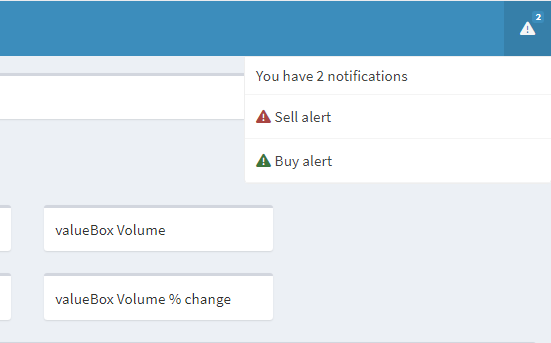
Trạng thái trong notificationItem
- Hãy thêm hai thông báo ở header
- Đặt cảnh báo mua là thông điệp success
- Đặt cảnh báo bán là thông điệp danger
notificationItem()mặc định là"success"
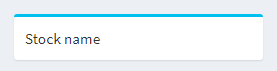
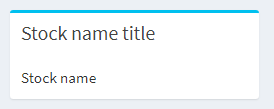
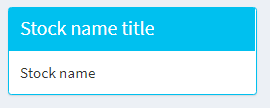
Trạng thái trong hộp
Thêm màu vào shinydashboard
- Với một số đối tượng shinydashboard, có thể đặt
color - Giả sử giá
closegiảm 2% so với hôm qua- Render
valueBox()màu đỏ để cảnh báo Sally
- Render

Nhiều màu hơn
- Các màu có sẵn trong shinydashboard:
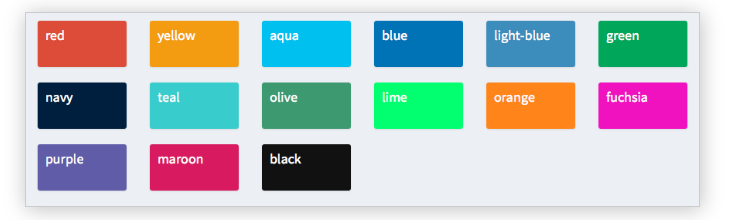
- Có thể xem các trạng thái và màu hợp lệ với
?validStatusesvà?validColors
Thử các giao diện khác nhau


