Bảo mật dữ liệu và Ẩn danh trong Python
Rebeca Gonzalez
Data engineer
Ta có thể tạo dữ liệu lấy mẫu từ các phân phối xác suất
Như phân phối chuẩn
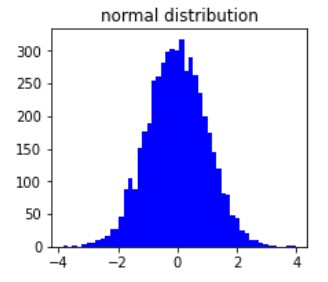
Thường xuất hiện trong tự nhiên

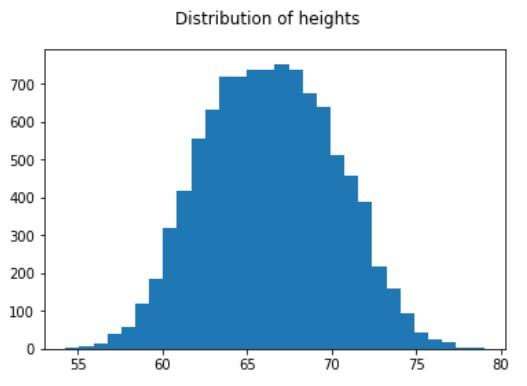
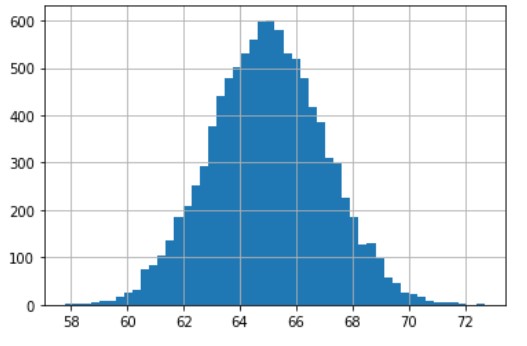
import numpy as np# Tạo pandas DataFrame mới new_measures = pd.DataFrame()# Chọn giá trị trung bình/tâm và độ lệch chuẩn của mẫu mean = 65 standard_deviation = 2# Tạo mẫu new_measures['Height'] = np.random.normal(mean, standard_deviation, 10000)
# Vẽ histogram để xem phân phối chiều cao thu được
new_measures['Height'].hist(bins=50)
Scikit-learn có các hàm đơn giản để tạo dữ liệu cho:
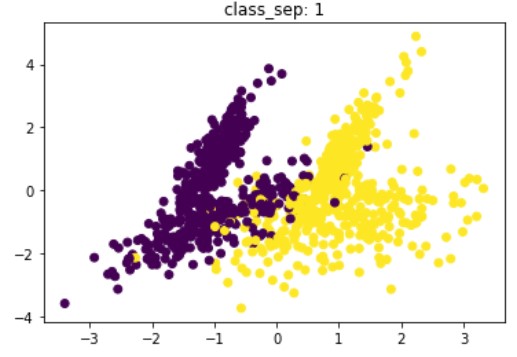
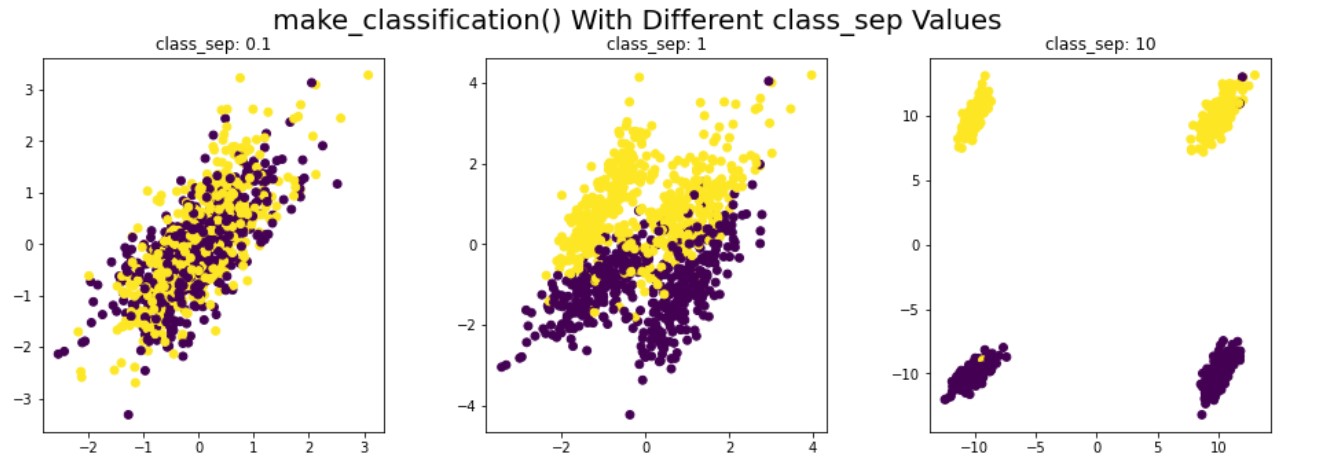
make_classification()make_blobs()# Import make_classification từ mô-đun datasets của sklearn from sklearn.datasets import make_classification# Tạo mẫu và nhãn của chúng x, y = make_classification(n_samples=1000,n_classes=2,n_informative=2,n_features=4,n_clusters_per_class=2,class_sep=1)
# Xem dữ liệu và nhãn đã tạo
print(x.shape)
print(y.shape)
print(x)
(1000, 4)
(1000,)
[[ 1.22914870e+00 -2.62386795e+00 2.25878743e+00 2.55377055e+00]
[-1.10279812e+00 -1.15816087e+00 1.55571279e+00 7.80565898e-02]
[ 2.65581977e-03 -2.33278818e+00 2.37837858e+00 1.57533194e+00]
...
[ 4.51006972e-01 7.53435745e-01 -9.21597108e-01 -2.20659747e-01]
[ 5.31925876e-01 7.42210504e-01 -9.37625248e-01 -1.61488855e-01]
[ 1.62862108e+00 -2.72435345e+00 2.22562940e+00 2.87628246e+00]]


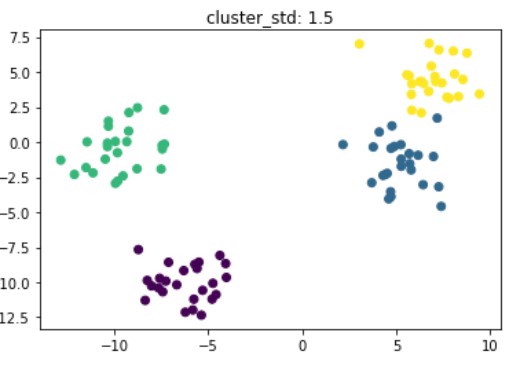
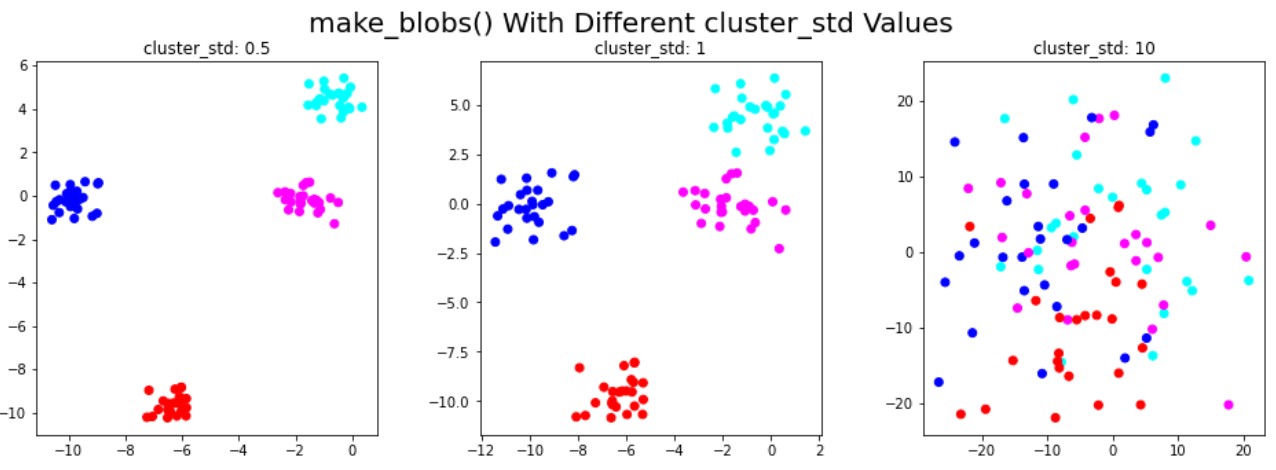
# Import mô-đun datasets để tạo dữ liệu phân cụm from sklearn.datasets import make_blobs# Chỉ định giá trị độ lệch chuẩn standard_deviation = 1.5# Tạo dữ liệu và nhãn x, labels = make_blobs(n_features=3, centers=4, cluster_std=standard_deviation)# Xem kích thước dữ liệu đã tạo print(x.shape)
(100, 3)


Bảo mật dữ liệu và Ẩn danh trong Python