고급 Git
Amanda Crawford-Adamo
Software and Data Engineer
.git/logs/refs/heads/ 디렉터리에 저장됨
| 기능 | Git Reflog | Git Log |
|---|---|---|
| 목적 | 로컬 저장소의 참조 업데이트/재작성 표시 | 커밋 기록만 표시 |
| 범위 | 로컬 저장소만 | 로컬 및 원격 저장소 |
| 내용 | 모든 참조 업데이트(커밋, reset, merge 등) | 커밋만 |
| 보존 | 임시(보통 90일) | 영구(저장소 역사에 포함) |
| 사용 예 | 유실 커밋 복구, 최근 작업 파악 | 프로젝트 역사 보기, 기능 개발 파악 |
git reflog
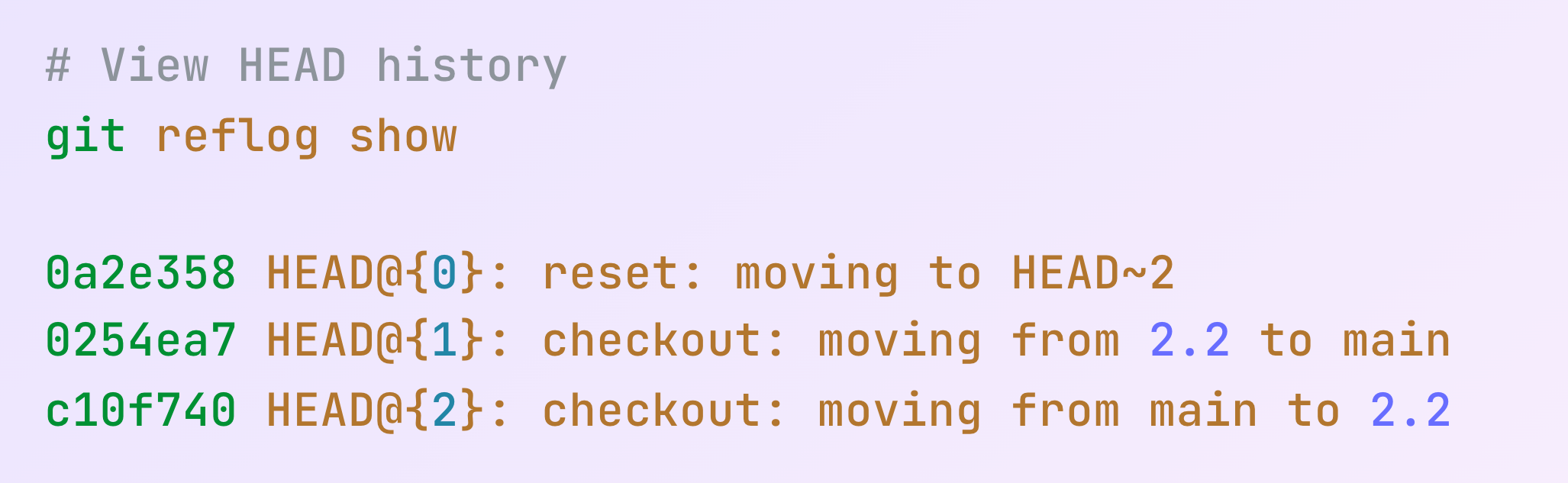
git reflog show
git reflog expire

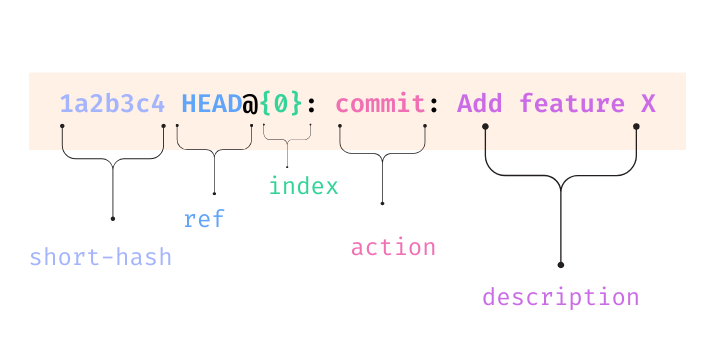
| 구성 요소 | 설명 |
|---|---|
| short-hash | 축약된 커밋 해시 |
| ref | 보통 HEAD, 때로는 브랜치 이름 |
| index | reflog에서의 위치(0이 최신) |
| action | 작업 유형(commit, reset, merge 등) |
| descriptions | 작업에 대한 설명 |
since = 이 시점부터의 항목 표시
git reflog --since "time-qualifer"
until = 이 시점까지의 항목 표시
git reflog --until "time-qualifer"
git reflog --since="1 week ago"
git reflog --until="yesterday"
git reflog --until="2024-01-01"
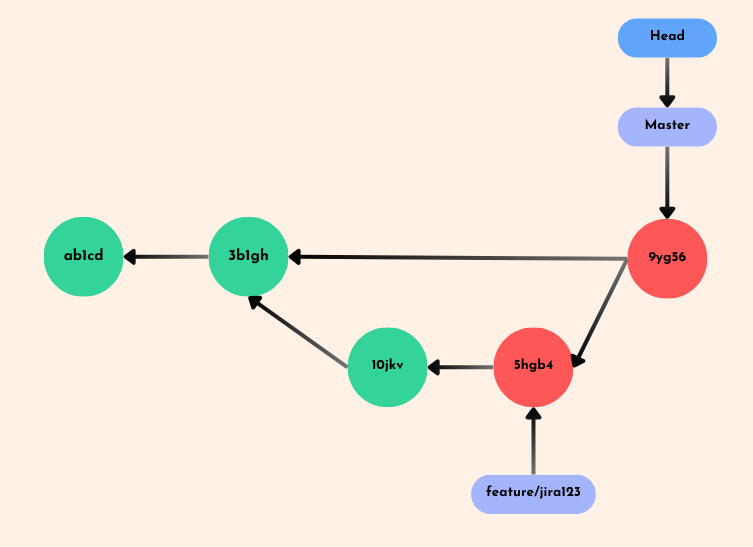
etl-feature라는 브랜치를 생성함etl-feature 브랜치를 어떻게 복구할까요?
git reflog
git checkout <hash>
git checkout -b <branch-name>
| Reset 유형 | 명령어 | 작업 디렉터리 영향 | 스테이징 영역 영향 |
|---|---|---|---|
| Soft | git reset --soft <commit> |
변경 없음 | 변경 사항이 스테이징 상태 유지 |
| Mixed (기본) | git reset --mixed <commit> |
변경 없음 | 변경 사항이 언스테이징됨 |
| Hard | git reset --hard <commit> |
변경 사항 폐기 | 변경 사항 폐기 |
이전 ETL 스크립트 상태로 어떻게 되돌릴까요?
git reflog
git reset --soft HEAD@{1}
실수했을 때 Reflog는 로컬 타임머신입니다

고급 Git