FastAPI의 입력 유효성 검사

FastAPI로 AI 프로덕션 배포하기

Matt Eckerle

Software and Data Engineering Leader

입력 데이터 유효성 검사
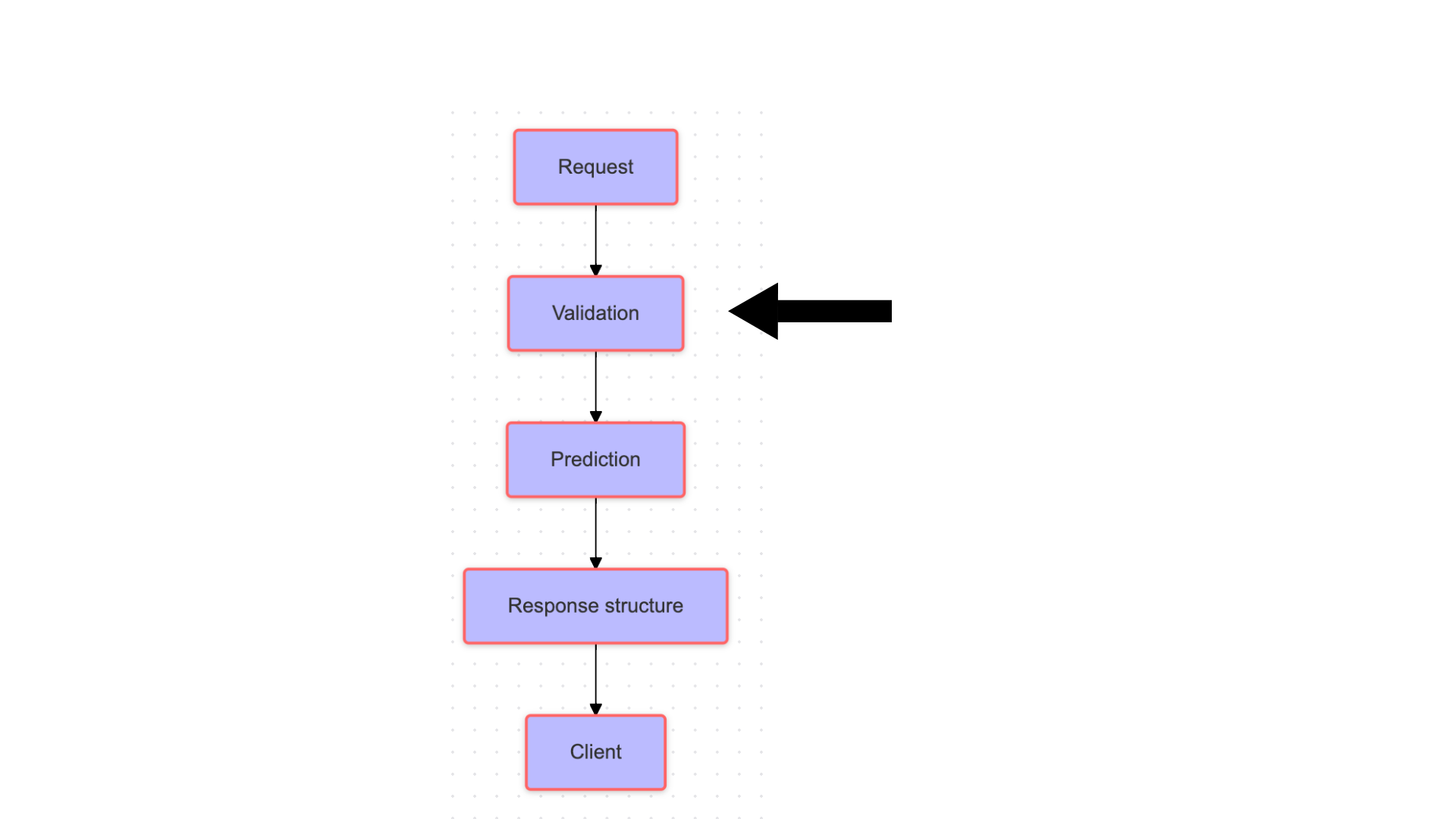
FastAPI ML 예측 흐름도

FastAPI로 AI 프로덕션 배포하기

입력을 유효성 검사하는 이유


  • 데이터 무결성을 위한 유효성 검사
  • 애플리케이션 오류 방지
  • Pydantic과 통합
  • 강력한 데이터 유효성 검사 도구 제공


Pydantic 로고

FastAPI로 AI 프로덕션 배포하기

사전 정의 함수를 위한 Pydantic

Pydantic을 이용한 필드 유효성 검사

FastAPI로 AI 프로덕션 배포하기

Pydantic을 이용한 커스텀 유효성 검사

Pydantic을 이용한 커스텀 유효성 검사

FastAPI로 AI 프로덕션 배포하기

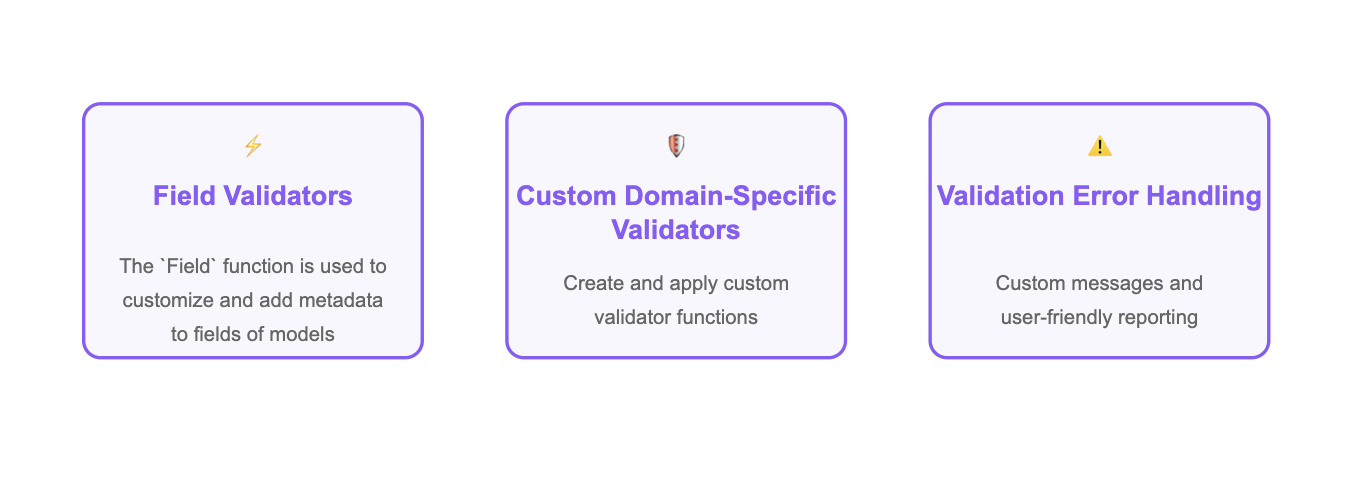
명확한 오류 보고

유효성 검사 중 오류 보고

FastAPI로 AI 프로덕션 배포하기

Pydantic 필드 유효성 검사기

  • 사용자 등록 엔드포인트

  • 사용자 입력 username 유효성 검사:

from pydantic import BaseModel, Field
class User(BaseModel):
    username: str = Field(..., min_length=3, max_length=50)
FastAPI로 AI 프로덕션 배포하기

커스텀 유효성 검사기 추가

class User(BaseModel):
    username: str = Field(..., 
                          min_length=3, 
                          max_length=50)
    age: int

@field_validator('age') def age_criteria(cls, age): if age < 13: raise ValueError('User must be at least 13') return age
FastAPI로 AI 프로덕션 배포하기

커스텀 유효성 검사기 동작 예시

유효한 요청:

{"username": "john_doe", "age": 25}
Valid user: username='john_doe' age=25

유효하지 않은 요청:

{"username": "too_young", "age": 10}
Validation error for {'username': 'too_young', 'age': 10}: User must be at least 13
FastAPI로 AI 프로덕션 배포하기

전체 흐름 정리

유효성 검사 중 오류 보고

  • username 필드 유효성 검사기
  • age 커스텀 유효성 검사기
  • 유효성 검사 실패 시 오류 메시지
FastAPI로 AI 프로덕션 배포하기

전체 흐름 정리

@app.post("/users")
def create_user(user: User):
    return {"message": "User created",
            "user": user.model_dump()}

출력:

{
  "message": "User created successfully",
    "user": {
          "username": "john_doe", 
           "age": 25
    }
}
FastAPI로 AI 프로덕션 배포하기

연습해 봅시다!

FastAPI로 AI 프로덕션 배포하기

Preparing Video For Download...