시맨틱 이벤트를 활용한 스트리밍

OpenAI Responses API 활용하기

James Chapman

AI Curriculum Manager, DataCamp

스트리밍이 필요한 이유
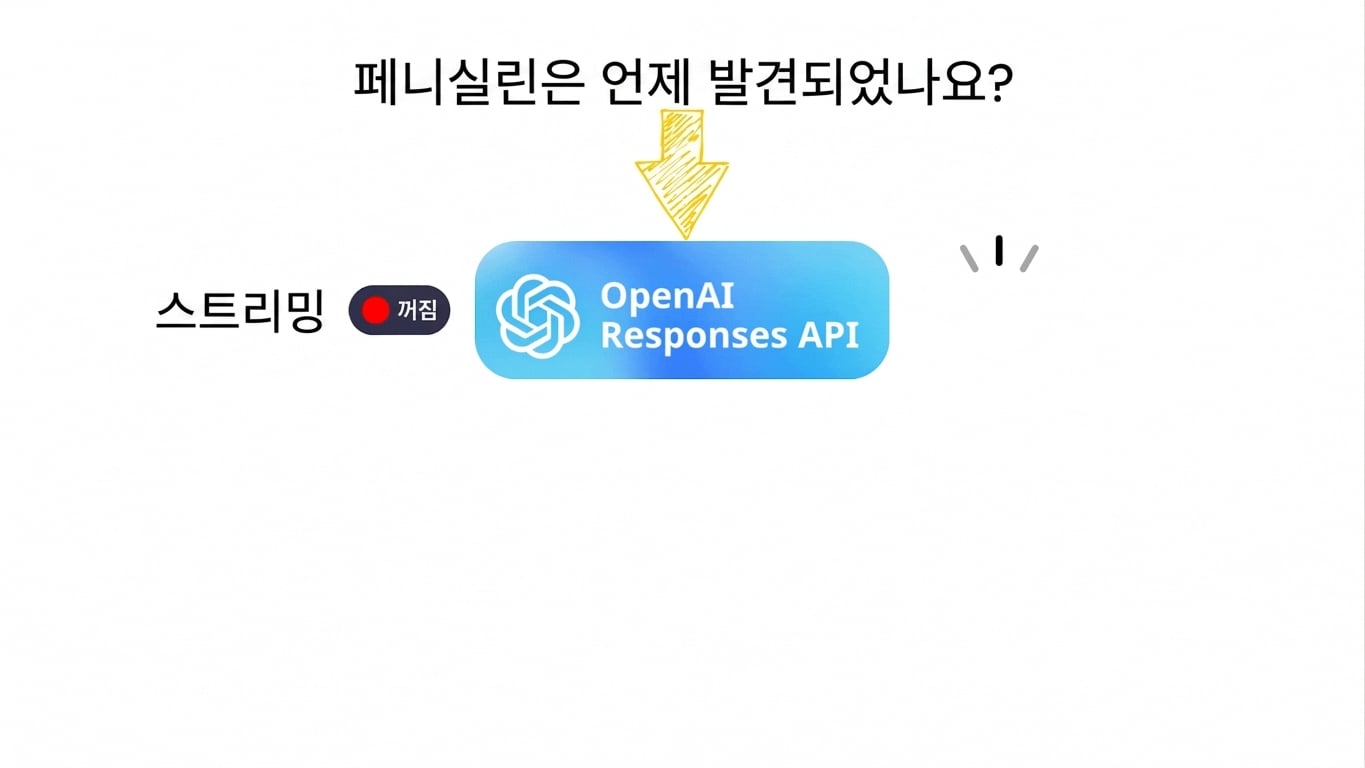
스트리밍 비활성화 예시

OpenAI Responses API 활용하기

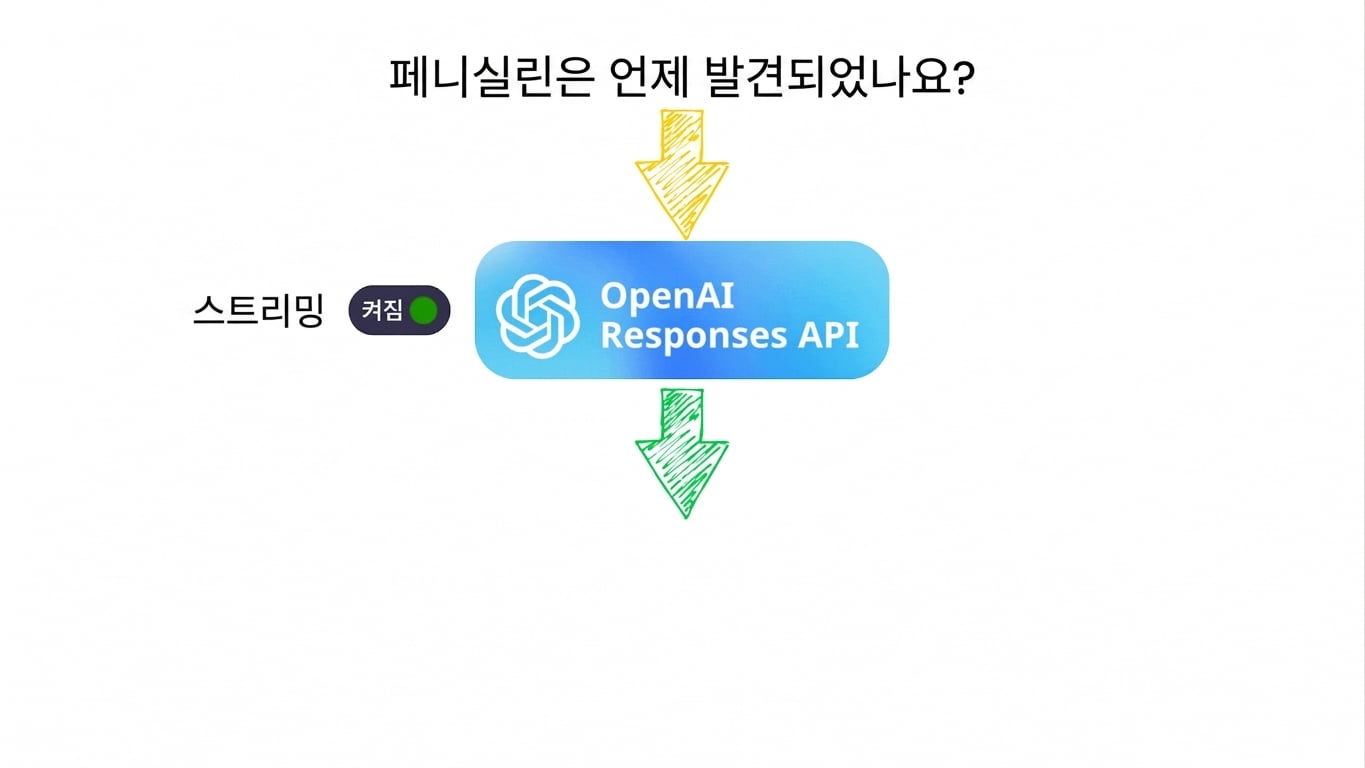
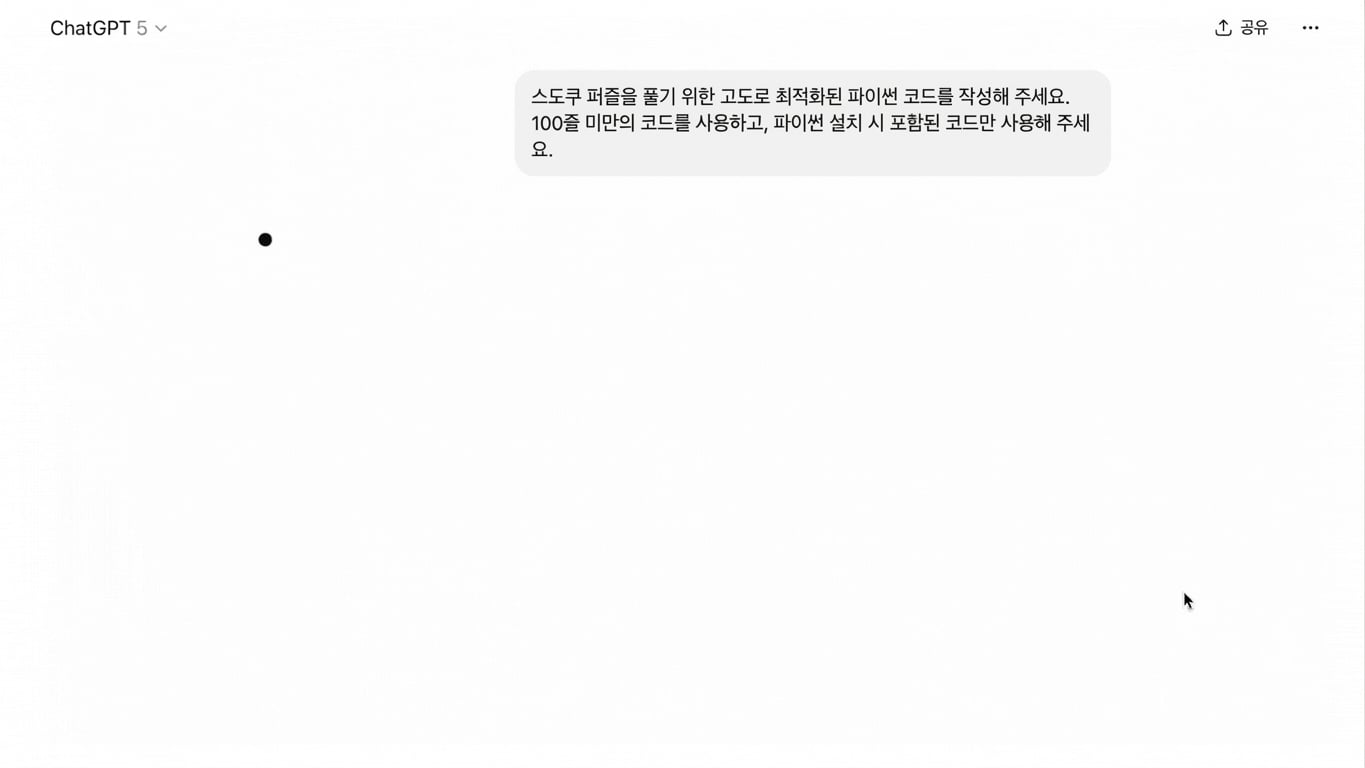
스트리밍이 필요한 이유

스트리밍 활성화 예시

OpenAI Responses API 활용하기

시맨틱 이벤트

  • 현재 진행 상황을 설명하는 구조화된 업데이트
OpenAI Responses API 활용하기

시맨틱 이벤트

  • 현재 진행 상황을 설명하는 구조화된 업데이트
이벤트 유형 설명
response.created 모델이 생성을 시작함
response.output_text.delta 텍스트 부분 업데이트
response.output_text.done 텍스트 블록 완료
response.function_call.arguments.delta 툴 인수 스트리밍
response.completed 전체 응답 완료
OpenAI Responses API 활용하기

예시: 기본 텍스트 스트리밍

prompt = "Explain the seasons of the year concisely to a child."

with client.responses.create(model="gpt-5.4-mini", input=prompt, stream=True) as stream:
current_text = ""
for event in stream: if event.type == "response.output_text.delta":
current_text += event.delta print(current_text)
OpenAI Responses API 활용하기

예시: 기본 텍스트 스트리밍

기본 텍스트 스트리밍 예시

OpenAI Responses API 활용하기

예시: 다중 이벤트 처리

prompt = "Explain how a neural network learns concisely for a child."

with client.responses.create(model="gpt-5.4-mini", input=prompt, stream=True) as stream:

for event in stream: if event.type == "response.created":
print("Response started...\n")
elif event.type == "response.output_text.done":
print("\n\n--- Text block finished ---\n")
elif event.type == "response.completed":
print(f"\nFull response:\n{current_text}")
OpenAI Responses API 활용하기

예시: 다중 이벤트 처리

다중 이벤트 처리 예시

OpenAI Responses API 활용하기

예시: 스트리밍 툴 이벤트

convert_currency() -> str:

  • date_time: str
  • from_timezone: str
  • to_timezone: str
tools = [
    {
        "type": "function",
        "name": "convert_currency",
        ...
     }
]

frankfurter.png

OpenAI Responses API 활용하기

예시: 스트리밍 툴 이벤트

prompt = "How much is 120 euros in British pounds using the current exchange rate?"

with client.responses.create(model="gpt-5.4-mini", input=prompt, tools=tools, stream=True) as stream:
current_args = ""
for event in stream: if event.type == "response.function_call_arguments.delta":
current_args += event.delta print("Streaming args:", current_args)
elif event.type == "response.function_call_arguments.done":
print("\nFinal arguments:", event.arguments)
elif event.type == "response.completed":
print("\n--- Completed ---")
OpenAI Responses API 활용하기

예시: 스트리밍 툴 이벤트

스트리밍 툴 이벤트 예시

OpenAI Responses API 활용하기

요약

ChatGPT 시맨틱 이벤트 예시

1 ChatGPT에서 사용되는 시맨틱 이벤트
OpenAI Responses API 활용하기

연습해 봅시다!

OpenAI Responses API 활용하기

Preparing Video For Download...