テキスト分類

Hugging Faceを使いこなす

Jacob H. Marquez

Lead Data Engineer

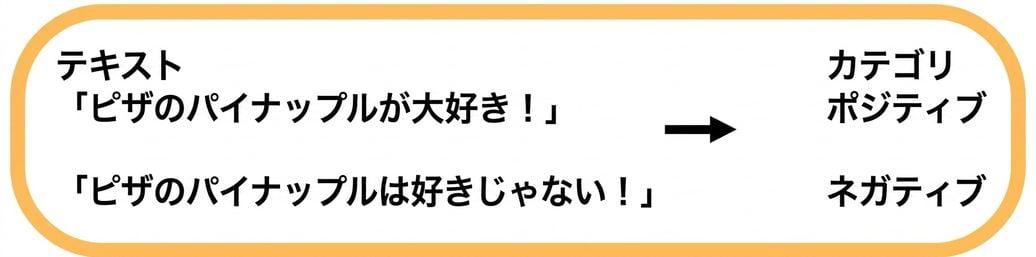
テキスト分類: 感情分析

$$

  • テキストの感情的なトーンに基づいてラベルが付けられる

$$

感情分析

$$

  • アプリケーション:レビュー分析、SNSの感情分析

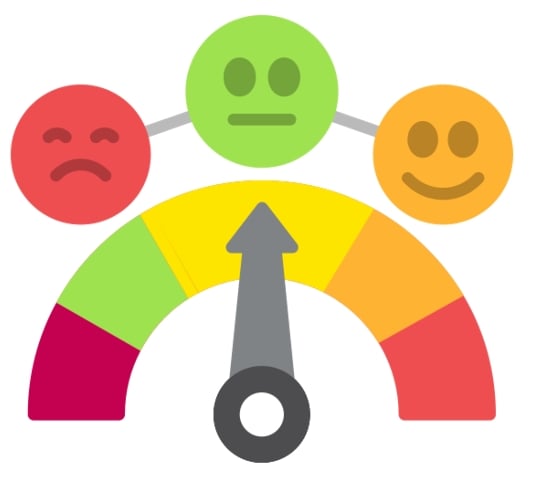
感情アイコン

Hugging Faceを使いこなす

感情分析:コーディング例

from transformers import pipeline

my_pipeline = pipeline( "text-classification", model="distilbert-base-uncased-finetuned-sst-2-english" )
print(my_pipeline("Wi-Fi is slower than a snail today!"))
[{'label': 'NEGATIVE', 'score': 0.99}]
Hugging Faceを使いこなす

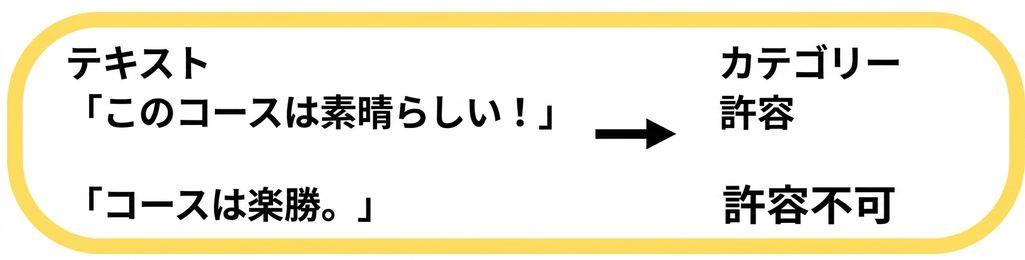
テキスト分類: 文法判定

$$

文法チェック

$$

  • テキストの文法の正確性を評価

$$

文法の正しさの例

$$

  • 用途:文法チェックツール、語学学習ツール
Hugging Faceを使いこなす

文法判定:コーディング例

from transformers import pipeline


# Create a pipeline for grammar checking grammar_checker = pipeline( task="text-classification", model="abdulmatinomotoso/English_Grammar_Checker" )
# Check grammar of the input text print(grammar_checker("He eat pizza every day."))
[{'label': 'LABEL_0', 'score': 0.99}]
Hugging Faceを使いこなす

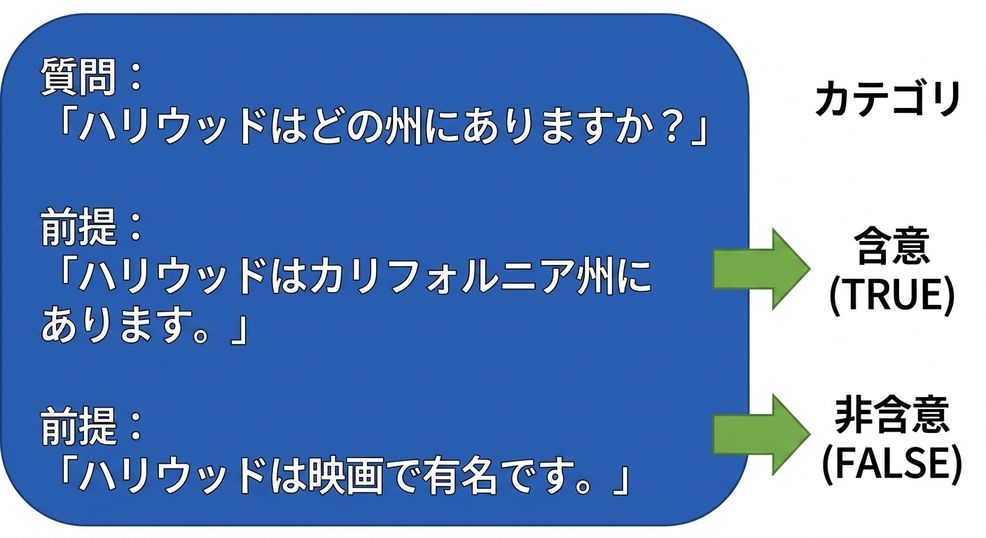
テキスト分類: 質問型自然言語推論(QNLI)

$$ Q&A

$$

$$

  • 前提となる文章が質問に答えているかを確認する

  • 用途:質問応答システム、ファクトチェック

QNLIの例

Hugging Faceを使いこなす

QNLI:コーディング例

from transformers import pipeline


classifier = pipeline( task="text-classification", model="cross-encoder/qnli-electra-base" )
classifier("Where is Seattle located?, Seattle is located in Washington state.")
[{'label': 'LABEL_0', 'score': 0.997}]
Hugging Faceを使いこなす

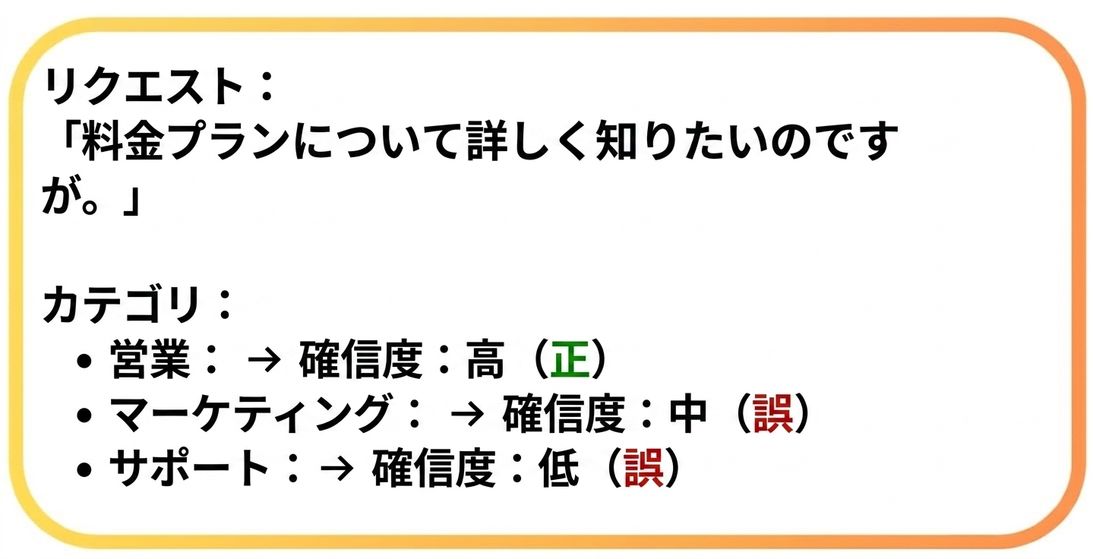
テキスト分類: 動的カテゴリ割り当て

$$

  • コンテンツに基づいてカテゴリを動的に割り当てる

カテゴリ割り当ての例

  • 用途: コンテンツモデレーション、レコメンドシステム

$$

カテゴリ割り当て

Hugging Faceを使いこなす

動的カテゴリ割り当て:コーディング例

classifier = pipeline(
  task="zero-shot-classification", 
  model="facebook/bart-large-mnli")


text = "Hey, DataCamp; we would like to feature your courses in our newsletter!" categories = ["marketing", "sales", "support"]
output = classifier(text, categories)
print(f"Top Label: {output['labels'][0]} with score: {output['scores'][0]}")
Top Label: support with score: 0.8183
Hugging Faceを使いこなす

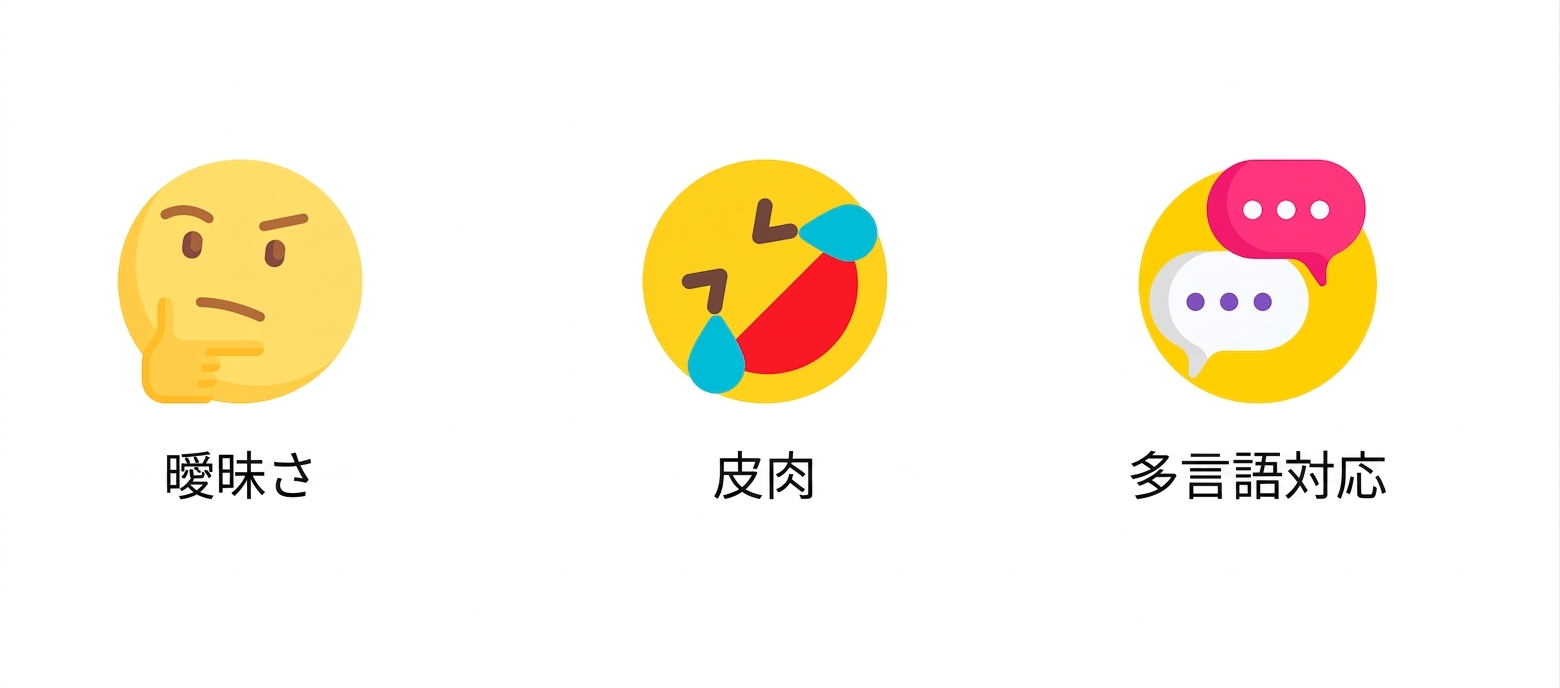
テキスト分類の課題

曖昧さ

Hugging Faceを使いこなす

テキスト分類の課題

皮肉

Hugging Faceを使いこなす

テキスト分類の課題

多言語

Hugging Faceを使いこなす

練習しましょう!

Hugging Faceを使いこなす

Preparing Video For Download...