PySpark DataFrameの紹介
PySpark 入門

Benjamin Schmidt
Data Engineer
DataFrame について
- DataFrames: 表形式(行/列)
- SQLのような操作をサポートします
- PandasのDataFrameやSQL TABLEに類似する
- 構造化データ
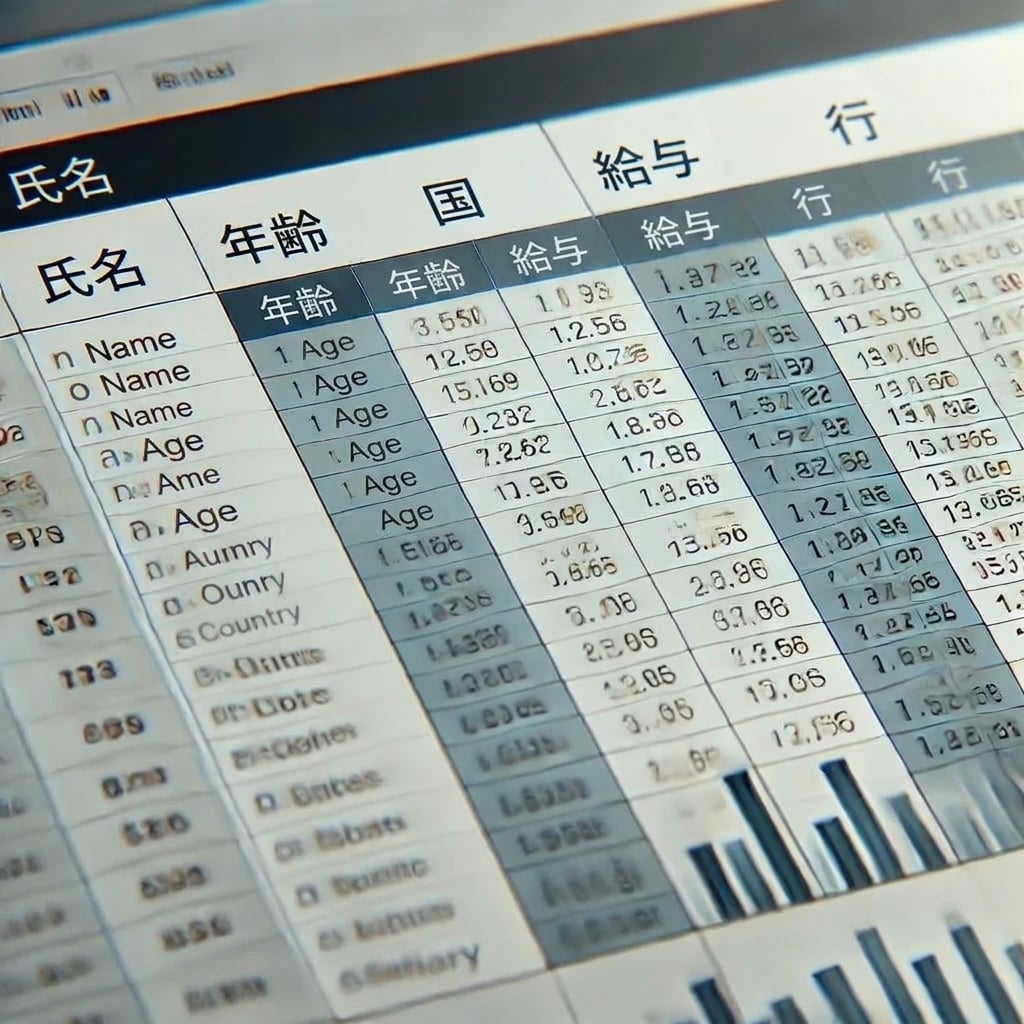
ファイルストアからDataFrameを作成する
# Create a DataFrame from CSV
census_df = spark.read.csv('path/to/census.csv', header=True, inferSchema=True)
データフレームの印刷
# Show the first 5 rows of the DataFrame
census_df.show()
   age  education.num marital.status         occupation income
0   90              9        Widowed                  ?  <=50K
1   82              9        Widowed    Exec-managerial  <=50K
2   66             10        Widowed                  ?  <=50K
3   54              4       Divorced  Machine-op-inspct  <=50K
4   41             10      Separated     Prof-specialty  <=50K
DataFrameスキーマの表示
# Show the schema census_df.printSchema()Output: root |-- age: integer (nullable = true) |-- education.num: integer (nullable = true) |-- marital.status: string (nullable = true) |-- occupation: string (nullable = true) |-- income: string (nullable = true)
PySpark DataFrame の基本的な分析
# .count() will return the total row numbers in the DataFrame
row_count = census_df.count()
print(f'Number of rows: {row_count}')
# groupby() allows the use of sql-like aggregations
census_df.groupBy('gender').agg({'salary_usd': 'avg'}).show()
その他の集約関数は次のとおりです:
sum()min()max()
PySpark分析の主要な関数
.select(): DataFrame{{1}}から特定の列を選択します.filter(): 特定の条件に基づいて行をフィルターします.groupBy(): 1つ以上の列に基づいて行をグループ化します.agg(): 集約関数をグループ化されたデータに適用します
主な関数の例
# Using filter and select, we can narrow down our DataFrame filtered_census_df = census_df.filter(df['age'] > 50).select('age', 'occupation') filtered_census_df.show()Output +---+------------------+ |age| occupation | +---+------------------+ | 90| ?| | 82| Exec-managerial| | 66| ?| | 54| Machine-op-inspct| +---+------------------+
練習しましょう!
PySpark 入門

