NumPy のデータ型

NumPy入門

Izzy Weber

Core Curriculum Manager, DataCamp

NumPy と Python のデータ型


Python のデータ型の例:

  • int
  • float


NumPy のデータ型の例:

  • np.int64
  • np.int32
  • np.float64
  • np.float32
NumPy入門

ビットとバイト

数値 10436 を 2 進数で表すと:

数値 10436 の 2 進表現の画像  

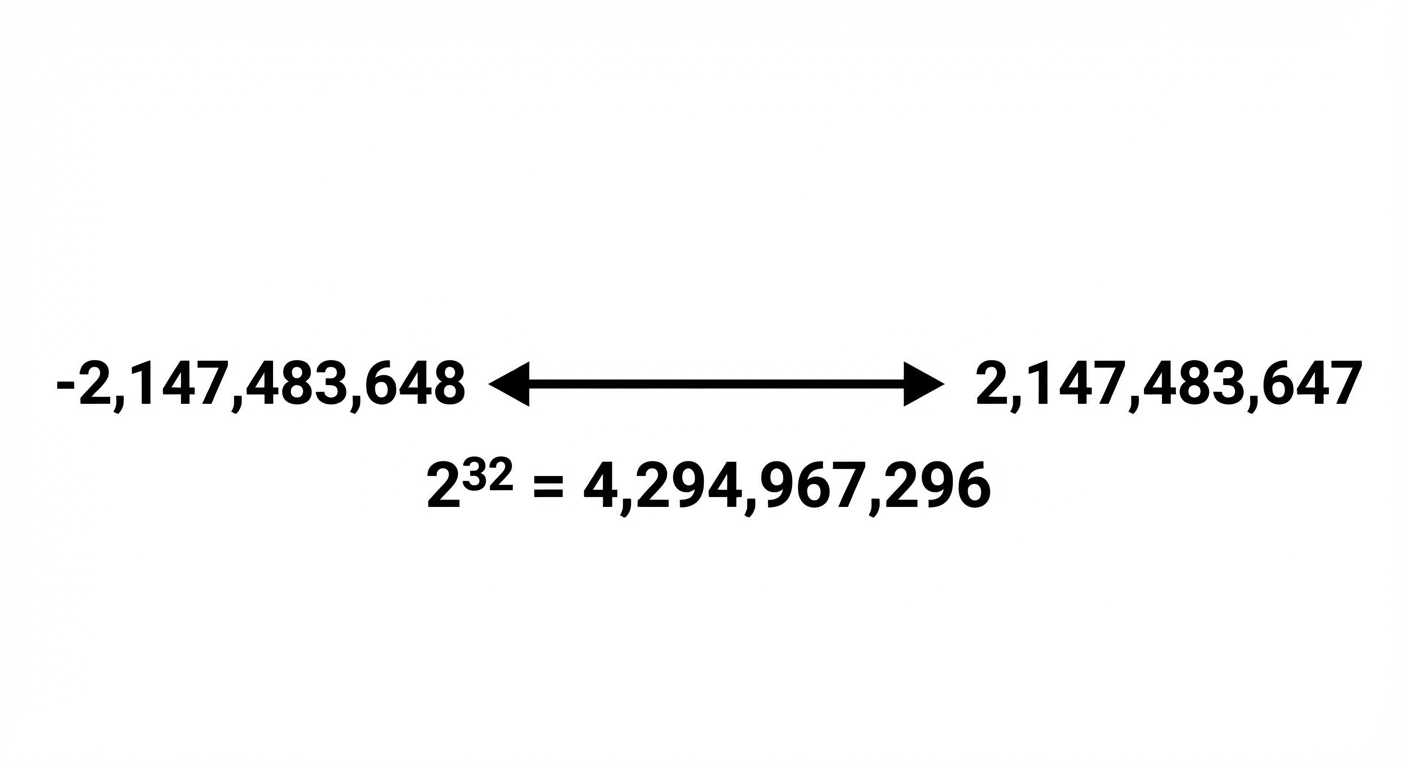
np.int32 は 4,294,967,296 個の整数を格納できます:
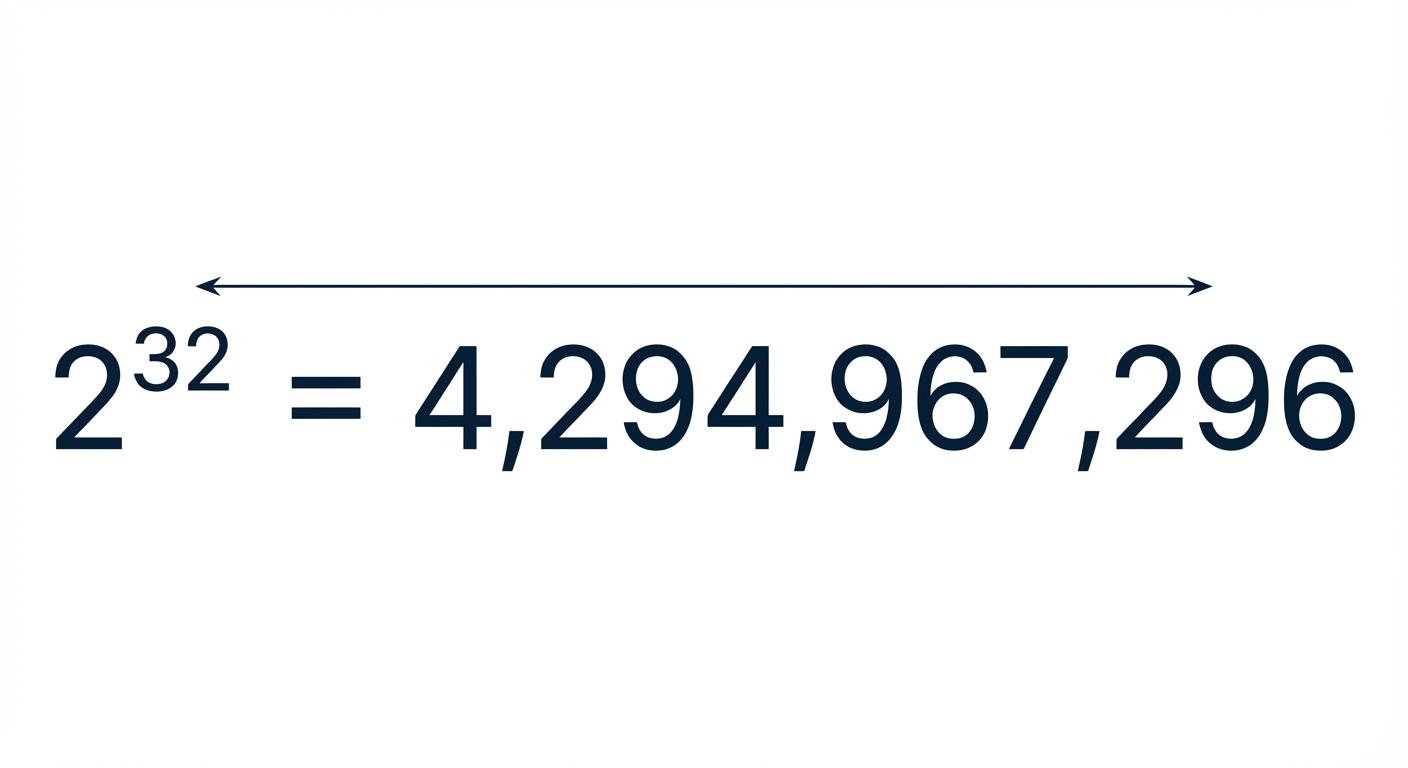
np.int32 の格納容量の図

NumPy入門

ビットとバイト

数値 10436 を 2 進数で表すと:

数値 10436 の 2 進表現の画像  

np.int32 は 4,294,967,296 個の整数を格納できます:

np.int32 の格納容量の図

NumPy入門

.dtype 属性

np.array([1.32, 5.78, 175.55]).dtype
dtype('float64')
NumPy入門

デフォルトのデータ型

int_array = np.array([[1, 2, 3], [4, 5, 6]])
int_array.dtype
dtype('int64')
NumPy入門

文字列データ

np.array(["Introduction", "to", "NumPy"]).dtype
dtype('<U12')
NumPy入門

引数としての dtype

float32_array = np.array([1.32, 5.78, 175.55], dtype=np.float32)
float32_array.dtype
dtype('float32')
NumPy入門

型変換

boolean_array = np.array([[True, False], [False, False]], dtype=np.bool_)
boolean_array.astype(np.int32)
array([[1, 0],
       [0, 0]], dtype=int32)
NumPy入門

型の強制変換(型合わせ)

np.array([True, "Boop", 42, 42.42])
array(['True', 'Boop', '42', '42.42'], dtype='<U5')
NumPy入門

型の強制変換の優先順位

整数配列に float を加えると、すべて float になります:

np.array([0, 42, 42.42]).dtype
dtype('float64')


ブール配列に整数を加えると、すべて整数になります:

np.array([True, False, 42]).dtype
dtype('int64')
NumPy入門

Let's practice!

NumPy入門

Preparing Video For Download...