データエンジニアリング入門
Vincent Vankrunkelsven
Data Engineer, DataCamp
非構造化データ
Call me Ishmael. Some years ago, never
mind how long precisely, having little or
no money in my purse, and nothing particular
to interest me on shore, I thought ....
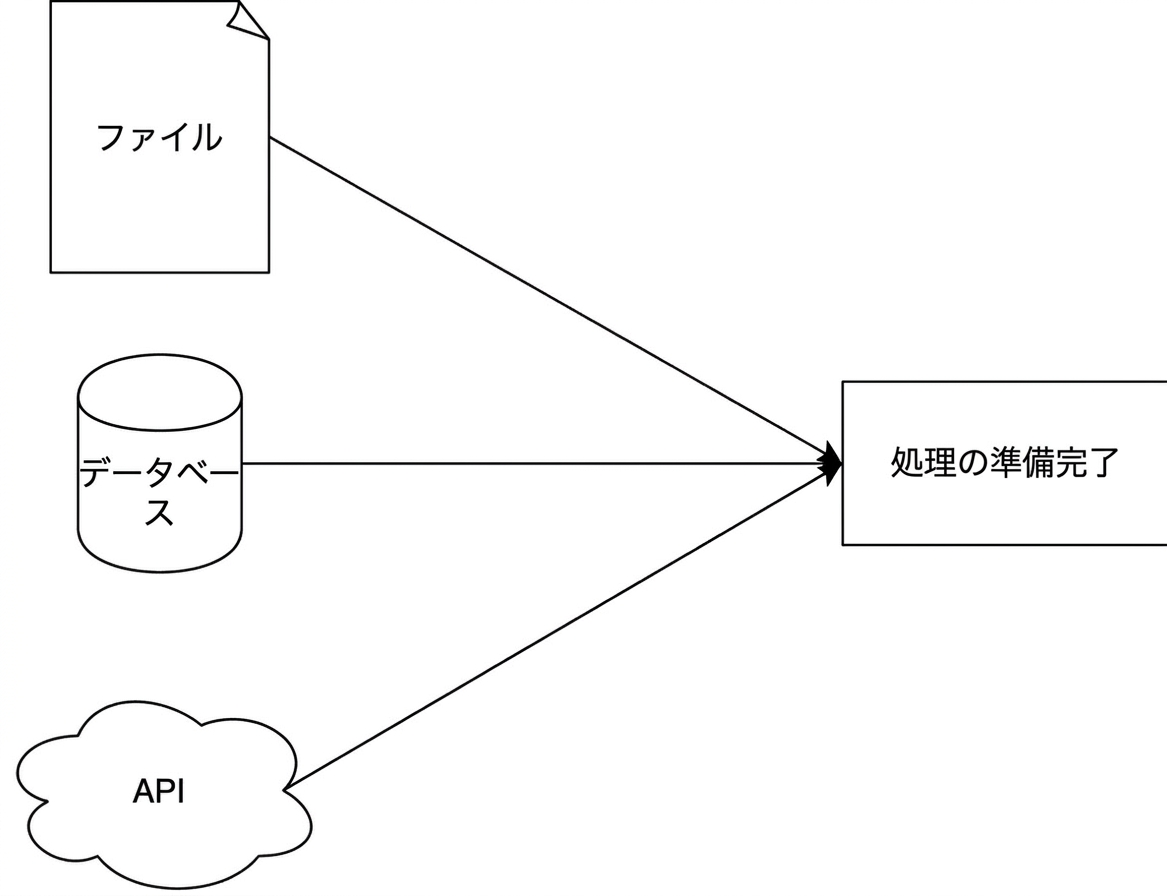
フラットファイル
.tsv
.csv
Year,Make,Model,Price
1997,Ford,E350,3000.00
1999,Chevy,"Venture Extended Edition",4900.00
1999,Chevy,"Venture Extended Edition",5000.00
1996,Jeep,Grand Cherokee,4799.00
number
string
boolean
null
array
object
{
  "an_object": {
    "nested": [
      "one",
      "two",
      "three",
      {
        "key": "four"
      }
    ]
  }
}
import json

result = json.loads('{"key_1": "value_1",
                      "key_2":"value_2"}')

print(result["key_1"])
import json
result = json.loads('{"key_1": "value_1", "key_2":"value_2"}') print(result["key_1"])
value_1
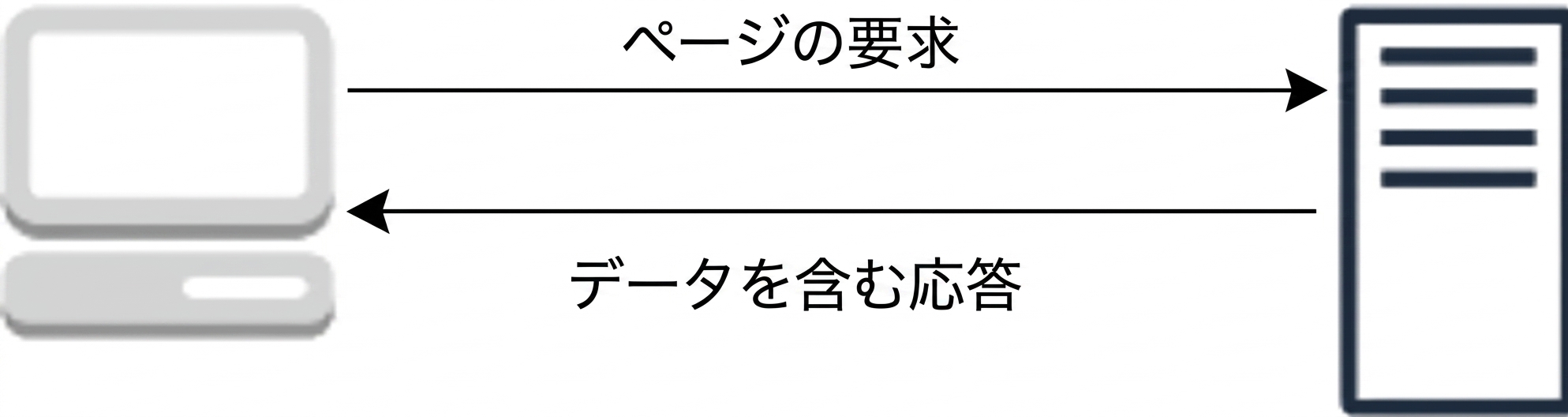
リクエスト
例
{ "login": "datacamp", "type": "Organization", "created_at": "2013-05-14T13:01:20Z" }
import requests


response = requests.get("https://hacker-news.firebaseio.com/v0/item/16222426.json")
print(response.json())
import requests
response = requests.get("https://hacker-news.firebaseio.com/v0/item/16222426.json") print(response.json())
{'by': 'neis', 'descendants': 0, 'id': 16222426, 'score': 17, 'time': 1516800333, 'title': .... }
アプリケーションデータベース
分析用データベース
接続文字列/URI
postgresql://[user[:password]@][host][:port]
Python での利用
import sqlalchemy
connection_uri = "postgresql://repl:password@localhost:5432/pagila"
db_engine = sqlalchemy.create_engine(connection_uri)


import pandas as pd
pd.read_sql("SELECT * FROM customer", db_engine)
import sqlalchemy connection_uri = "postgresql://repl:password@localhost:5432/pagila" db_engine = sqlalchemy.create_engine(connection_uri)
import pandas as pd pd.read_sql("SELECT * FROM customer", db_engine)