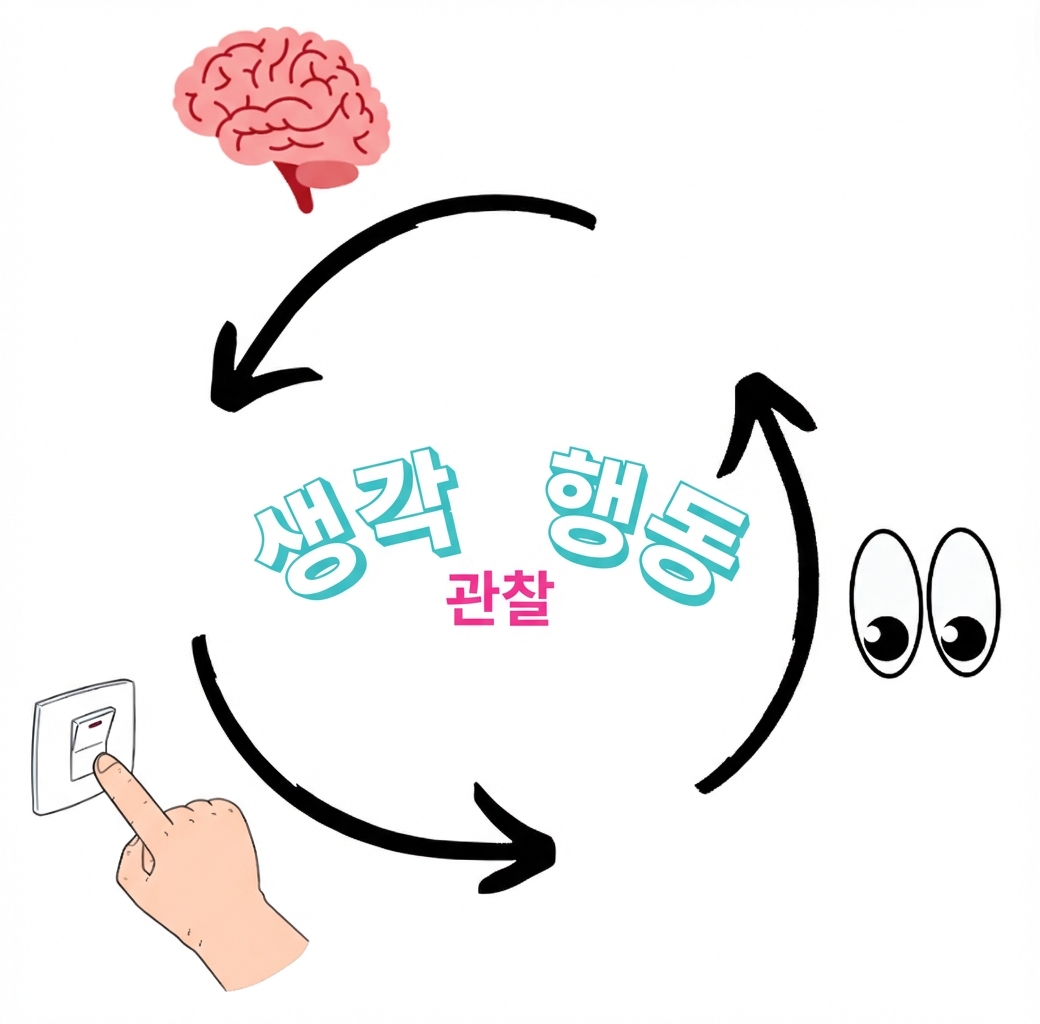
Thought: I should call Weather() to find the
weather in Kingston, Jamaica.


Act: Weather("Kingston, Jamaica")


Observe: The weather is mostly sunny with
temperatures of 82°F.
LangGraph
에이전트 시스템 설계에 특화된 LangChain 브랜치
통합된 도구 독립적 문법
pip install langgraph==0.2.74
ReAct 에이전트
from langgraph.prebuilt import create_react_agent
from langchain_community.agent_toolkits.load_tools import load_tools


llm = ChatOpenAI(model="gpt-4o-mini", api_key=openai_api_key)
tools = load_tools(["llm-math"], llm=llm)

agent = create_react_agent(llm, tools)


messages = agent.invoke({"messages": [("human", "What is the square root of 101?")]})

print(messages)
ReAct 에이전트
{'messages': [
    HumanMessage(content='What is the square root of 101?', ...),
    AIMessage(content='', ..., tool_calls=[{'name': 'Calculator', 'args': {'__arg1': 'sqrt(101)'}, ...),
    ToolMessage(content='Answer: 10.04987562112089', ...),
    AIMessage(content='The square root of 101 is approximately 10.05.', ...)
]}