텍스트 분석
OpenAI API로 배우는 프롬프트 엔지니어링

Fouad Trad
Machine Learning Engineer
텍스트 분석
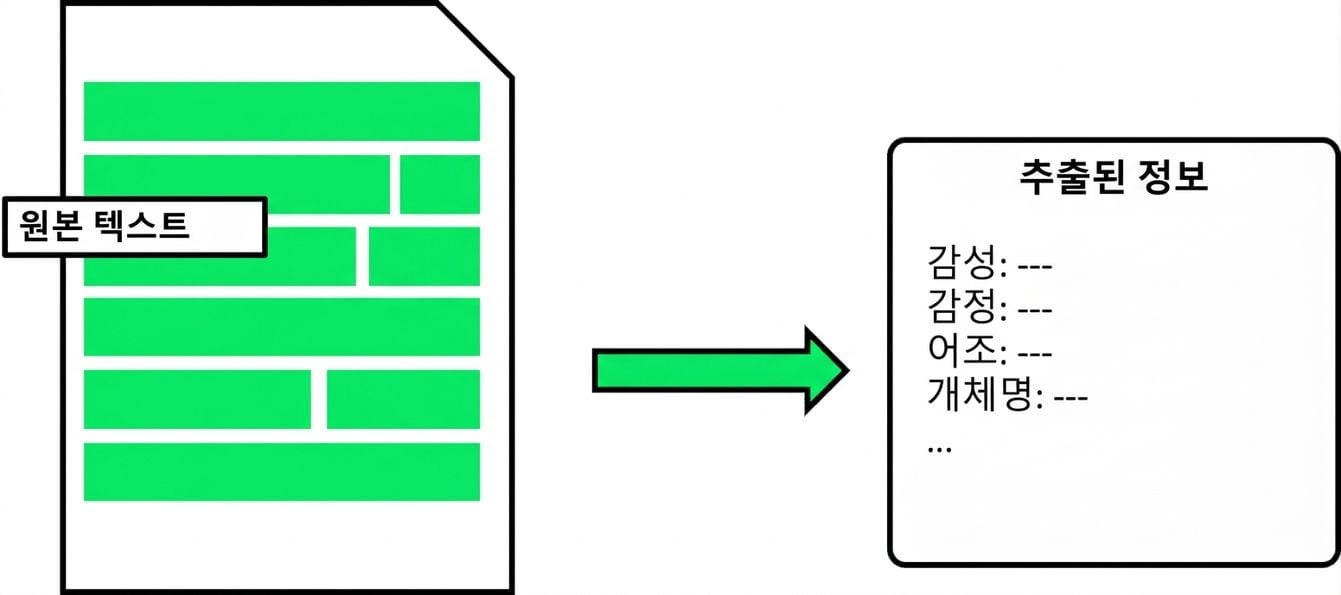
- 텍스트에서 정보를 추출하는 분석
- 텍스트 분류
- 개체 추출
- 고객 데이터 활용 시 법적 자문 권장
텍스트 분류
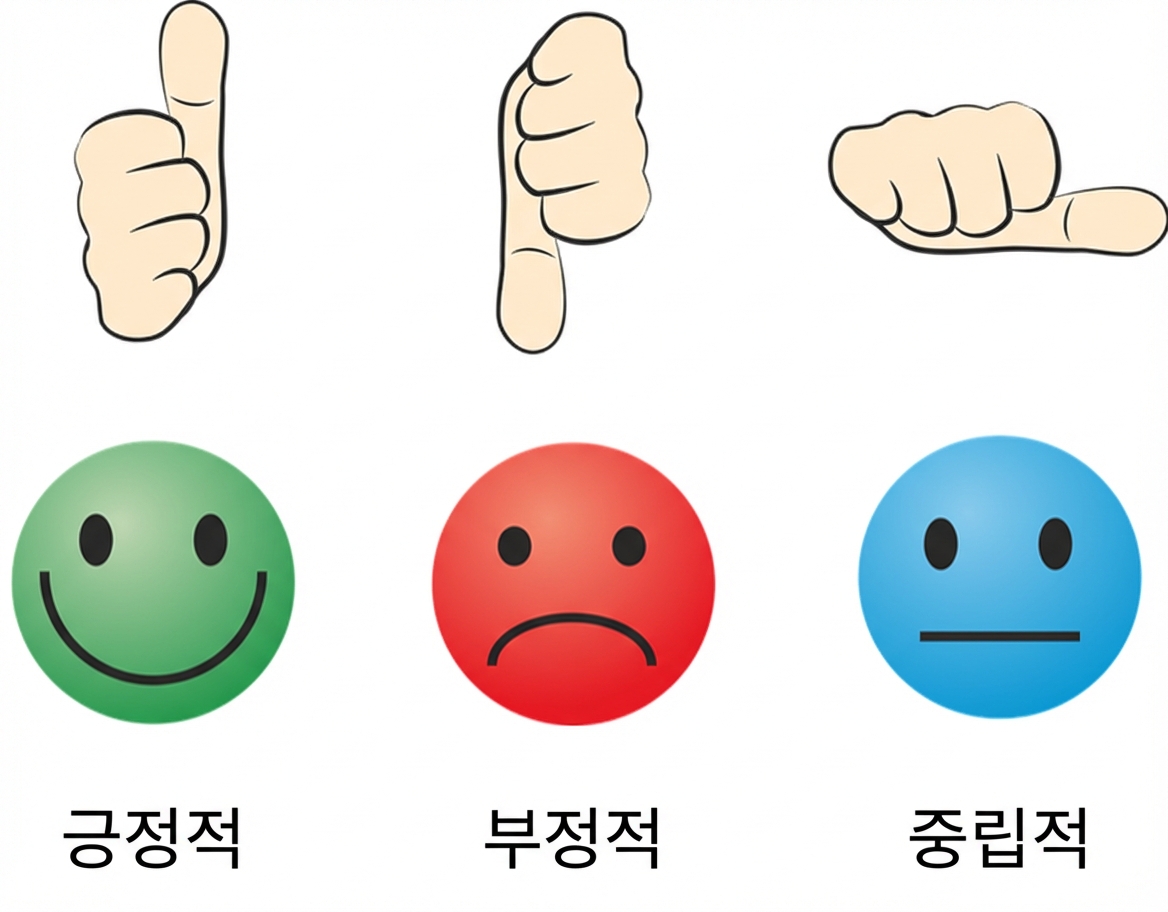
- 텍스트에 카테고리 할당
- 예시: 감성 분석
카테고리 지정
- 카테고리가 명확한 경우 직접 지정
- 출력 요건 명시
text = "I bought your XYZ Smart Watch and wanted to share my positive experience. Impressed with its sleek design, comfort, and touchscreen usability."prompt = f"""Classify the sentiment of the text delimited by triple backticks as positive, negative, or neutral. Give your answer as a single word: ```{text}```""" print(get_response(prompt))
positive
카테고리 미지정
- 카테고리 미지정 시 모델이 자체 지식을 활용
text = "I bought your XYZ Smart Watch and wanted to share my positive experience.
Impressed with its sleek design, comfort, and touchscreen usability."

prompt = f"""Classify the sentiment of the text delimited by triple backticks.
             Give your answer as a single word.
           ```{text}```"""
print(get_response(response))
positive.
- 일부 개방형 문제에는 적합하지 않을 수 있습니다
다중 클래스
- 텍스트는 여러 클래스에 속할 수 있습니다
- 클래스 수가 불명확한 경우 최대 개수를 지정하십시오
text = "I bought your XYZ Smart Watch and wanted to share my positive experience. Impressed with its sleek design, comfort, and touchscreen usability."prompt = f"""Identify emotions used in this text. Don't use more than 3 emotions. Format your answer as a list of words separated by commas: ```{text}```""" print(get_response(prompt))
impressed, positive, comfortable
개체 추출
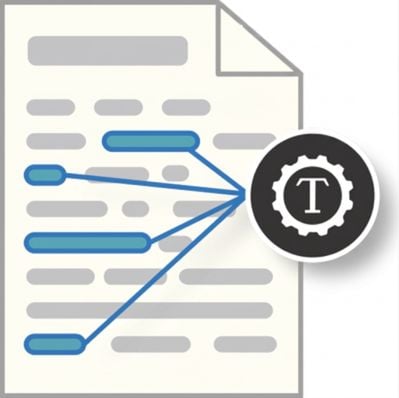
- 텍스트에서 특정 개체 추출
- 예시: 이름, 장소, 조직, 날짜
개체 추출: 개체 지정
- 추출할 개체 지정
- 출력 형식 명시
text = "The XYZ Mobile X200: a sleek 6.5-inch Super AMOLED smartphone with a 48MP triple-camera, octa-core processor, 5000mAh battery, 5G connectivity, and Android 11 OS. Secure with fingerprint and facial recognition. 128GB storage, expandable up to 512GB."prompt = f"""Identify the following entities from the text delimited by triple backticks: - Product Name ```{text}```""" print(get_response(prompt))
개체 추출: 개체 지정
- 추출할 개체 지정
- 출력 형식 명시
text = "The XYZ Mobile X200: a sleek 6.5-inch Super AMOLED smartphone with a 48MP triple-camera, octa-core processor, 5000mAh battery, 5G connectivity, and Android 11 OS. Secure with fingerprint and facial recognition. 128GB storage, expandable up to 512GB."prompt = f"""Identify the following entities from the text delimited by triple backticks: - Product Name - Display Size ```{text}```""" print(get_response(prompt))
개체 추출: 개체 지정
- 추출할 개체 지정
- 출력 형식 명시
text = "The XYZ Mobile X200: a sleek 6.5-inch Super AMOLED smartphone with a 48MP triple-camera, octa-core processor, 5000mAh battery, 5G connectivity, and Android 11 OS. Secure with fingerprint and facial recognition. 128GB storage, expandable up to 512GB."prompt = f"""Identify the following entities from the text delimited by triple backticks: - Product Name - Display Size - Camera Resolution ```{text}```""" print(get_response(prompt))
개체 추출: 개체 지정
- 추출할 개체 지정
- 출력 형식 명시
text = "The XYZ Mobile X200: a sleek 6.5-inch Super AMOLED smartphone with a 48MP triple-camera, octa-core processor, 5000mAh battery, 5G connectivity, and Android 11 OS. Secure with fingerprint and facial recognition. 128GB storage, expandable up to 512GB."prompt = f"""Identify the following entities from the text delimited by triple backticks: - Product Name - Display Size - Camera Resolution Format the answer as an unordered list. ```{text}```""" print(get_response(prompt))
개체 추출: 개체 지정
Product Name: XYZ Mobile X200
Display Size: 6.5-inch
Camera Resolution: 48MP triple-camera
퓨샷 프롬프트를 활용한 개체 추출
- 복잡한 구조에 활용
ticket_1 = "Hello, I'm Emma Adams. I'd
like to ask about my reservation with
the code CAR123.
You can reach me at +123456 if needed."

ticket_2 = "This is Sarah Williams.
I would like to request some information
regarding my upcoming flight with
reservation code FLIGHT987. Thank you."
entities_1 = """
* Customer Details:
  - Name: Emma Adams
  - Phone: +123456
* Reservation Details:
  - Reservation Code: CAR123"""
entities_2 = """
* Customer Details:
  - Name: Sarah Williams
* Reservation Details:
  - Reservation Code: FLIGHT987"""
퓨샷 프롬프트를 활용한 개체 추출
ticket_3 = "Hello, I'm David Brown (CUST123). I need assistance with my reservation under the code HOTEL456. There are some questions and issues related to my upcoming stay that require your attention."prompt = f"""Text: {ticket_1} -> Entities: {entities_1} Text: {ticket_2} -> Entities: {entities_2} Text: {ticket_3} -> Entities: """ print(get_response(prompt))
* Customer Details:
  - Name: David Brown
  - Customer ID: CUST123
* Reservation Details:
  - Reservation Code: HOTEL456
연습해 봅시다!
OpenAI API로 배우는 프롬프트 엔지니어링

