텍스트 분류

Hugging Face 활용하기

Jacob H. Marquez

Lead Data Engineer

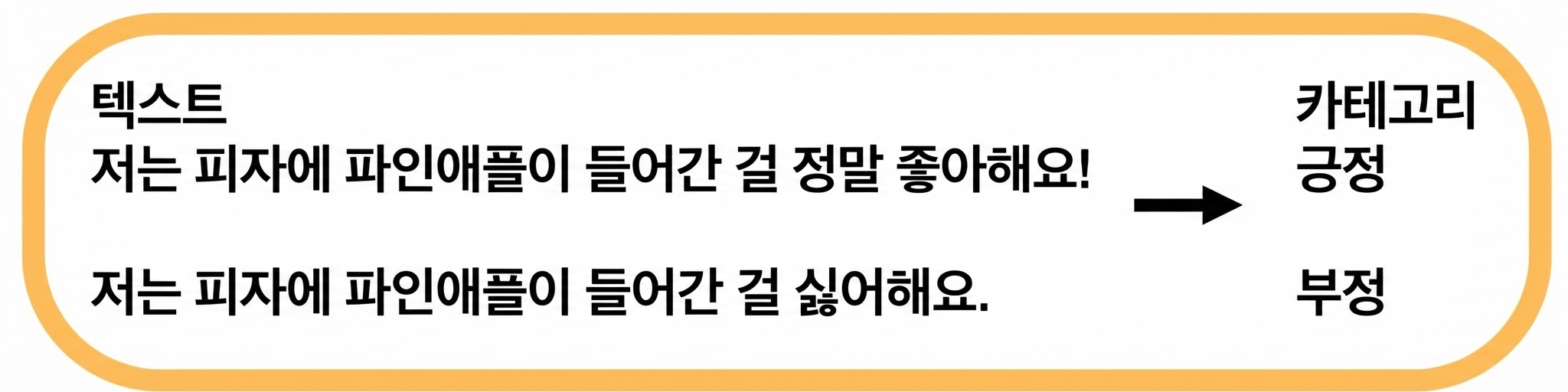
텍스트 분류: 감성 분석

$$

  • 텍스트의 감정 톤에 따라 레이블 지정

$$

감성 분석

$$

  • 활용: 리뷰 분석, 소셜 미디어 감정 추적

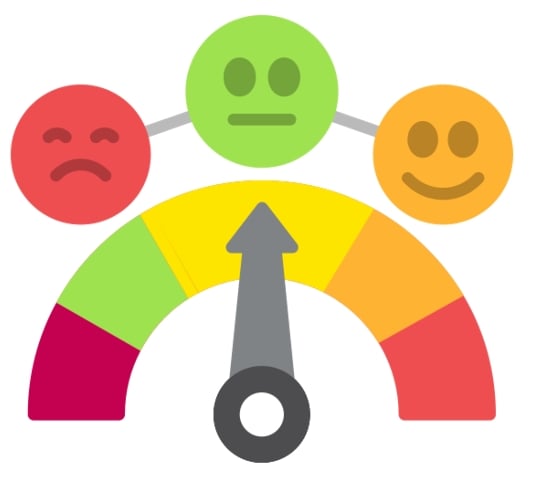
감정 아이콘

Hugging Face 활용하기

감성 분석: 코드 예시

from transformers import pipeline

my_pipeline = pipeline( "text-classification", model="distilbert-base-uncased-finetuned-sst-2-english" )
print(my_pipeline("Wi-Fi is slower than a snail today!"))
[{'label': 'NEGATIVE', 'score': 0.99}]
Hugging Face 활용하기

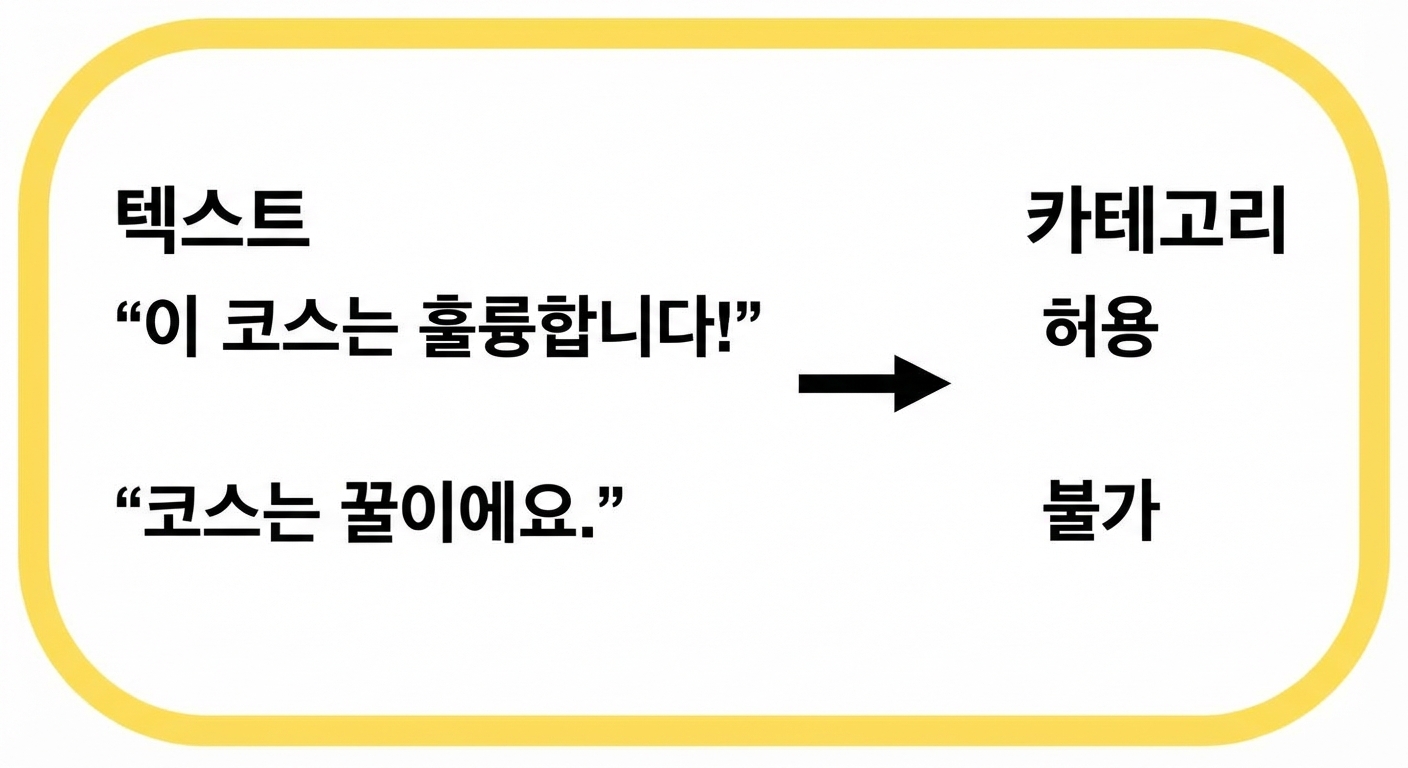
텍스트 분류: 문법적 정확성

$$

문법 검사

$$

  • 문법의 정확성을 평가

$$

문법 정확성 예시

$$

  • 활용: 문법 검사기, 언어 학습 도구
Hugging Face 활용하기

문법적 정확성: 코드 예시

from transformers import pipeline


# Create a pipeline for grammar checking grammar_checker = pipeline( task="text-classification", model="abdulmatinomotoso/English_Grammar_Checker" )
# Check grammar of the input text print(grammar_checker("He eat pizza every day."))
[{'label': 'LABEL_0', 'score': 0.99}]
Hugging Face 활용하기

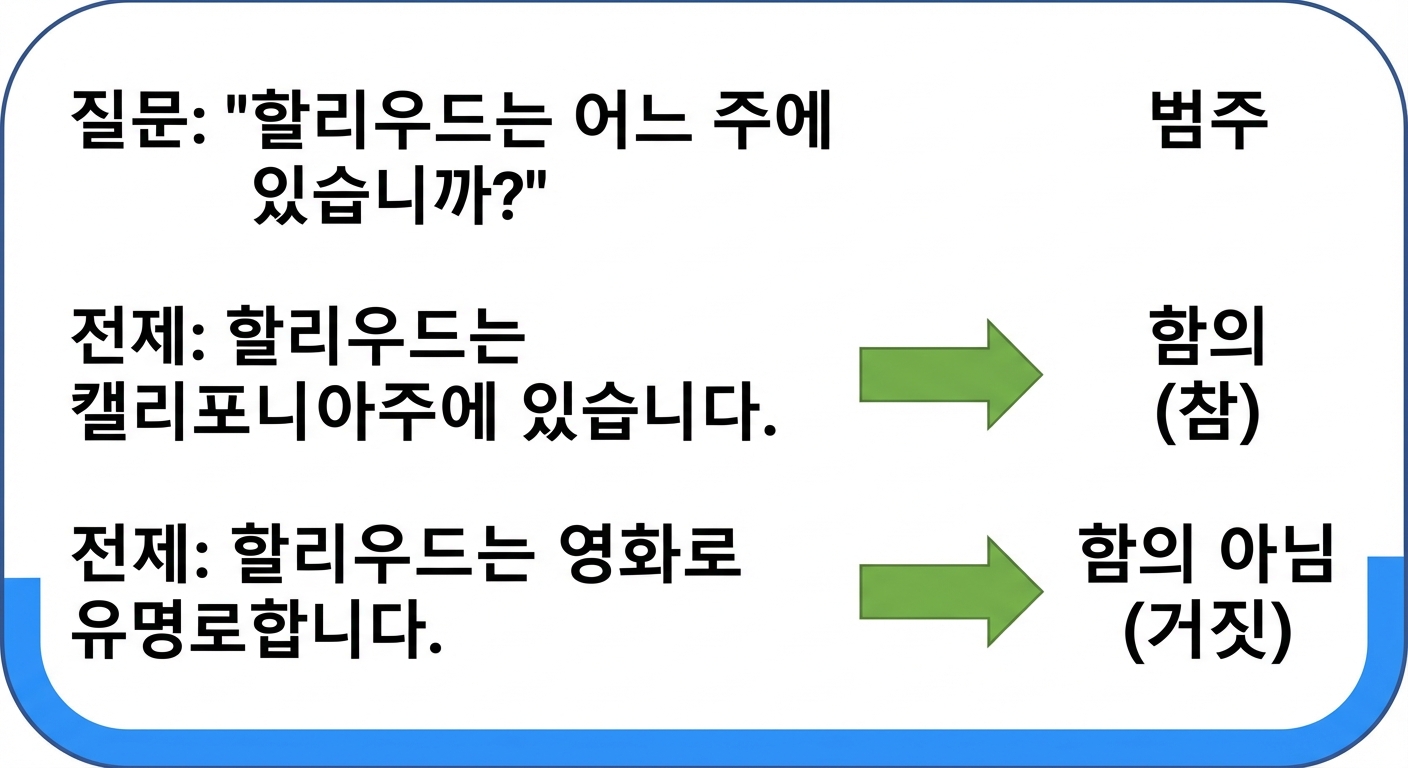
텍스트 분류: QNLI

$$ Q&A

$$

$$

  • 전제가 질문에 답하는지 확인

  • 활용: Q&A 시스템, 사실 확인

QNLI 예시

Hugging Face 활용하기

QNLI: 코드 예시

from transformers import pipeline


classifier = pipeline( task="text-classification", model="cross-encoder/qnli-electra-base" )
classifier("Where is Seattle located?, Seattle is located in Washington state.")
[{'label': 'LABEL_0', 'score': 0.997}]
Hugging Face 활용하기

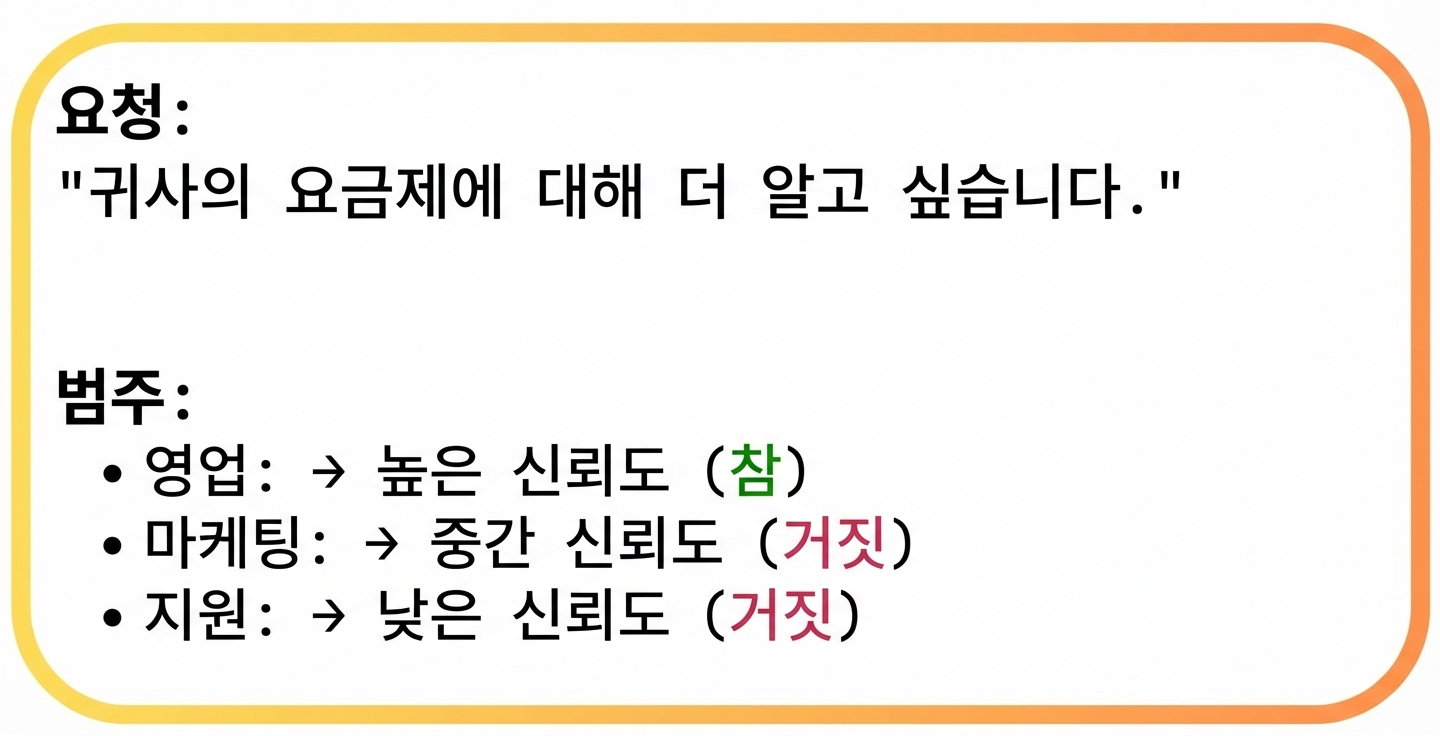
텍스트 분류: 동적 카테고리 할당

$$

  • 내용에 따라 카테고리를 동적으로 부여

카테고리 할당 예시

  • 활용: 콘텐츠 검열, 추천 시스템

$$

카테고리 할당

Hugging Face 활용하기

동적 카테고리 할당: 코드 예시

classifier = pipeline(
  task="zero-shot-classification", 
  model="facebook/bart-large-mnli")


text = "Hey, DataCamp; we would like to feature your courses in our newsletter!" categories = ["marketing", "sales", "support"]
output = classifier(text, categories)
print(f"Top Label: {output['labels'][0]} with score: {output['scores'][0]}")
Top Label: support with score: 0.8183
Hugging Face 활용하기

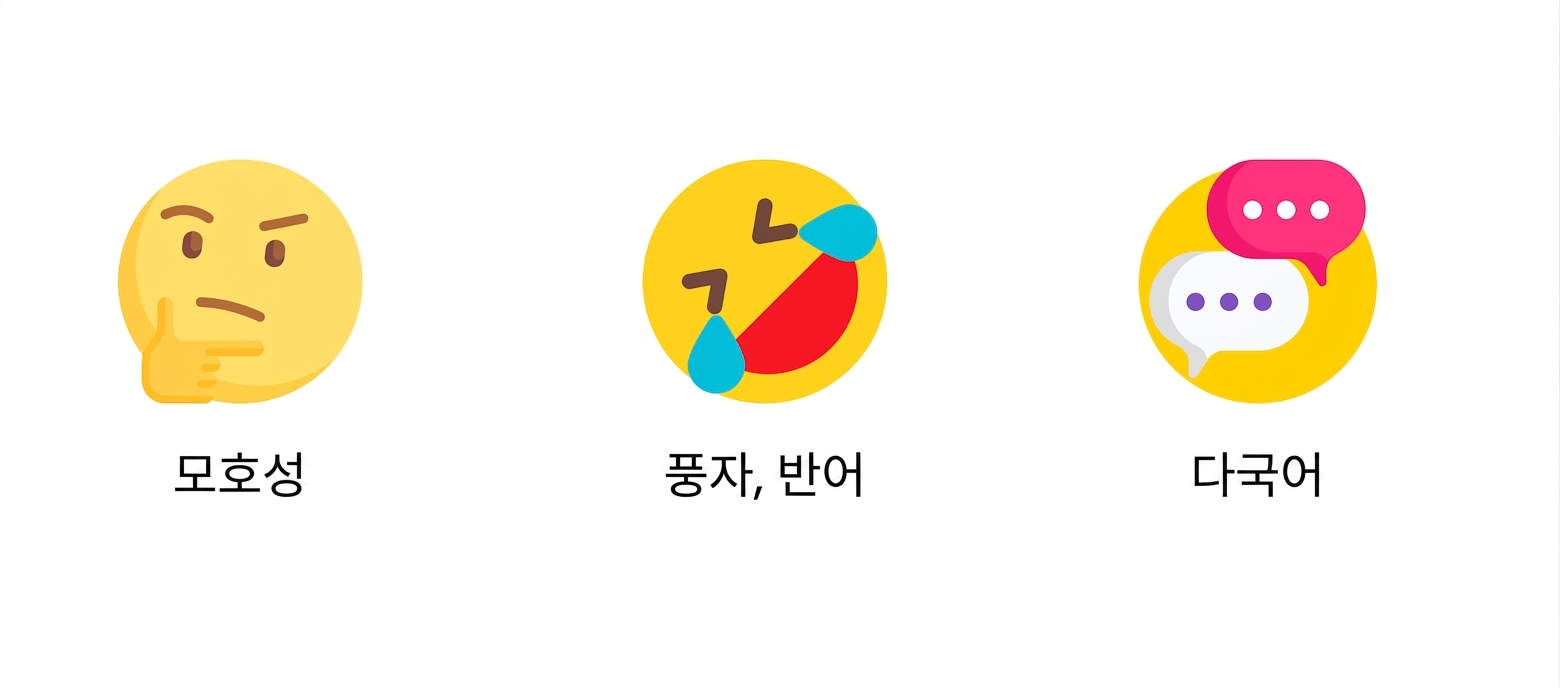
텍스트 분류의 과제

모호성

Hugging Face 활용하기

텍스트 분류의 과제

풍자

Hugging Face 활용하기

텍스트 분류의 과제

다국어

Hugging Face 활용하기

Ayo berlatih!

Hugging Face 활용하기

Preparing Video For Download...