유연한 함수 호출을 위한 노드와 엣지 정의

LangChain으로 에이전트형 시스템 설계하기

Dilini K. Sumanapala, PhD

Founder & AI Engineer, Genverv, Ltd.

멀티 도구 워크플로 구축
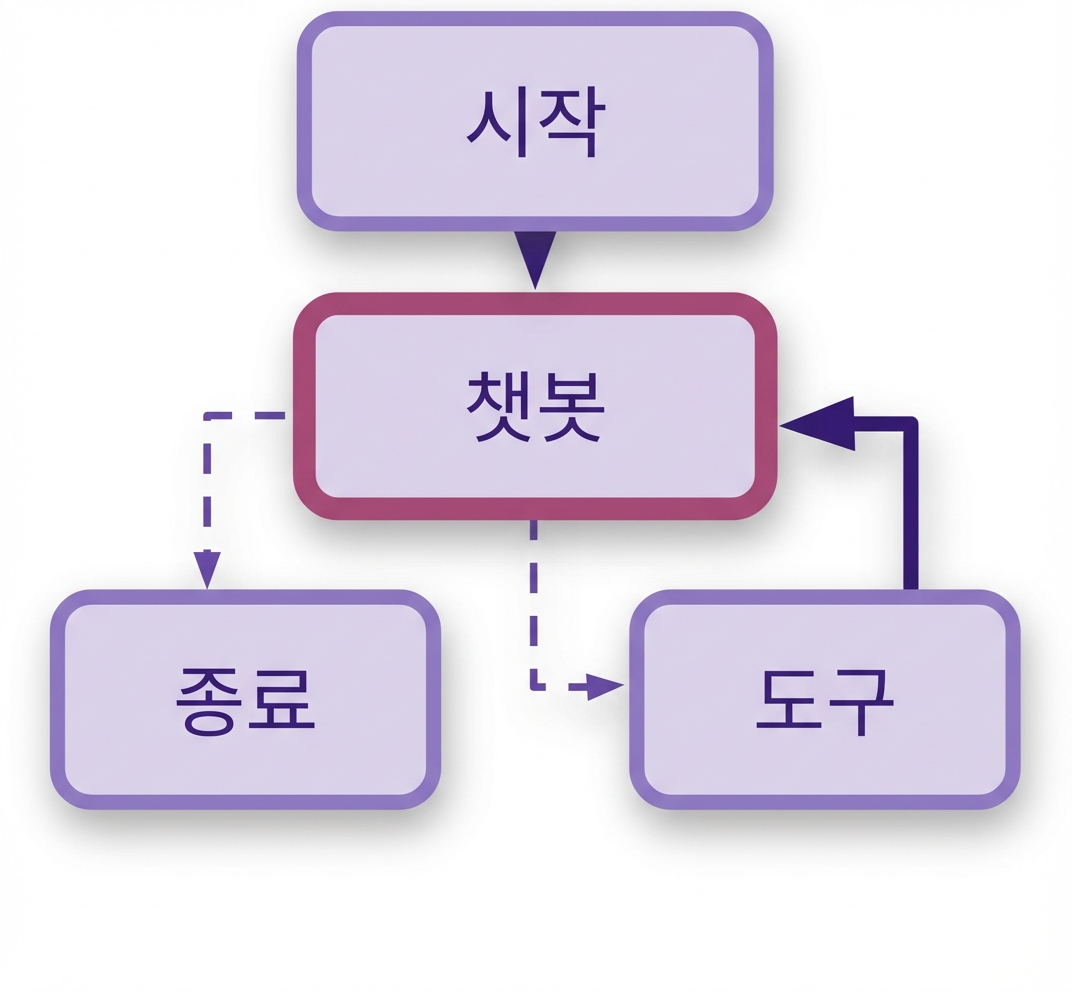
   

  • 사용 가능한 여러 도구

    • Palindrome
    • Historical events
    • Wikipedia

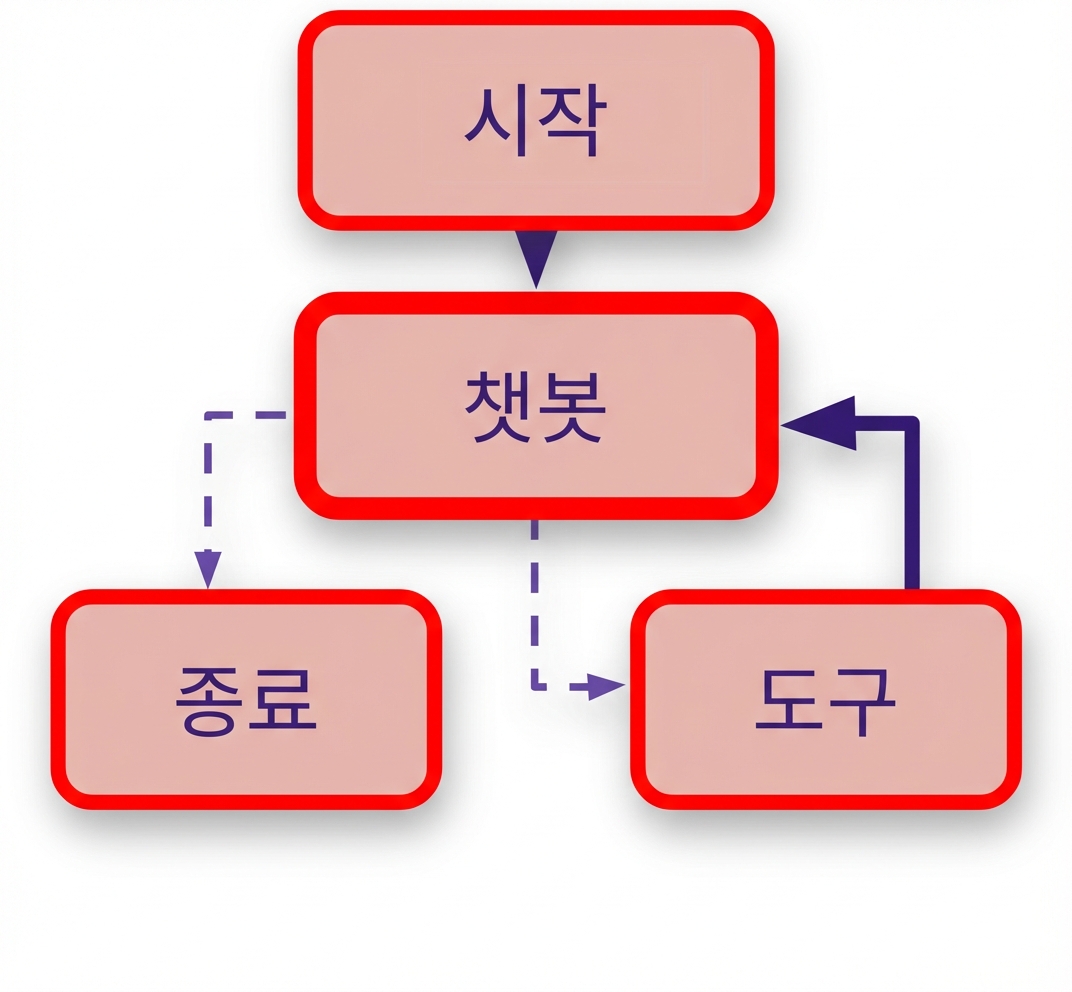
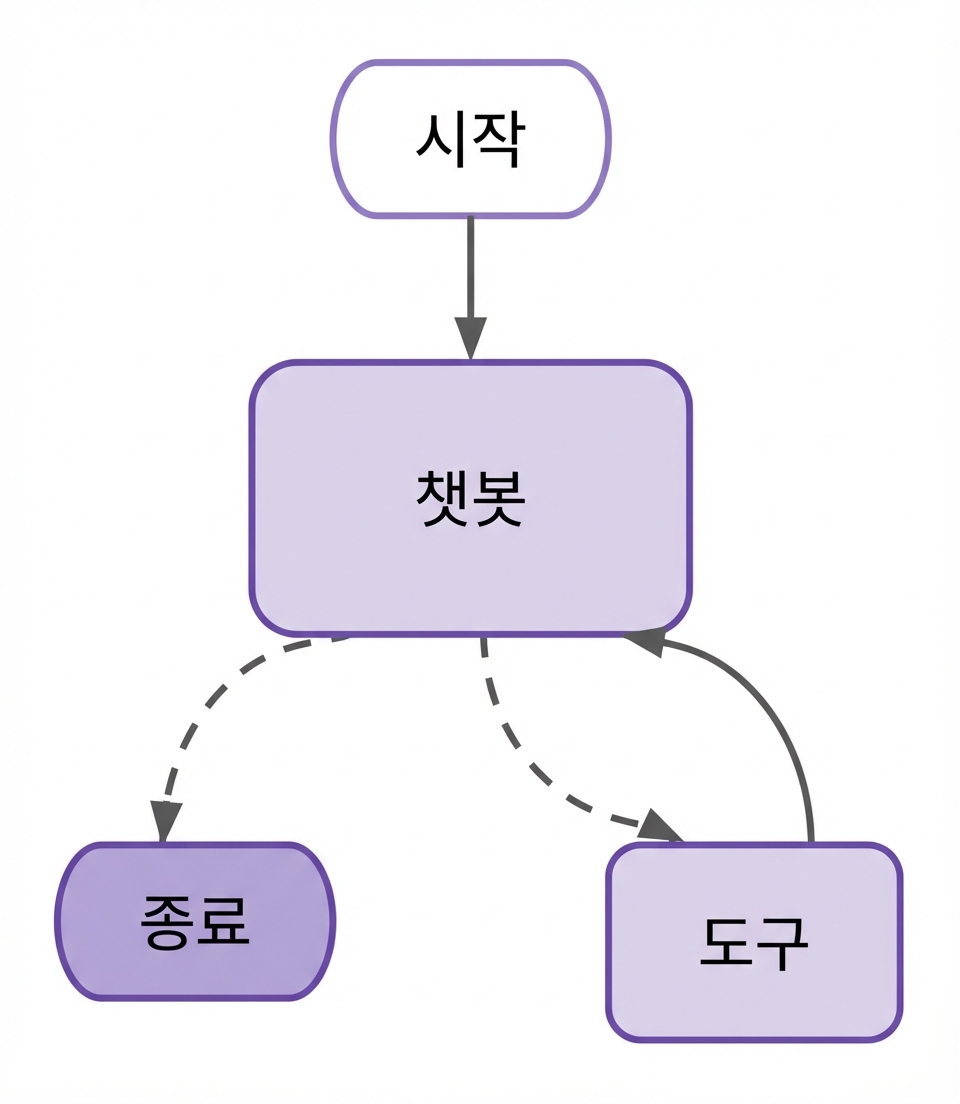
전체 챗봇 워크플로

LangChain으로 에이전트형 시스템 설계하기

워크플로 함수 정의


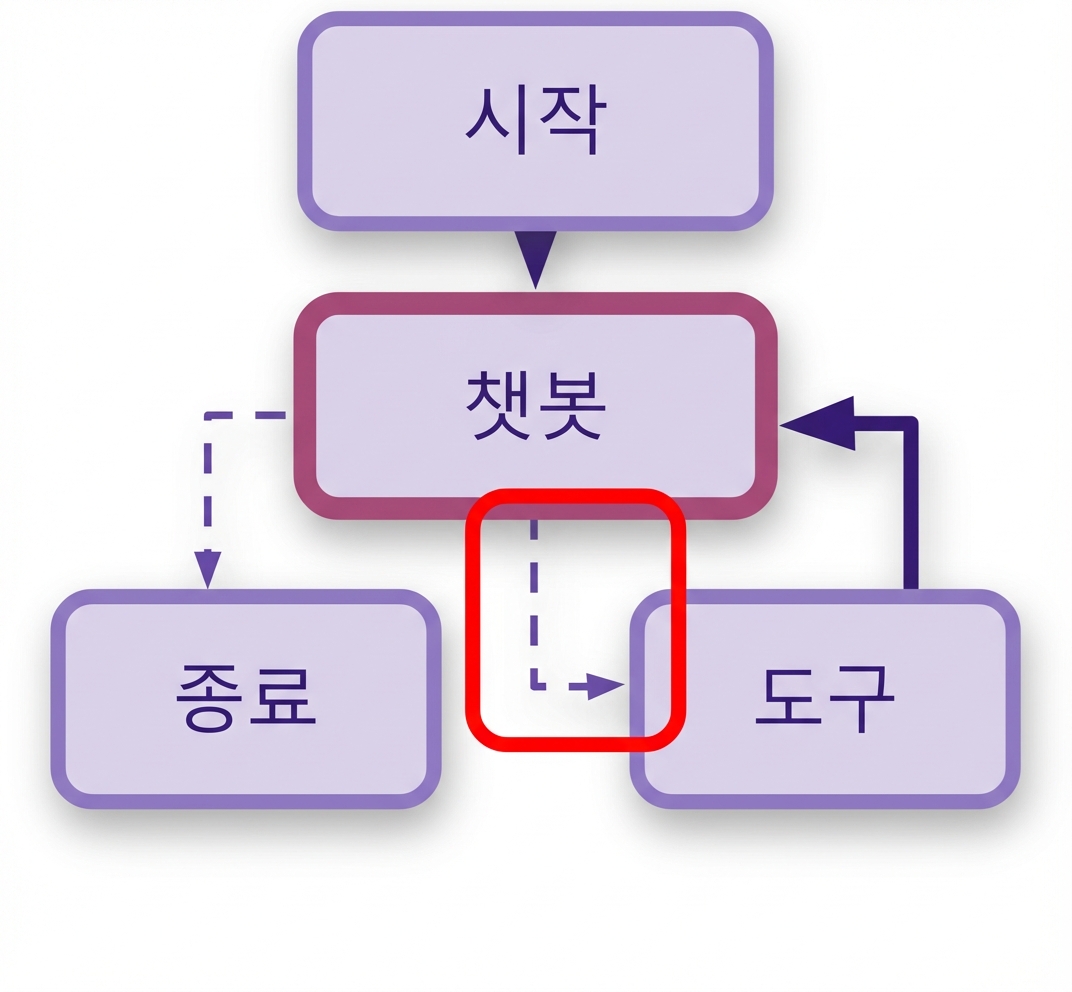
  • 중지 함수 만들기

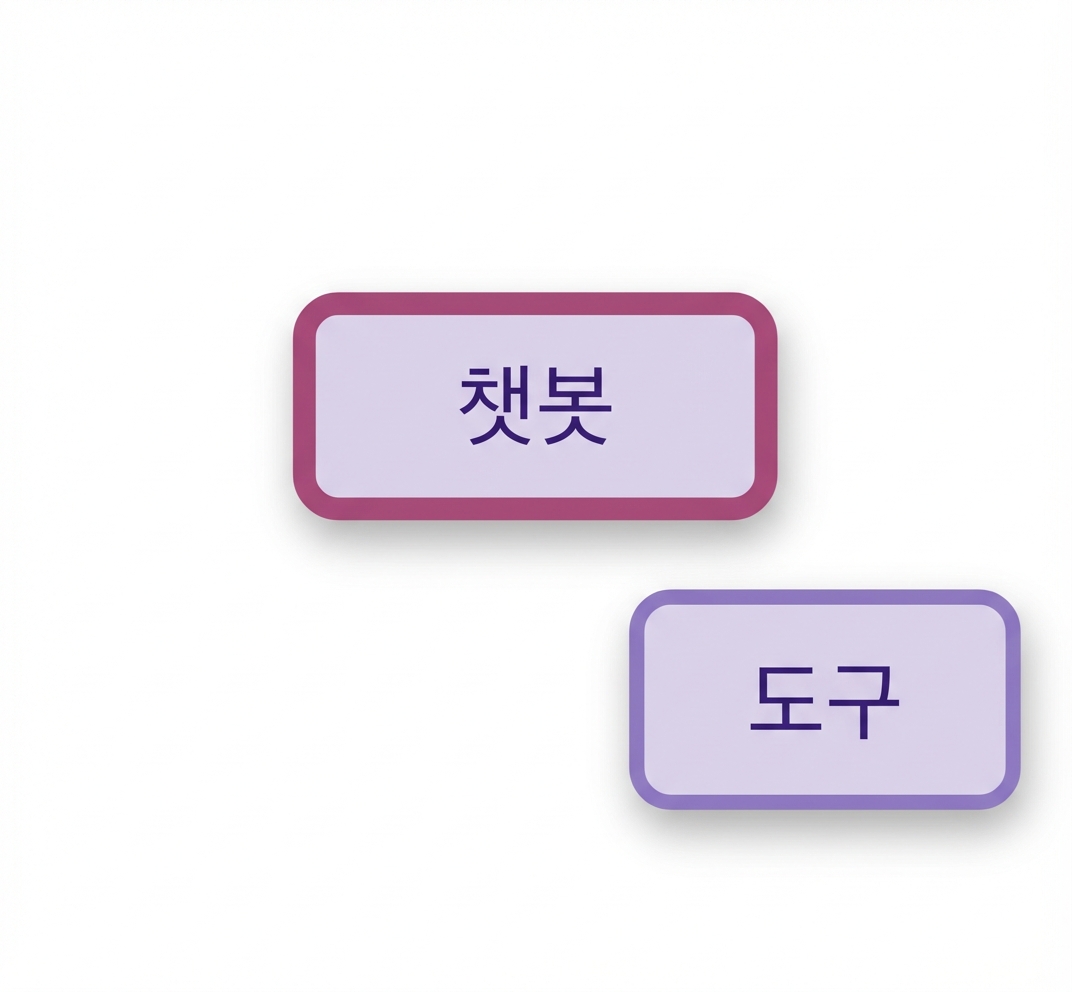
챗봇 워크플로의 챗봇 및 도구 노드.

LangChain으로 에이전트형 시스템 설계하기

워크플로 함수 정의


  • 중지 함수 만들기

    • 도구 호출 여부 확인

중지 함수 규칙 강조.

LangChain으로 에이전트형 시스템 설계하기

워크플로 함수 정의


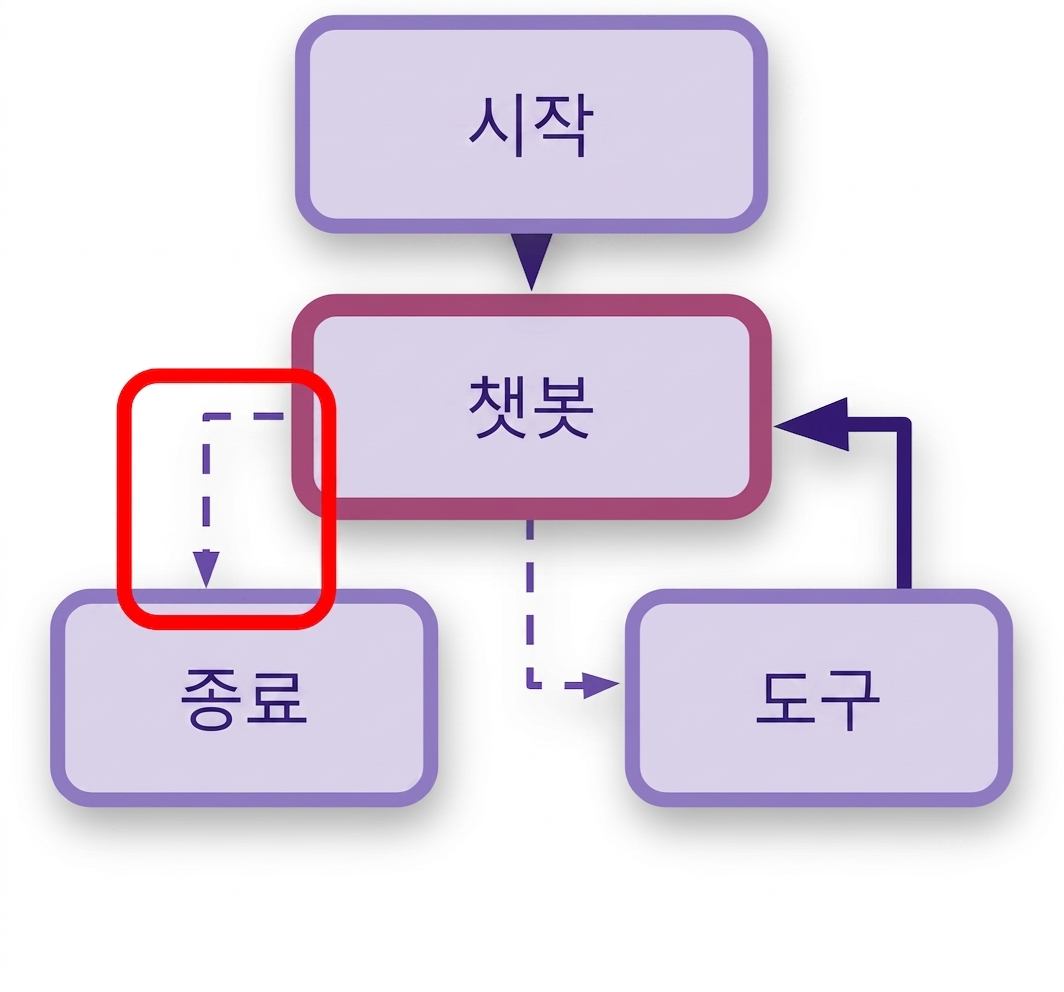
  • 중지 함수 만들기

    • 도구 호출 여부 확인
    • 없으면 대화 종료

워크플로에서 END 규칙 강조

LangChain으로 에이전트형 시스템 설계하기

워크플로 함수 정의


  • 중지 함수 만들기

    • 도구 호출 여부 확인
    • 없으면 대화 종료    
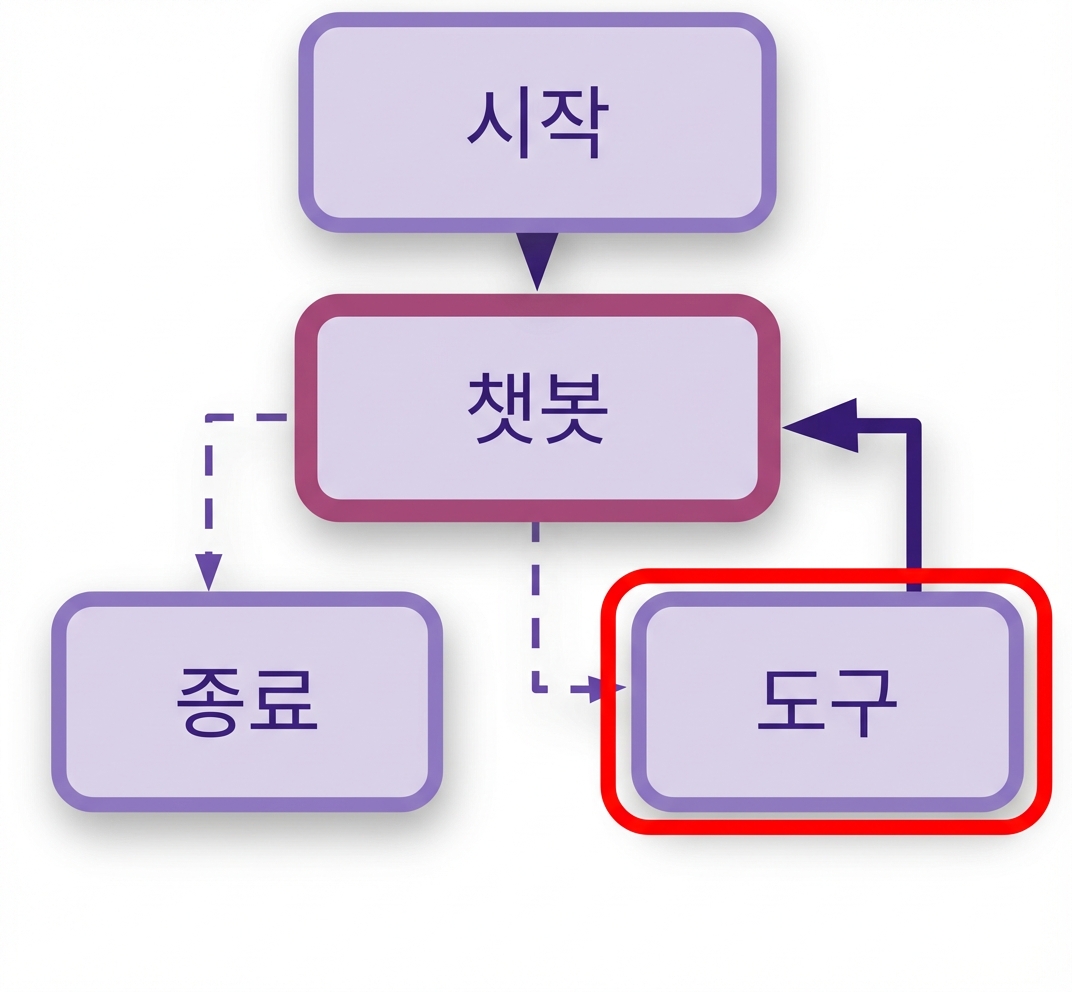
  • 동적 도구 호출자 만들기

    • 도구 호출이 있으면 도구 응답 반환

Call_model 규칙 강조.

LangChain으로 에이전트형 시스템 설계하기

워크플로 함수 정의


  • 중지 함수 만들기

    • 도구 호출 여부 확인
    • 없으면 대화 종료    
  • 동적 도구 호출자 만들기

    • 도구 호출이 있으면 도구 응답 반환
    • 도구 호출이 없으면 챗봇 노드만으로 LLM 호출

Call_model 규칙 강조.

LangChain으로 에이전트형 시스템 설계하기

워크플로 함수 정의


  • 중지 함수 만들기

    • 도구 호출 여부 확인
    • 없으면 대화 종료    
  • 동적 도구 호출자 만들기

    • 도구 호출이 있으면 도구 응답 반환
    • 도구 호출이 없으면 챗봇 노드만으로 LLM 호출
  • 전체 그래프 컴파일

Call_model 규칙 강조.

LangChain으로 에이전트형 시스템 설계하기

중지 조건 함수 만들기

from langgraph.graph import MessagesState, START, END


# Use MessagesState to define the state of the stopping function def should_continue(state: MessagesState):
# Get the last message from the state last_message = state["messages"][-1]
# Check if the last message includes tool calls if last_message.tool_calls: return "tools"
# End the conversation if no tool calls are present return END
LangChain으로 에이전트형 시스템 설계하기

동적 도구 호출자 만들기

# Extract the last message from the history
def call_model(state: MessagesState):

last_message = state["messages"][-1]
# If the last message has tool calls, return the tool's response if isinstance(last_message, AIMessage) and last_message.tool_calls:
# Return the messages from the tool call return {"messages": [AIMessage(content=last_message.tool_calls[0]["response"])]}
# Otherwise, proceed with a regular LLM response return {"messages": [model_with_tools.invoke(state["messages"])]}
LangChain으로 에이전트형 시스템 설계하기

그래프 생성

workflow = StateGraph(MessagesState)


LangChain으로 에이전트형 시스템 설계하기

그래프 생성

workflow = StateGraph(MessagesState)


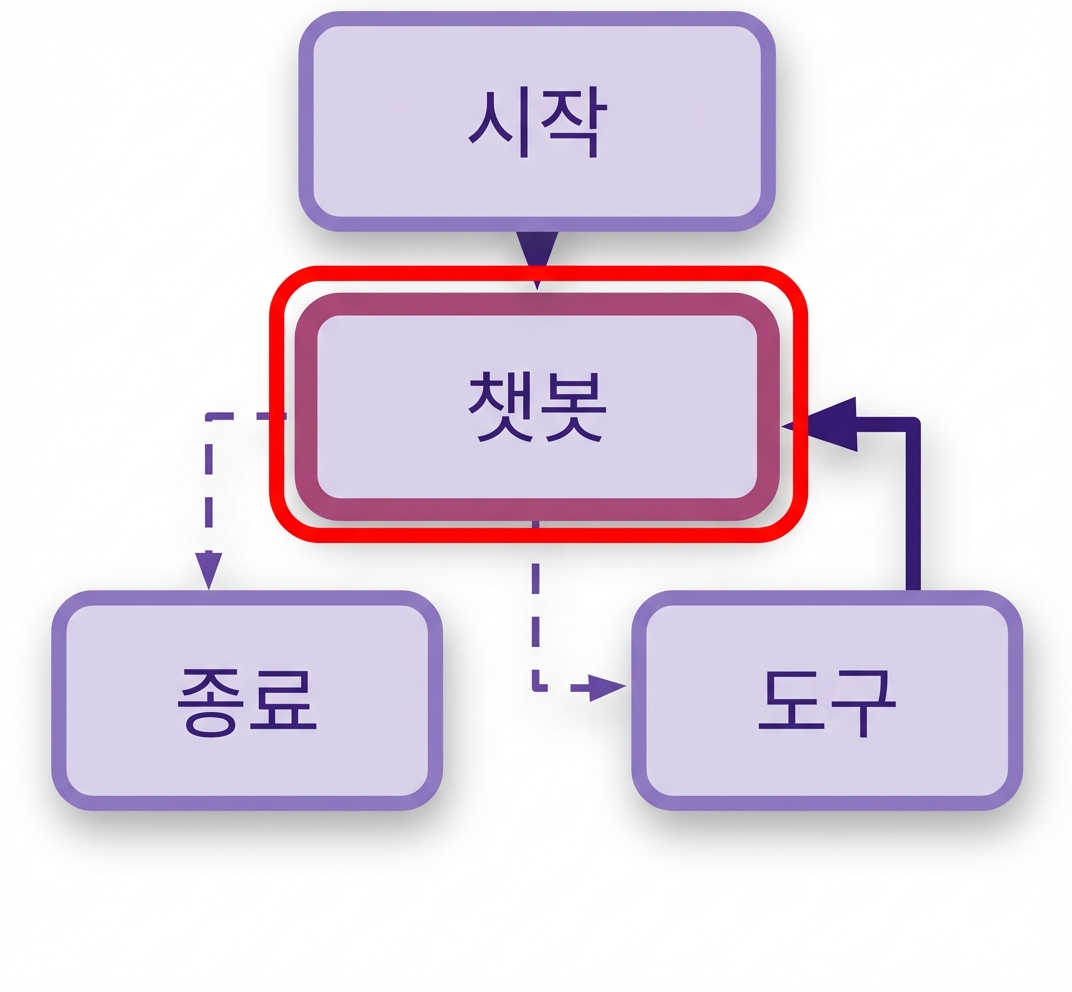
# Add nodes for chatbot and tools workflow.add_node("chatbot", call_model) workflow.add_node("tools", tool_node)

챗봇과 도구 노드.

LangChain으로 에이전트형 시스템 설계하기

그래프 생성

workflow = StateGraph(MessagesState)


# Add nodes for chatbot and tools workflow.add_node("chatbot", call_model) workflow.add_node("tools", tool_node)
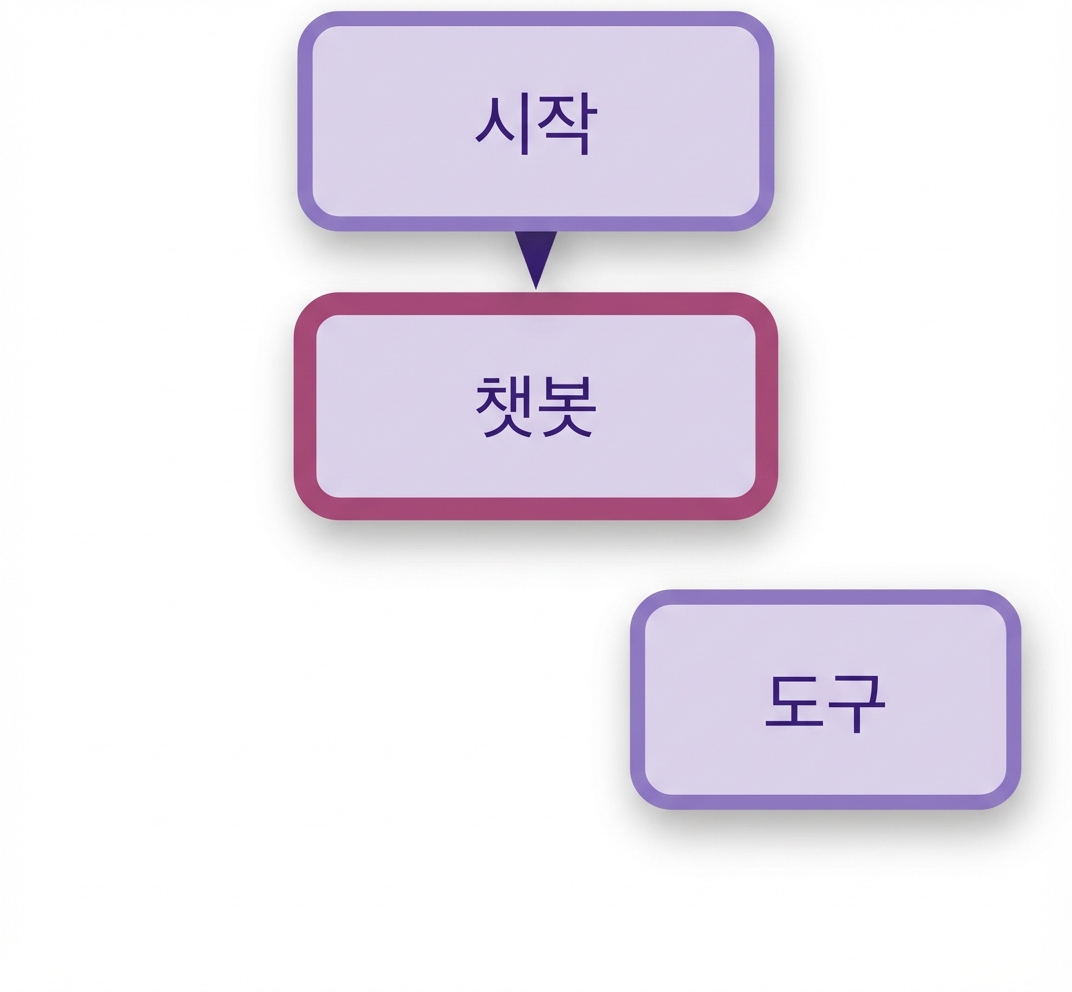
# Connect the START node to the chatbot workflow.add_edge(START, "chatbot")

START 노드를 챗봇에 연결.

LangChain으로 에이전트형 시스템 설계하기

그래프 생성

workflow = StateGraph(MessagesState)


# Add nodes for chatbot and tools workflow.add_node("chatbot", call_model) workflow.add_node("tools", tool_node)
# Connect the START node to the chatbot workflow.add_edge(START, "chatbot")
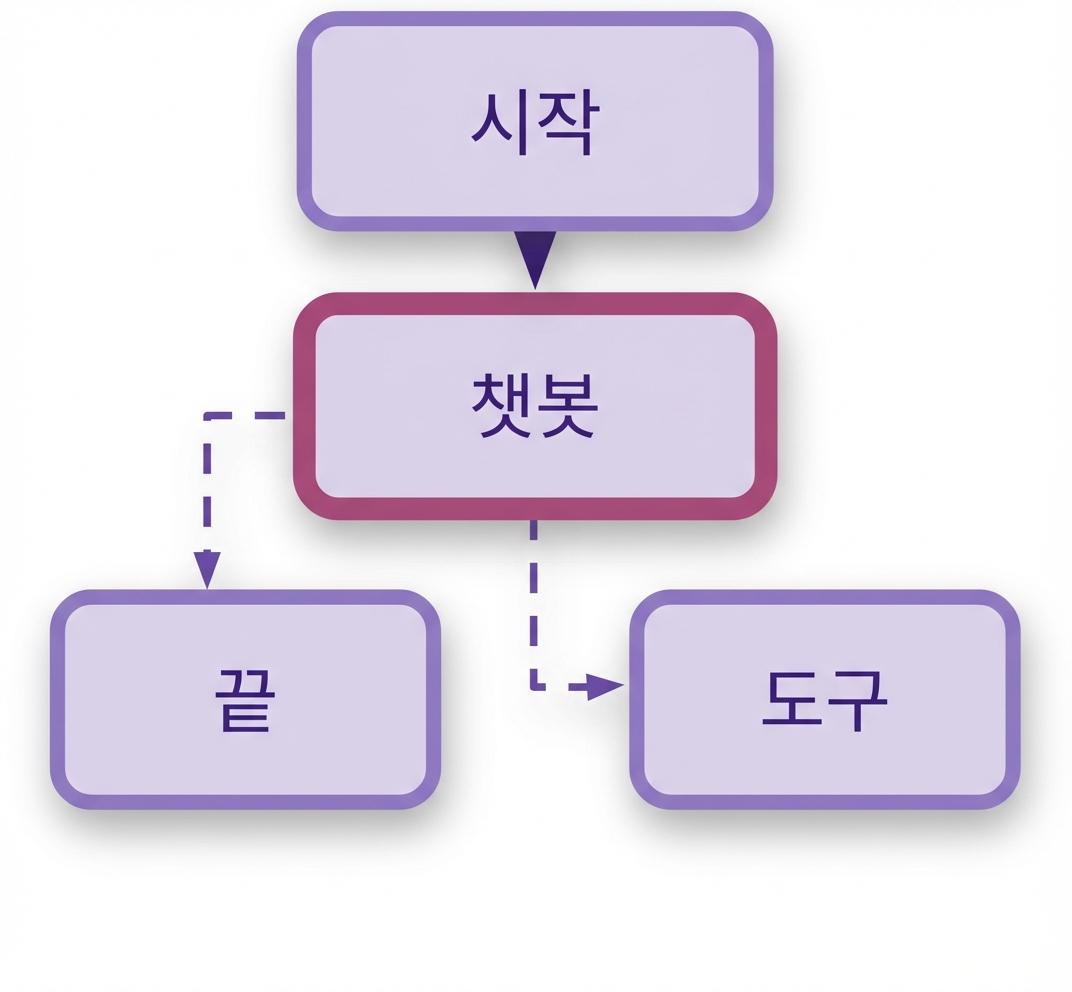
# Define conditions, then loop back to chatbot workflow.add_conditional_edges("chatbot", should_continue, ["tools", END])

조건이 추가된 그래프.

LangChain으로 에이전트형 시스템 설계하기

그래프 생성

workflow = StateGraph(MessagesState)


# Add nodes for chatbot and tools workflow.add_node("chatbot", call_model) workflow.add_node("tools", tool_node)
# Connect the START node to the chatbot workflow.add_edge(START, "chatbot")
# Define conditions, then loop back to chatbot workflow.add_conditional_edges("chatbot", should_continue, ["tools", END])
workflow.add_edge("tools", "chatbot")

전체 그래프 워크플로.

LangChain으로 에이전트형 시스템 설계하기

메모리 추가

# Set up memory and compile the workflow
memory = MemorySaver()

app = workflow.compile( checkpointer=memory)
display(Image(app.get_graph() .draw_mermaid_png()))

전체 그래프 워크플로.

LangChain으로 에이전트형 시스템 설계하기

연습해 봅시다!

LangChain으로 에이전트형 시스템 설계하기

Preparing Video For Download...