모두 종합하기

데이터 엔지니어링 입문

Vincent Vankrunkelsven

Data Engineer @ DataCamp

ETL 함수

def extract_table_to_df(tablename, db_engine):
  return pd.read_sql("SELECT * FROM {}".format(tablename), db_engine)

def split_columns_transform(df, column, pat, suffixes): # Converts column into str and splits it on pat...
def load_df_into_dwh(film_df, tablename, schema, db_engine): return pd.to_sql(tablename, db_engine, schema=schema, if_exists="replace")
db_engines = { ... } # Needs to be configured def etl(): # Extract film_df = extract_table_to_df("film", db_engines["store"]) # Transform film_df = split_columns_transform(film_df, "rental_rate", ".", ["_dollar", "_cents"]) # Load load_df_into_dwh(film_df, "film", "store", db_engines["dwh"])
데이터 엔지니어링 입문

Airflow 복습

Airflow 로고


  • 워크플로 스케줄러
  • Python
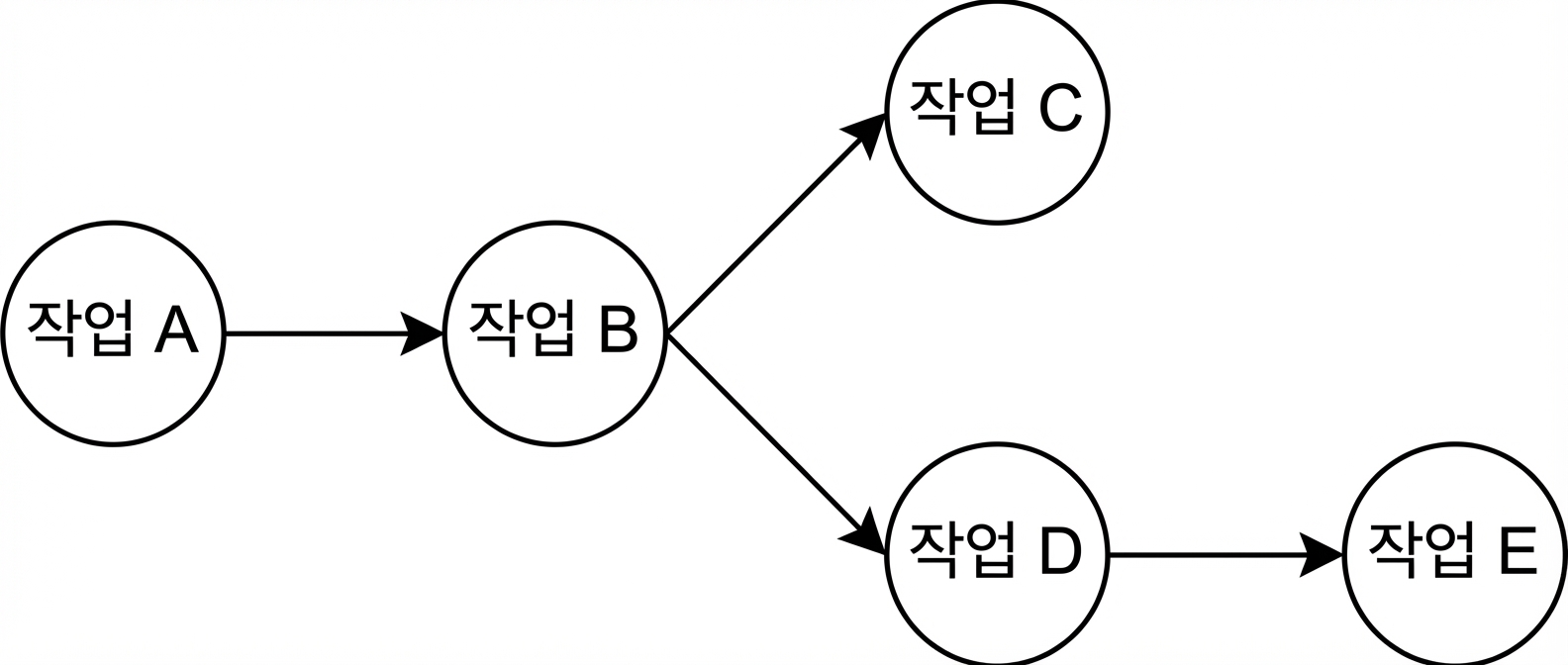
  • DAG

DAG 개념 예시

  • 작업은 오퍼레이터로 정의(예: BashOperator)
데이터 엔지니어링 입문

Airflow에서 DAG 스케줄링

from airflow.models import DAG

dag = DAG(dag_id="sample",
          ...,
          schedule_interval="0 0 * * *")

# cron
# .------------------------- minute           (0 - 59)
# | .----------------------- hour             (0 - 23)
# | | .--------------------- day of the month (1 - 31)
# | | | .------------------- month            (1 - 12)
# | | | | .----------------- day of the week  (0 - 6)
# * * * * * <command>

# Example
0 * * * * # Every hour at the 0th minute

cf. https://crontab.guru

데이터 엔지니어링 입문

DAG 정의 파일

from airflow.models import DAG
from airflow.operators.python_operator import PythonOperator

dag = DAG(dag_id="etl_pipeline",
          schedule_interval="0 0 * * *")

etl_task = PythonOperator(task_id="etl_task", python_callable=etl, dag=dag)
etl_task.set_upstream(wait_for_this_task)
데이터 엔지니어링 입문

DAG 정의 파일

from airflow.models import DAG
from airflow.operators.python_operator import PythonOperator

...

etl_task.set_upstream(wait_for_this_task)

~/airflow/dags/etl_dag.py로 저장됨

데이터 엔지니어링 입문

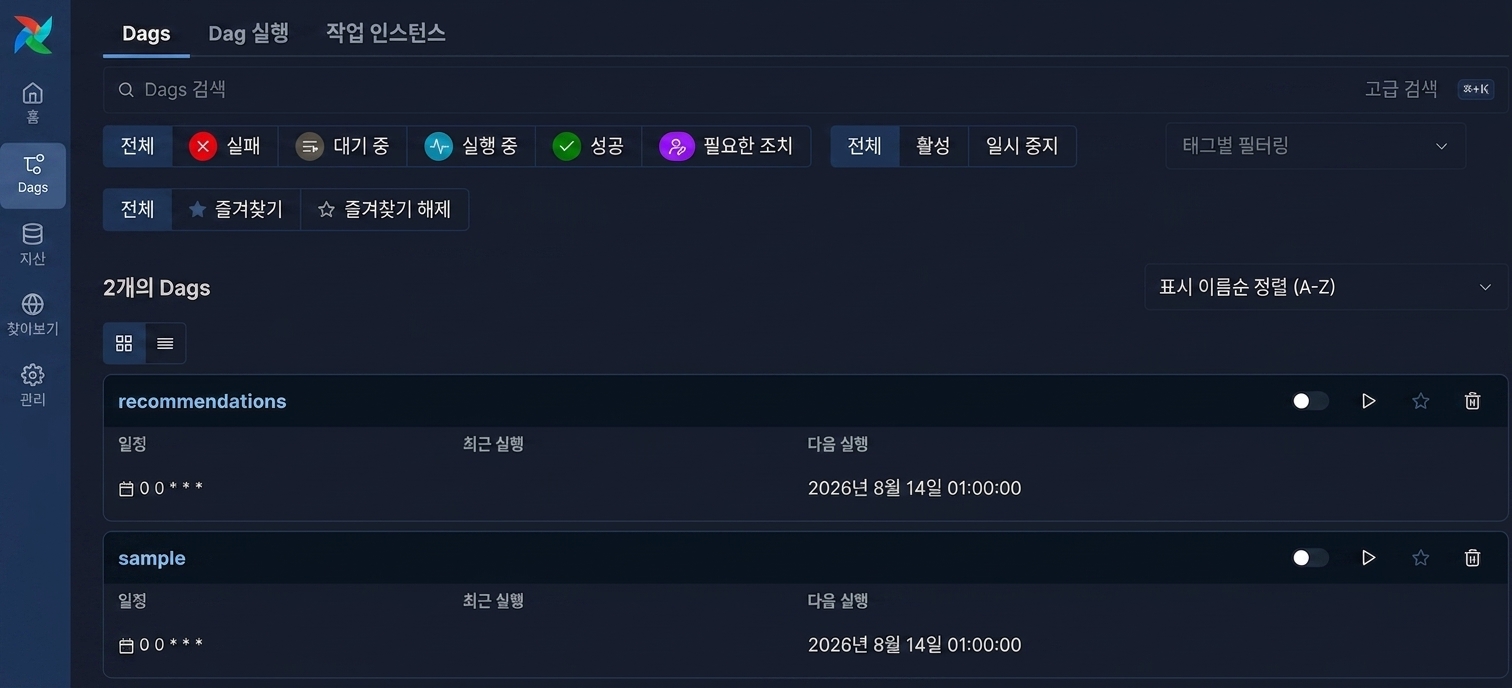
Airflow UI

Airflow UI 스크린샷

데이터 엔지니어링 입문

Vamos praticar!

데이터 엔지니어링 입문

Preparing Video For Download...