Tạo theme từ đầu

Nhập môn trực quan hóa dữ liệu với ggplot2

Rick Scavetta

Founder, Scavetta Academy

Lớp theme

  • Mọi mực không thuộc dữ liệu
  • Thành phần trực quan không phải dữ liệu
Nhập môn trực quan hóa dữ liệu với ggplot2

Lớp theme

  • Mọi mực không thuộc dữ liệu
  • Thành phần trực quan không phải dữ liệu

Ba loại

loại
text
line
rectangle
Nhập môn trực quan hóa dữ liệu với ggplot2

Lớp theme

  • Mọi mực không thuộc dữ liệu
  • Thành phần trực quan không phải dữ liệu

Ba loại

type modified using
text element_text()
line element_line()
rectangle element_rect()
Nhập môn trực quan hóa dữ liệu với ggplot2

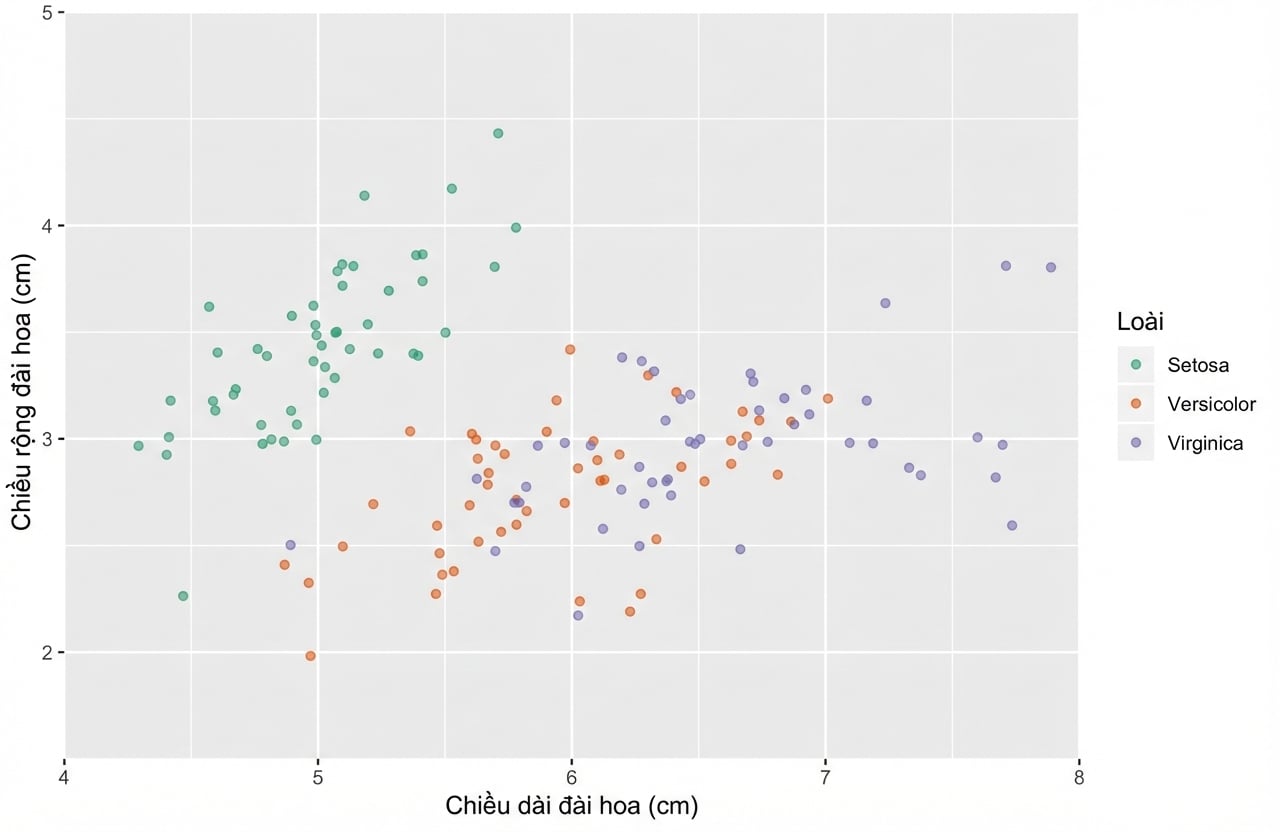
Biểu đồ ban đầu...

ggplot(iris, aes(x = Sepal.Length, y = Sepal.Width, color = Species)) + 
  geom_jitter(alpha = 0.6)
Nhập môn trực quan hóa dữ liệu với ggplot2

Các phần tử văn bản


text
  axis.title 
    axis.title.x
      axis.title.x.top
      axis.title.x.bottom 
    axis.title.y
      axis.title.y.left
      axis.title.y.right 
  title 
    legend.title 
    plot.title
    plot.subtitle 
    plot.caption 
    plot.tag
  axis.text 
    axis.text.x 
      axis.text.x.top
      axis.text.x.bottom 
    axis.text.y
      axis.text.y.left
      axis.text.y.right
  legend.text
  strip.text
    strip.text.x
    strip.text.y
Nhập môn trực quan hóa dữ liệu với ggplot2

Các phần tử văn bản

theme(
text, 
  axis.title, 
    axis.title.x,
      axis.title.x.top, 
      axis.title.x.bottom, 
    axis.title.y, 
      axis.title.y.left,
      axis.title.y.right, 
  title, 
    legend.title, 
    plot.title,
    plot.subtitle, 
    plot.caption, 
    plot.tag, 
  axis.text, 
    axis.text.x, 
      axis.text.x.top,
      axis.text.x.bottom, 
    axis.text.y, 
      axis.text.y.left, 
      axis.text.y.right,
  legend.text,
  strip.text, 
    strip.text.x, 
    strip.text.y)
Nhập môn trực quan hóa dữ liệu với ggplot2

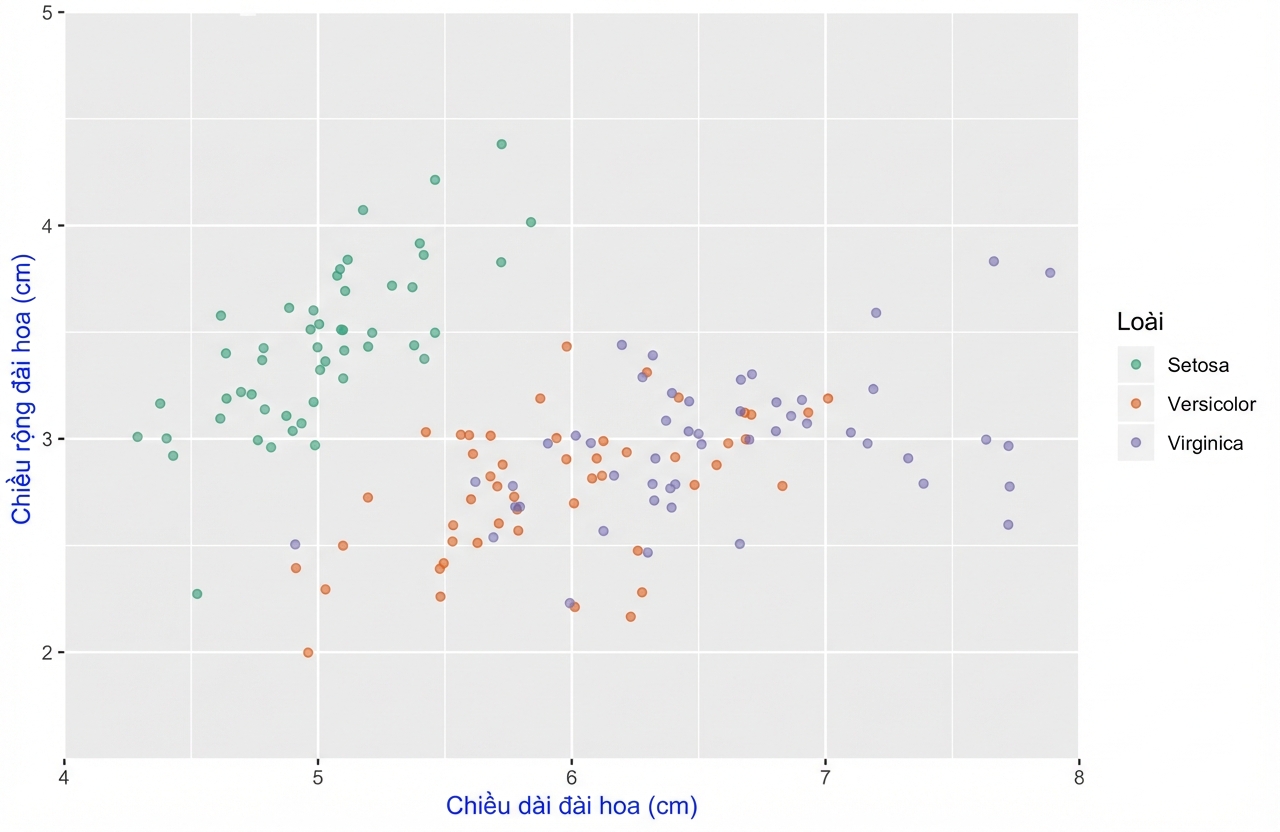
Điều chỉnh phần tử theme

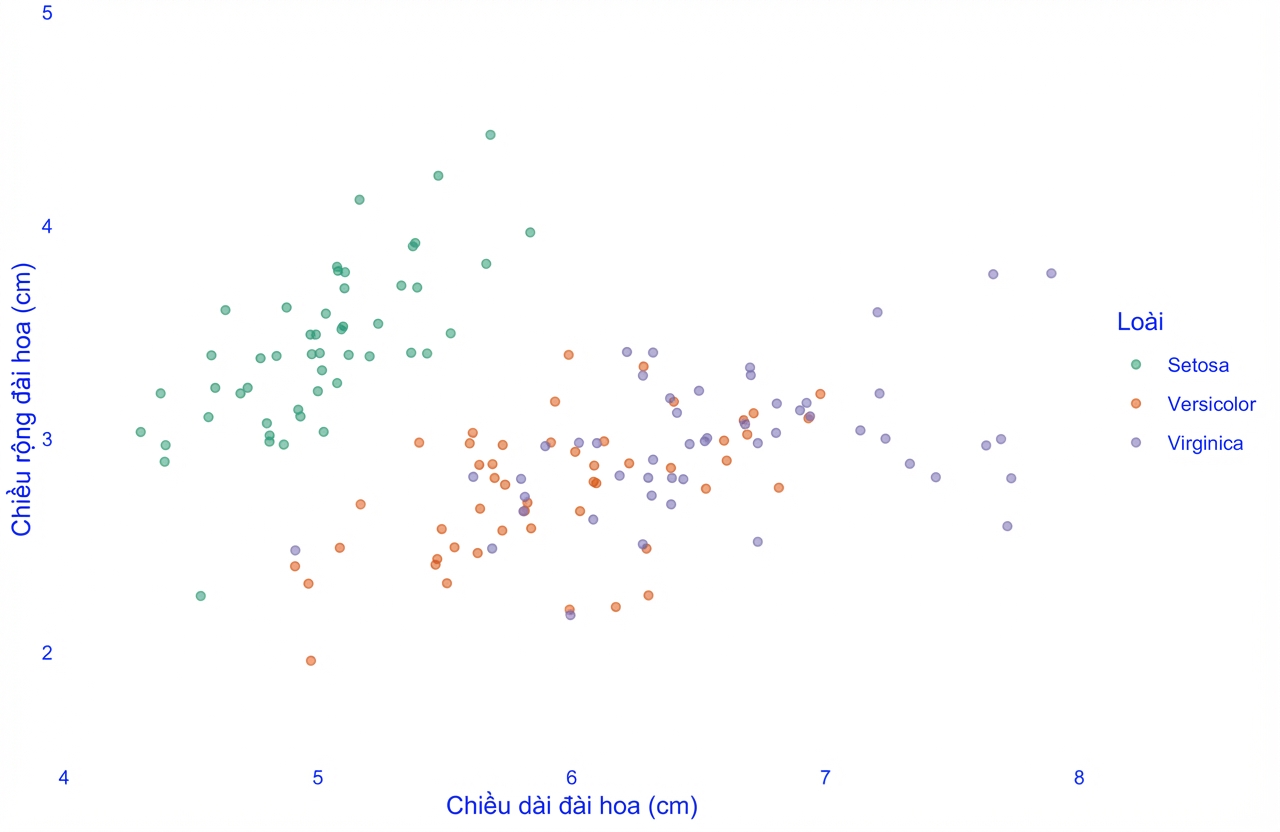
ggplot(iris, aes(x = Sepal.Length, y = Sepal.Width, color = Species)) + 
  geom_jitter(alpha = 0.6) +
  theme(axis.title = element_text(color = "blue"))
Nhập môn trực quan hóa dữ liệu với ggplot2

Biểu đồ ban đầu...

ggplot(iris, aes(x = Sepal.Length, y = Sepal.Width, color = Species)) + 
  geom_jitter(alpha = 0.6)

Nhập môn trực quan hóa dữ liệu với ggplot2

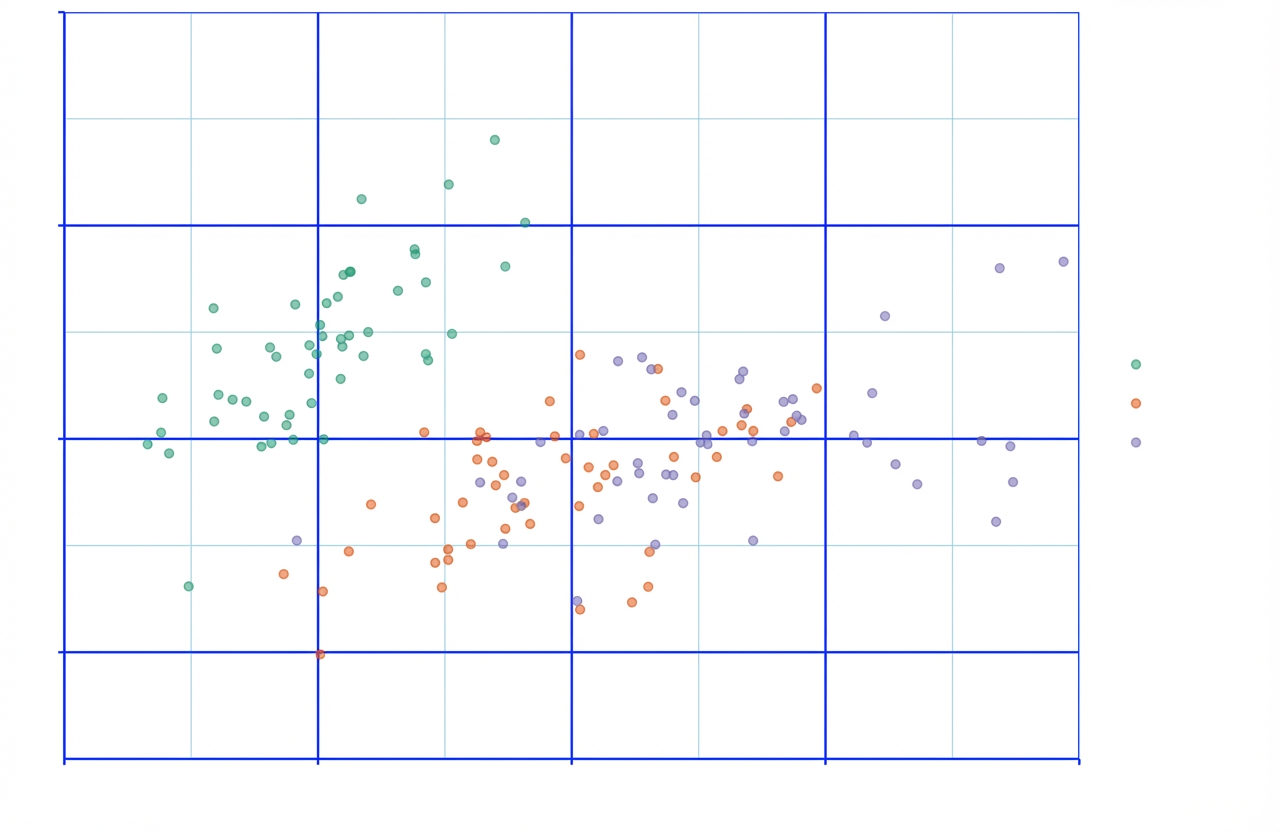
Các phần tử đường kẻ

theme(
line,
  axis.ticks,
    axis.ticks.x, 
      axis.ticks.x.top,
      axis.ticks.x.bottom,
    axis.ticks.y,
      axis.ticks.y.left, 
      axis.ticks.y.right,
    axis.line,
      axis.line.x, 
        axis.line.x.top,
        axis.line.x.bottom, 
      axis.line.y,
        axis.line.y.left, 
        axis.line.y.right, 
  panel.grid,
    panel.grid.major, 
      panel.grid.major.x, 
      panel.grid.major.y, 
    panel.grid.minor,
      panel.grid.minor.x,
      panel.grid.minor.y)
Nhập môn trực quan hóa dữ liệu với ggplot2

Biểu đồ ban đầu...

ggplot(iris, aes(x = Sepal.Length, y = Sepal.Width, color = Species)) + 
  geom_jitter(alpha = 0.6)

Nhập môn trực quan hóa dữ liệu với ggplot2

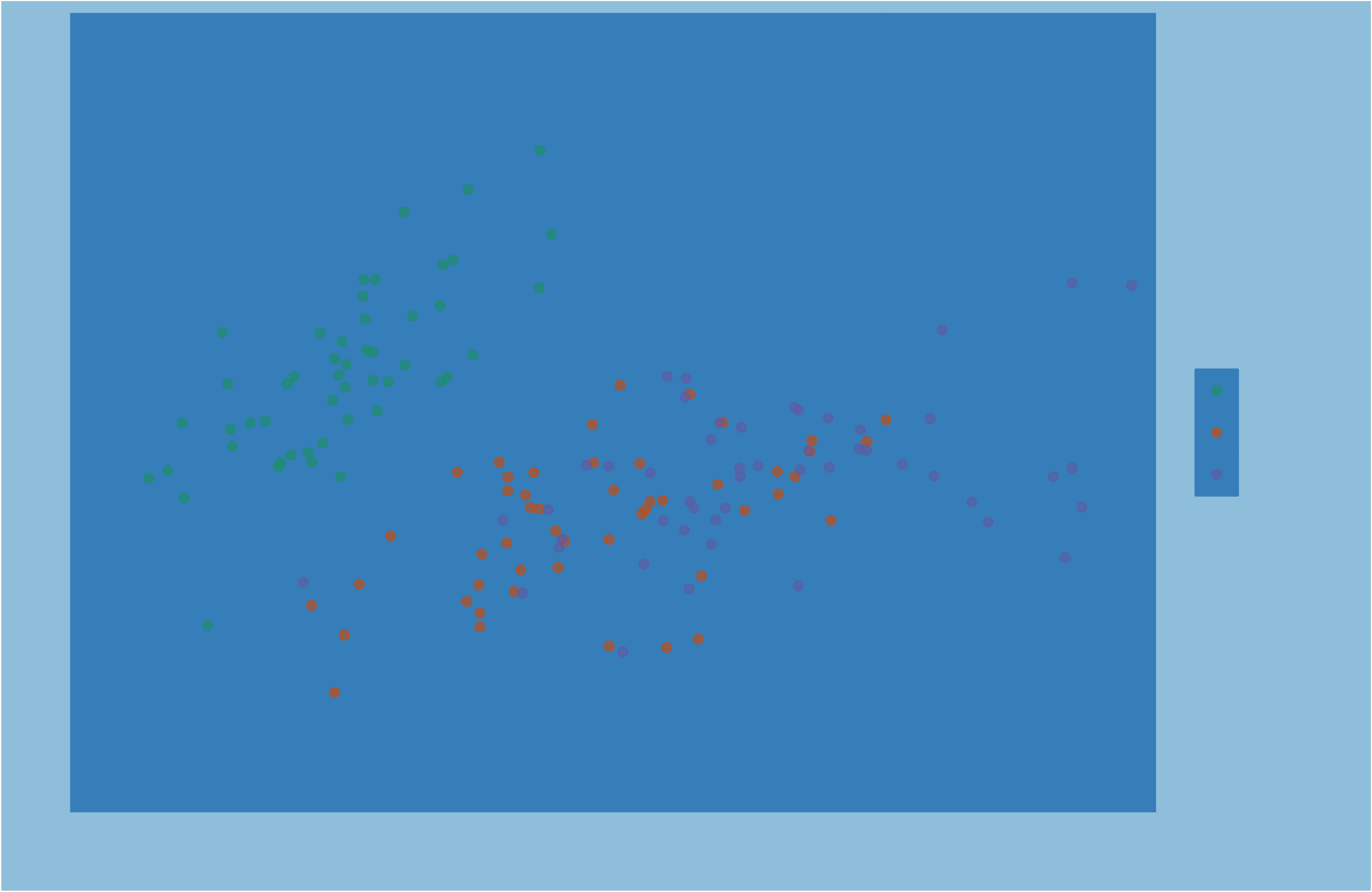
Các phần tử hình chữ nhật

theme(
rect,
  legend.background, 
  legend.key,
  legend.box.background, 
  panel.background,
  panel.border,
  plot.background, 
  strip.background, 
    strip.background.x, 
    strip.background.y)
Nhập môn trực quan hóa dữ liệu với ggplot2

Tên phân cấp phản ánh quy tắc kế thừa

ví dụ: Văn bản

text
  axis.title 
    axis.title.x
      axis.title.x.top
      axis.title.x.bottom 
    axis.title.y
      axis.title.y.left
      axis.title.y.right 

ví dụ: Đường kẻ

line
  axis.ticks
    axis.ticks.x 
      axis.ticks.x.top
      axis.ticks.x.bottom
    axis.ticks.y
      axis.ticks.y.left,
      axis.ticks.y.right
    axis.line
      axis.line.x 
        axis.line.x.top
        axis.line.x.bottom
      axis.line.y
        axis.line.y.left 
        axis.line.y.right
Nhập môn trực quan hóa dữ liệu với ggplot2

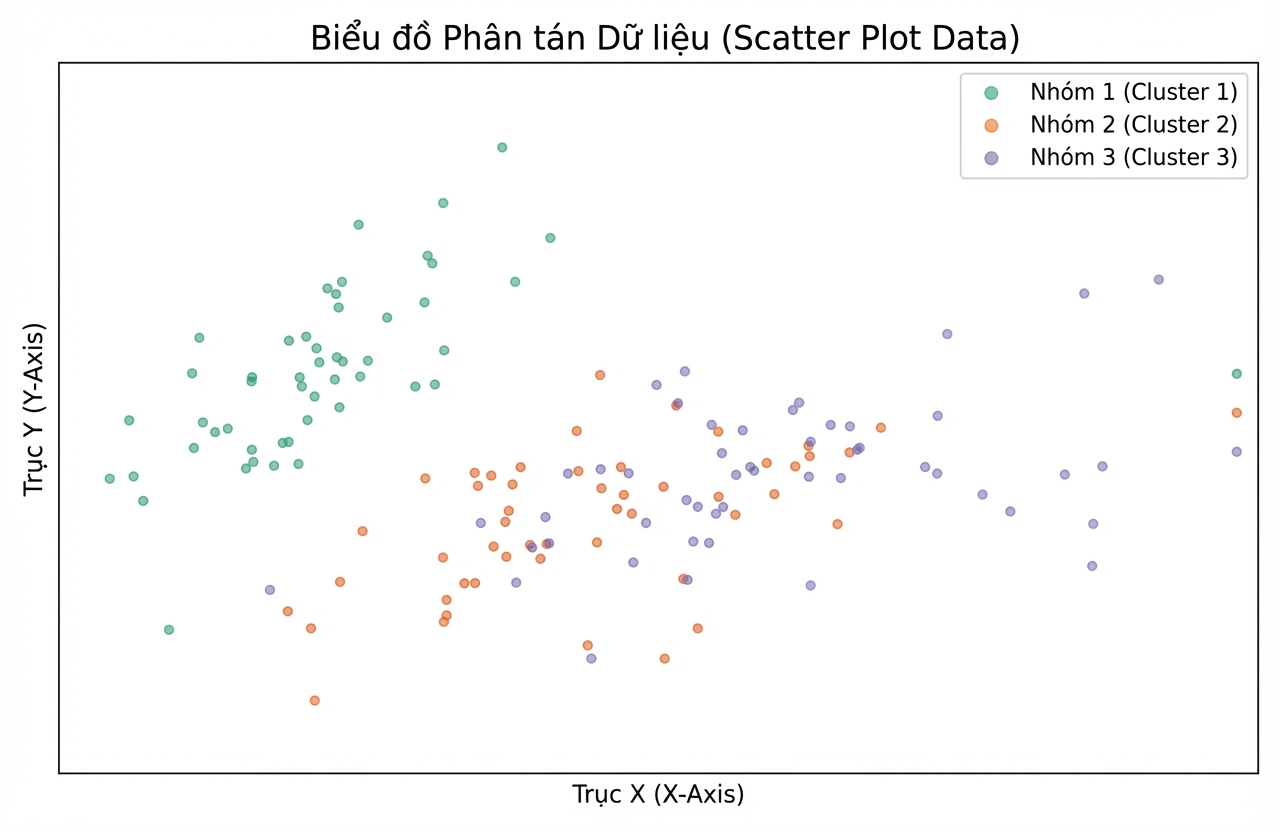
element_blank()

ggplot(iris, aes(x = Sepal.Length, y = Sepal.Width, color = Species)) + 
  geom_jitter(alpha = 0.6) + 
  theme(line = element_blank(),
        rect = element_blank(),
        text = element_blank())
Nhập môn trực quan hóa dữ liệu với ggplot2

Ayo berlatih!

Nhập môn trực quan hóa dữ liệu với ggplot2

Preparing Video For Download...