What is Power Apps?
Introduction to Power Apps
Luise Freese
Azure & Power Platform Architect
Meet your instructor

Luise Freese
, Azure & Power Platform Architect (Düsseldorf)
2× Microsoft MVP, M365 Development + Business Applications
What you'll learn
Ch 1
→ Get oriented and build your first single-screen app
Ch 2
→ Connect to data and show it in a gallery
Ch 3
→ Add navigation, forms, validation, a real workflow
Ch 4
→ Make it responsive, publish it, share it
Where this course takes you
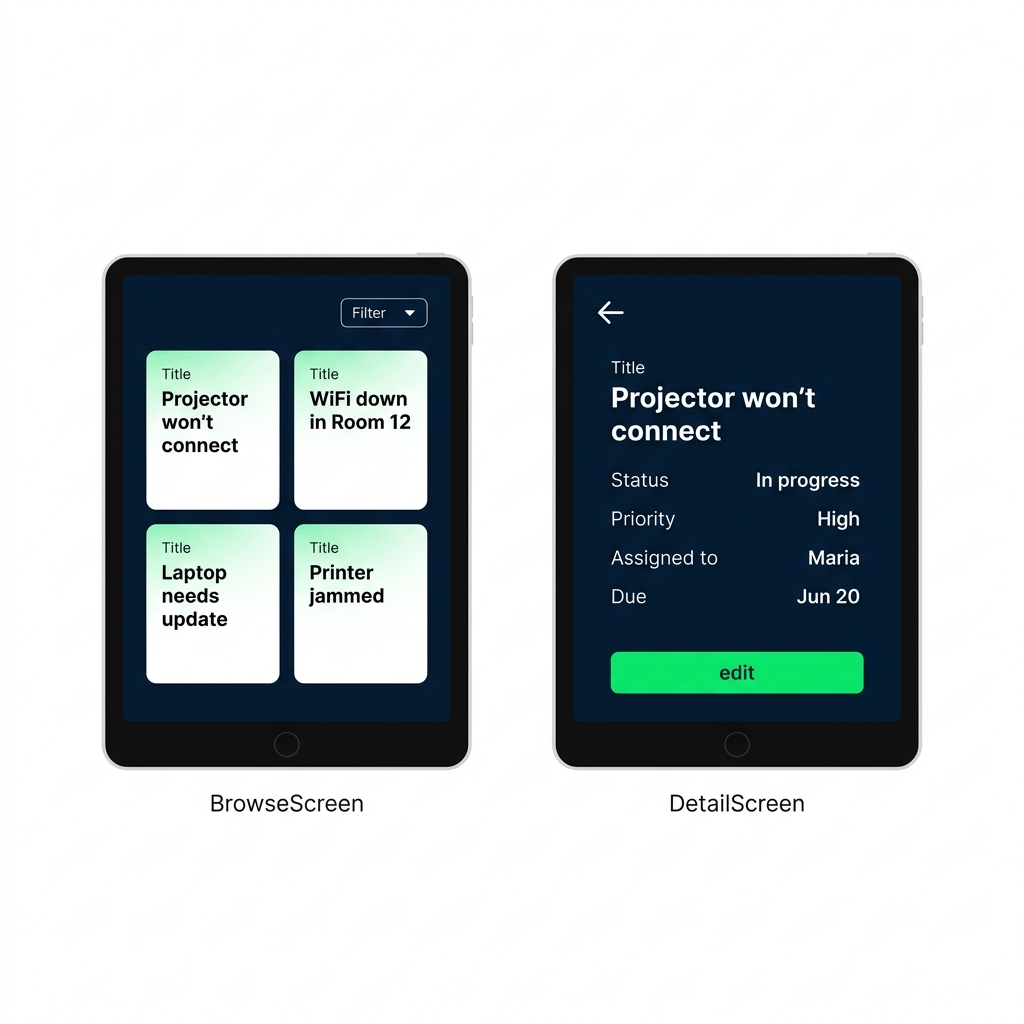
A multi-screen app that
lists data
, opens a
detail
, and lets you
add or edit
records
Bound to a real
data source
All built with
Power Fx
, no traditional coding
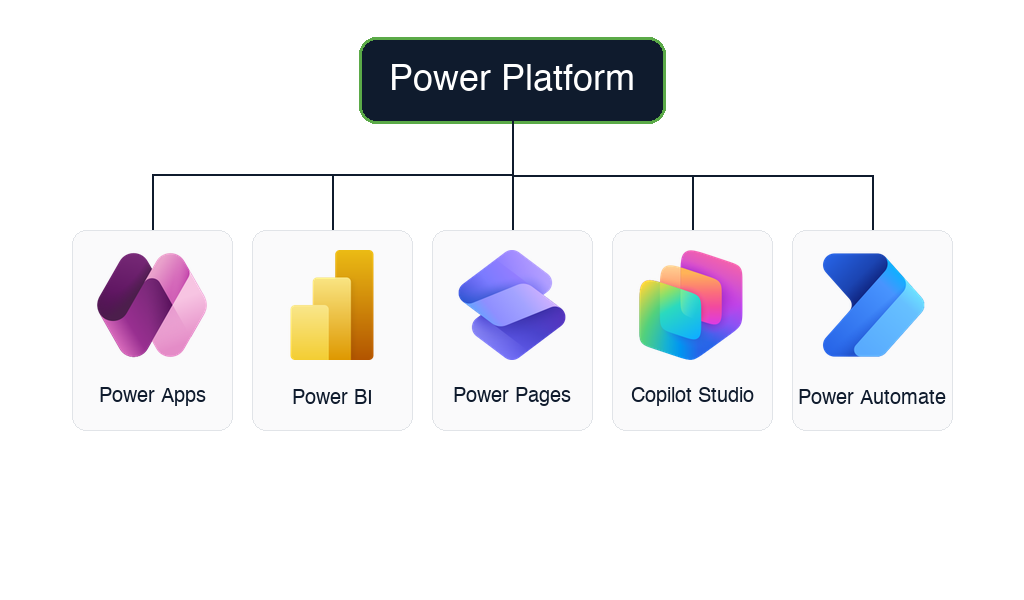
Meet the Power Platform
Power Apps
→ custom business apps (this course)
Power Automate
→ automated workflows
Power BI
→ dashboards and reports
Power Pages
→ external websites and portals
Copilot Studio
→ custom AI agents and chatbots
$$
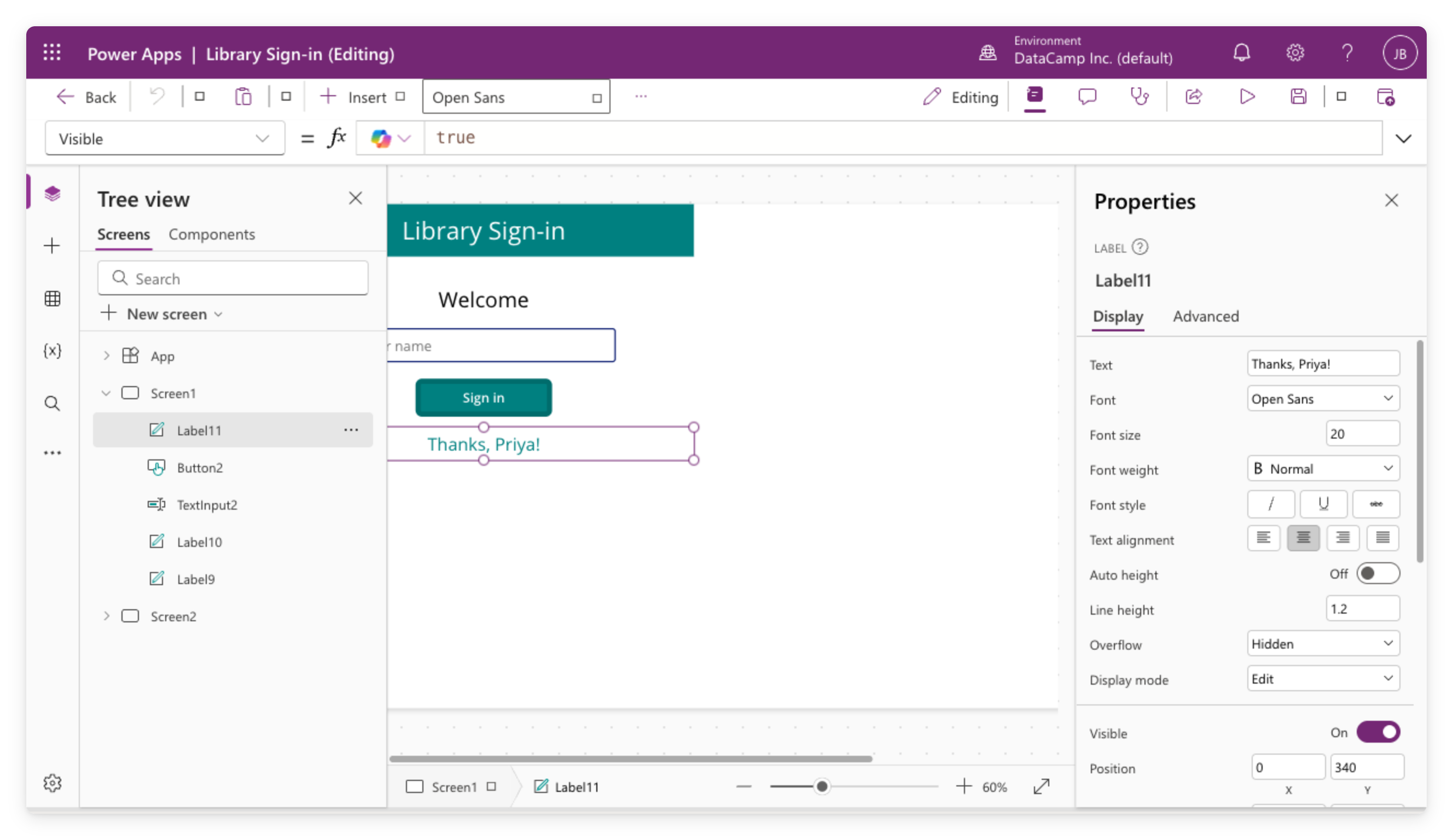
Canvas apps
You design the screen,
pixel by pixel
Great for
single-purpose
tools: sign-in kiosks, field forms, logging apps
Works with
many data sources
: SharePoint, Excel, and more
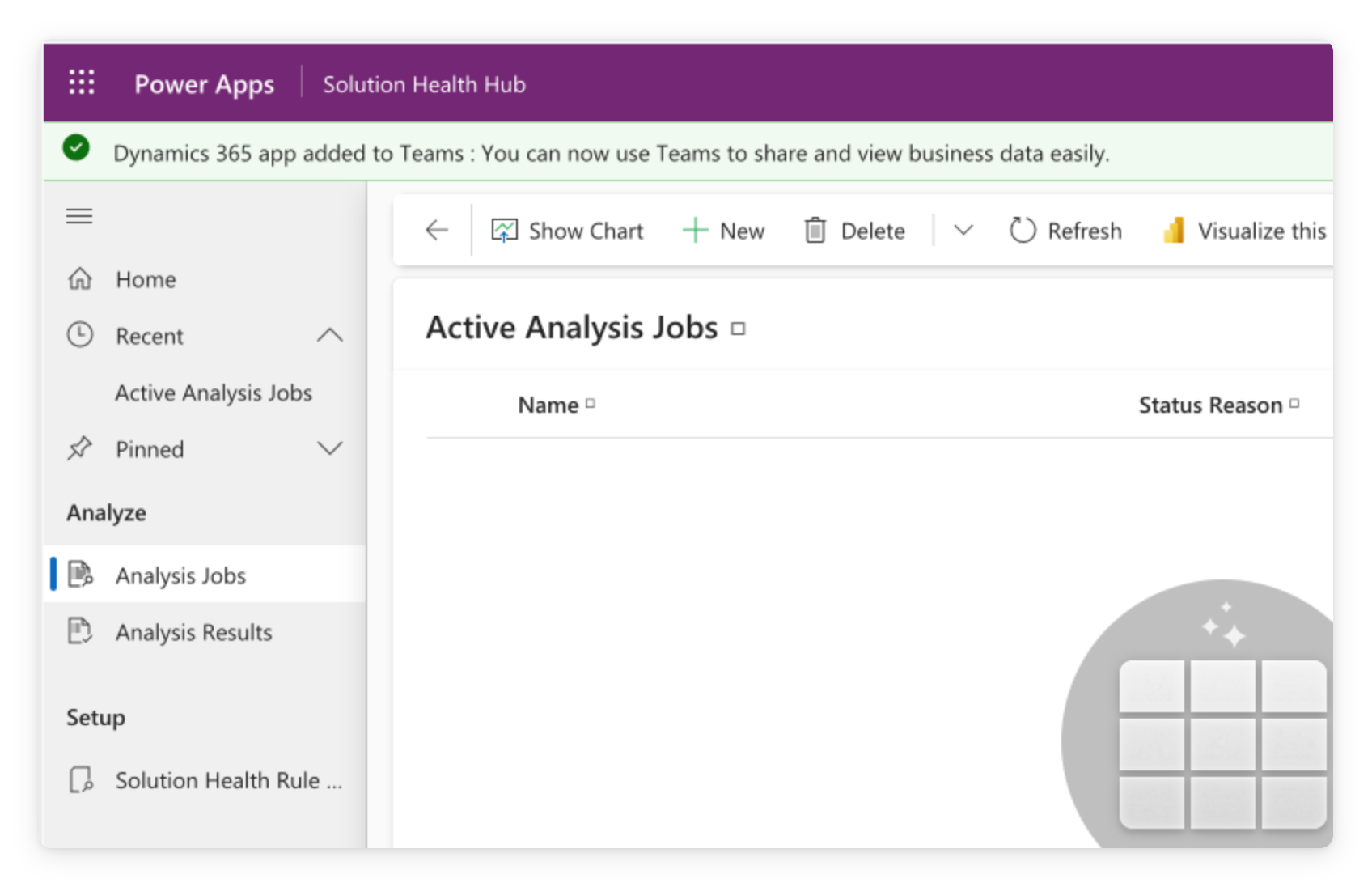
Model-driven apps
Auto-generated
from your data tables
Standardized
layout, list, form, view, repeat
Ideal for
CRM
, service desks, case management at scale
Two generations of controls
Modern controls
→ the default in new apps
This course teaches
modern
throughout
Classic controls
→ still supported in older apps
Why Power Apps?
Low-code
: drag-and-drop UI, formulas instead of code
Business people ship apps
without waiting on IT
Included with most
Microsoft 365
plans
Let's practice!
Introduction to Power Apps
Preparing Video For Download...