What is Power Apps?
Introduction to Power Apps
Luise Freese
Azure & Power Platform Architect
Meet your instructor

Luise Freese
, Azure & Power Platform Architect (Düsseldorf)
2× Microsoft MVP, M365 Development + Business Applications
What you'll learn
Ch 1
→ Get oriented and build your first single-screen app
Ch 2
→ Connect to data and show it in a gallery
Ch 3
→ Add navigation, forms, validation, a real workflow
Ch 4
→ Make it responsive, publish it, share it
Where this course takes you
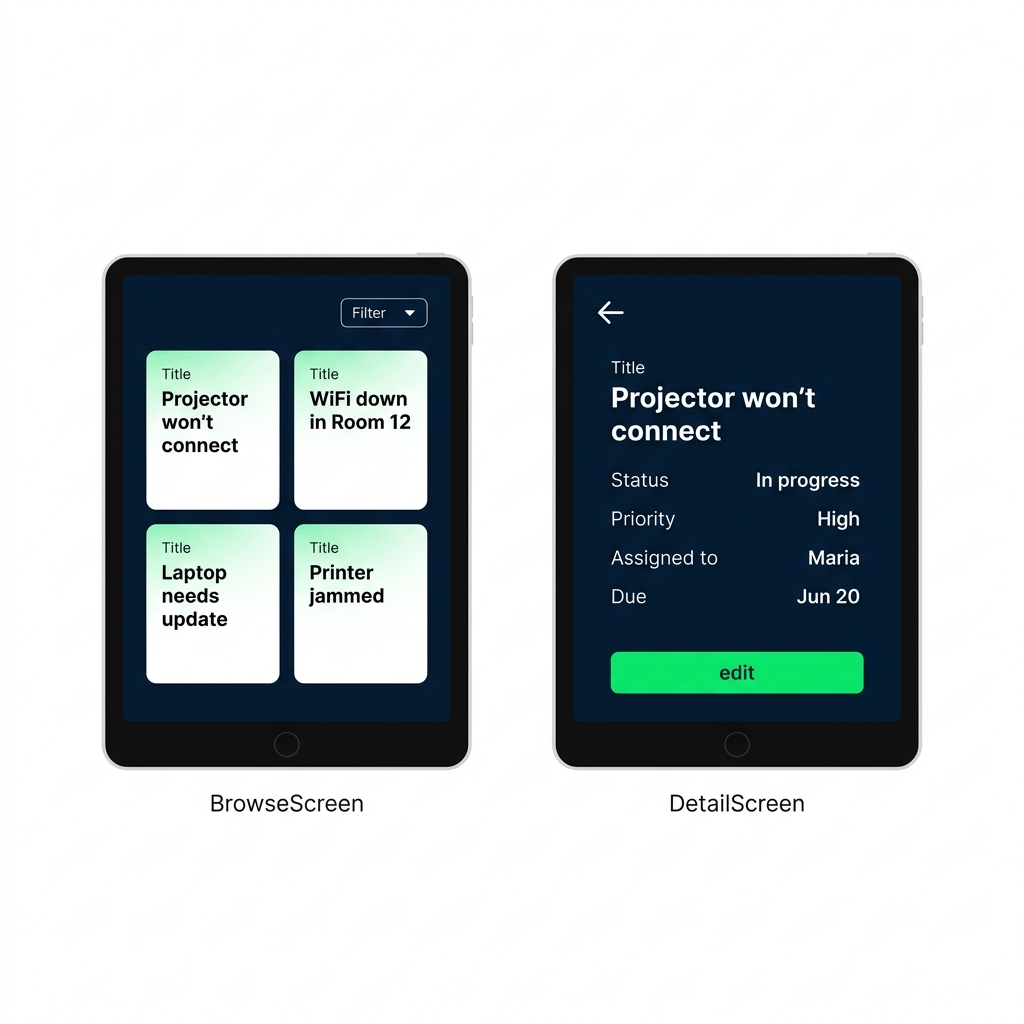
A multi-screen app that
lists data
, opens a
detail
, and lets you
add or edit
records
Records live in a
collection
the app builds at startup
All built with
Power Fx
, no traditional coding
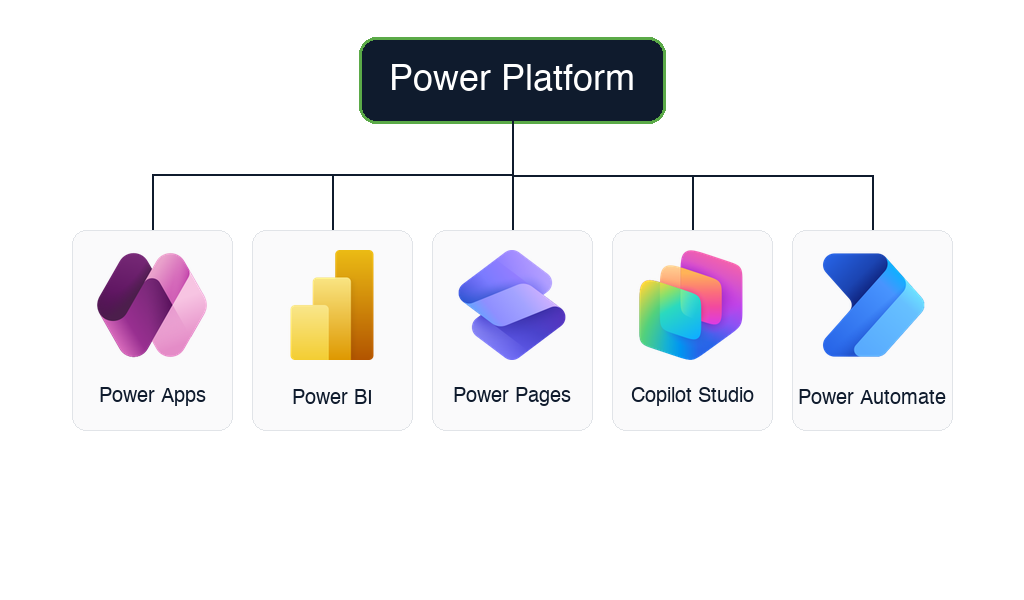
Meet the Power Platform
Power Apps
→ custom business apps (this course)
Power Automate
→ automated workflows
Power BI
→ dashboards and reports
Power Pages
→ external websites and portals
Copilot Studio
→ custom AI agents and chatbots
$$
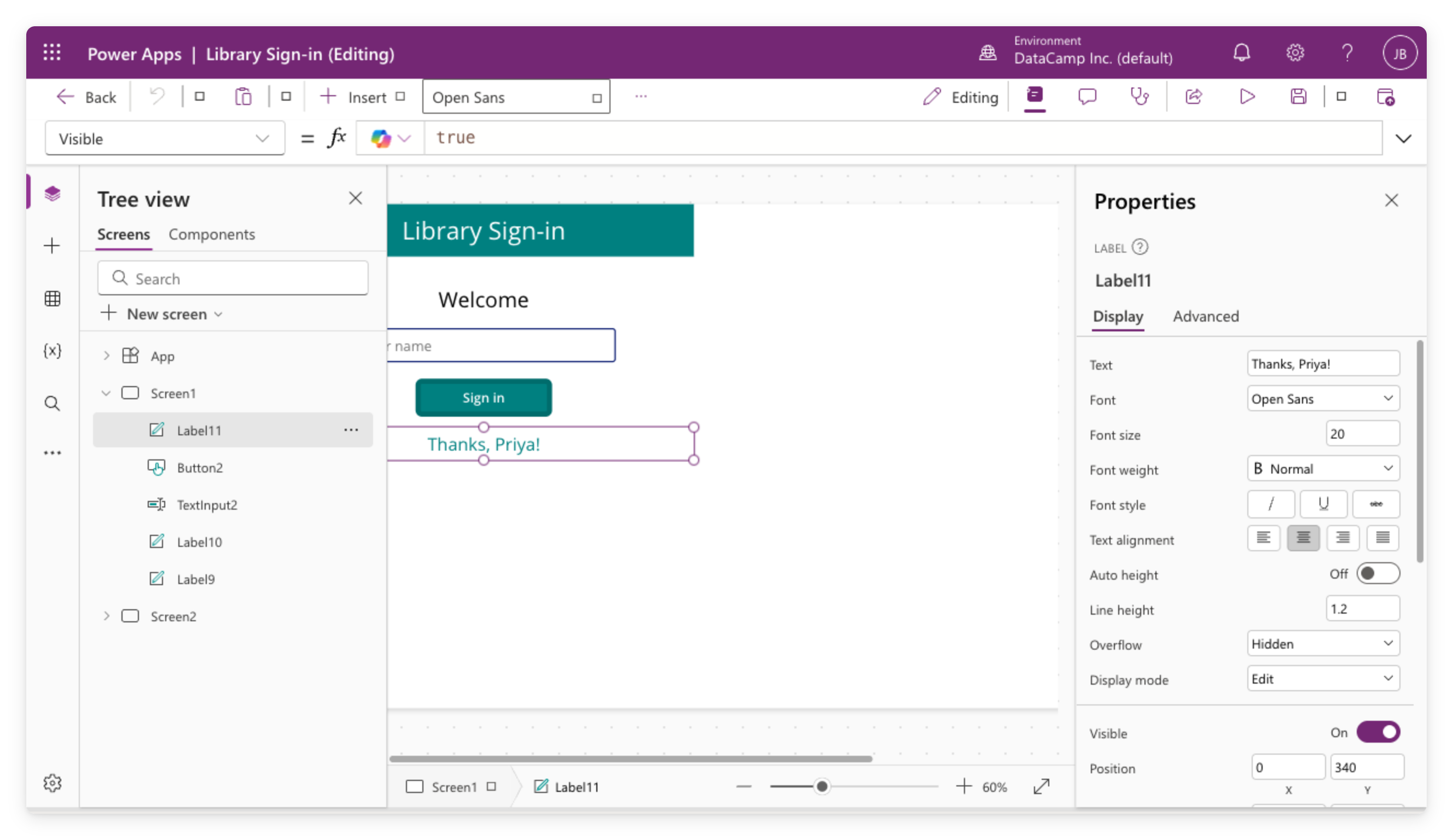
Canvas apps
You design the screen,
pixel by pixel
Great for
single-purpose
tools: sign-in kiosks, field forms, logging apps
Works with
many data sources
: SharePoint, Excel, and more
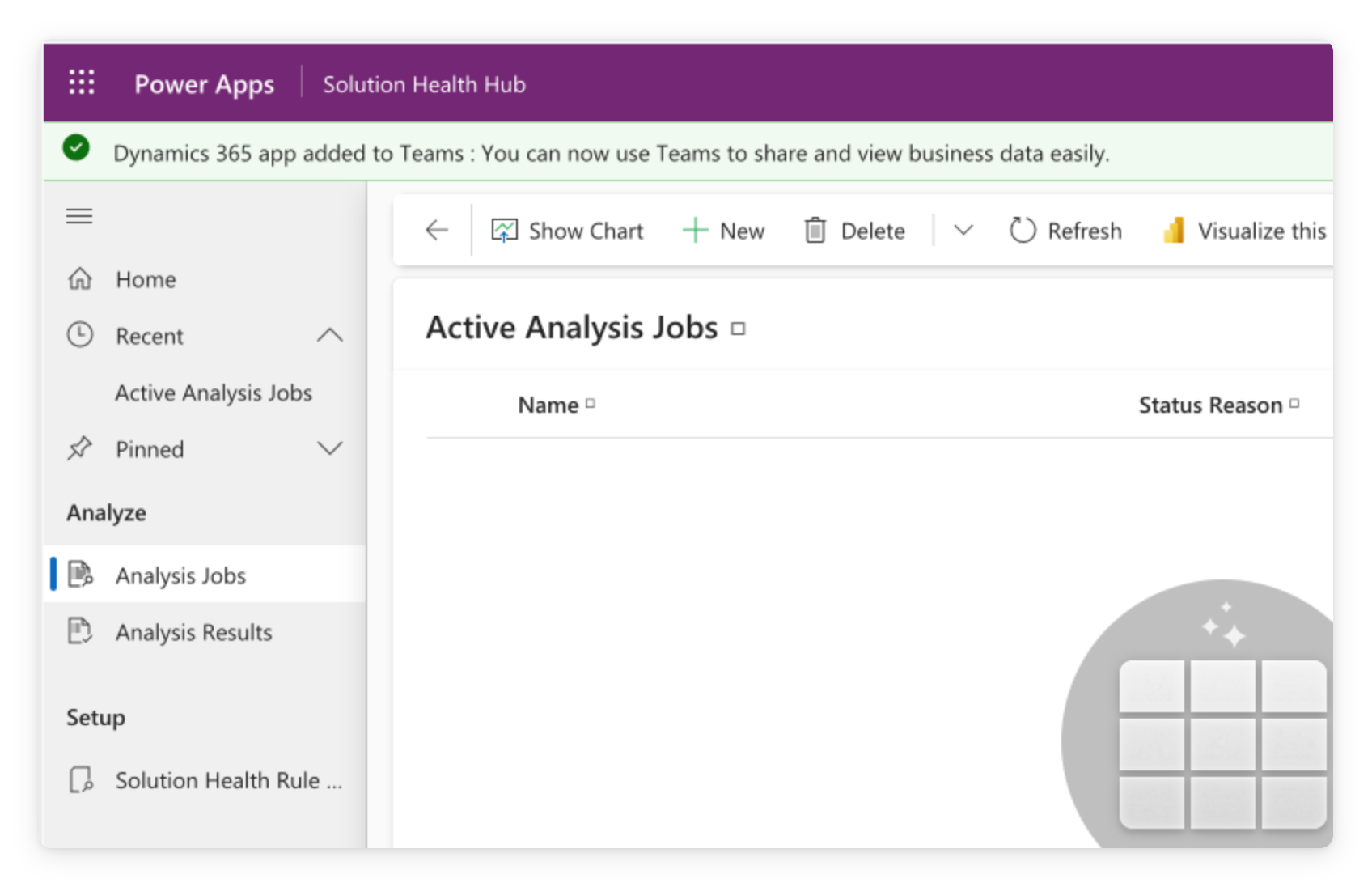
Model-driven apps
Auto-generated
from your data tables
Standardized
layout, list, form, view
Ideal for
CRM
, service desks, case management at scale
Modern controls and themes
Classic controls
→ the older set, long used by canvas apps
Modern controls + themes
→ newer, built on
Fluent 2
,
off by default
A
theme
sets palette, typography, borders, shadows →
app-wide
Controls keep their own
size, shape, orientation
Why Power Apps?
Low-code
: drag-and-drop UI, formulas instead of code
Business people ship apps
without waiting on IT
Included with most
Microsoft 365
plans
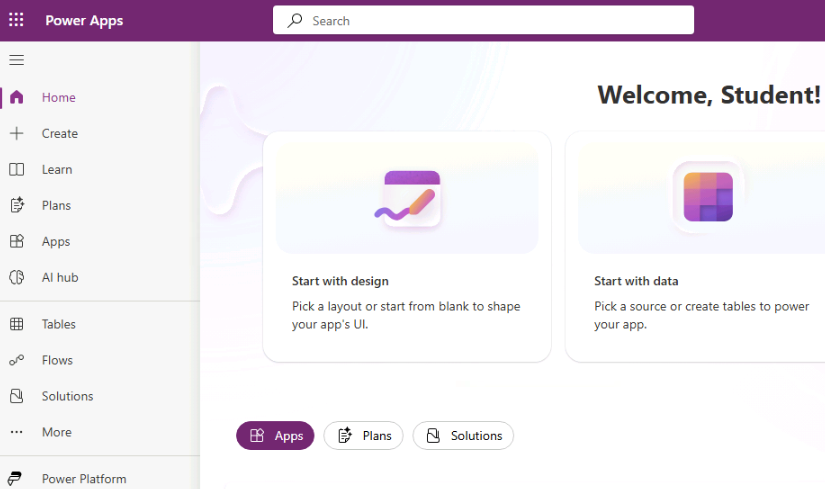
Where new apps start
The
left navigation
gets you anywhere in the maker portal
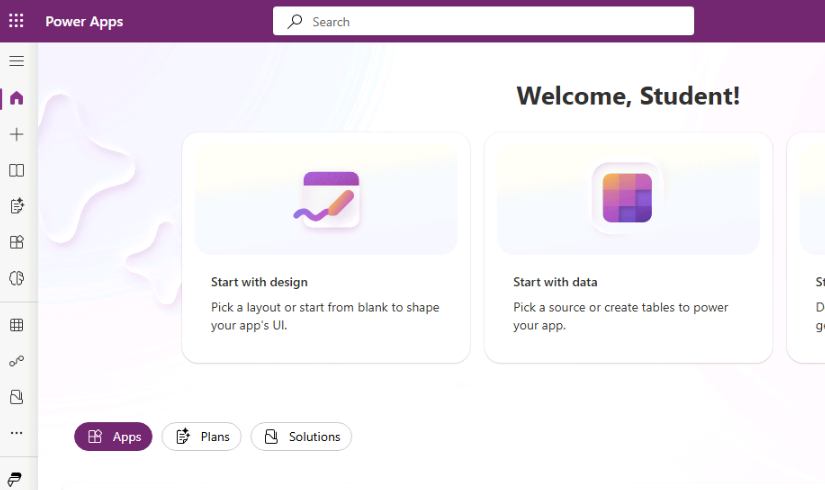
New apps start at
+ Create
Collapsed to icons, the entry is
+
Either way, it opens the
Create an app
page
Let's practice!
Introduction to Power Apps
Preparing Video For Download...