Preview, publish, and share

Introduction to Power Apps

Luise Freese

Azure & Power Platform Architect

Preview versus publish


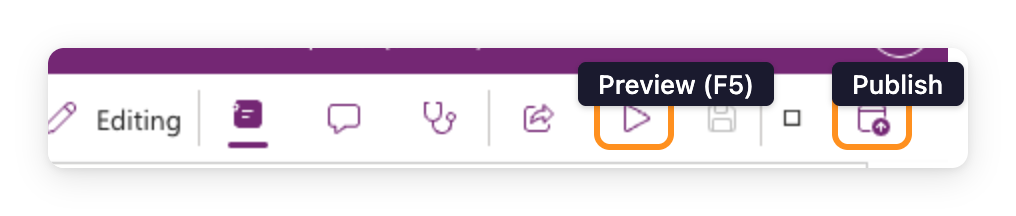
  • Preview (F5), the app runs for you only, in Studio
  • Publish, the saved version goes live to everyone shared with
  • Two different actions on two different buttons

$$

Real screenshot of the Power Apps Studio toolbar showing the Preview (play triangle) and Publish icons side by side, with the Save (floppy disk) icon between them

Introduction to Power Apps

Version history


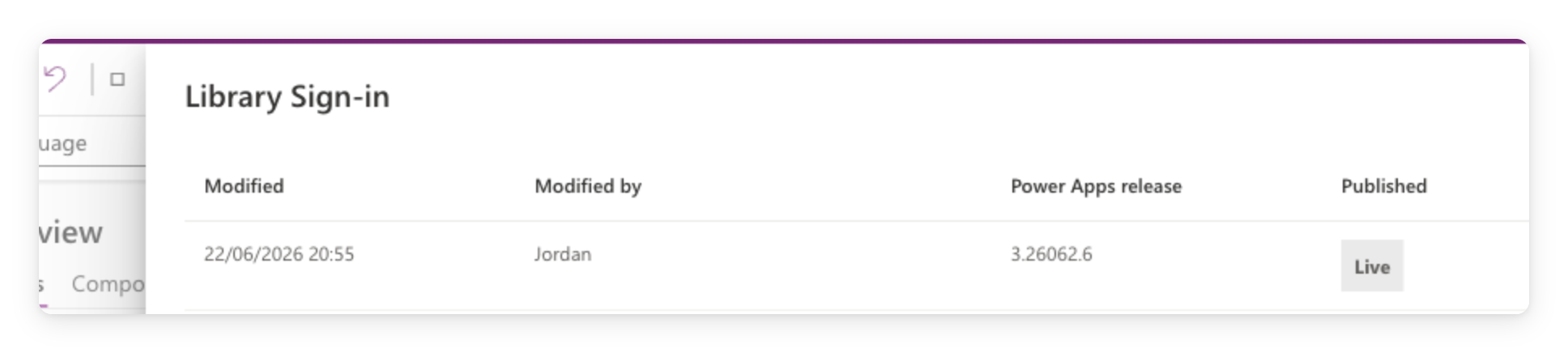
  • Every publish creates a new version
  • The version history is a safety net
  • One click to restore an earlier one

$$

Real screenshot of the Power Apps Studio version history panel showing saved versions with Modified date, author, release, and Published status

Introduction to Power Apps

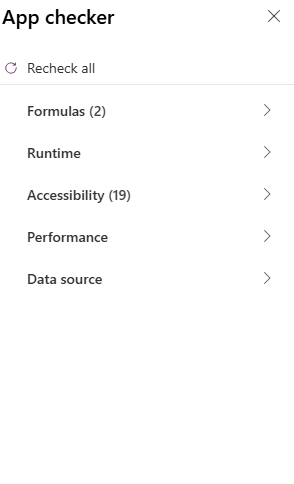
Run App checker before you publish


  • The pre-publish ritual
  • Both tabs, Formulas + Accessibility
  • Don't ship with red errors open

$$

Real screenshot of the App Checker panel showing zero errors before publishing

Introduction to Power Apps

Sharing

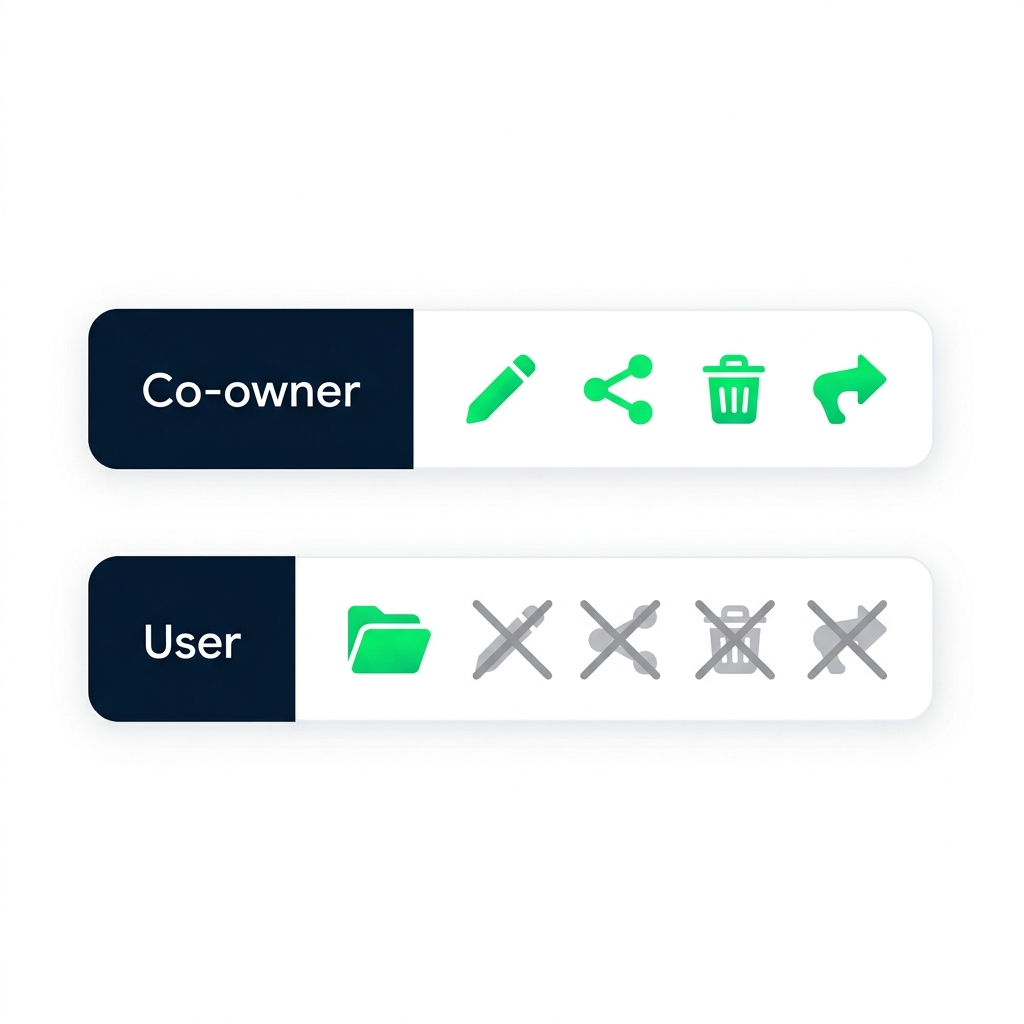
Illustration comparing co-owner and User permissions: co-owners can edit, share, delete, and publish; users can only open and use the app.


  • Co-owner, can edit, share, delete, publish
  • User, can open and use the app, nothing else

$$

Pick the lowest permission that does the job.

Introduction to Power Apps

What share actually does


  • Share grants access, not a copy
  • Users see the latest published version
  • Unshare = revoke on next open attempt


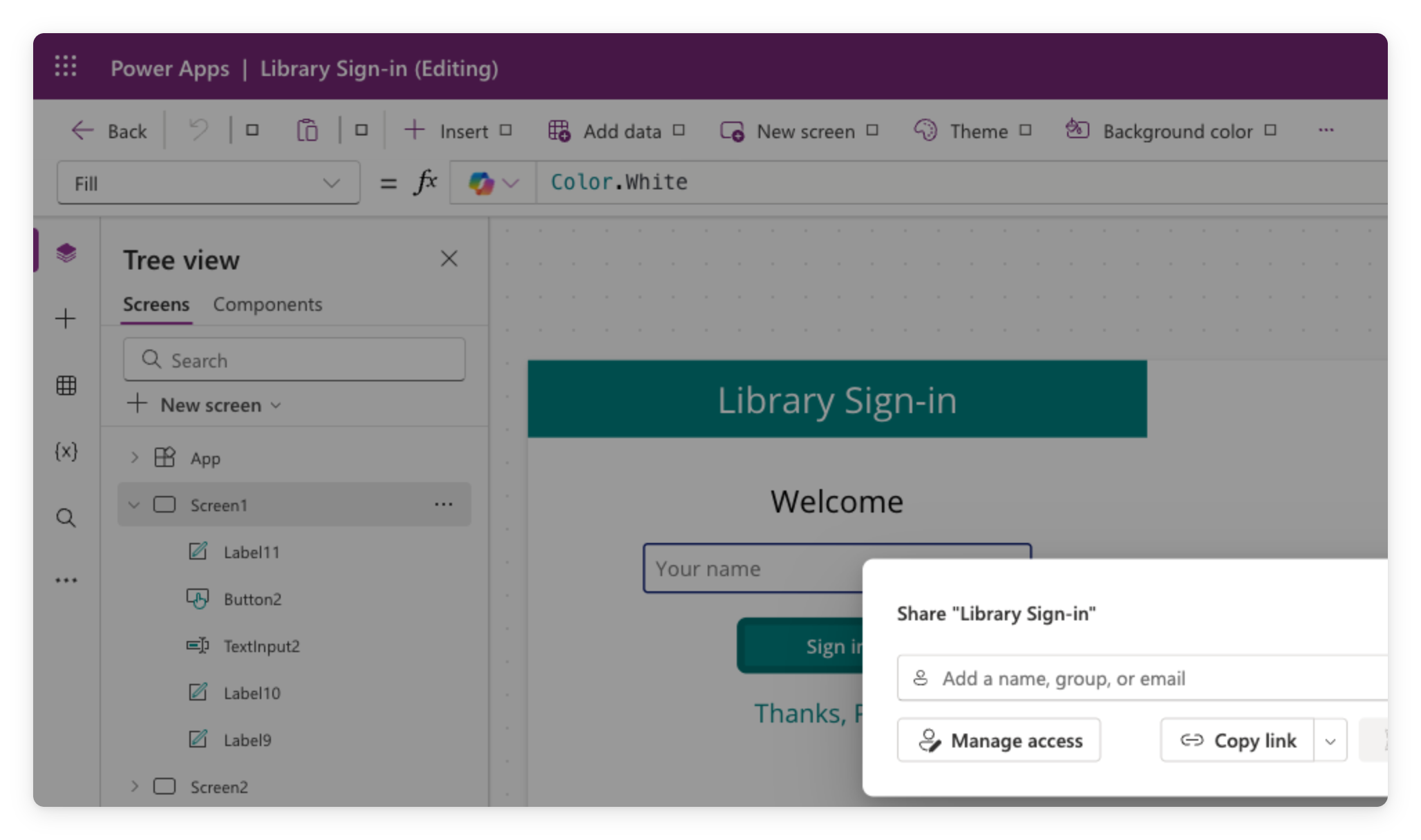
Power Apps Share dialog where you enter names or emails and assign permissions before sharing the app

Introduction to Power Apps

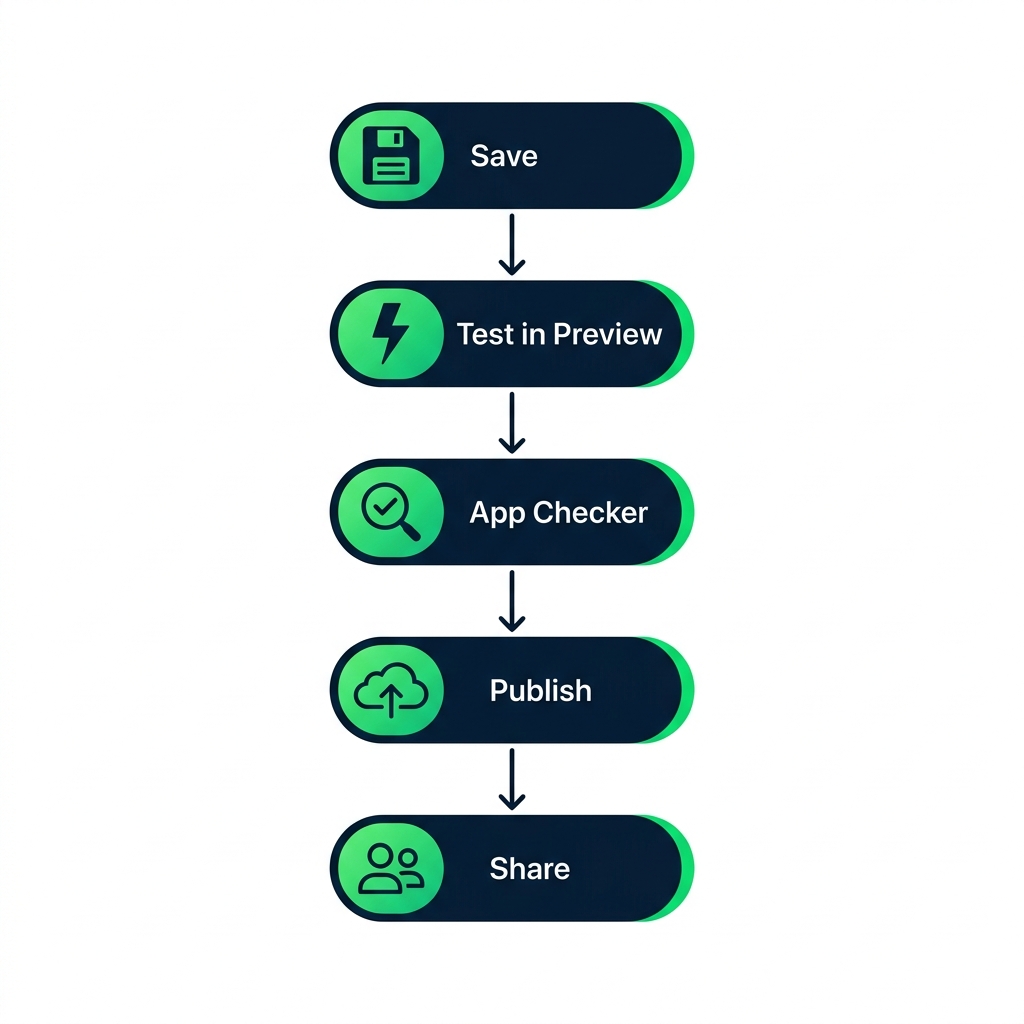
The publish workflow

Illustration of the publish workflow: Save, test in Preview, run App Checker, Publish, then Share.

Introduction to Power Apps

What you'll build


  • Preview the app end-to-end
  • Publish and check the version history
  • Understand the permission tiers for sharing

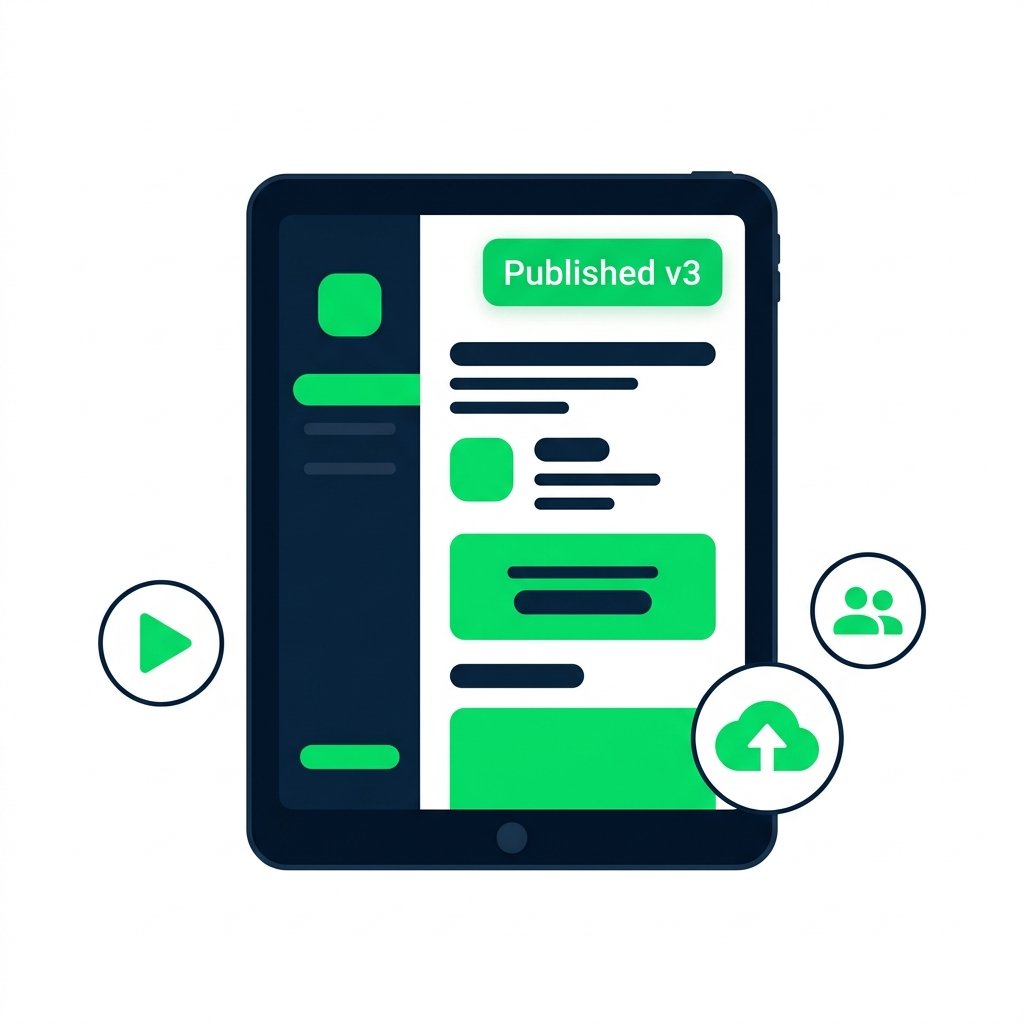
Illustration of a published app with icons for preview, publish, and share actions around the frame.

Introduction to Power Apps

Let's practice!

Introduction to Power Apps

Preparing Video For Download...