Forms and data entry

Introduction to Power Apps

Luise Freese

Azure & Power Platform Architect

The Edit form control
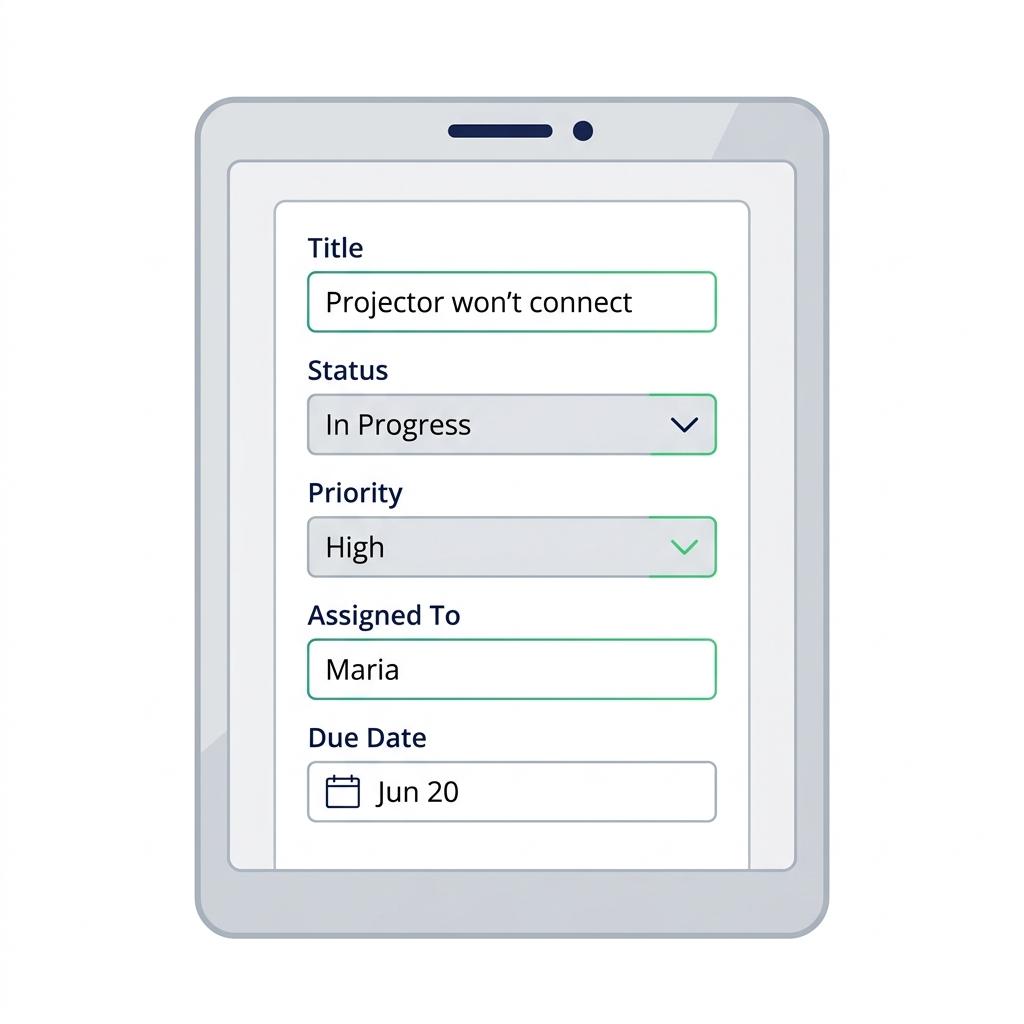
 

  • Insert → Edit form
  • Set DataSource to your tickets list
  • Power Apps auto-generates one card per column

Power Apps Edit Form on a tablet with Title, Status, Priority, Assigned To, and Due Date input cards.

Introduction to Power Apps

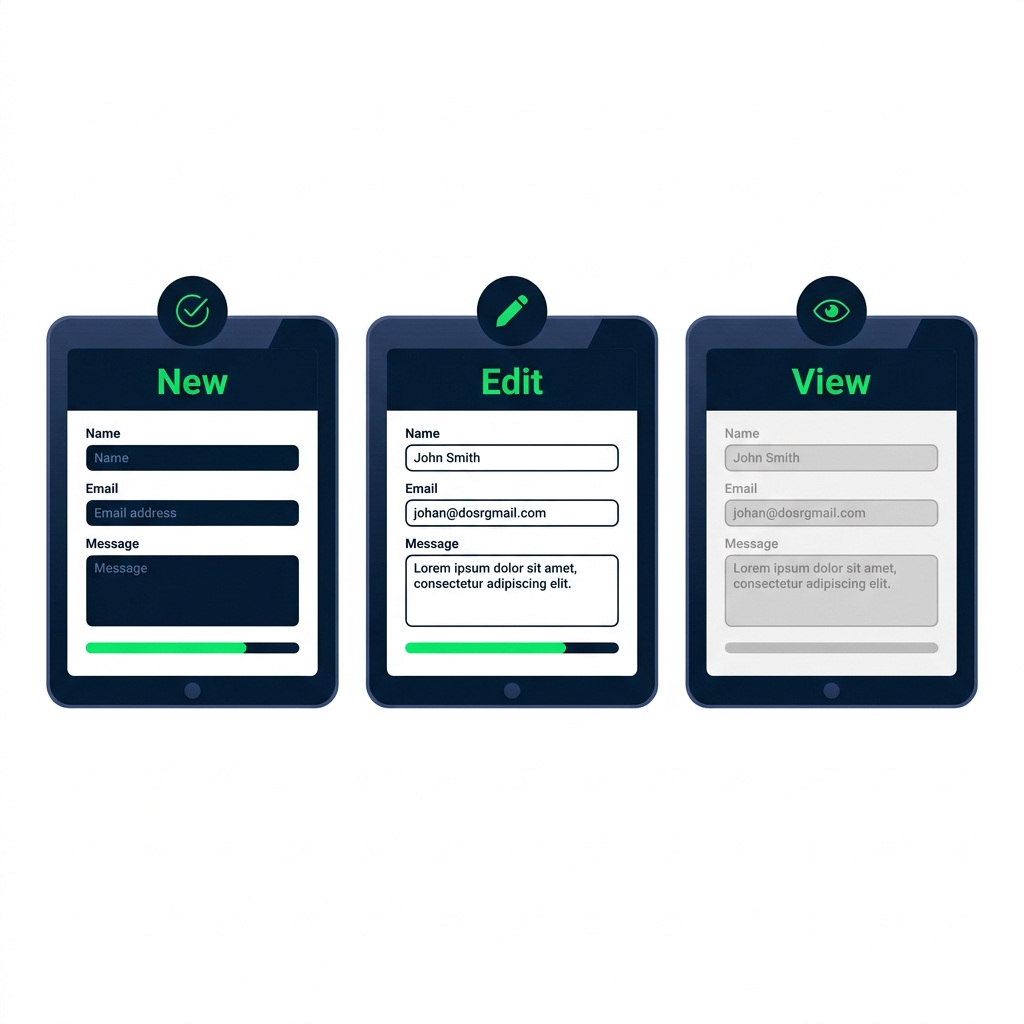
Form modes: New / Edit / View

Three Edit Form states side by side showing blank FormMode.New, pre-filled FormMode.Edit, and read-only FormMode.View.


  • New, blank form, ready to create a row
  • Edit, pre-filled with an existing row
  • View, read-only display
Introduction to Power Apps

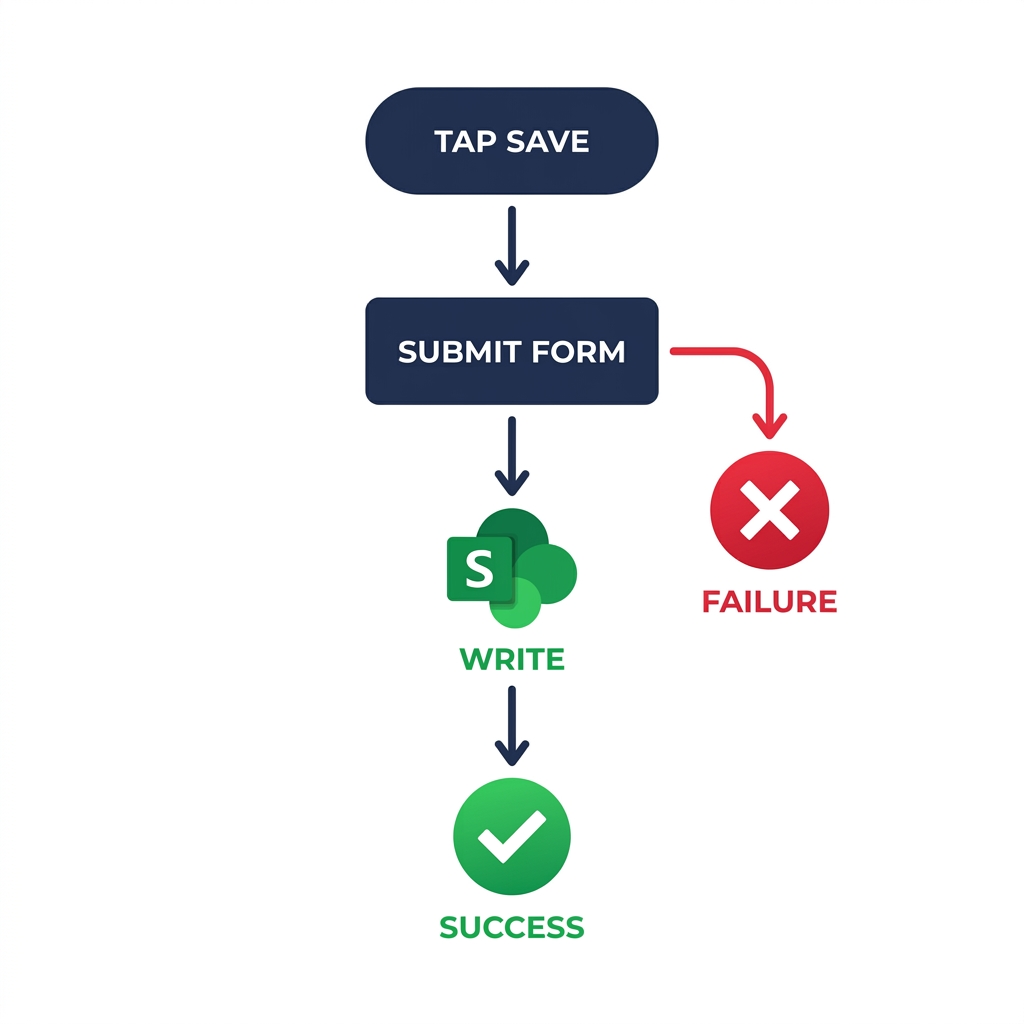
SubmitForm() and the lifecycle


  • Save button runs SubmitForm(frmTicket)
  • Power Apps validates and writes to your data source
  • The form fires OnSuccess or OnFailure

Flowchart from Save tap through SubmitForm(), SharePoint write, OnSuccess checkmark, and an OnFailure error branch.

Introduction to Power Apps

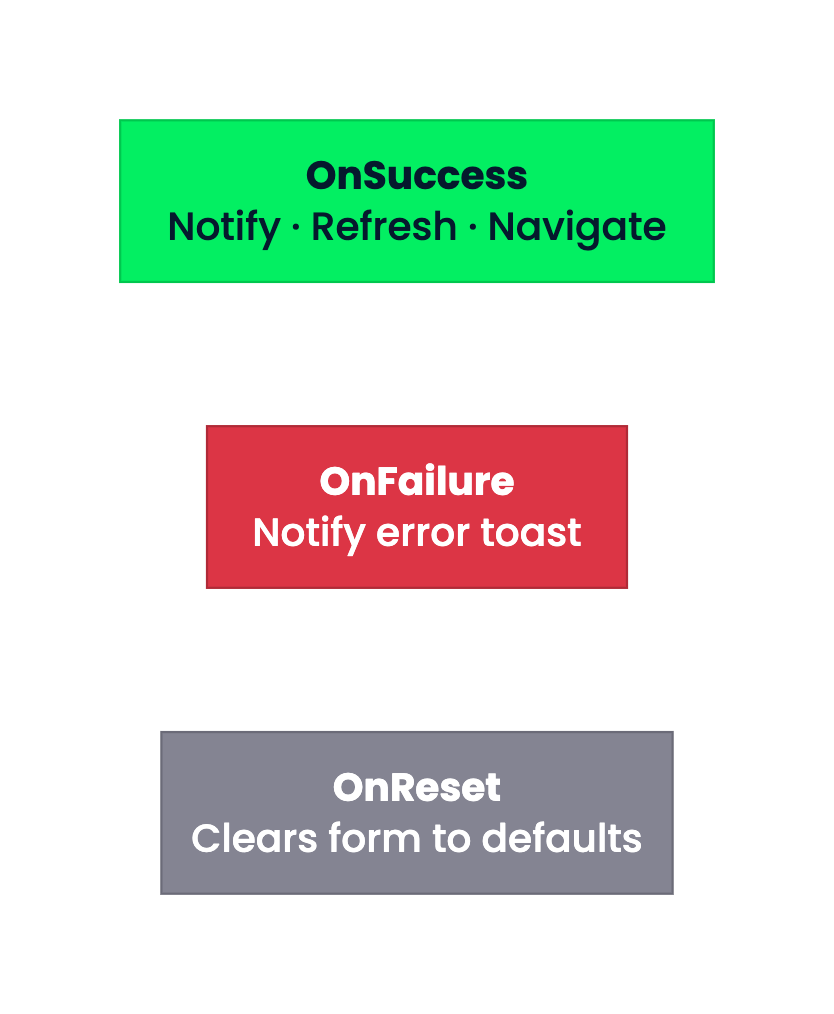
OnSuccess, OnFailure, OnReset

Three color-coded blocks stacked vertically: green OnSuccess with Notify, Refresh, Navigate; red OnFailure with Notify error toast; gray OnReset clears form to defaults.


  • OnSuccess, show a toast, refresh the gallery, navigate back
  • OnFailure, show an error toast
  • OnReset, runs when the form is cleared
Introduction to Power Apps

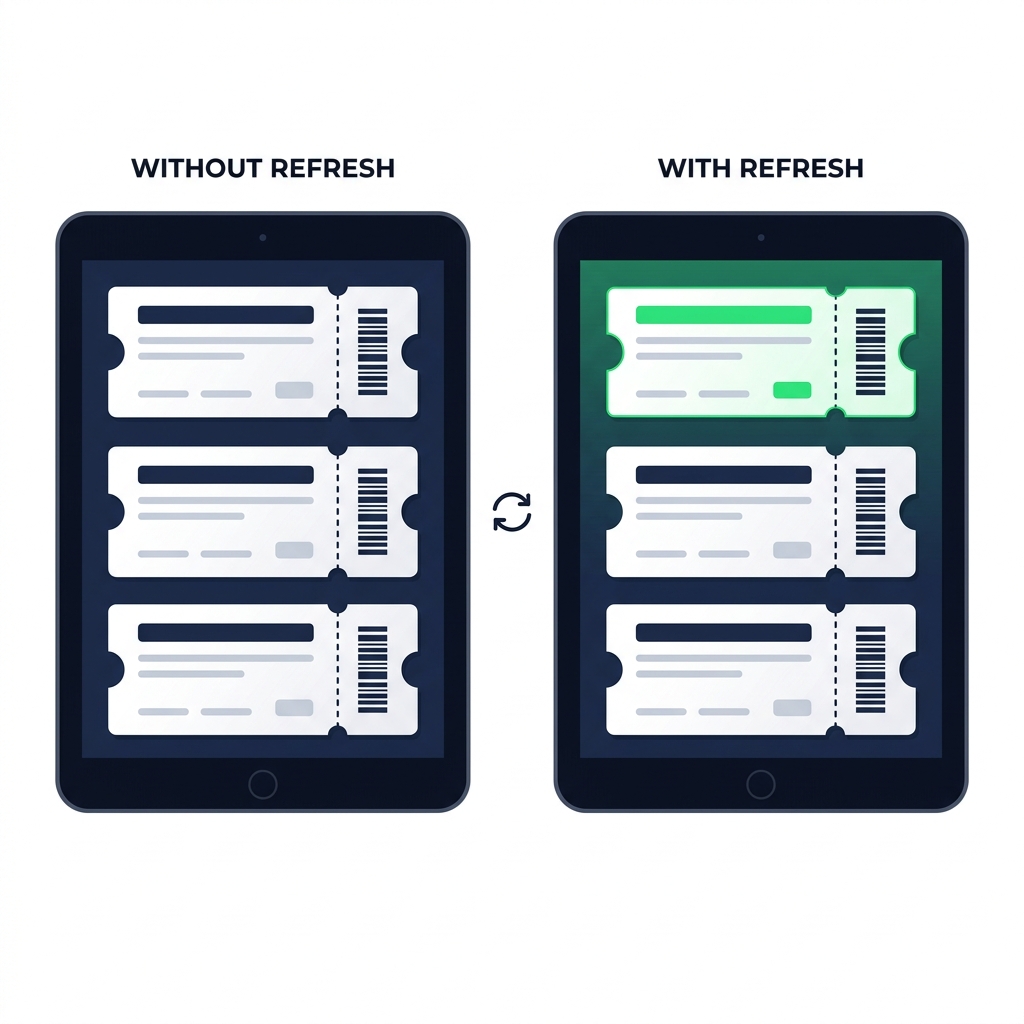
Refresh(), the forgotten step


  • Galleries don't auto-refresh after a submit
  • Add Refresh(Tickets) to the form's OnSuccess
  • Skip this and the new row looks invisible

Two tablets side by side: left shows gallery without Refresh where new ticket is missing, right shows gallery with Refresh where new ticket appears highlighted at top.

Introduction to Power Apps

ResetForm(), the cancel path

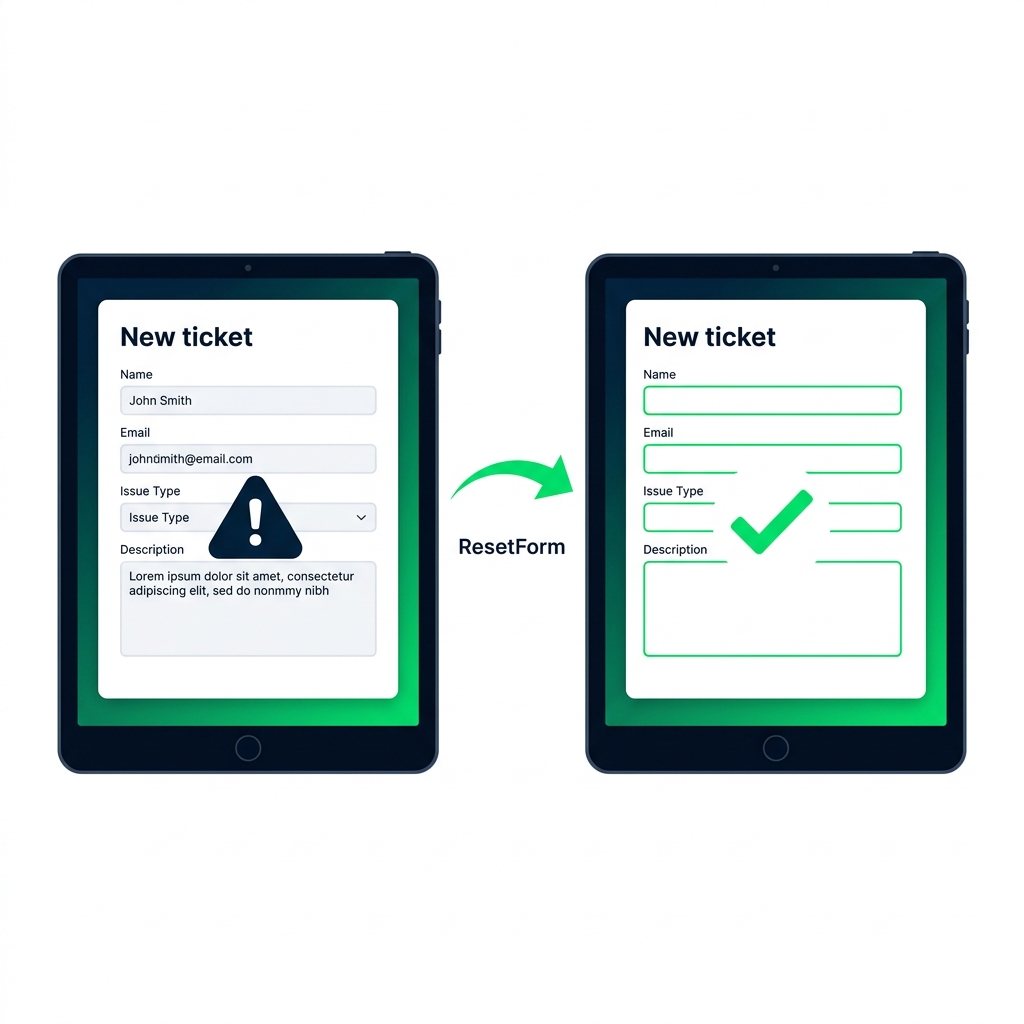
Two New ticket forms showing leftover data before ResetForm() and a blank form ready for entry after reset.


  • ResetForm(frmTicket) blanks every field
  • Put it on a Cancel button, never on OnSuccess
  • OnSuccess already navigates away, NewForm blanks the form next time
Introduction to Power Apps

Patch() is out there too


  • Patch(DataSource, record, changes) writes without a form
  • Useful for bulk updates or single-field changes
  • A more advanced tool, beyond this course

$$

Patch(
  Tickets,
  ThisItem,
  { Status: "Resolved" }
)
Introduction to Power Apps

What you'll build

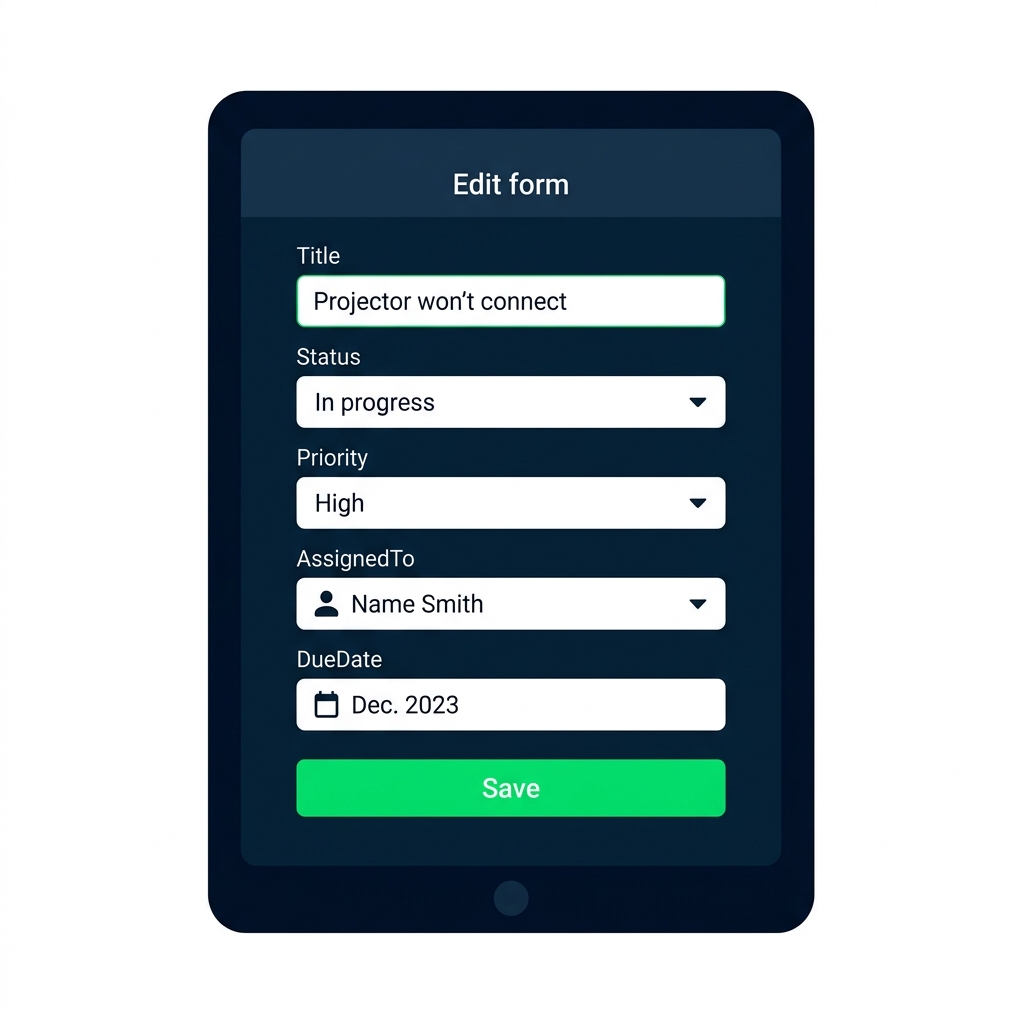
Edit Form with prefilled ticket fields, dropdowns, person picker, DueDate, and a green Save button at the bottom.


  • Add an Edit Form bound to your data source
  • Handle success and failure after submit
  • Add New and Cancel buttons for the full form lifecycle
Introduction to Power Apps

Let's practice!

Introduction to Power Apps

Preparing Video For Download...