フィルタリングを始めよう

Pythonで学ぶ画像処理

Rebeca Gonzalez

Data Engineer

フィルタ

  • 画像を強調する
  • 特徴を強調・除去する
  • 平滑化
  • シャープ化
  • エッジ検出
Pythonで学ぶ画像処理

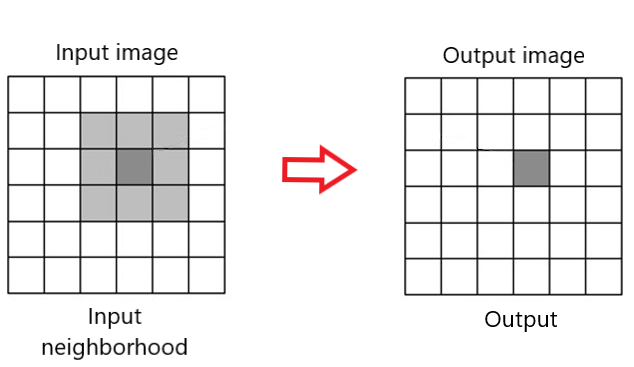
近傍

フィルタの近傍

Pythonで学ぶ画像処理

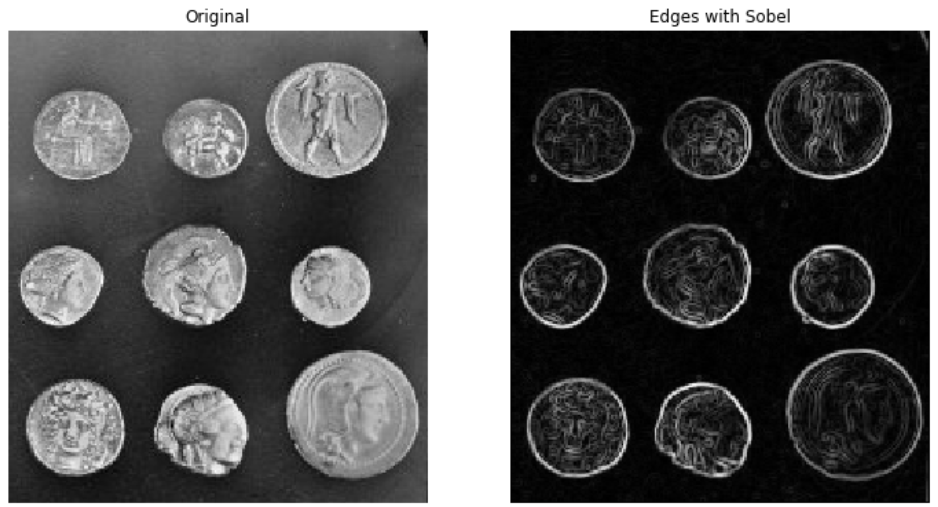
エッジ検出

エッジが検出されたコインの画像

Pythonで学ぶ画像処理

エッジ検出

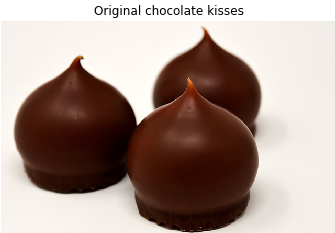
チョコレートキスの元画像

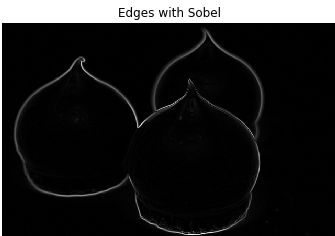
エッジを検出したチョコレートキスの画像

Pythonで学ぶ画像処理

エッジ検出

Sobel
# Import module and function 
from skimage.filters import sobel

# Apply edge detection filter edge_sobel = sobel(image_coins)
# Show original and resulting image to compare plot_comparison(image_coins, edge_sobel, "Edge with Sobel")
Pythonで学ぶ画像処理

エッジ検出

Sobel

エッジを抽出して形状を示すコイン画像

Pythonで学ぶ画像処理

プロットの比較

def plot_comparison(original, filtered, title_filtered):

    fig, (ax1, ax2) = plt.subplots(ncols=2, figsize=(8, 6), sharex=True,
                                   sharey=True)
    ax1.imshow(original, cmap=plt.cm.gray)
    ax1.set_title('original')
    ax1.axis('off')
    ax2.imshow(filtered, cmap=plt.cm.gray)
    ax2.set_title(title_filtered)
    ax2.axis('off')
Pythonで学ぶ画像処理

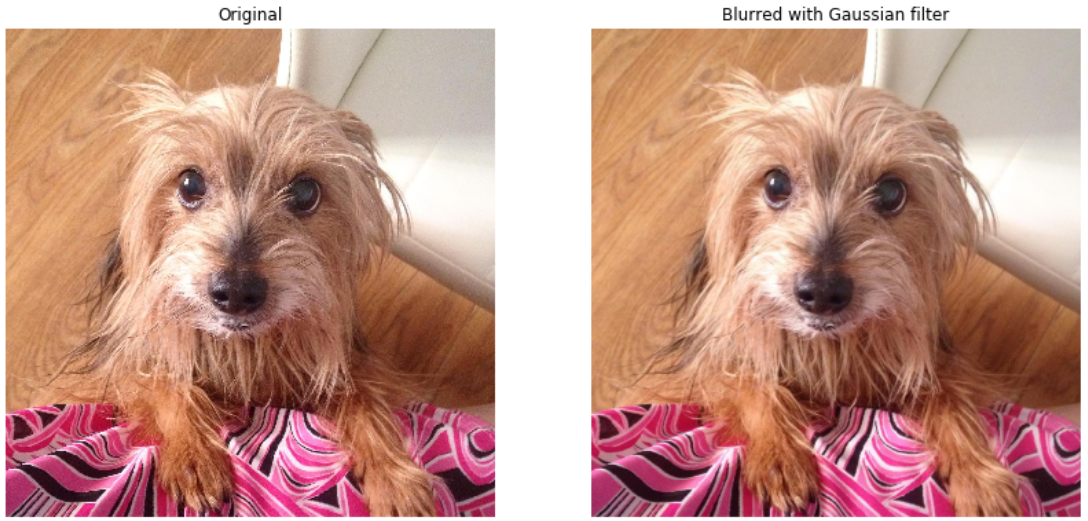
ガウシアン平滑化

犬の画像と,ガウシアンフィルタ適用後の同画像

Pythonで学ぶ画像処理

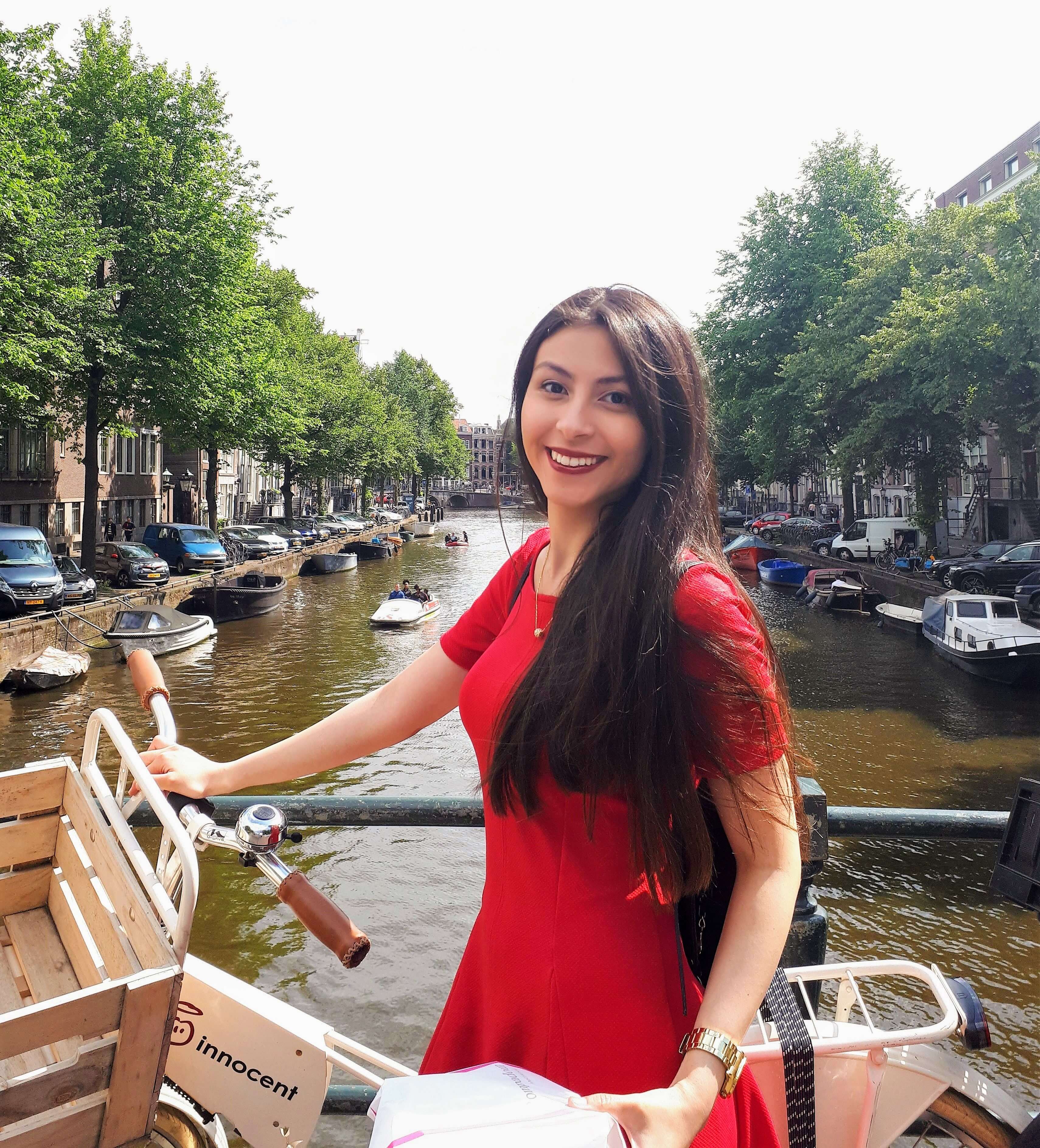
ガウシアン平滑化

アムステルダムの橋で自転車を持つRebecaの写真

Pythonで学ぶ画像処理

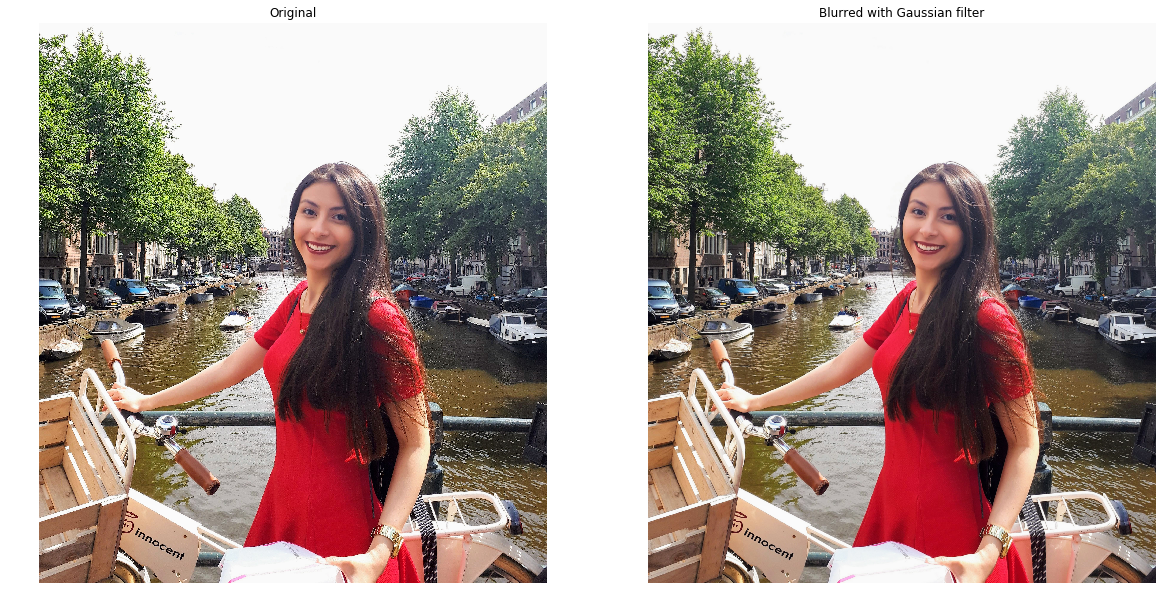
ガウシアン平滑化

# Import the module and function
from skimage.filters import gaussian

# Apply edge detection filter gaussian_image = gaussian(amsterdam_pic, multichannel=True)
# Show original and resulting image to compare plot_comparison(amsterdam_pic, gaussian_image, "Blurred with Gaussian filter")
Pythonで学ぶ画像処理

ガウシアン平滑化

処理結果の画像

Pythonで学ぶ画像処理

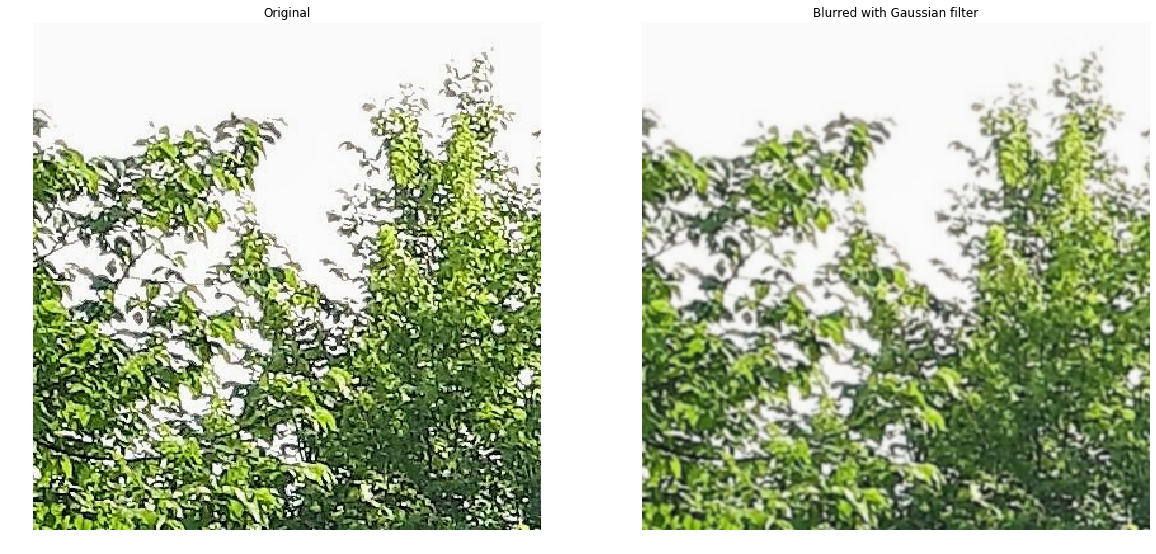
ガウシアン平滑化

処理結果の拡大画像

Pythonで学ぶ画像処理

練習しましょう!

Pythonで学ぶ画像処理

Preparing Video For Download...