Dash の高度な CSS
Dash と Plotly で作るダッシュボード

Alex Scriven
Data Scientist
オブジェクト間の間隔を決める CSS
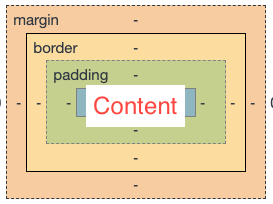
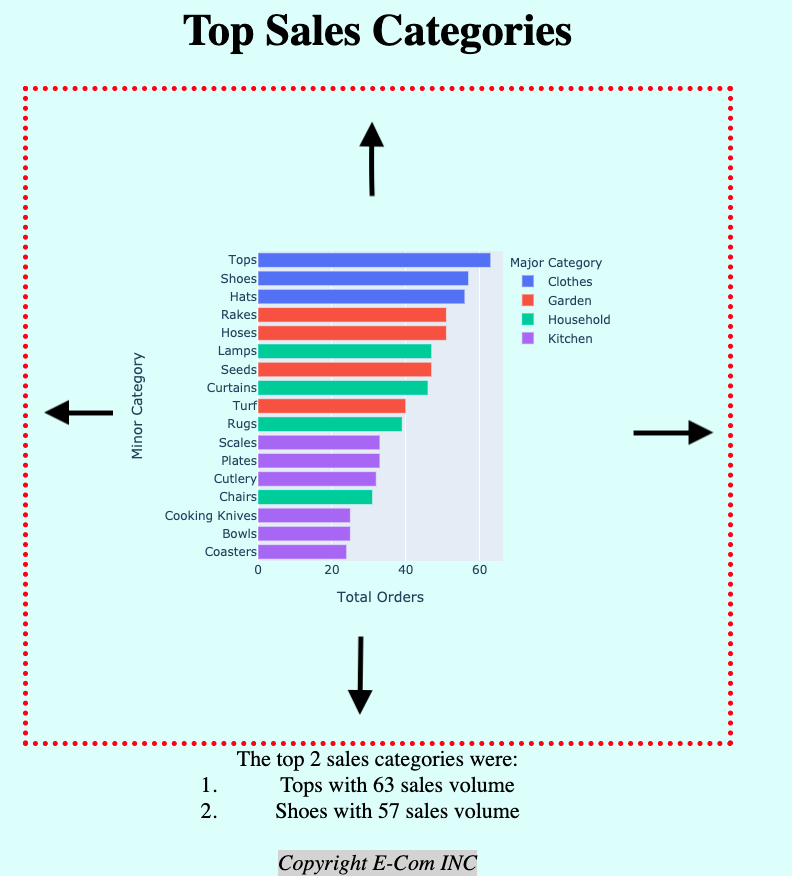
「ボックスモデル」は各 HTML 要素を層を持つ箱として扱います:
- オブジェクトの内容(
heightとwidth) - パディング(内容の外側)
- ボーダー(パディングとマージンの間)
- マージン(ボーダーの外側、要素間の間隔)
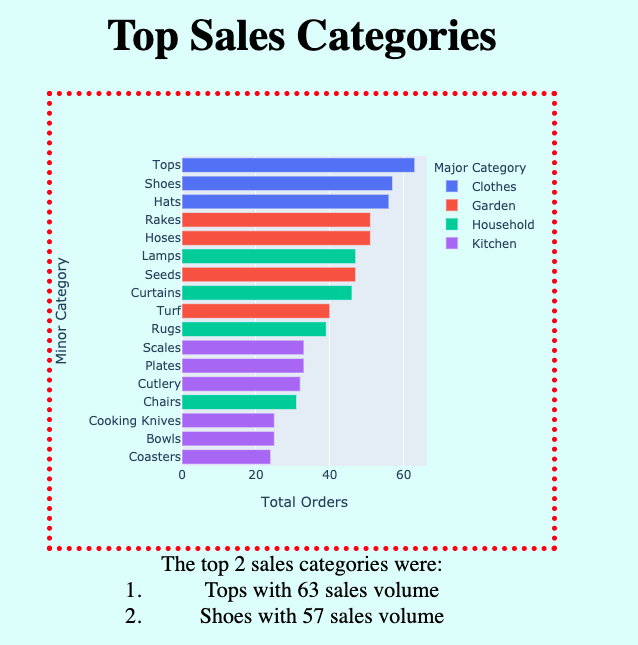
アプリにボーダーを追加
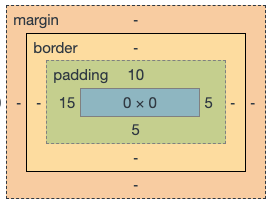
CSS の余白指定
$$
Dash でのパディング追加
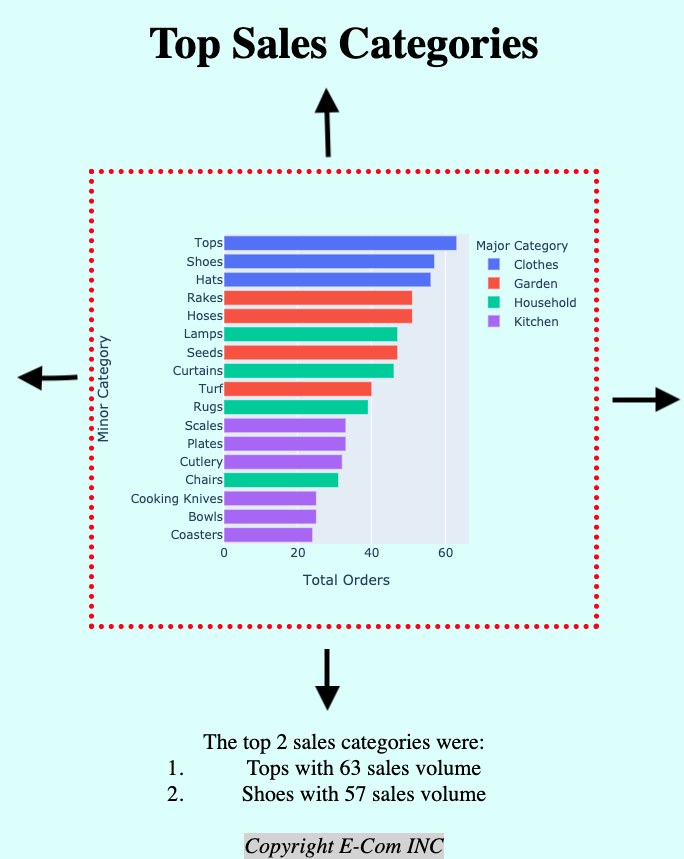
パディングなし:
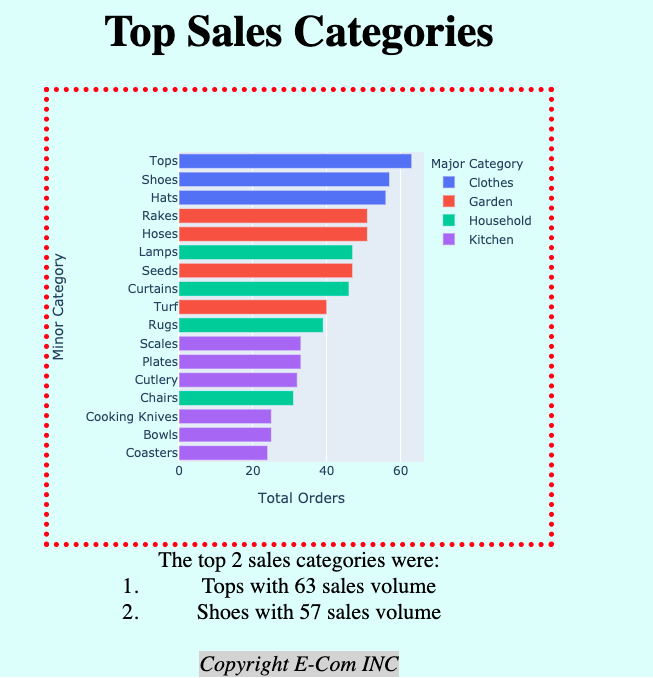
'padding':'100px' を追加:
Dash でのマージン追加
マージンなし:
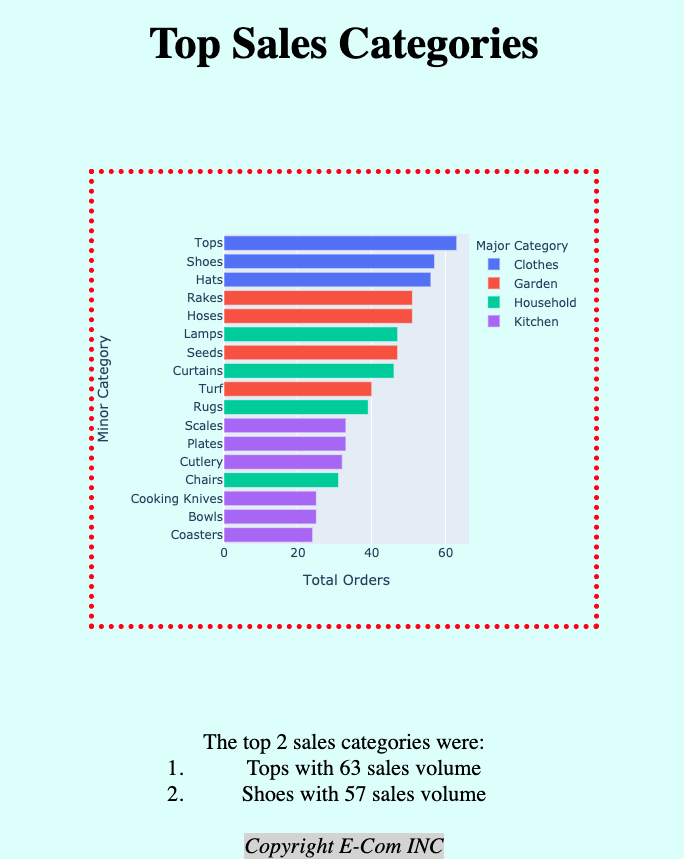
margin: 100px auto を追加:
auto マージンで中央寄せ
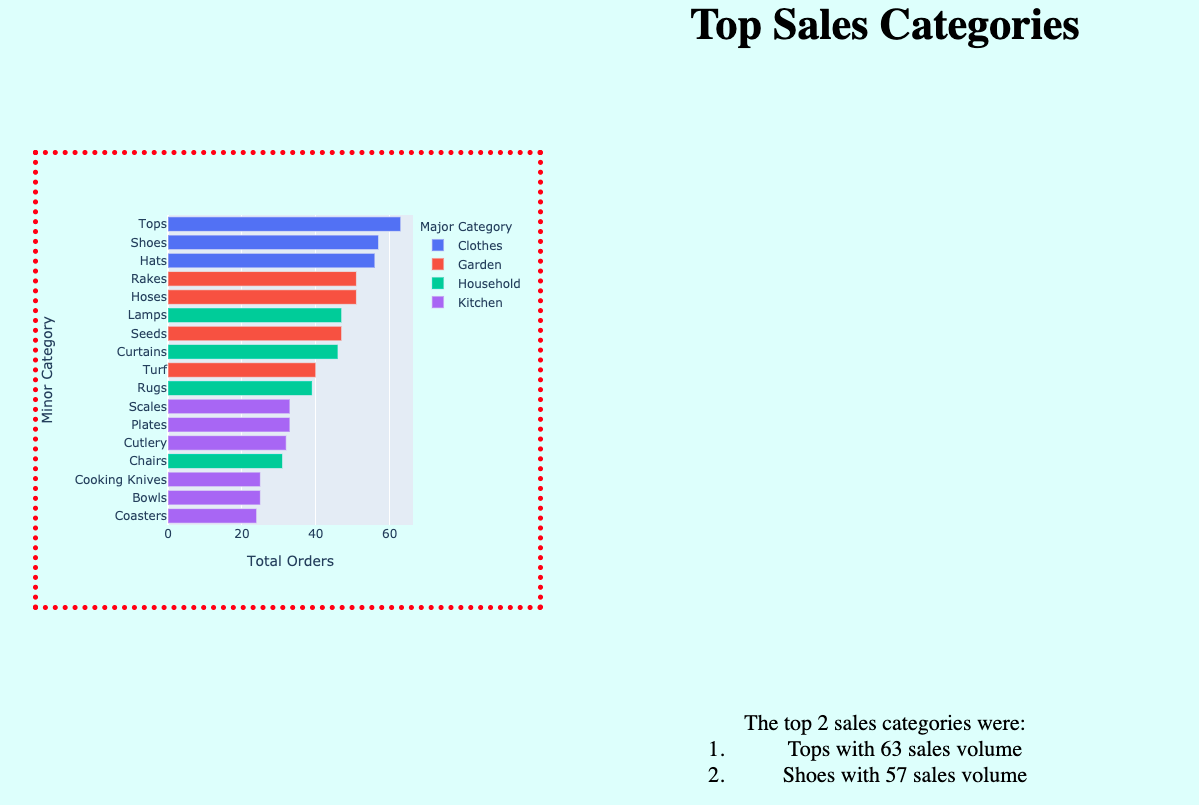
'margin':'100px' の場合
'margin':'100px auto' の場合
inline-block 要素
$$