入力

Rで作るShiny Webアプリケーション

Kaelen Medeiros

Data Scientist

入力例

Shiny には多様な入力があります。

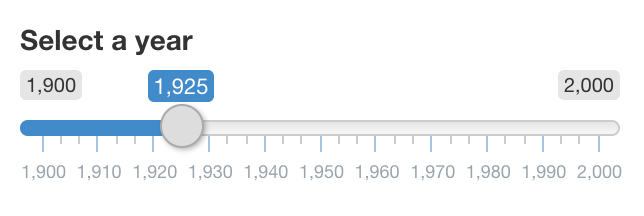
1900〜2000 の年を選ぶスライダー入力

犬または猫を選ぶセレクト入力

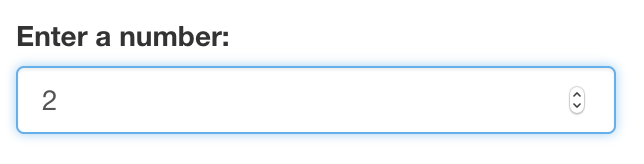
数値を入力する数値入力。現在は 2

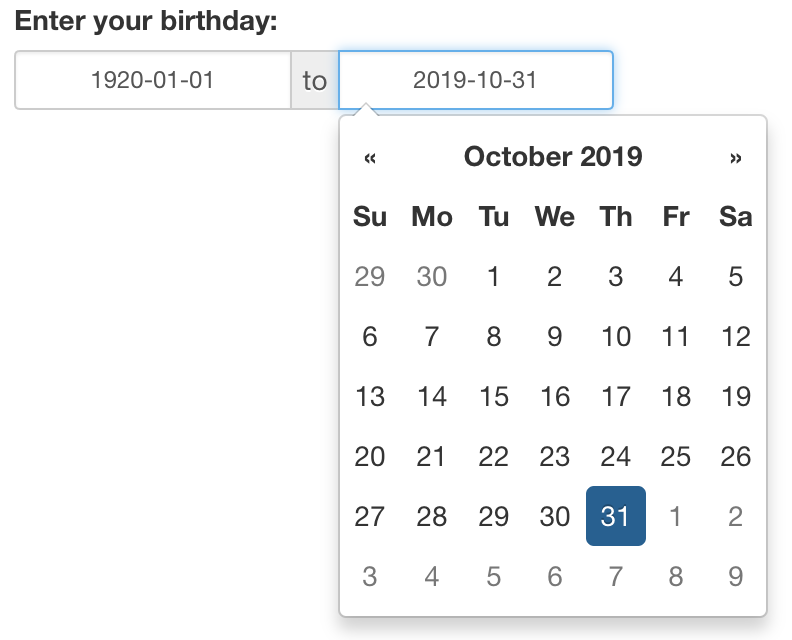
1920 以降の誕生日を選ぶ日付範囲入力

Rで作るShiny Webアプリケーション

入力関数

selectInput("inputId", 
            "label", 
            choices = c("A", "B", "C"))
sliderInput("inputId",
            "label",
            value = 1925,
            min = 1900,
            max = 2000)
?dateRangeInput
help(checkboxInput)
Rで作るShiny Webアプリケーション

入力の使い所

ui <- fluidPage(
  textInput("name", "名前を入力:"),
  selectInput("animal", "犬と猫のどちら?", choices = c("dogs", "cats")),
  textOutput("greeting"),
  textOutput("answer")
)

server <- function(input, output, session) { output$greeting <- renderText({ paste("犬と猫のどちらが好きですか、", input$name, "?") }) output$answer <- renderText({ paste("私は", input$animal, "が好きです!") }) }
Rで作るShiny Webアプリケーション

Let's practice!

Rで作るShiny Webアプリケーション

Preparing Video For Download...