Webサイトでファイルを共有する
Python で始める AWS Boto 入門

Maksim Pecherskiy
Data Engineer
HTMLページの配信
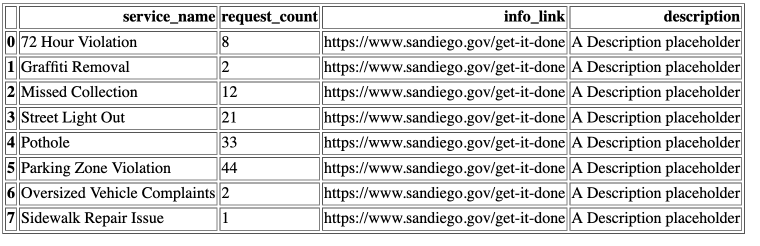
PandasでHTMLテーブル
DataFrameをHTMLに変換
df.to_html('table_agg.html')
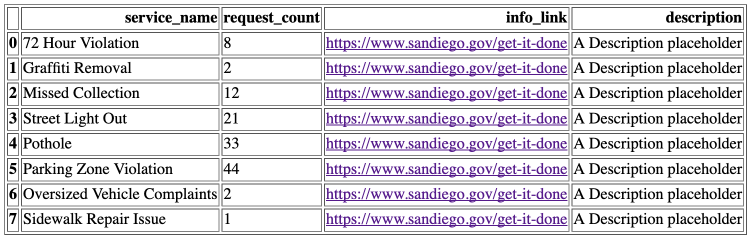
リンク付きのPandas HTMLテーブル
DataFrameをHTMLに変換
df.to_html('table_agg.html', render_links=True)
特定の列をHTMLへ
DataFrameをHTMLに変換
df.to_html('table_agg.html',
           render_links=True,
           columns['service_name', 'request_count', 'info_link'])
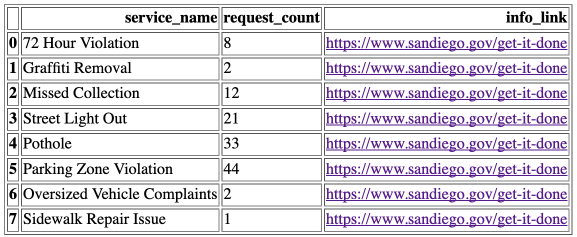
枠線
DataFrameをHTMLに変換
df.to_html('table_agg.html',
           render_links=True,
           columns['service_name', 'request_count', 'info_link'],
           border=0)
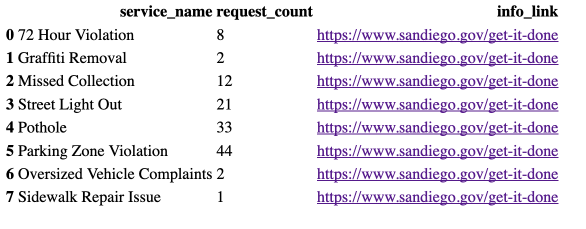
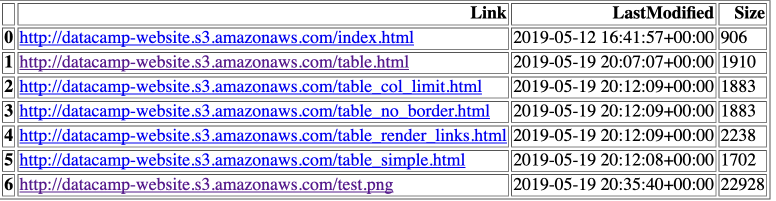
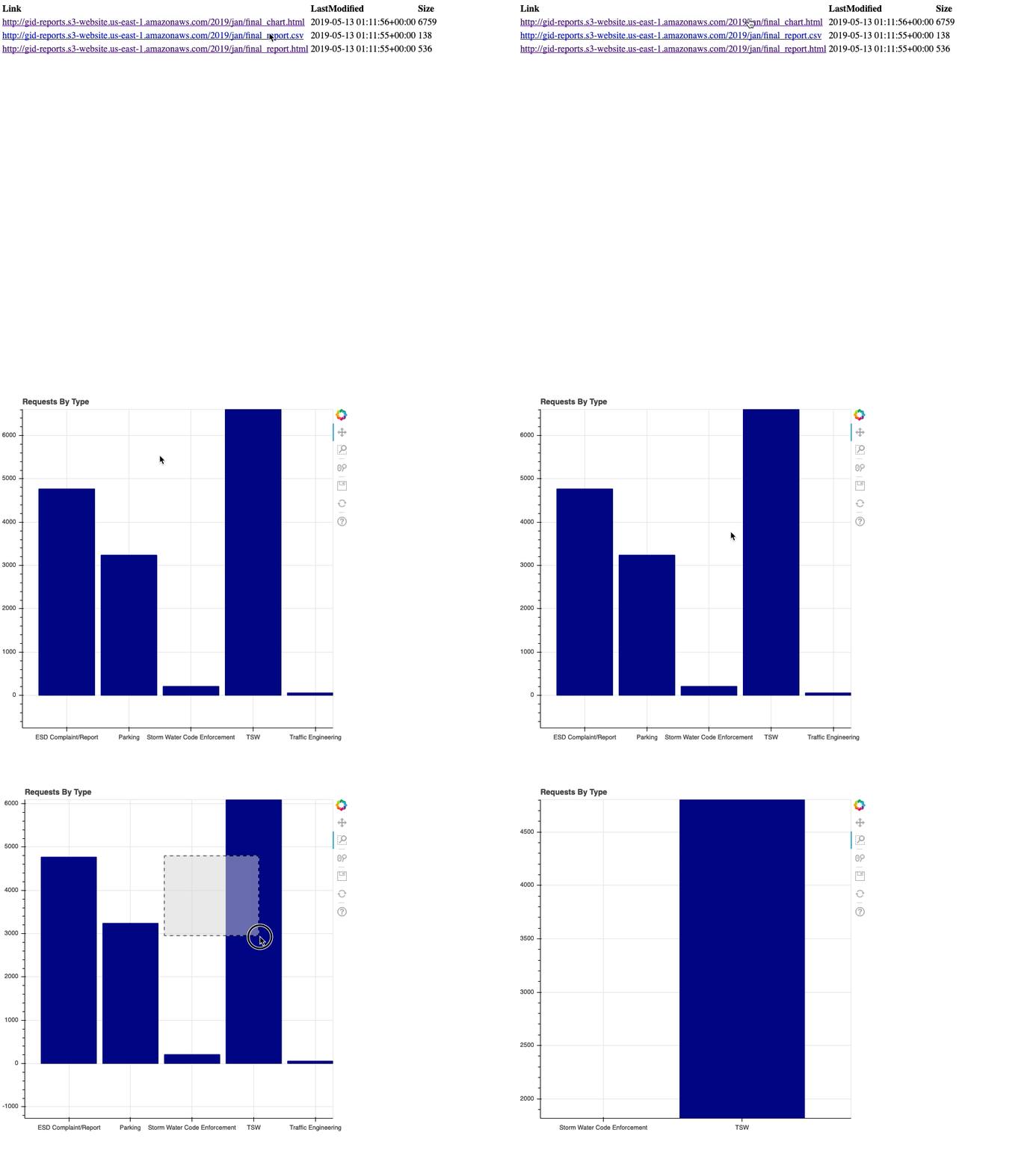
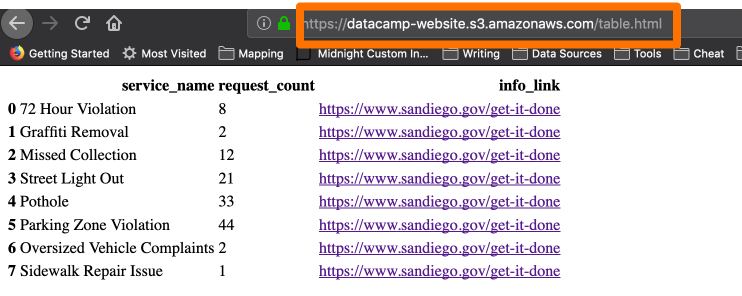
HTMLページ
インデックスページの生成
# 2019/ で始まる gid-reports バケットのオブジェクトを一覧 r = s3.list_objects(Bucket='gid-reports', Prefix='2019/')# レスポンス内容をDataFrameへ変換 objects_df = pd.DataFrame(r['Contents'])

インデックスページの生成
# WebサイトURL + Key を含む「Link」列を作成
base_url = "http://datacamp-website."
objects_df['Link'] = base_url + objects_df['Key']
# DataFrameをHTMLへ出力
objects_df.to_html('report_listing.html',
                   columns=['Link', 'LastModified', 'Size'],
                   render_links=True)