ヘッダーとサイドバー

shinydashboard で作るダッシュボード

Png Kee Seng

Researcher

ヘッダー
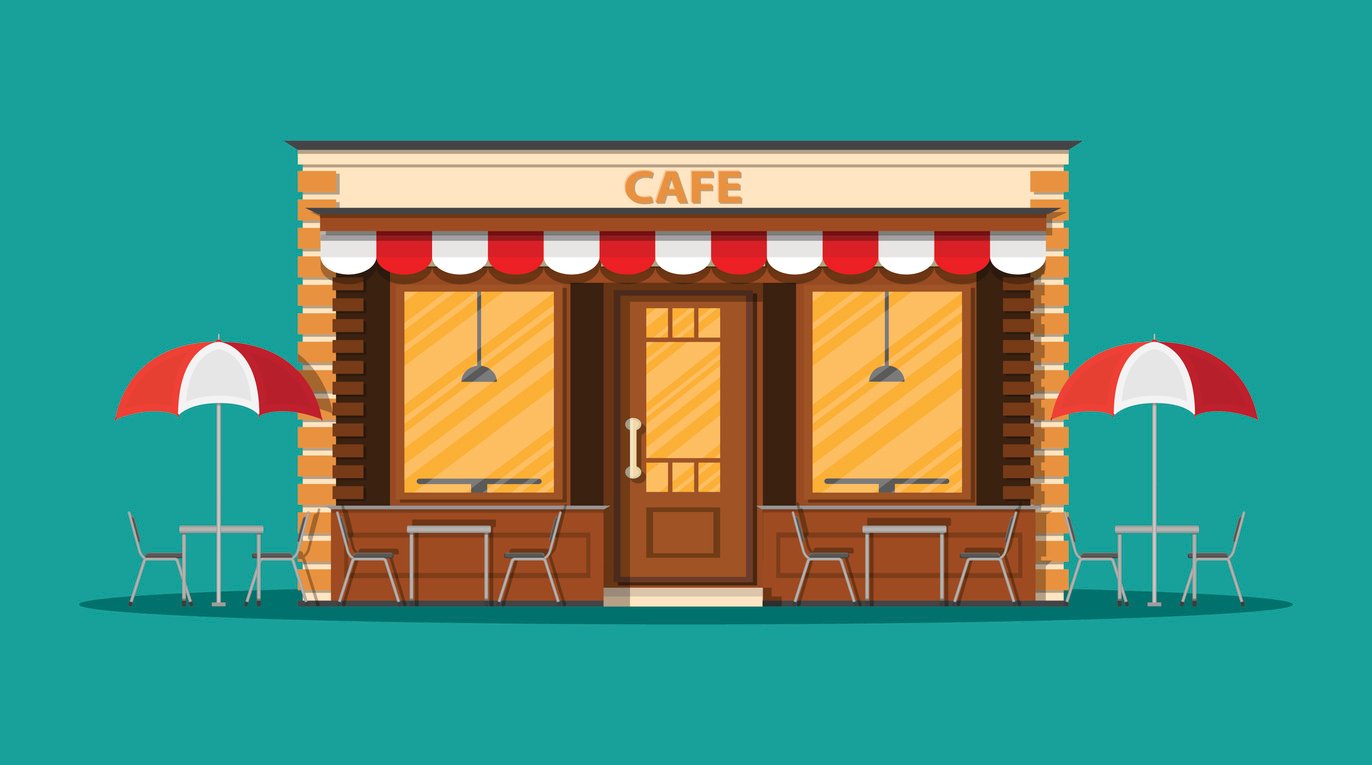
  • ヘッダーはレストランの看板のようなもの
  • ダッシュボードのタイトルを含められます
  • ドロップダウンメニューを含められます
    • 例: メッセージ、通知、タスク

シンプルな店舗外観の例。

ヘッダーは店の看板のような役割で、実用・装飾要素を含められます。複雑な外観の例。

1 Image by upklyak on Freepik
shinydashboard で作るダッシュボード

shinydashboard のタイトル

  • ヘッダーは dashboardHeader() で定義
  • タイトルが長すぎる場合
    • titleWidth 引数を設定
    • 既定は230ピクセル
header <- dashboardHeader(title = "Soccer tournament")
header <- dashboardHeader(title = "Analysis for global soccer tournament")
                            titleWidth = 400)
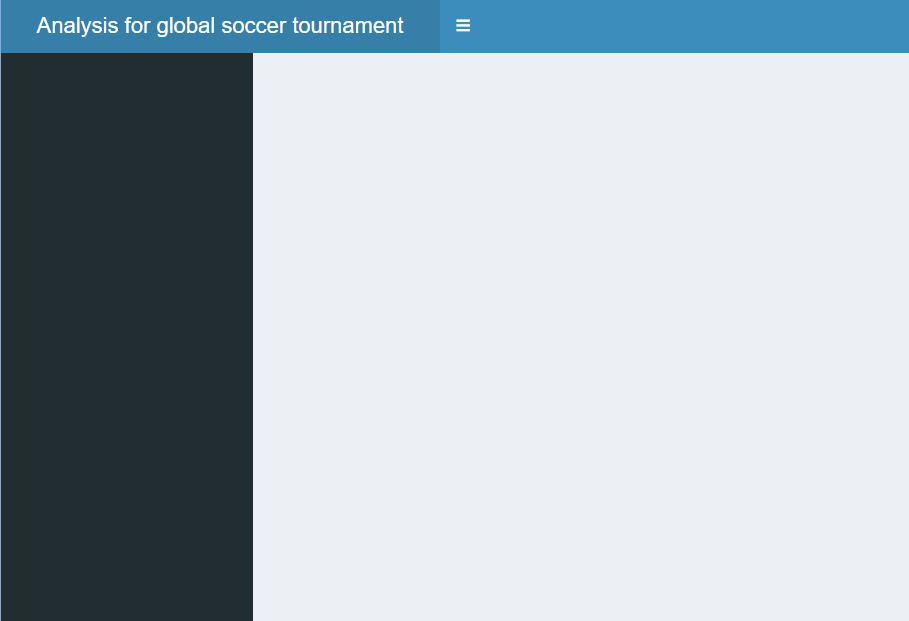
長いタイトルに合わせてヘッダー幅を調整可能。

shinydashboard で作るダッシュボード

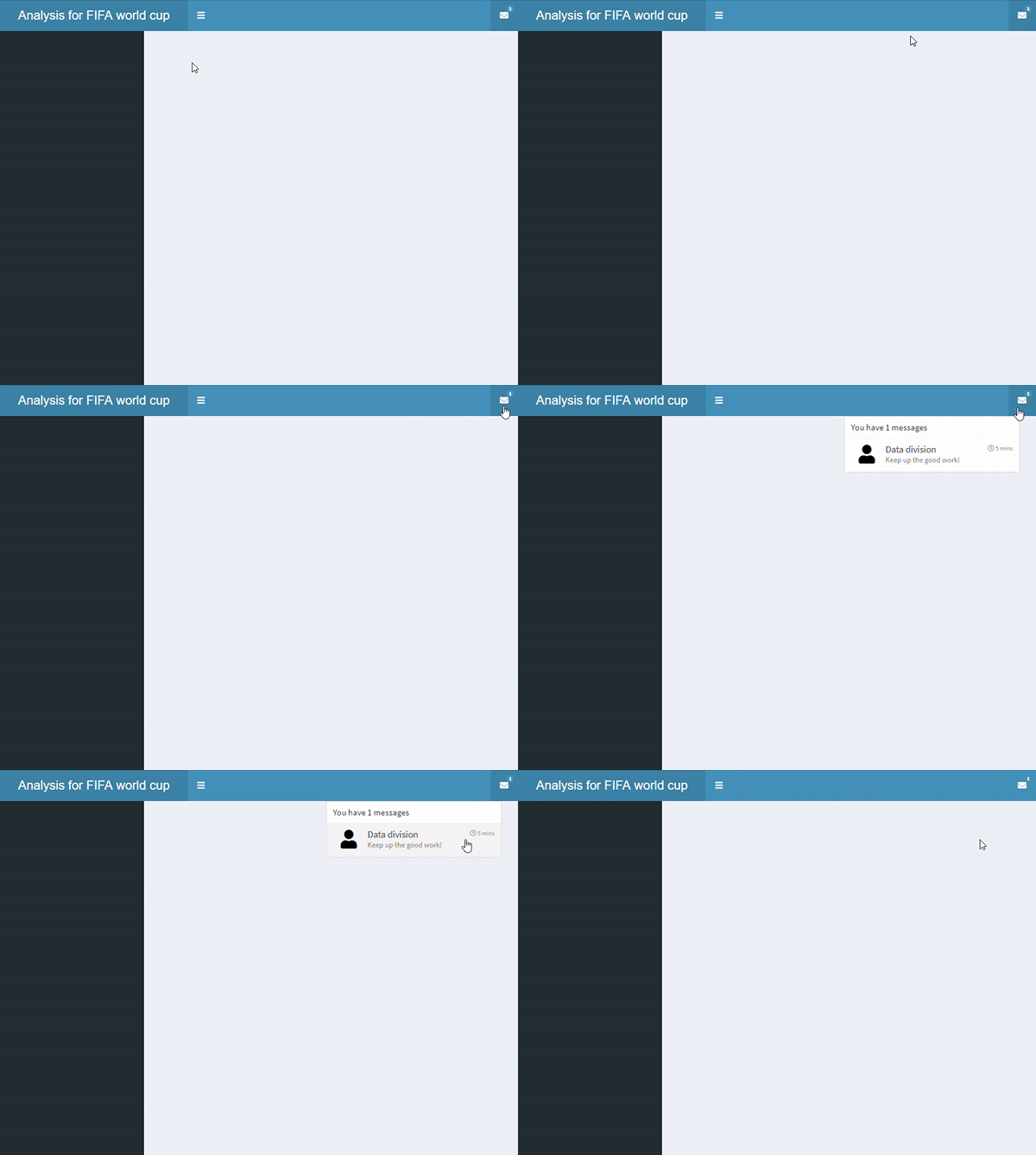
メッセージ付きドロップダウンを追加

  • ヘッダーにドロップダウンメニューを追加可能
  • ドロップダウンは3種類
    • メッセージ
    • 通知
    • タスク
  • type が "messages" の dropdownMenu() を追加
    • messageItem() を追加
    • 既定のアイコンは icon("user")
    • time も設定可能
header <- dashboardHeader(
  title = "Analysis for FIFA world cup",
  titleWidth = 300,
  dropdownMenu(type = "messages",

messageItem("Data division", "Keep up the good work!",
time = "5 mins"
)))

1つのメッセージ項目を持つドロップダウンメニュー。

shinydashboard で作るダッシュボード

複数メッセージのドロップダウンを追加

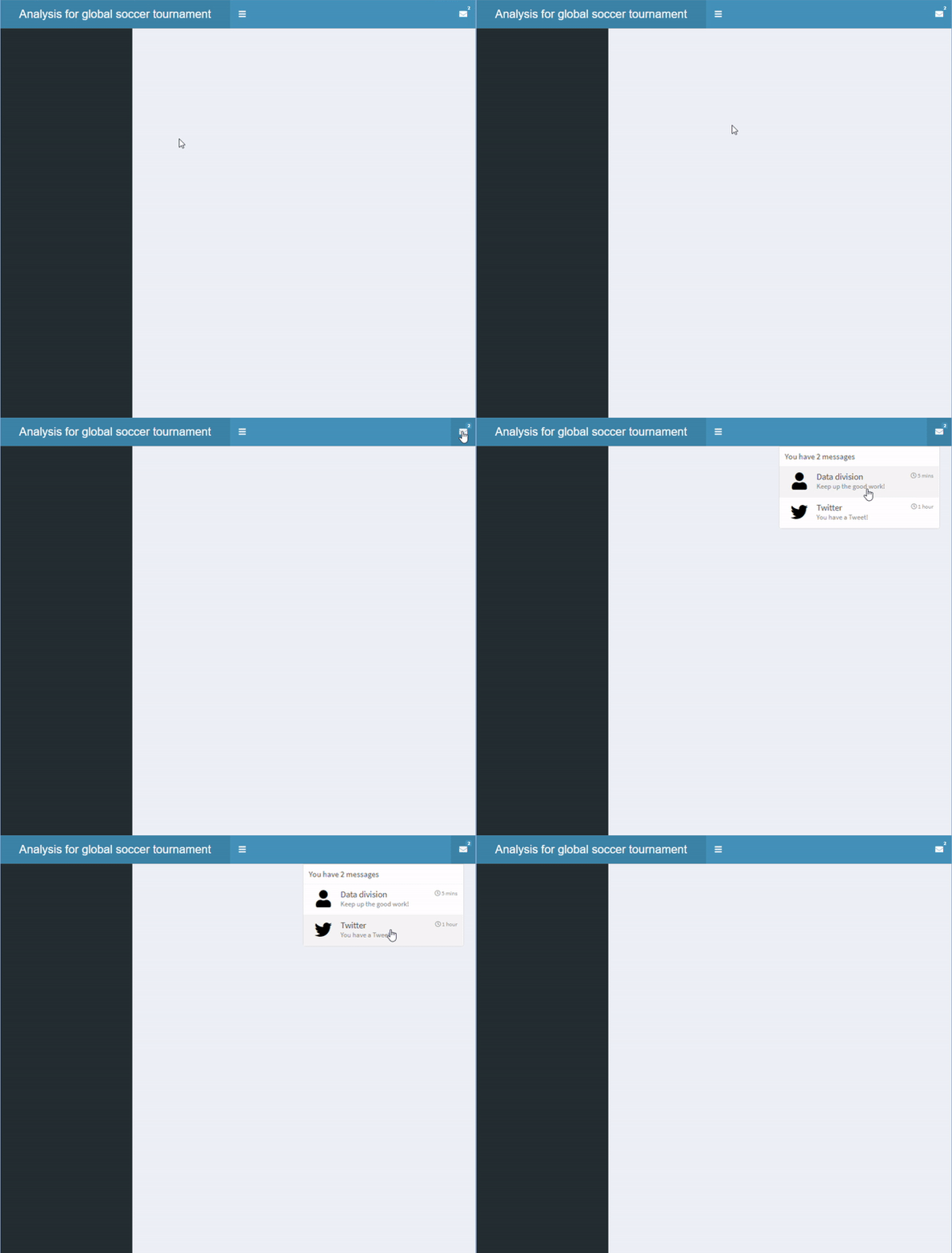
  • dropdownMenu() 内にもう1つの messageItem() を追加し、「Twitter」を作成

2つのメッセージ項目があるドロップダウンメニュー。

header <- dashboardHeader(
  title = "Analysis for global soccer tournament",
  titleWidth = 400,
  dropdownMenu(type = "messages",
    messageItem("Data division",
      "Keep up the good work!",
      time = "5 mins"
    ),

messageItem("Twitter", "You have a Tweet!", time = "1 hour", icon=icon("twitter") ) ) )
shinydashboard で作るダッシュボード

複数項目のドロップダウンを追加

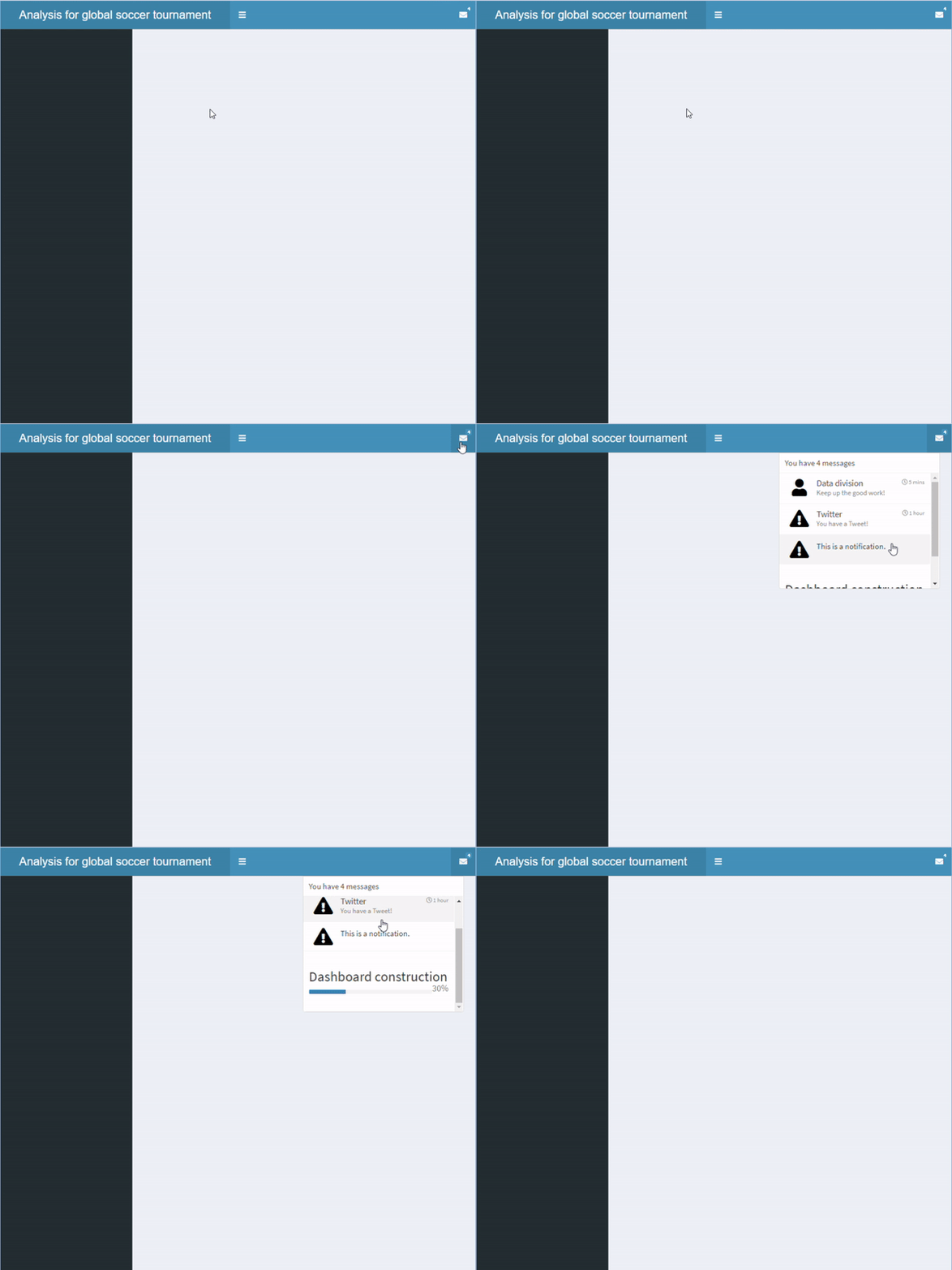
  • 他の種類の項目も追加可能
    • messageItem()
    • notificationItem()
    • taskItem()
  • 外観に違いがあります
    • messageItem(): 既定アイコンは icon("user")
    • notificationItem(): 既定アイコンは icon("exclamation-triangle")
    • taskItem(): 進捗バーあり
header <- dashboardHeader(
  title = "Analysis for global soccer tournament",
  titleWidth = 400,
  dropdownMenu(type = "messages",

messageItem("Data division", "Keep up the good work!", time = "5 mins"), messageItem("Twitter", "You have a Tweet!", time = "1 hour", icon=icon("twitter")),
notificationItem("This is a notification." ),
taskItem(value = 30, color = "blue", "Dashboard construction") ))
shinydashboard で作るダッシュボード

複数項目のドロップダウンを追加

複数の項目を含むドロップダウンメニュー

shinydashboard で作るダッシュボード

さらにドロップダウンを追加

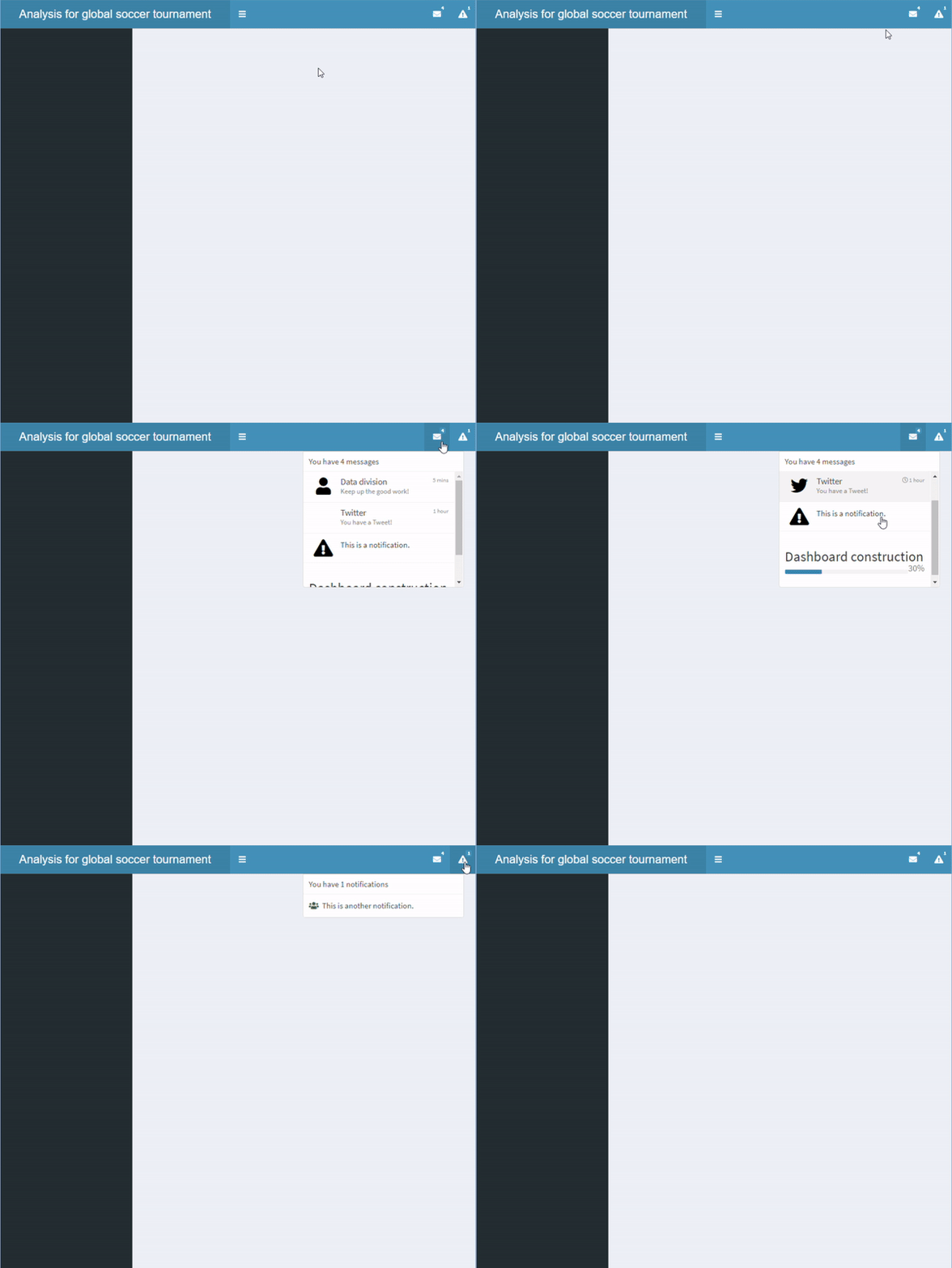
  • さらに別のドロップダウンメニューも追加可能

複数のドロップダウンメニューがあるヘッダー。

header <- dashboardHeader(
  title = "Analysis for global soccer tournament",
  titleWidth = 400,

dropdownMenu(type = "messages", messageItem("Data division", "Keep up the good work!", time = "5 mins"), messageItem("Twitter", "You have a Tweet!", time = "1 hour", icon=icon("twitter")), notificationItem("This is a notification."), taskItem(value = 30, color = "blue", "Dashboard construction")),
dropdownMenu(type = "notifications", notificationItem(icon = icon("users"), "This is another notification." )))
shinydashboard で作るダッシュボード

サイドバー

  • サイドバーは dashboardSidebar() で定義
  • width で幅を調整可能
  • sidebarMenu() で複数ページを配置

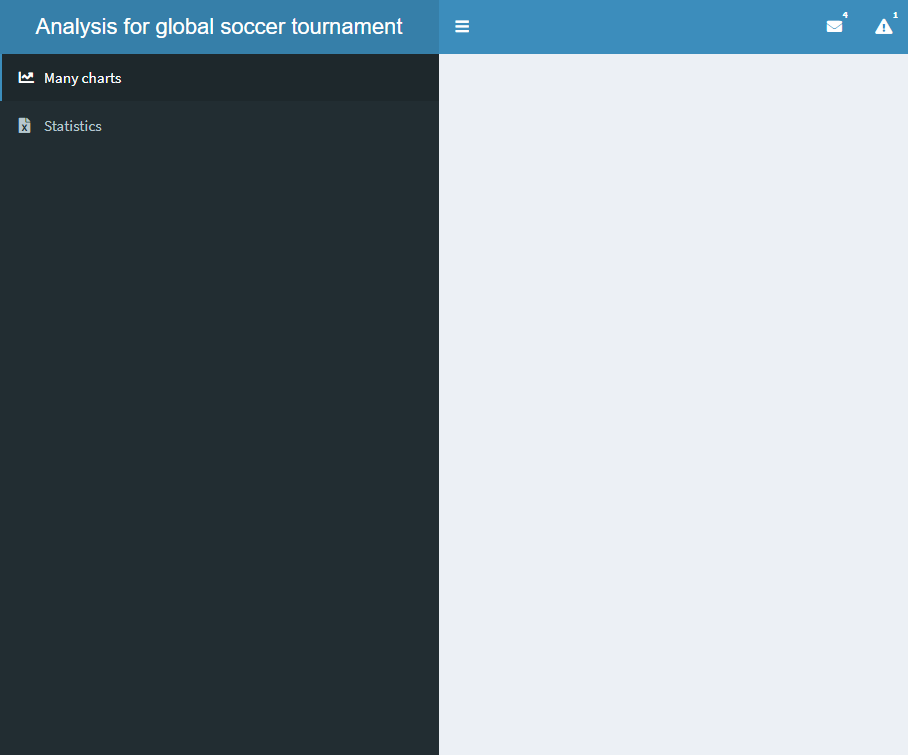
2つのボタンがあるサイドバー

sidebar <- dashboardSidebar()
sidebar <- dashboardSidebar(width=400)
sidebar <- dashboardSidebar(width=400,
  sidebarMenu(
    id = "pages",
    menuItem("Many charts", tabName = "charts", 
        icon = icon("chart-line")),
    menuItem("Statistics", icon = icon("file-excel"), 
        tabName = "stats")
  )
)
sidebar <- dashboardSidebar(disable = TRUE)
shinydashboard で作るダッシュボード

バッジの追加

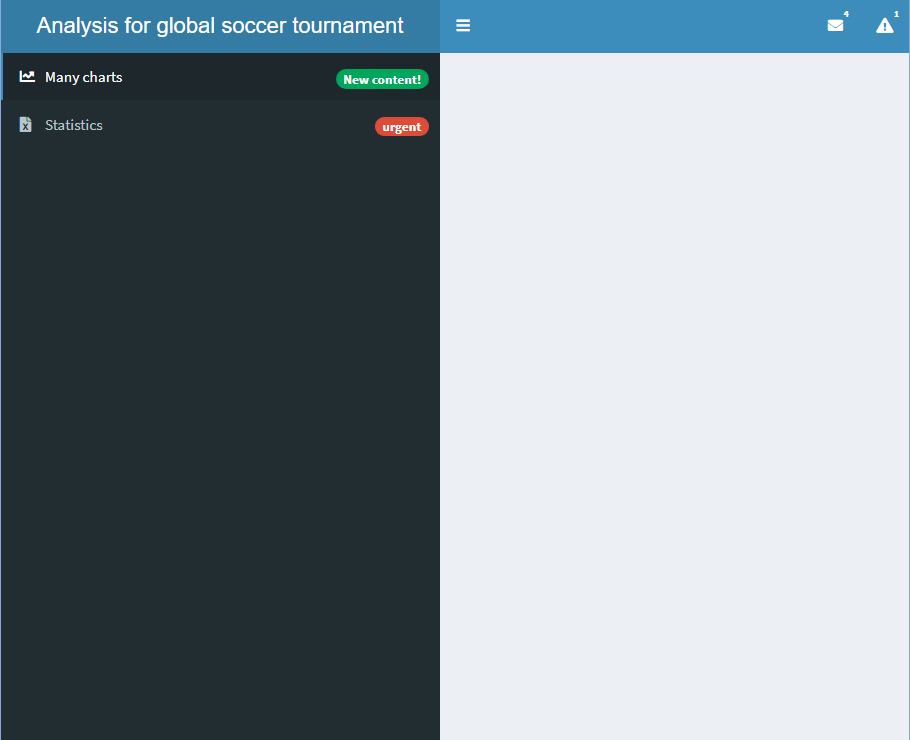
  • バッジも追加可能
    • badgeLabel と badgeColor を設定

バッジ付きのサイドバー

sidebar <- dashboardSidebar(width=400,
  sidebarMenu(
    id = "pages",
    menuItem("Many charts", tabName = "charts", 
             icon = icon("chart-line"),

badgeLabel = "New content!", badgeColor = "green"),
menuItem("Statistics", icon = icon("file-excel"), tabName = "stats",
badgeLabel = "urgent", badgeColor = "red")
) )
shinydashboard で作るダッシュボード

サブタブの追加

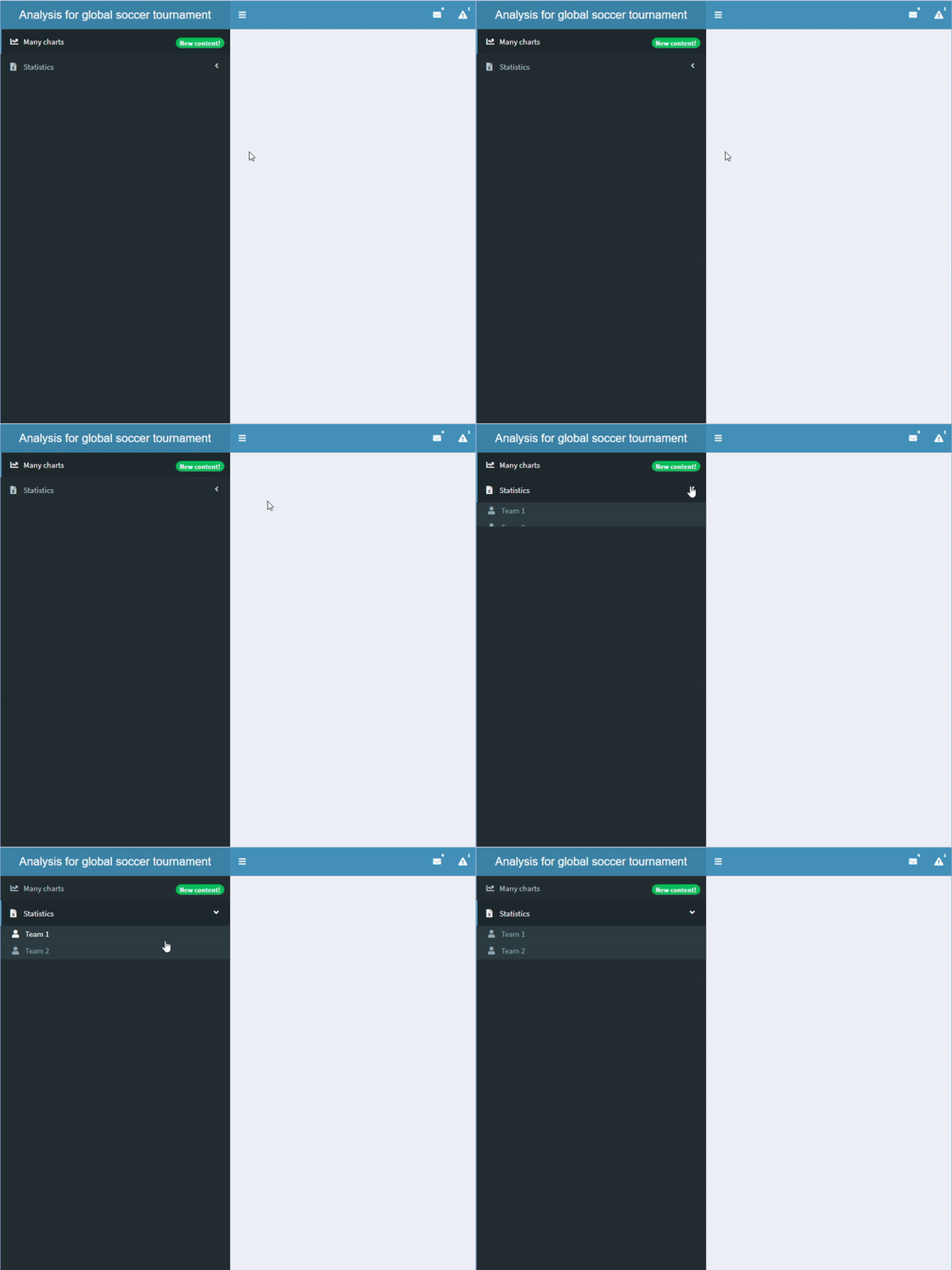
  • menuSubItem() でサブタブを追加
  • サブタブを含むタブにはバッジを付けられません

サブタブを含むサイドバー

sidebar <- dashboardSidebar(width=400,
  sidebarMenu(
    id = "pages",
    menuItem("Many charts", tabName = "charts", 
             icon = icon("chart-line"),
             badgeLabel = "New content!", 
             badgeColor = "green"),
    menuItem("Statistics", icon = icon("file-excel"), 
            tabName = "stats", 
            menuSubItem("Team 1", tabName = "team1", 
                     icon=icon("user")),
            menuSubItem("Team 2", tabName = "team2", 
                     icon=icon("user")))
  )
)
shinydashboard で作るダッシュボード

サイドバーに入出力を追加

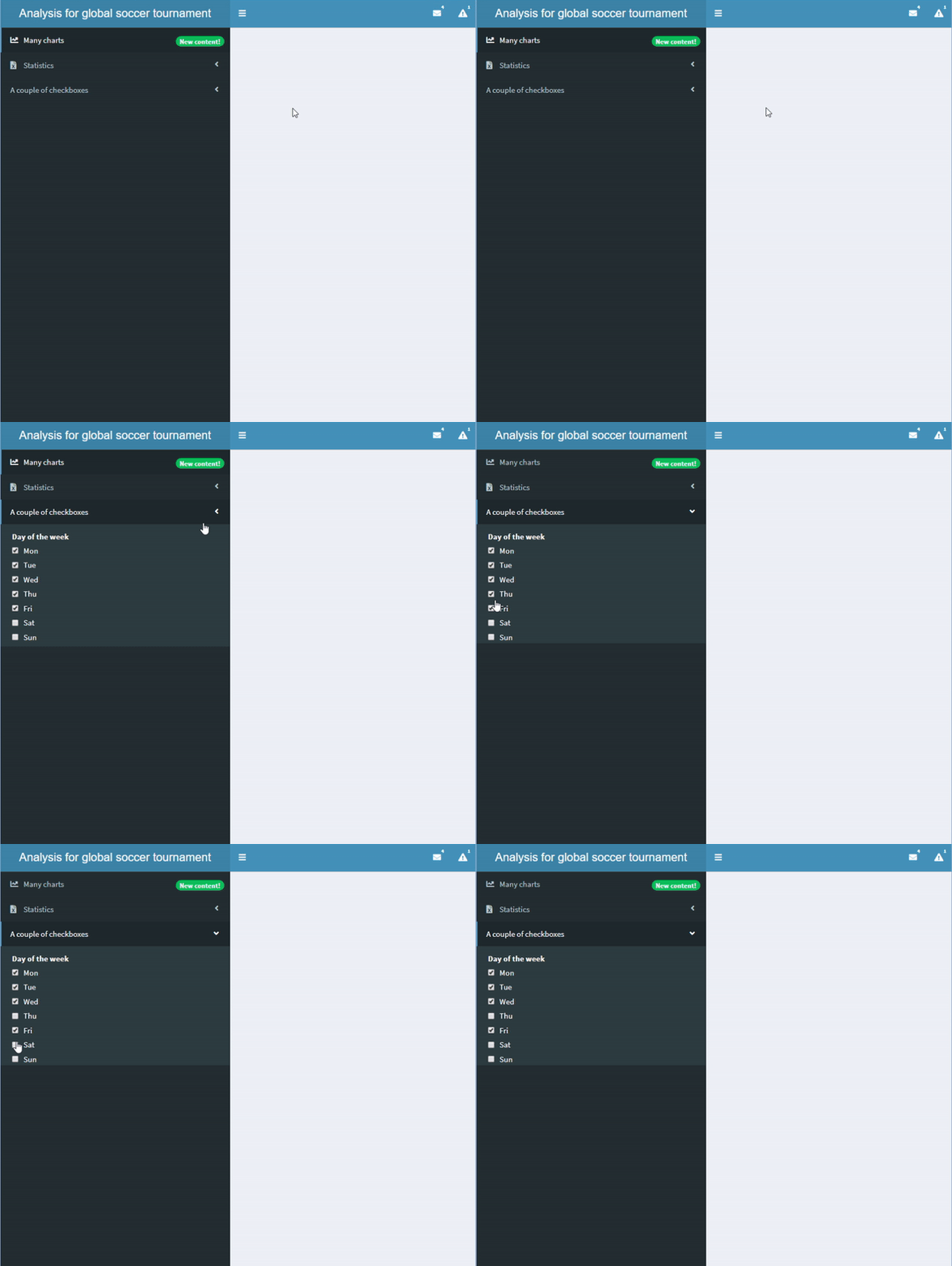
  • サイドバーに入力/出力を追加可能
  • server でも入出力を定義が必要

checkboxGroupInput() を含むサイドバー。

sidebar <- dashboardSidebar(width=400,
  sidebarMenu(
    id = "pages",
    menuItem("Many charts", tabName = "charts", 
             icon = icon("chart-line"),
             badgeLabel = "New content!", 
             badgeColor = "green"),
    menuItem("Statistics", icon = icon("file-excel"), 
            tabName = "stats", 
            menuSubItem("Team 1", tabName = "team1", 
            icon=icon("user")),
            menuSubItem("Team 2", tabName = "team2", 
            icon=icon("user"))),

menuItem("A couple of checkboxes", checkboxGroupInput("checkboxes", "Day of the week", choices = c("Mon","Tue","Wed","Thu","Fri","Sat","Sun"), selected = c("Mon","Tue","Wed","Thu","Fri"))) ) )
shinydashboard で作るダッシュボード

演習に進みましょう!

shinydashboard で作るダッシュボード

Preparing Video For Download...