curl を使ったデータのダウンロード

シェルでのデータ処理

Susan Sun

Data Person

curl とは?

curl の概要:

  • Client for URLs の略
  • Unix のコマンドラインツール
  • サーバーとのデータ送受信に使用
  • HTTP(S) サイトや FTP サーバーからのダウンロードに対応
シェルでのデータ処理

curl のインストール確認

curl のインストール確認:

man curl

curl がインストールされていない場合は次のメッセージが表示されます。

curl command not found.

詳細なインストール手順は https://curl.haxx.se/download.html を参照してください。

シェルでのデータ処理

curl マニュアルの参照

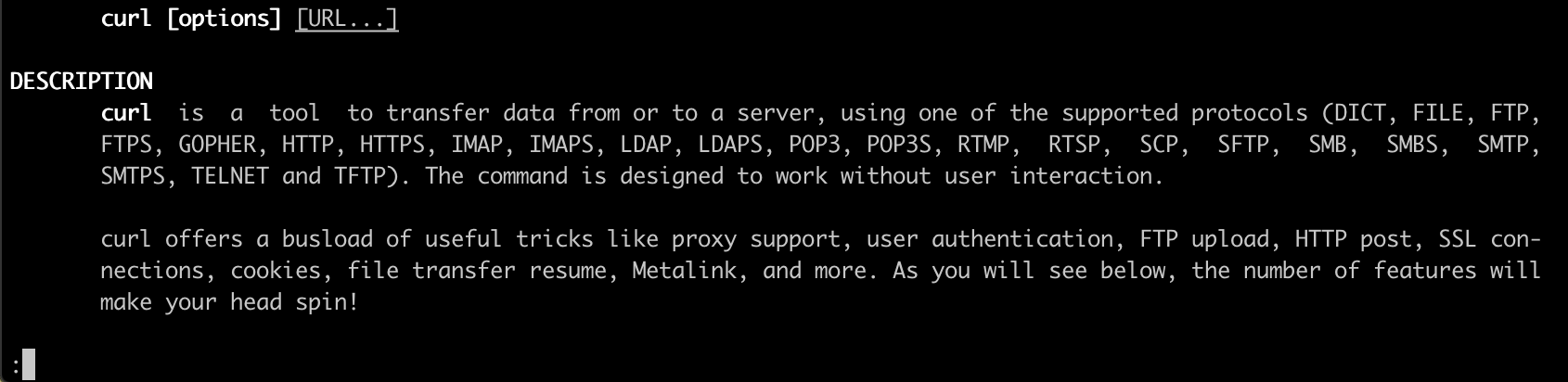
curl がインストールされている場合、コンソールは次のように表示されます。
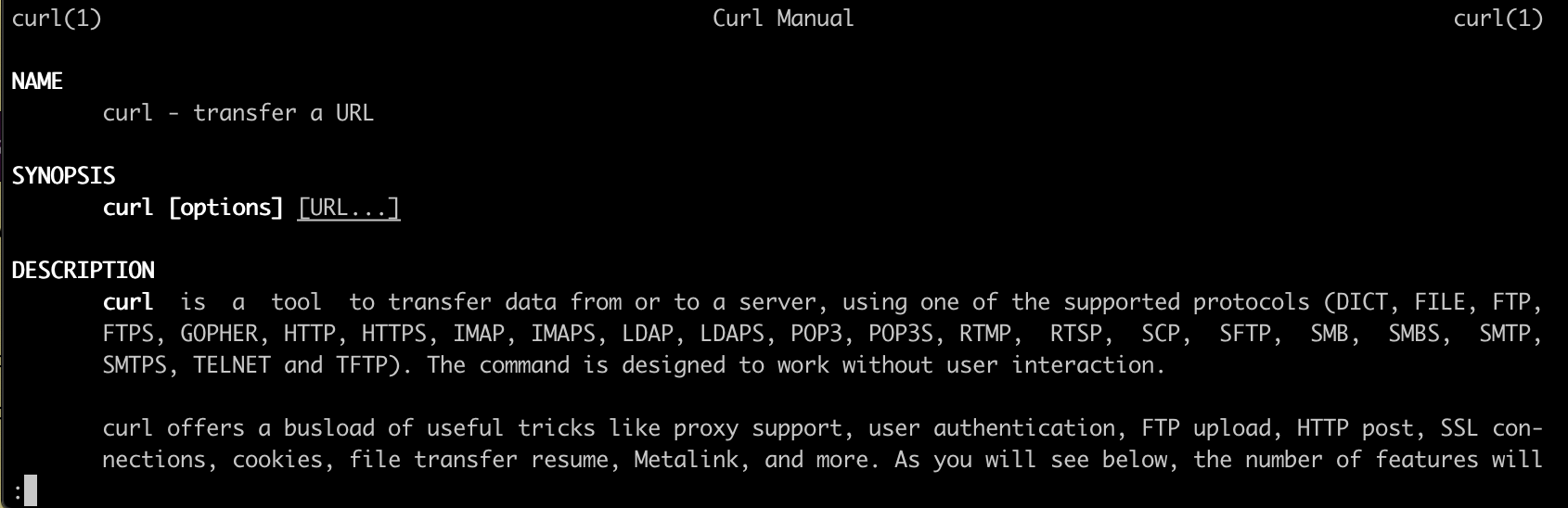
暗いターミナル画面に表示された curl マニュアルの先頭部分のスクリーンショット

シェルでのデータ処理

curl マニュアルの参照

Enter キーでスクロールします。

暗いターミナル画面に表示された途中までスクロールした curl マニュアルのスクリーンショット

q キーで終了します。

シェルでのデータ処理

curl の構文

curl の基本構文:

curl [option flags] [URL]

URL は必須です。

curl は HTTP、HTTPS、FTP、SFTP に対応しています。

利用可能なオプションの一覧を表示するには:

curl --help
シェルでのデータ処理

単一ファイルのダウンロード

例:

次の場所にファイルが保存されているとします。

https://websitename.com/datafilename.txt

-O フラグを使うと、元のファイル名のまま保存できます。

curl -O https://websitename.com/datafilename.txt

ファイル名を変更するには、小文字の -o と新しいファイル名を指定します。

curl -o renameddatafilename.txt https://websitename.com/datafilename.txt
シェルでのデータ処理

グロブパーサーを使った複数ファイルのダウンロード

前の例に引き続き:

https://websitename.com/datafilename001.txt
https://websitename.com/datafilename002.txt
...
https://websitename.com/datafilename100.txt

グロブパーサーを使用

The following will download every file sequentially starting with datafilename001.txt and ending with datafilename100.txt.

curl -O https://websitename.com/datafilename[001-100].txt
シェルでのデータ処理

グロブパーサーを使った複数ファイルのダウンロード

前の例に引き続き:

https://websitename.com/datafilename001.txt
https://websitename.com/datafilename002.txt
...
https://websitename.com/datafilename100.txt

グロブパーサーを使用

Increment through the files and download every Nth file (e.g.datafilename010.txt, datafilename020.txt, ... datafilename100.txt)

curl -O https://websitename.com/datafilename[001-100:10].txt
シェルでのデータ処理

トラブルシューティングの準備

curl has two particularly useful option flags in case of timeouts during download:

  • -L Redirects the HTTP URL if a 300 error code occurs.

  • -C Resumes a previous file transfer if it times out before completion.

Putting everything together:

curl -L -O -C https://websitename.com/datafilename[001-100].txt
  • All option flags come before the URL
  • Order of the flags does not matter (e.g. -L -C -O is fine)
シェルでのデータ処理

練習しましょう!

シェルでのデータ処理

Preparing Video For Download...