シェルでのデータ処理
Susan Sun
Data Person
Python
ドキュメント:
man python
...
-V ,  --version
    Prints the Python version number of the executable and exits.
python --version
Python 3.5.2
例: ネイティブのPythonを使用
which python
/usr/bin/python
ターミナルで対話セッションを開始:
python
Python 3.5.2 (default, Nov 23 2017, 16:37:01)
[GCC 5.4.0 20160609] on linuxType "help", "copyright", "credits" or
"license" for more information.
>>>
対話セッション内ではPython構文のみを使用:
>>> print('hello world')
hello world
Pythonを終了してターミナルに戻る:
>>> exit()
$
Pythonの対話セッション:
代替:
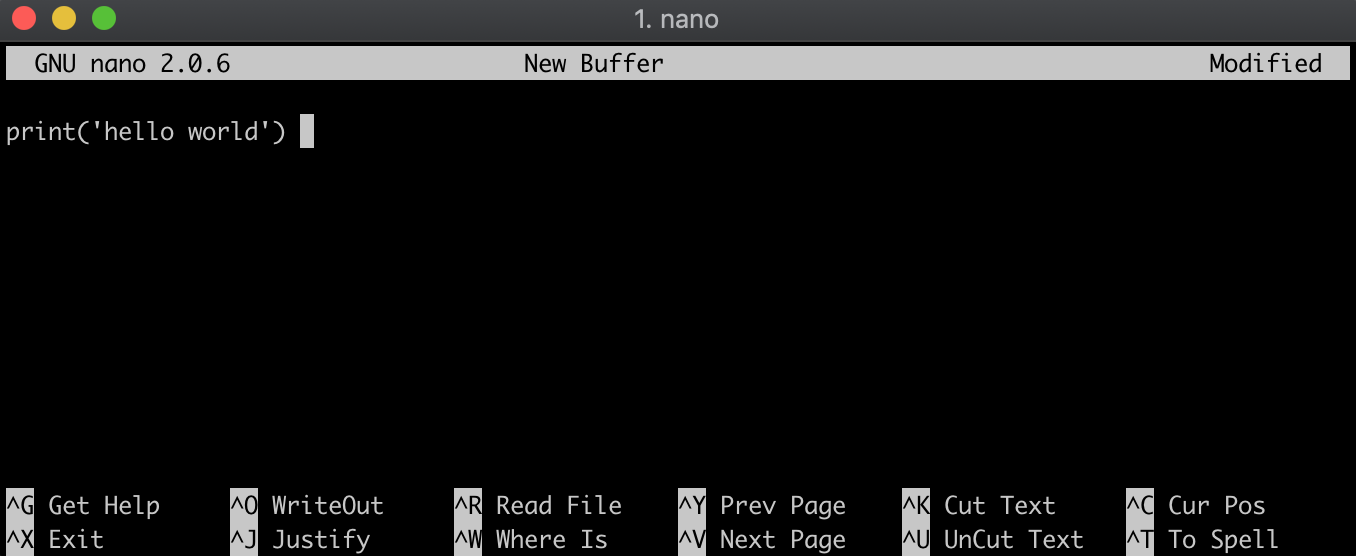
.py
方法1
方法2
echo
hello_world.py
echo "print('hello world')" > hello_world.py
ファイル内容を確認:
cat hello_world.py
print('hello world')
.pyファイルと同じディレクトリにいることを確認:
ls
ファイル名の前にpythonを付けて実行:
python hello_world.py
hello world