アニメーションの磨き上げ

R で学ぶ中級インタラクティブ可視化(plotly)

Adam Loy

Statistician, Carleton College

カスタマイズ

アニメーションのオプション

  • フレーム間の時間
  • フレーム遷移
  • スライダーの見た目

プロットのオプション

  • グリフの色・形・サイズ
  • 軸ラベル・変換
  • ツールチップ(例: ホバー表示)
R で学ぶ中級インタラクティブ可視化(plotly)

アニメーションのオプション

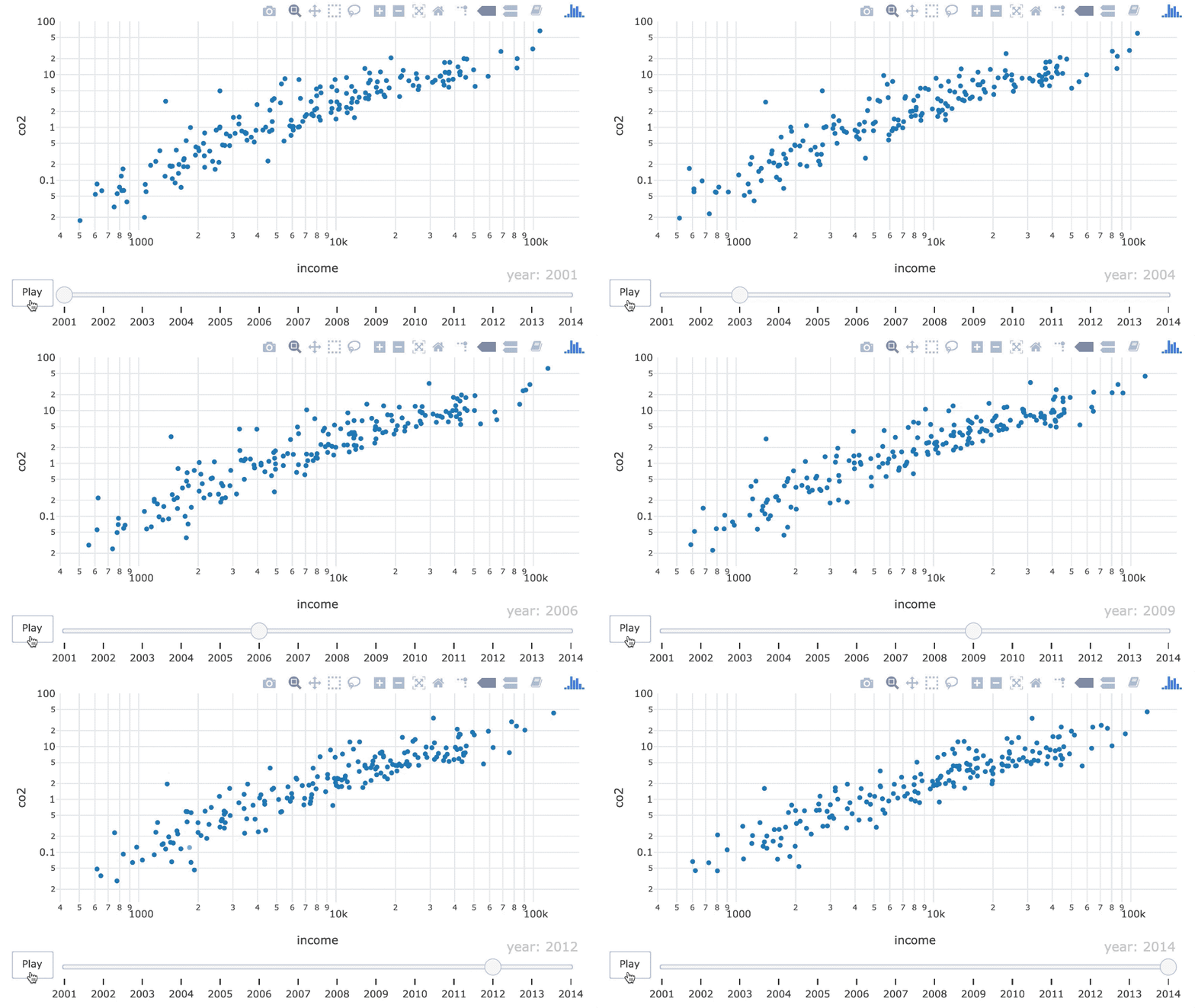
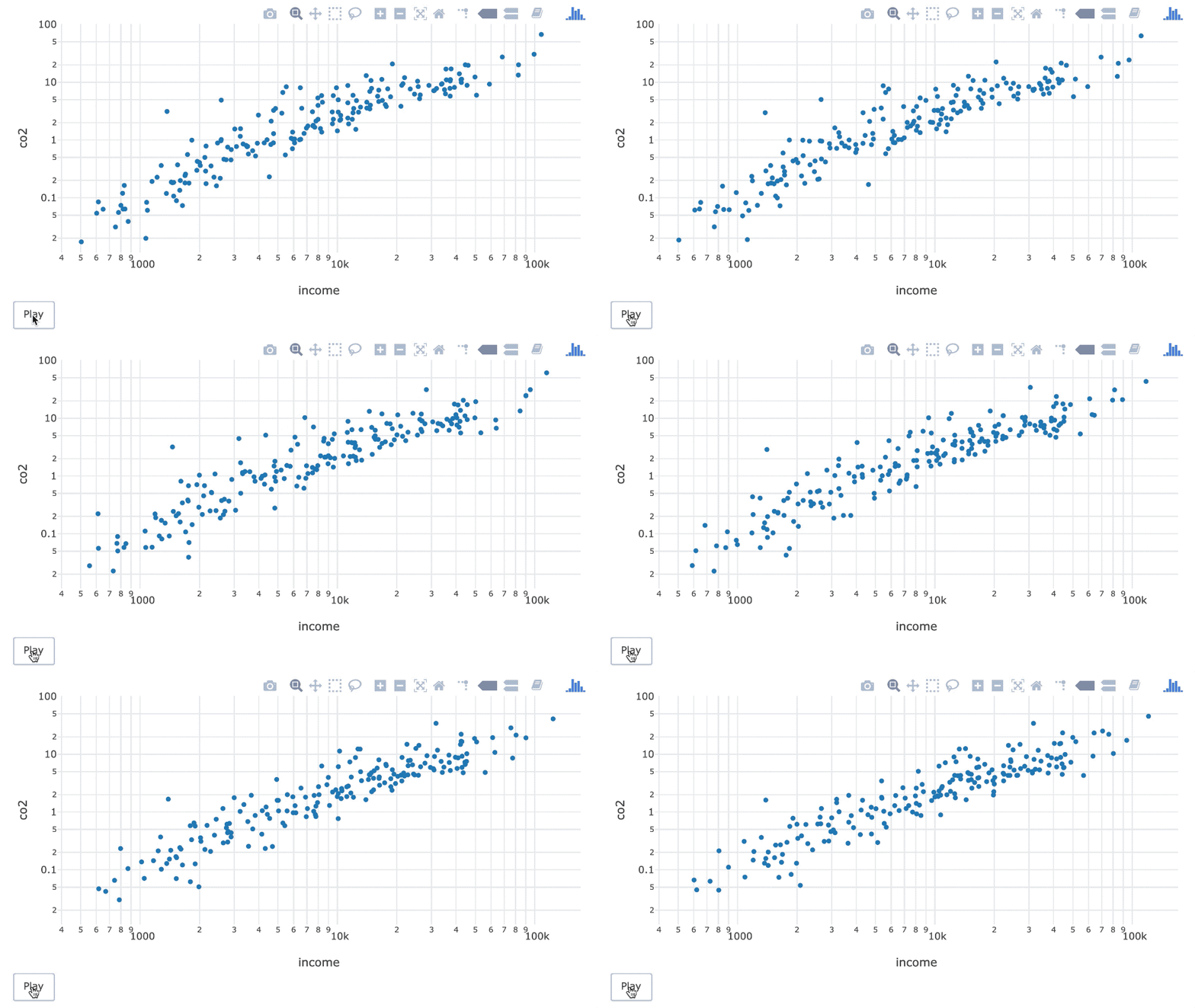
デフォルト設定の基本アニメーション。

ani <- world_indicators %>%
  plot_ly(x = ~income, y = ~co2) %>%
  add_markers(frame = ~year, 
              ids = ~country, 
              showlegend = FALSE) %>%
  layout(xaxis = list(type = "log"),
         yaxis = list(type = "log"))
R で学ぶ中級インタラクティブ可視化(plotly)

アニメーションのオプション

デフォルト設定の基本アニメーション。

ani %>%
  animation_opts(
      frame = 500, 
      transition = frame,
      easing = "linear",
      redraw = TRUE
   )
R で学ぶ中級インタラクティブ可視化(plotly)

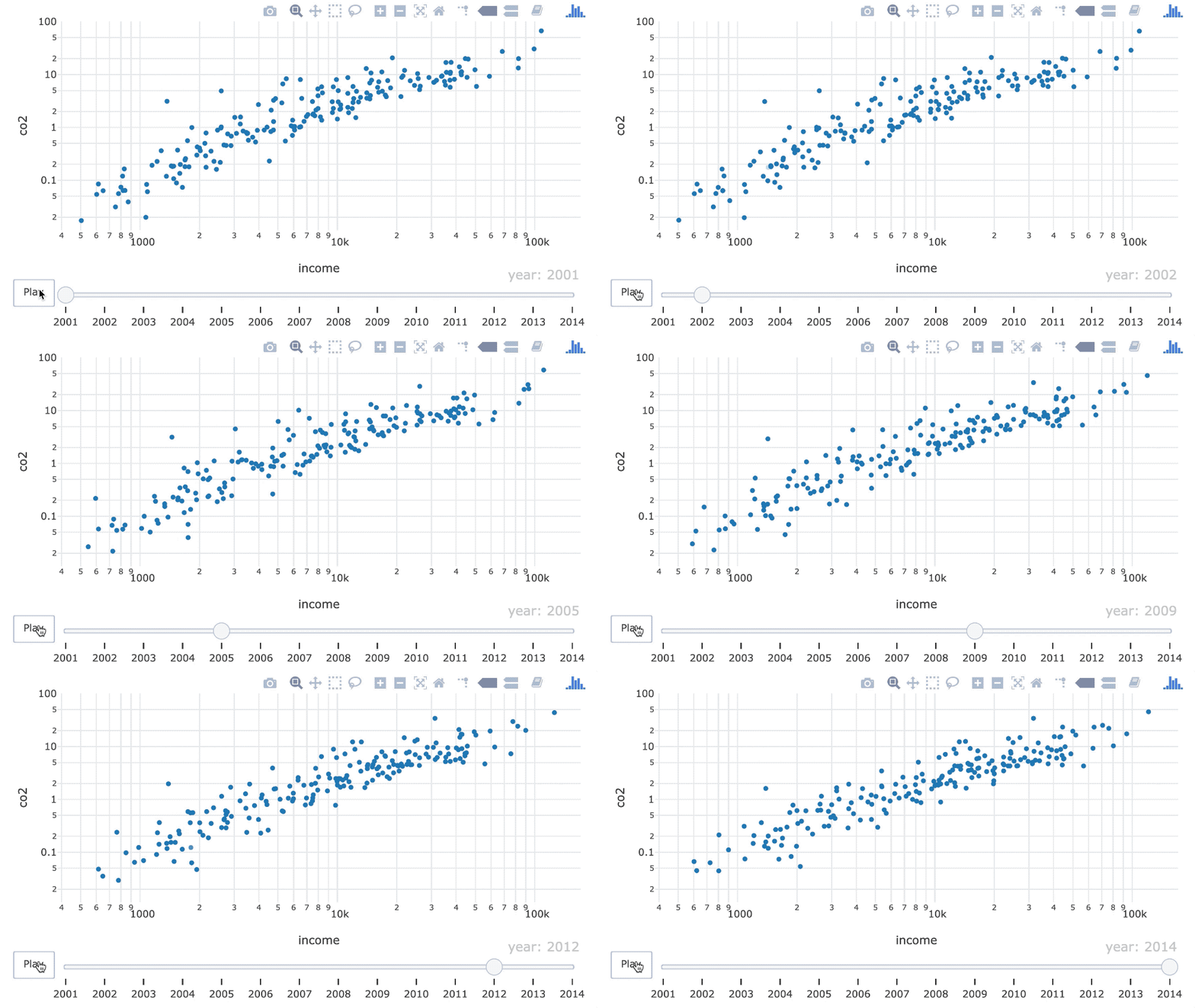
速度を上げる

frame = 300 を使って速度を上げた散布図アニメーション。

ani %>%
  animation_opts(frame = 300)
R で学ぶ中級インタラクティブ可視化(plotly)

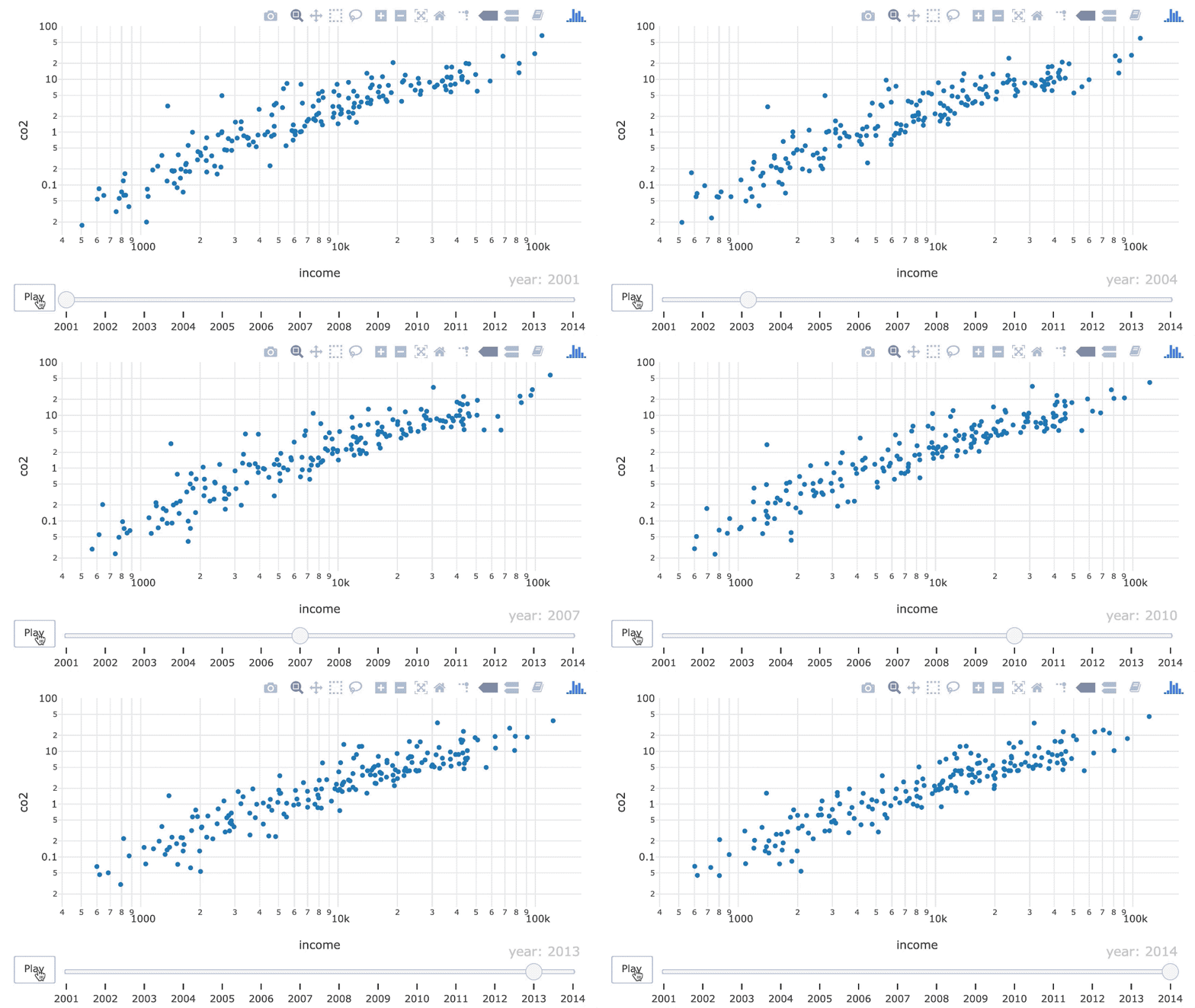
フレーム間で一時停止

各フレームで 350 ミリ秒一時停止するアニメーション。

ani %>%
  animation_opts(
     frame = 700, 
     transition = 350
  )
R で学ぶ中級インタラクティブ可視化(plotly)

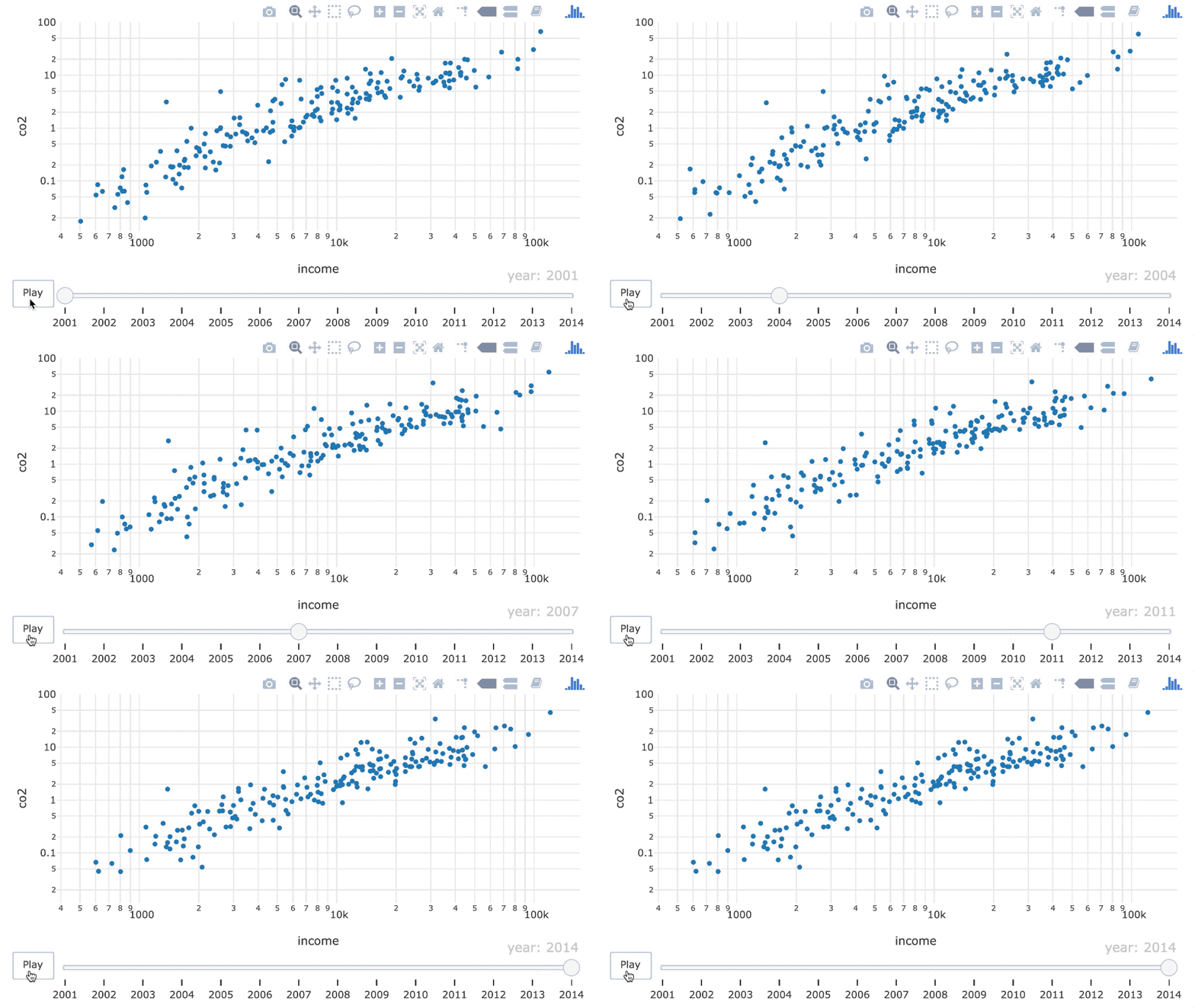
ポイントを弾ませる

easing = "bounce" を使用したアニメーション。

ani %>%
  animation_opts(easing = "bounce")

基本的なイージング:

"linear", "quad", "cubic", "sin", "exp", "circle", "elastic", "back", "bounce"

R で学ぶ中級インタラクティブ可視化(plotly)

スライダーのオプション

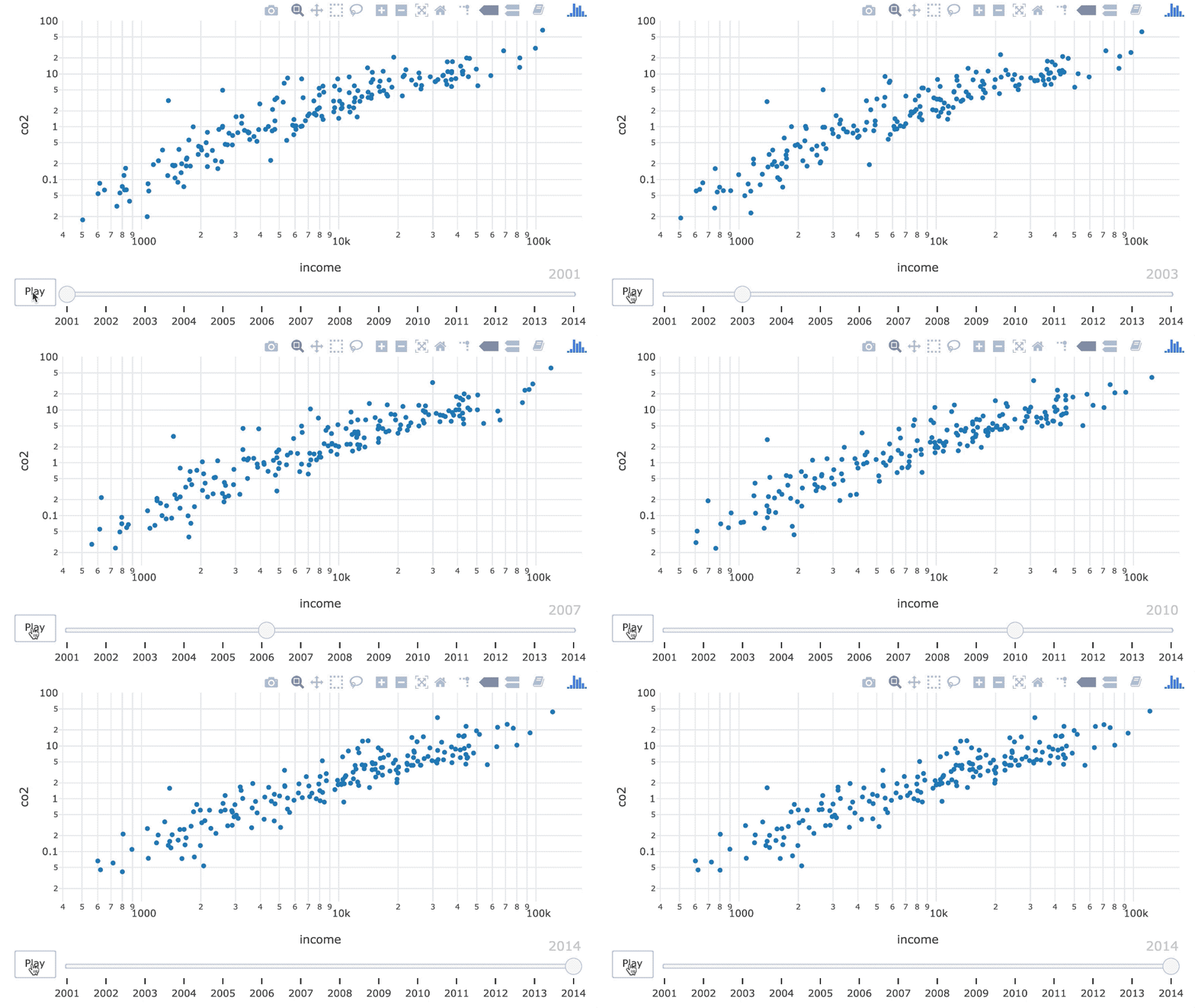
デフォルト設定の基本アニメーション。

ani
R で学ぶ中級インタラクティブ可視化(plotly)

スライダーを非表示にする

スライダーなしのアニメーション。

ani %>%
  animation_slider(hide = TRUE)
R で学ぶ中級インタラクティブ可視化(plotly)

スライダーの文字列を編集

スライダーから接頭辞 "year: " を削除。

ani %>%
  animation_slider(
     currentvalue = list(prefix=NULL)
  )
R で学ぶ中級インタラクティブ可視化(plotly)

スライダーの文字列を編集

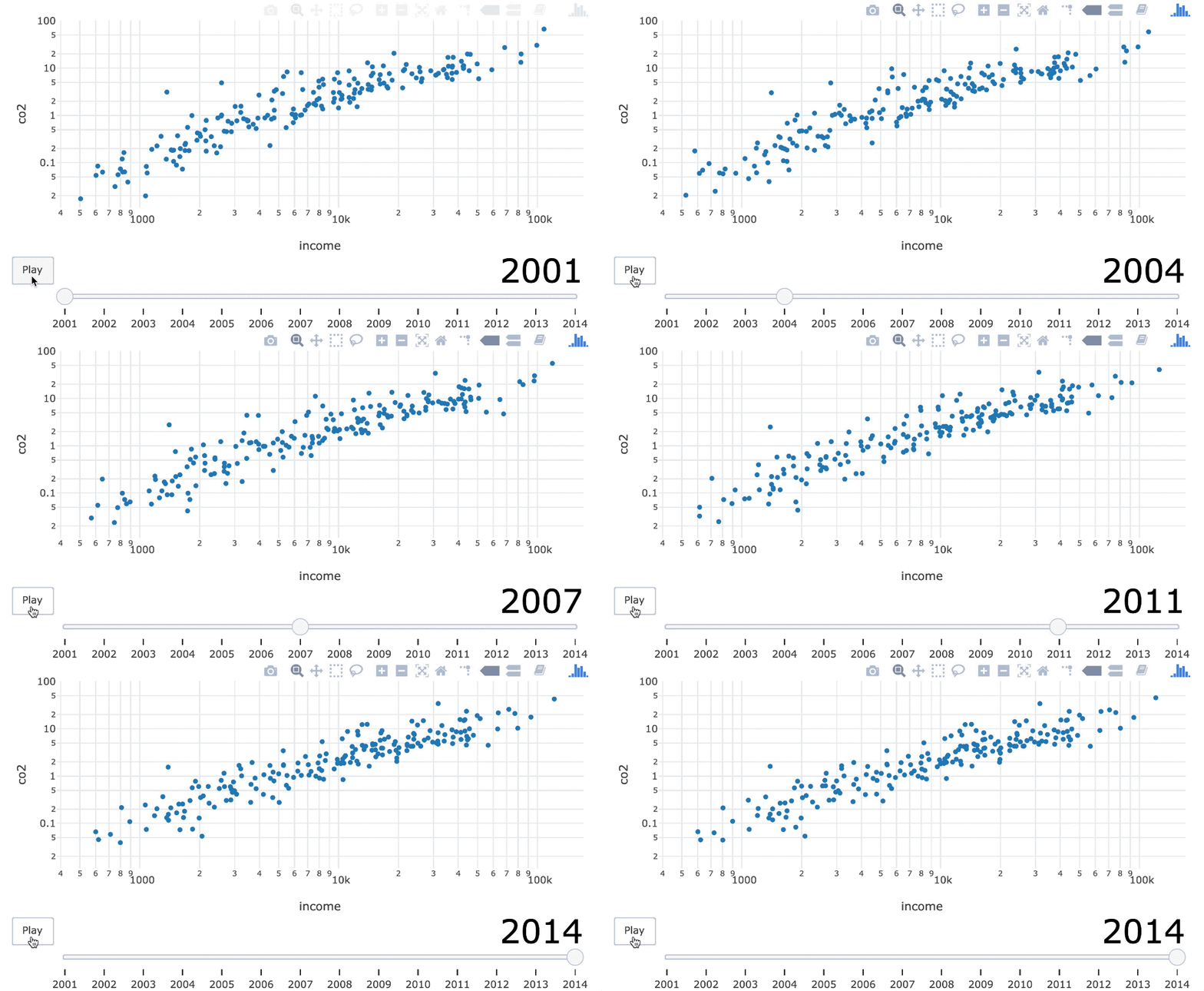
スライダーの文字サイズを 40、色を黒に変更。

ani %>%
  animation_slider(
     currentvalue = list(prefix=NULL,
        font = list(
           color = "black", 
           size = 40
        )
     )
  )
R で学ぶ中級インタラクティブ可視化(plotly)

練習しましょう!

R で学ぶ中級インタラクティブ可視化(plotly)

Preparing Video For Download...