音声→テキスト

OpenAI APIで学ぶマルチモーダルシステム

James Chapman

Curriculum Manager, DataCamp

次に学ぶこと
$$

コース目標
  • OpenAI の音声モデル
  • テキストのモデレーション
  • 事例研究: カスタマーサポート用チャットボット

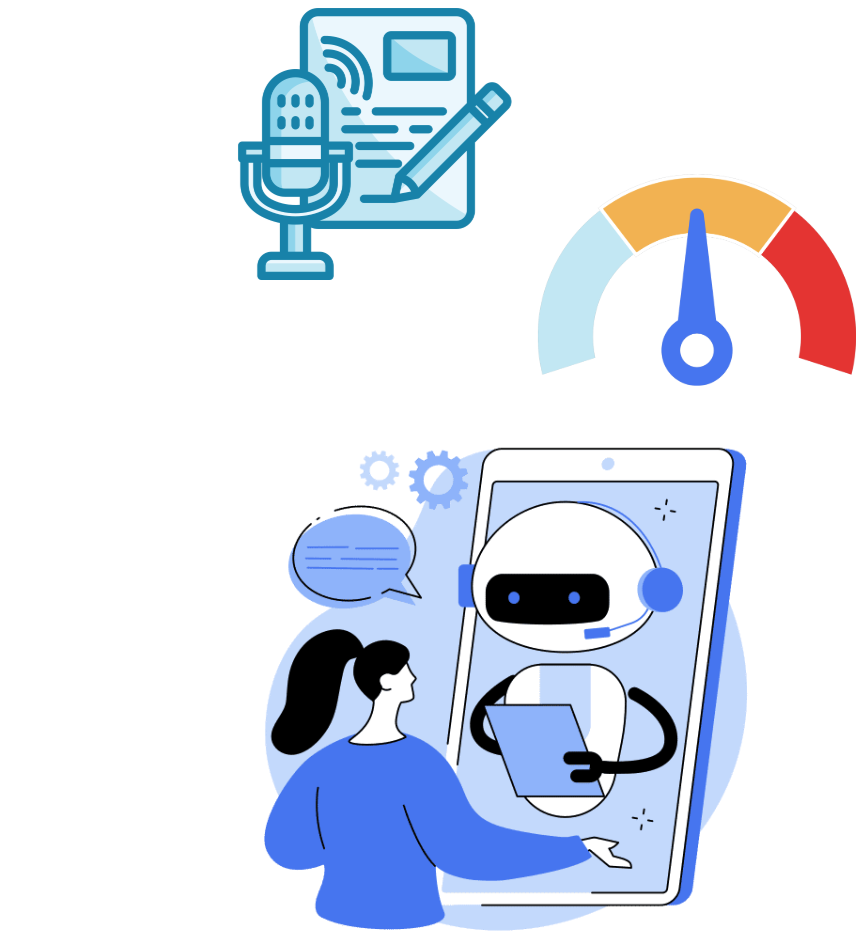
音声モデル、テキストのモデレーション、ケーススタディの画像

OpenAI APIで学ぶマルチモーダルシステム

おさらい

from openai import OpenAI


# Create the OpenAI client client = OpenAI(api_key="<OPENAI_API_TOKEN>")
# Create a request to the Chat Completions endpoint response = client.chat.completions.create(
model="gpt-4o-mini", messages=[{"role": "user", "content": "What is the OpenAI API?"}]
)
  • API キー不要—すでに設定済みです 🎉
OpenAI APIで学ぶマルチモーダルシステム

おさらい

# Extract the content from the response
print(response.choices[0].message.content)
The OpenAI API is a cloud-based service provided by OpenAI that allows developers
to integrate advanced AI models into their applications.

$$

  • OpenAI API はテキスト以外にも対応 🚀
OpenAI APIで学ぶマルチモーダルシステム

OpenAI の音声モデル

音声→テキスト の機能:

  • 音声を文字起こし
  • 非英語音声を翻訳
  • mp3, mp4, mpeg, mpga, m4a, wav, webm 対応(25 MB まで)


ユースケース:

  • 会議の書き起こし
  • 動画の字幕

音声録音とテキストのアイコン。

  • 顧客通話の処理
OpenAI APIで学ぶマルチモーダルシステム

音声ファイルの読み込み


: meeting_recording.mp3 を文字起こし

audio_file = open("meeting_recording.mp3", "rb")

$$

ファイルが別のディレクトリにある場合

audio_file = open("path/to/file/meeting_recording.mp3", "rb")
OpenAI APIで学ぶマルチモーダルシステム

文字起こしの作成

  • 音声エンドポイント
audio_file= open("meeting_recording.mp3", "rb")

response = client.audio.transcriptions.create(
model="whisper-1",
file=audio_file
)
print(response)
Transcription(text="Welcome everyone to the June product monthly. We'll get started in...)
1 https://platform.openai.com/docs/guides/speech-to-text
OpenAI APIで学ぶマルチモーダルシステム

書き起こし結果

print(response.text)
Welcome everyone to the June product monthly. We'll get started in just a minute.
Alright, let's get started. Today's agenda will start with a spotlight from Chris
on the new mobile user onboarding flow, then we'll review how we're tracking on
our quarterly targets, and finally, we'll finish with another spotlight from Katie
who will discuss the upcoming branding updates...
OpenAI APIで学ぶマルチモーダルシステム

非英語音声の文字起こし

音声録音とテキストのアイコン。

文字起こしの流れ:

  1. open() で音声を開く
  2. 文字起こしをリクエスト
  3. テキストを取得
OpenAI APIで学ぶマルチモーダルシステム

翻訳の作成

audio_file = open("non_english_audio.m4a", "rb")


response = client.audio.translations.create(
model="whisper-1",
file=audio_file
)
print(response.text)
The search volume for keywords like A I has increased rapidly since the launch of
Cha GTP.
OpenAI APIで学ぶマルチモーダルシステム

文字起こしの性能


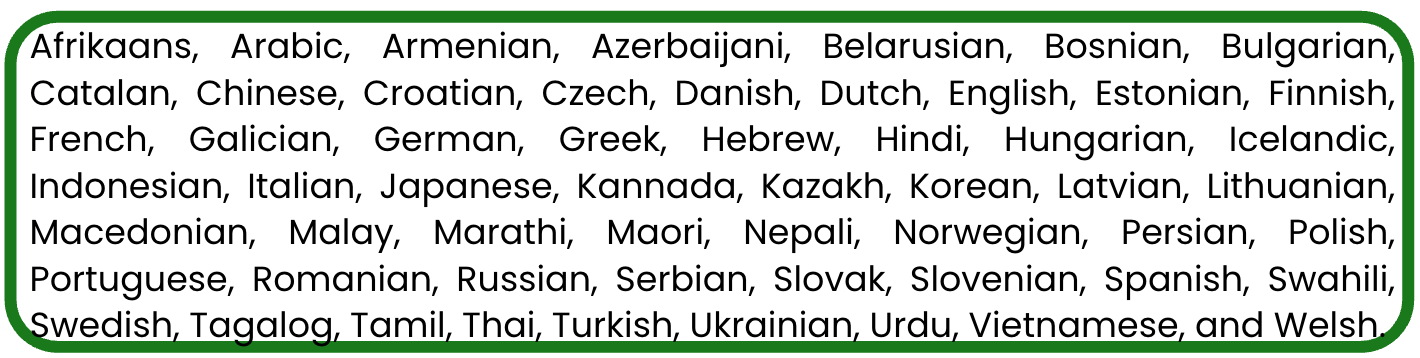
  • パフォーマンスは次で大きく変動します:
    • 音声品質
    • 言語
    • モデルの分野知識

世界中のさまざまな言語。

OpenAI APIで学ぶマルチモーダルシステム

演習に進みましょう!

OpenAI APIで学ぶマルチモーダルシステム

Preparing Video For Download...