顧客通話の文字起こしを作成する

OpenAI APIで学ぶマルチモーダルシステム

James Chapman

Curriculum Manager, DataCamp

ケーススタディ概要

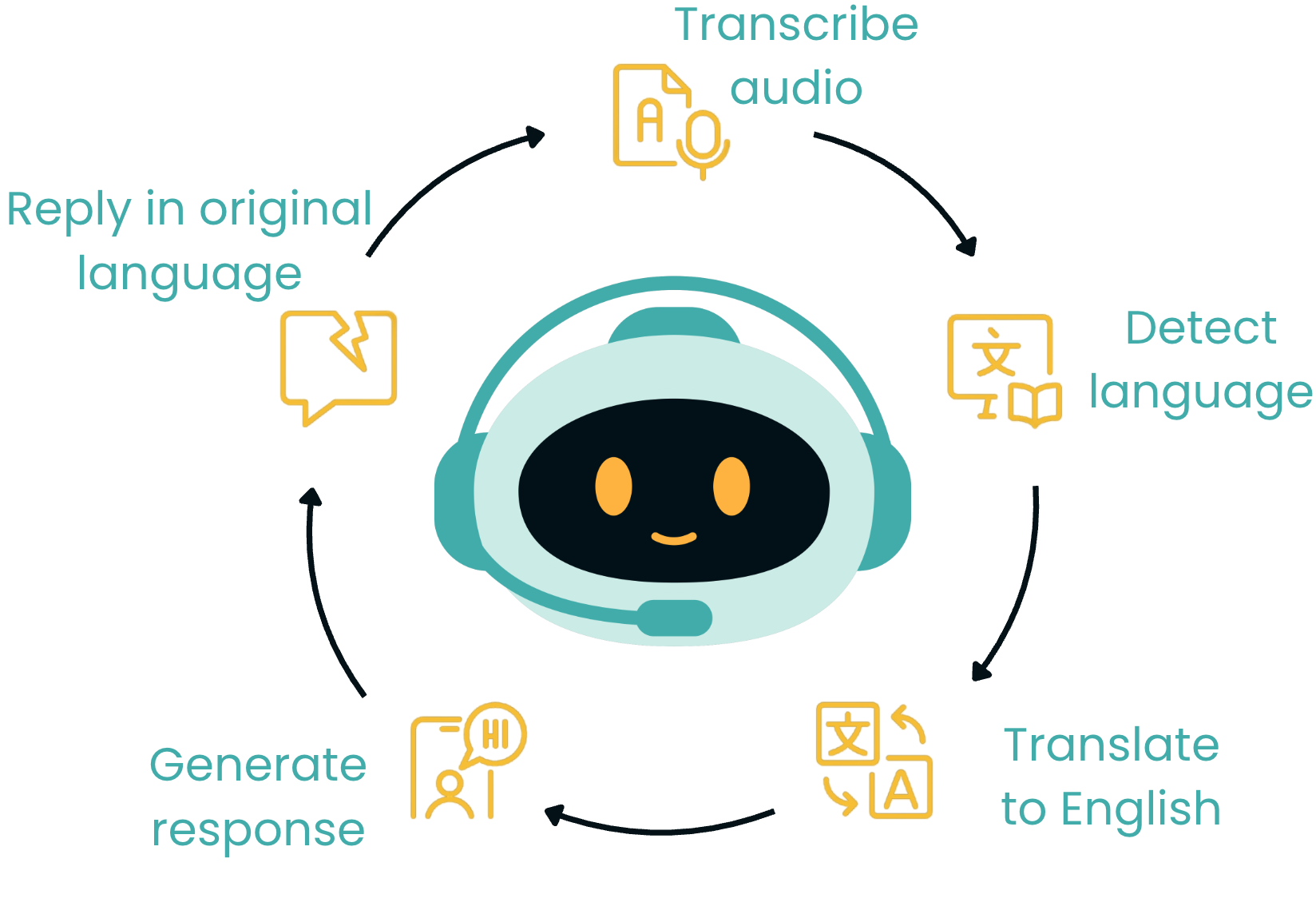
チャットボットの画像

$$

  • DataCamp の AI エンジニア
  • 音声メッセージを処理
  • 音声対応のカスタマーサポートチャットボット

$$

$$

DataCamp のカスタマーサポートチーム

OpenAI APIで学ぶマルチモーダルシステム

ケーススタディ概要

チャットボットの画像

OpenAI APIで学ぶマルチモーダルシステム

ケーススタディ概要

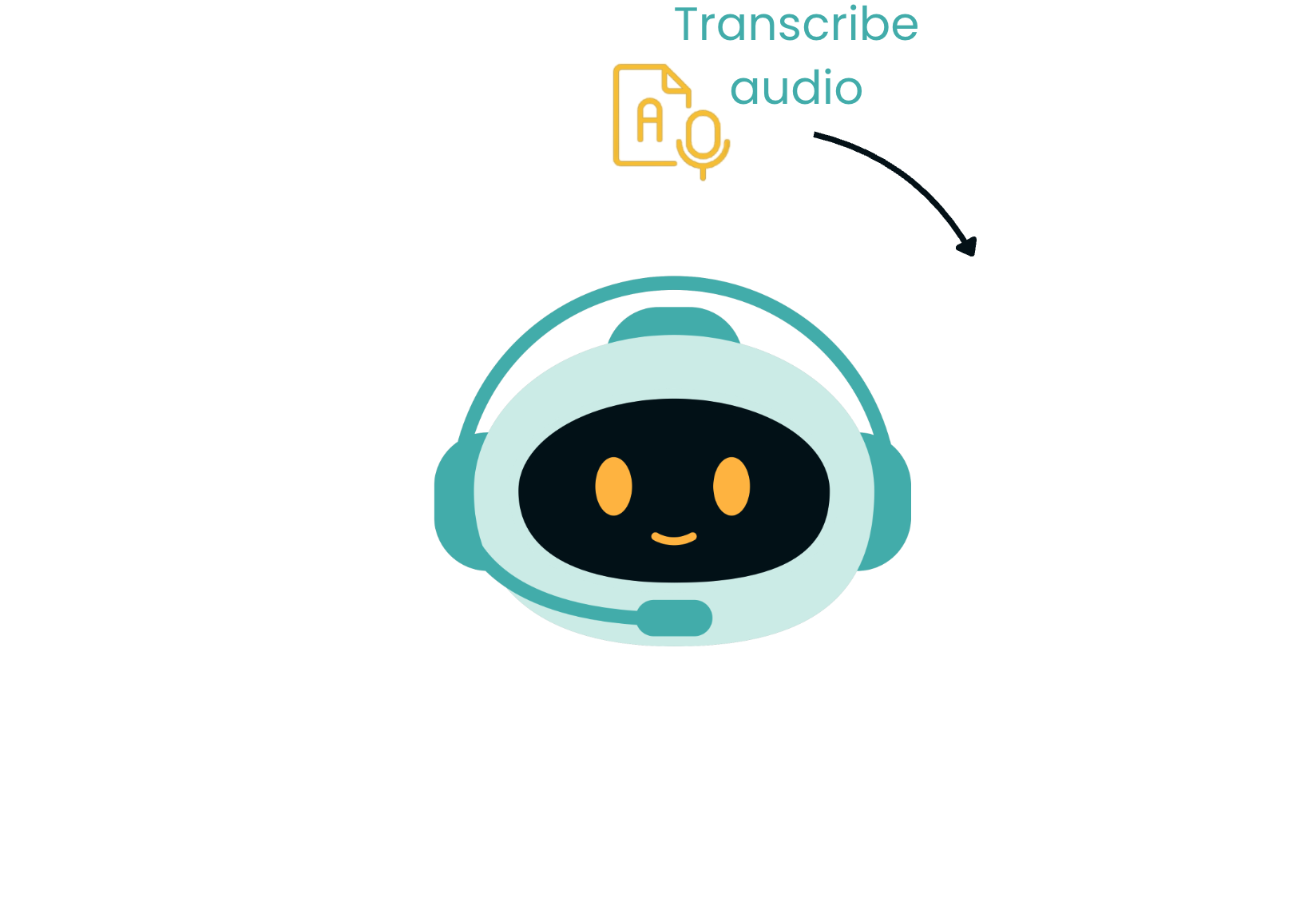
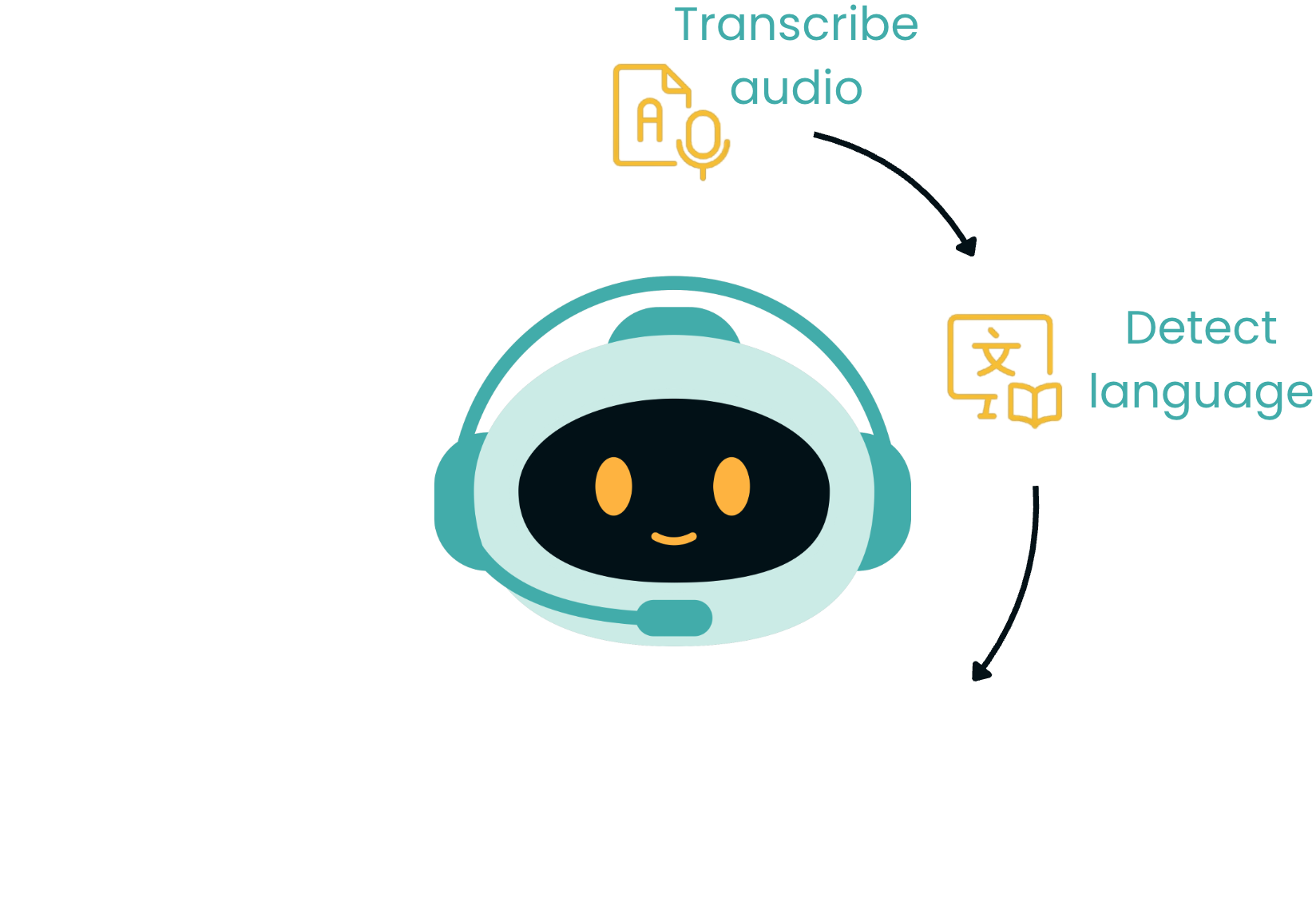
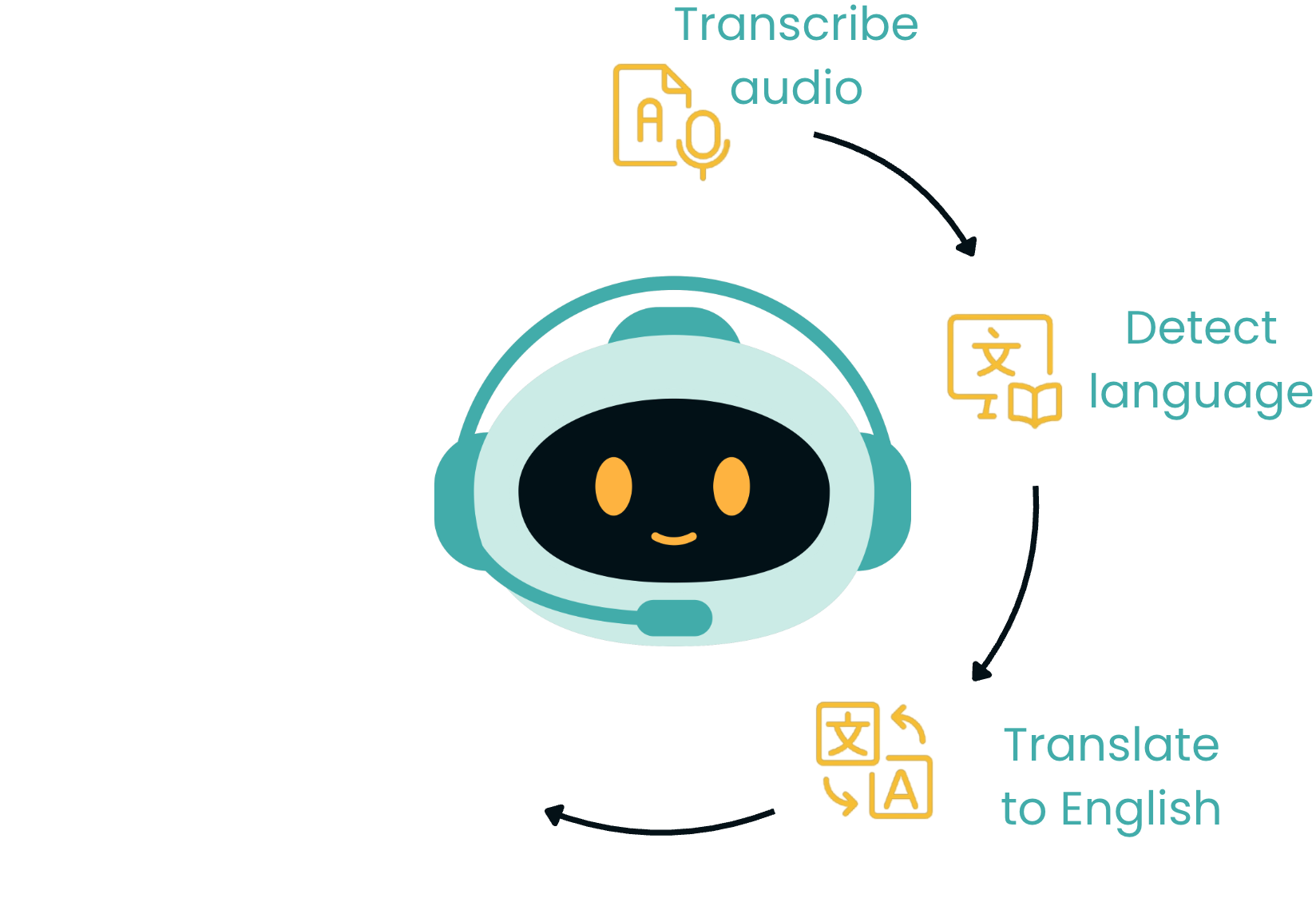
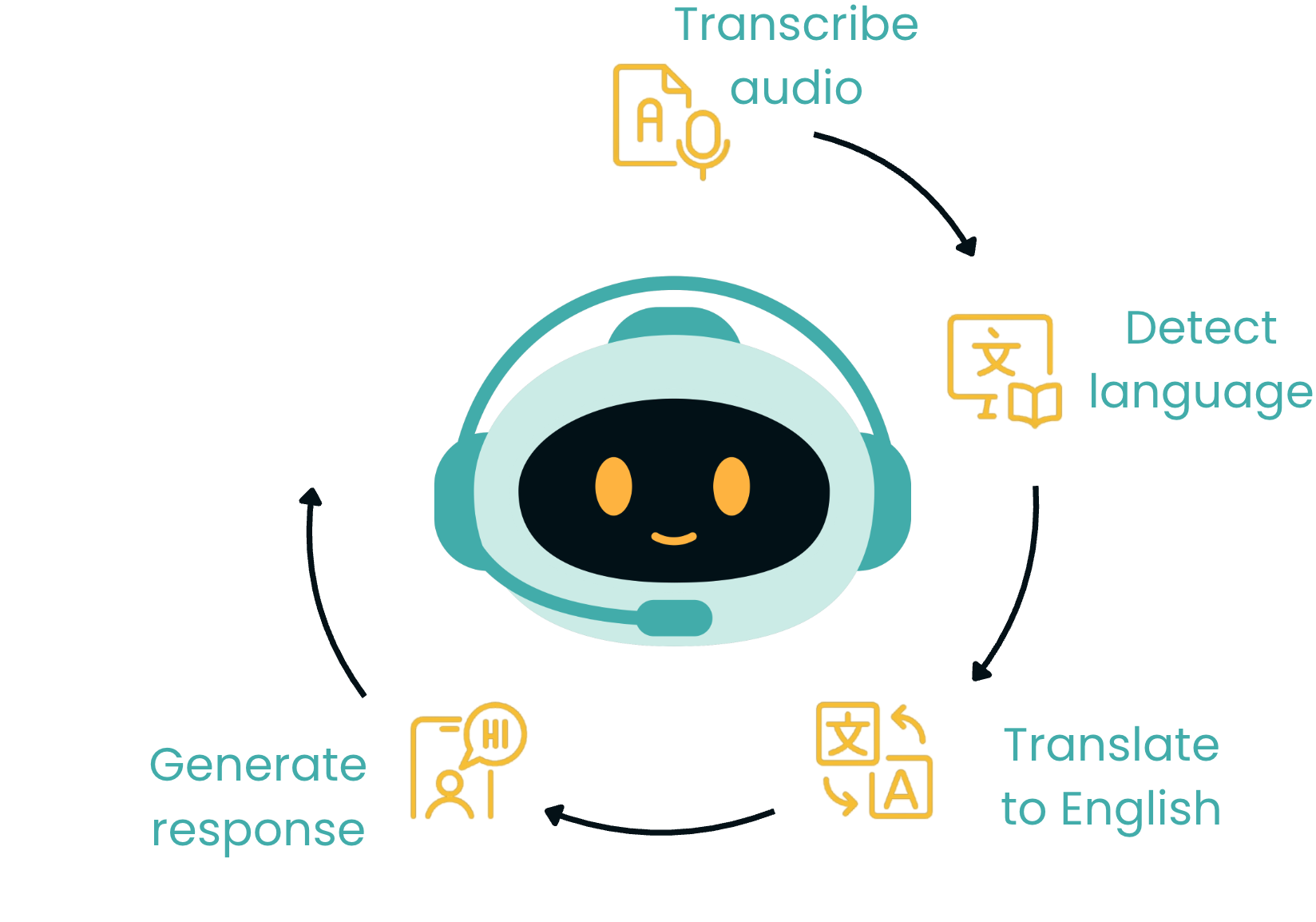
手順:音声を書き起こす

OpenAI APIで学ぶマルチモーダルシステム

ケーススタディ概要

手順:言語を検出

OpenAI APIで学ぶマルチモーダルシステム

ケーススタディ概要

手順:英語へ翻訳

OpenAI APIで学ぶマルチモーダルシステム

ケーススタディ概要

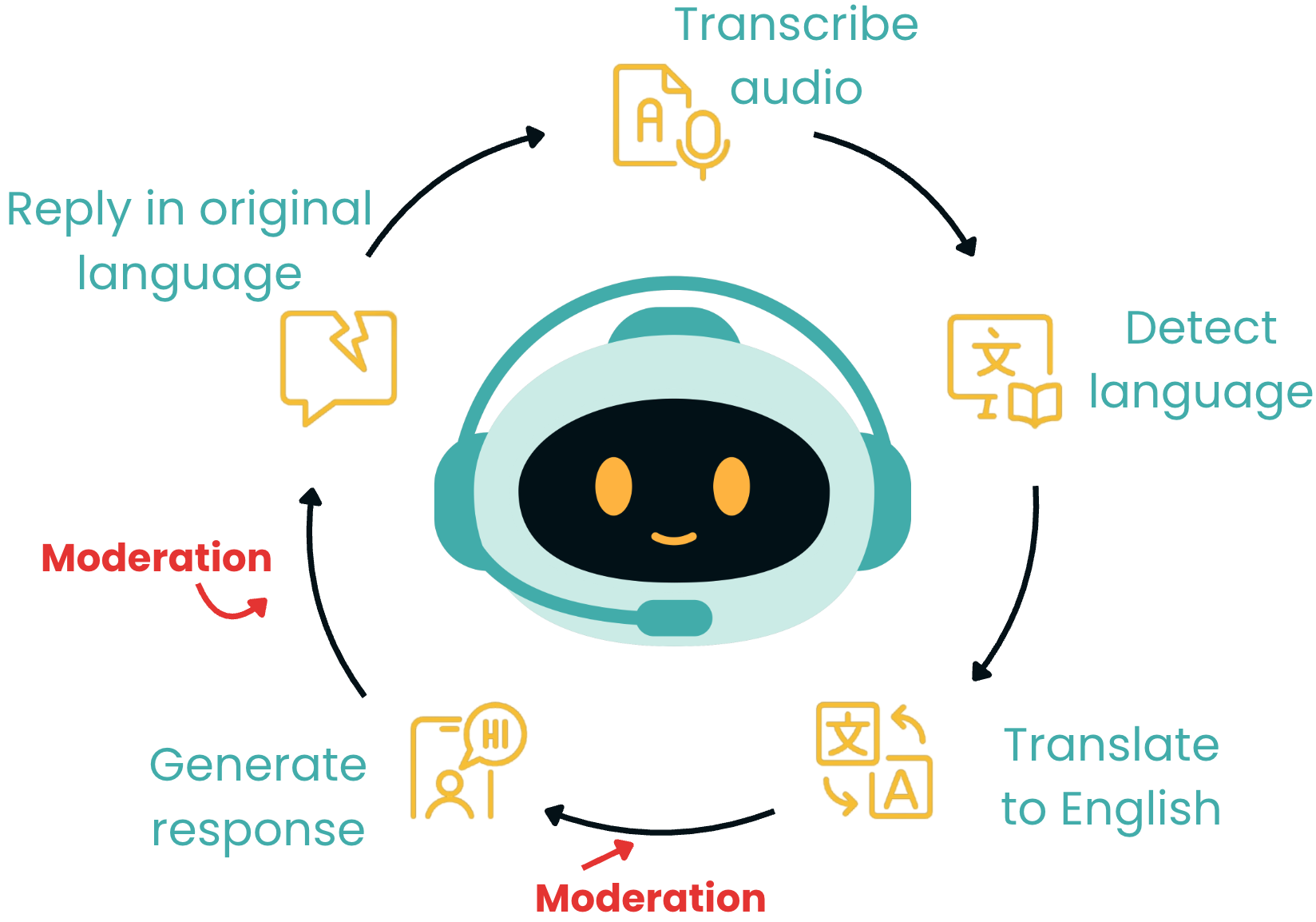
手順:応答を生成

OpenAI APIで学ぶマルチモーダルシステム

ケーススタディ概要

手順:元の言語で返信

OpenAI APIで学ぶマルチモーダルシステム

ケーススタディ概要

手順:モデレーション

OpenAI APIで学ぶマルチモーダルシステム

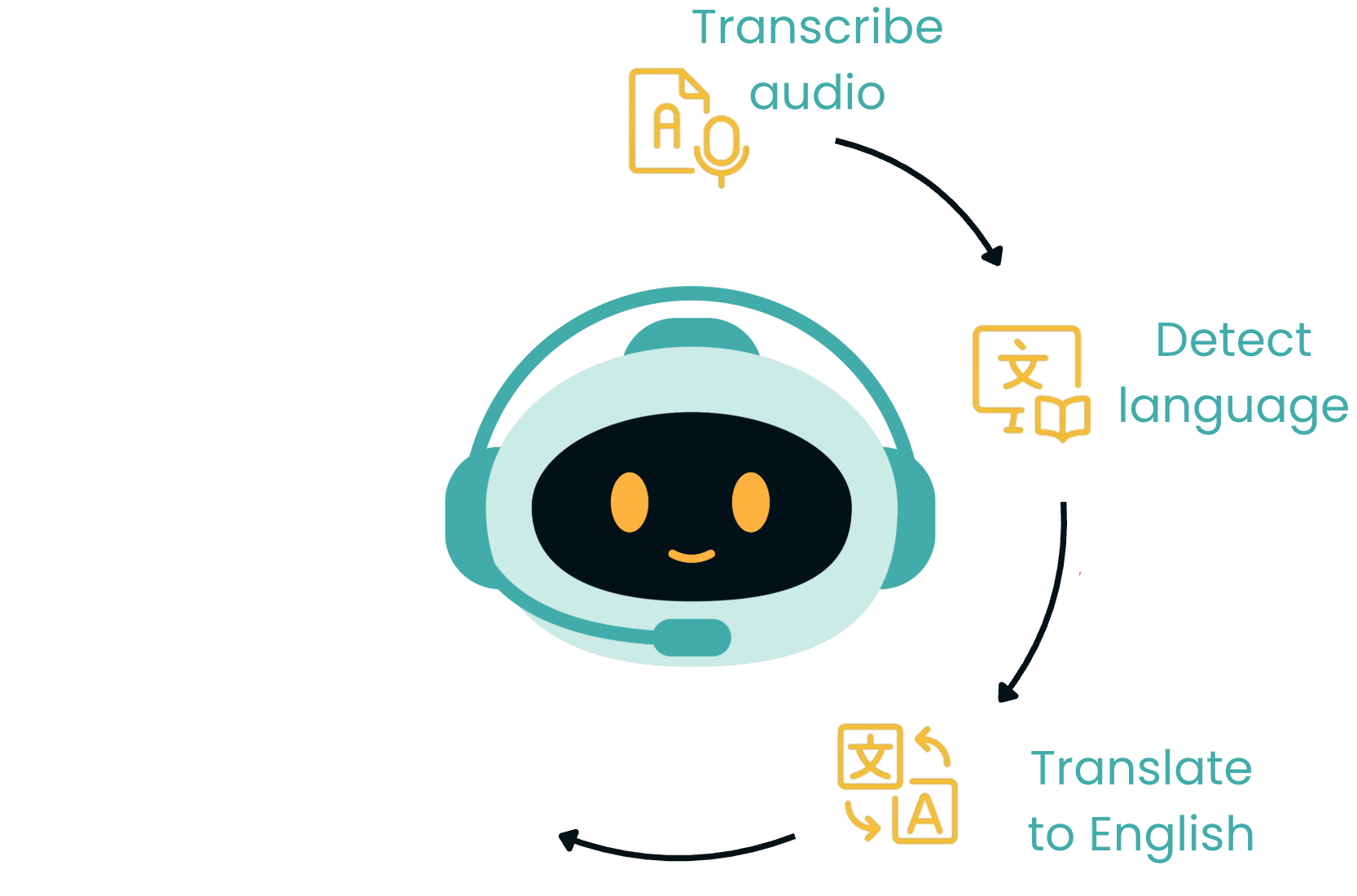
ケーススタディ計画

$$

$$

  1. 音声をテキストに書き起こす
  2. 言語を検出
  3. 英語へ翻訳
  4. テキストを整える

$$

手順:英語へ翻訳

OpenAI APIで学ぶマルチモーダルシステム

手順 1:音声を書き起こす

from openai import OpenAI

client = OpenAI(api_key="ENTER YOUR KEY HERE")

# Open the mp3 file
audio_file = open("recording.mp3", "rb")

# Create a transcript
response = client.audio.transcriptions.create(
                  model="whisper-1", 
                  file=audio_file)
OpenAI APIで学ぶマルチモーダルシステム

手順 1:音声を書き起こす

# Extract and print the transcript
transcript = response.text
print(transcript)

$$

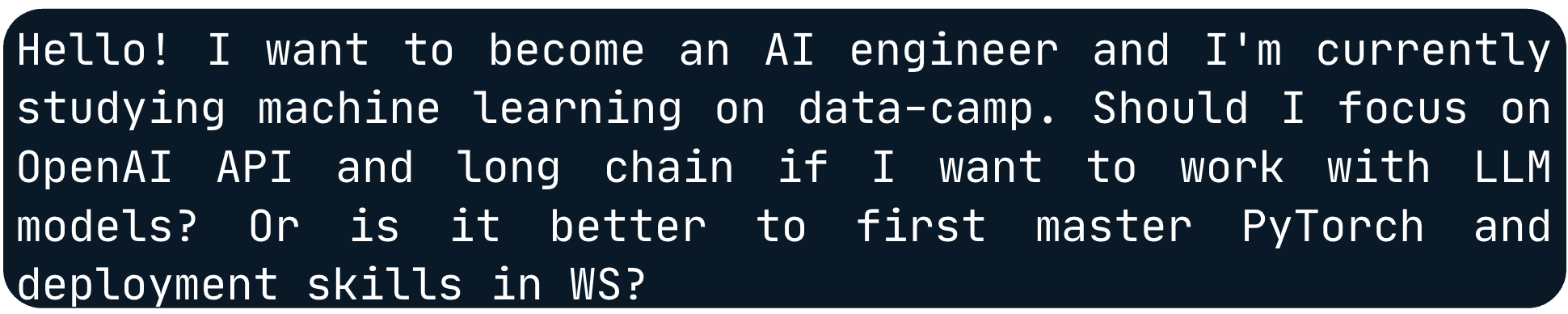
ウクライナ語の文字起こし

OpenAI APIで学ぶマルチモーダルシステム

手順 2:言語を検出する

response = client.chat.completions.create(
    model="gpt-4o-mini",
    max_completion_tokens=5,

messages=[{"role": "user", "content": f"""Identify the language of the following text and respond only with the country code (e.g., 'en', 'uk', 'fr'): {transcript}"""}])
# Extract detected language language = response.choices[0].message.content print(language)
uk
OpenAI APIで学ぶマルチモーダルシステム

手順 3:英語へ翻訳する

response = client.chat.completions.create(
    model="gpt-4o-mini",
    max_completion_tokens=300,
    messages=[
        {"role": "user", "content": f"""Translate this customer transcript
        from country code {language} to English: {transcript}"""}])

# Extract translated text
translated_text = response.choices[0].message.content
OpenAI APIで学ぶマルチモーダルシステム

手順 3:英語へ翻訳する

print(translated_text)

翻訳結果(生)

OpenAI APIで学ぶマルチモーダルシステム

手順 3:英語へ翻訳する

print(translated_text)

翻訳結果(ハイライト)— 生

OpenAI APIで学ぶマルチモーダルシステム

手順 4:テキストを整える

response = client.chat.completions.create(
    model="gpt-4o-mini",
    max_completion_tokens=300,
    messages=[
    {"role": "user", 
     "content": f"""You are an AI assistant that corrects transcripts by fixing 
     misinterpretations, names, and terminology. Please refine the following
     transcript:\n\n{translated_text}"""}])

# Extract corrected text
corrected_text = response.choices[0].message.content
OpenAI APIで学ぶマルチモーダルシステム

手順 4:テキストを整える

print(corrected_text)

修正後のテキスト(ハイライト)

OpenAI APIで学ぶマルチモーダルシステム

まとめ

$$

  • 音声を文字起こし
  • 言語を検出し翻訳
  • テキストを整備

$$

  • OpenAI API を4回呼び出し ⭐

ウクライナ語の文字起こし

翻訳結果(ハイライト)— 生

修正後のテキスト(ハイライト)

OpenAI APIで学ぶマルチモーダルシステム

練習の時間です!

OpenAI APIで学ぶマルチモーダルシステム

Preparing Video For Download...