システムメッセージで動作を制御

Claude モデル入門

Nikhil Rangarajan

Data Scientist

システムメッセージとは?

  • サポートボット
  • 要件:
    • 丁寧に
    • 簡潔に
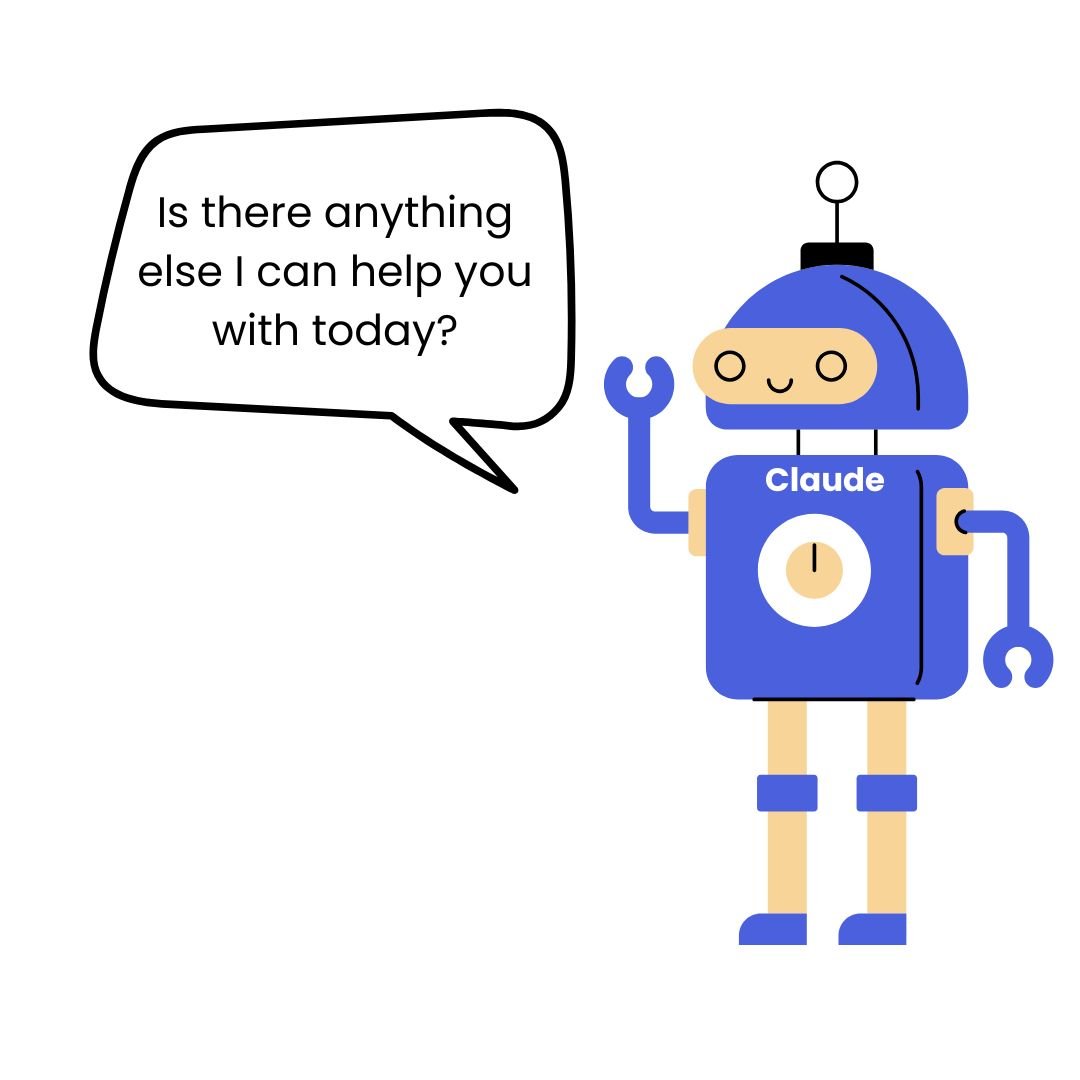
    • 返信の最後に必ず「他にお手伝いできることはありませんか。」と確認

ボット

Claude モデル入門

システムメッセージとは?

  • システムメッセージは、Claude に対しグローバルな動作ルールを設定
  • 適用対象: 会話全体(単一の応答に限らない)
  • トーン、制約、出力形式、ペルソナを制御

「他にお手伝いできることはありますか?」と尋ねるボット

Claude モデル入門

効果的なシステムプロンプト

  • 期待される動作と課される制約を具体的に示す
  • Claude が採用すべき役割を定義する
system_msg = "Be helpful." # Weak

system_msg = "You are a technical writer. Use active voice, under 100 words, actionable advice only." # Strong
messages = [{"role": "user", "content": "How do I improve documentation?"}] response = client.messages.create(model="claude-sonnet-4-6", max_tokens=150, system=system_msg, messages=messages)
Claude モデル入門

システムメッセージでよく使われるパターン

  • 役割ベース: Claude の役割を定義

$$

  • 制約ベース: 長さの上限や形式の制限を設定

$$

  • トーンベース: 表現スタイルを制御

$$

  • 特定タスクベース: 専門的な指示
# Role-based
"You are a customer service rep."

# Constraint-based  
"Respond in exactly 3 bullet points,
max 50 words."

# Tone-based
"Use enthusiastic, encouraging tone."

# Task-specific
"Debug Python code. Always ask for 
error messages first."
Claude モデル入門

システムメッセージ:テストと改善を繰り返す

  • 幅広い内容のユーザー入力でテストし、エッジケースを見つける
  • 不適切な出力やドリフト(性能低下)を監視
  • 必要に応じて、より具体的な指示に改善
# System message causing issues
"Be concise and helpful."

# Problem: Responses too short, 
# missing context
"Provide helpful responses in 2-3 
sentences. Include relevant context 
but avoid unnecessary details."

# Test with various prompts 
Claude モデル入門

高度なシステムメッセージ手法

$$

  • 明確な優先順位とともに指示を与える
  • シナリオ に条件分岐を使用する
  • システムメッセージに例を加える
  • Few-shot プロンプトを追加
system_msg = """Code reviewer. 
Priority: 1) Security 2) Performance 
3) Style
If no issues: "Code looks good" 
+ suggest improvement
Example: "Security: No issues. 
Performance: Consider caching here."
"""

messages = [{"role": "system", 
             "content": system_msg},
    {"role": "user", 
     "content": "Review: [code]"}]
Claude モデル入門

練習しましょう!

Claude モデル入門

Preparing Video For Download...