Array acrobatics

Giới thiệu về NumPy

Izzy Weber

Core Curriculum Manager, DataCamp

Data augmentation
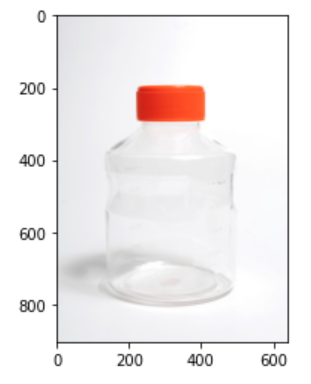
A picture of a plastic bottle

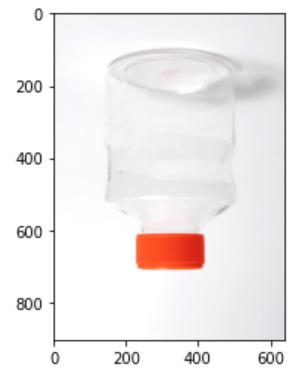
A picture of the same plastic bottle turned upside down and mirrored

1 Plastic bottle photo by Lilly_M via Wikimedia Commons
Giới thiệu về NumPy

Flipping an array


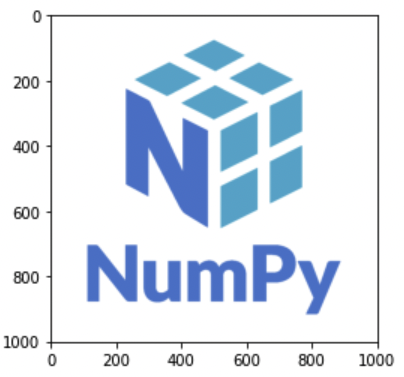
The NumPy logo

flipped_logo = np.flip(logo_rgb_array)
plt.imshow(flipped_logo)
plt.show()
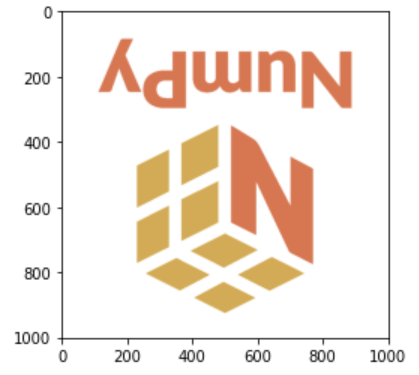
The NumPy logo after np.flip() is applied

Giới thiệu về NumPy

Flipping along an axis

flipped_rows_logo = np.flip(logo_rgb_array, axis=0)
plt.imshow(flipped_rows_logo)
plt.show()
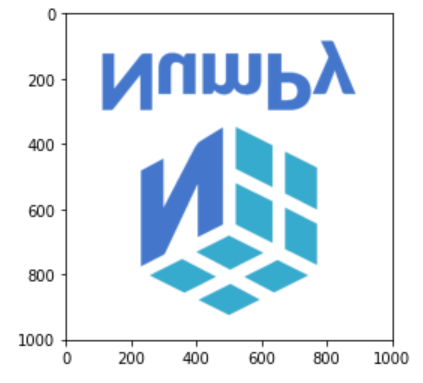
The NumPy logo with the rows of pixels in reverse order

Giới thiệu về NumPy

Flipping along an axis

flipped_colors_logo = np.flip(logo_rgb_array, axis=2)
plt.imshow(flipped_colors_logo)
plt.show()
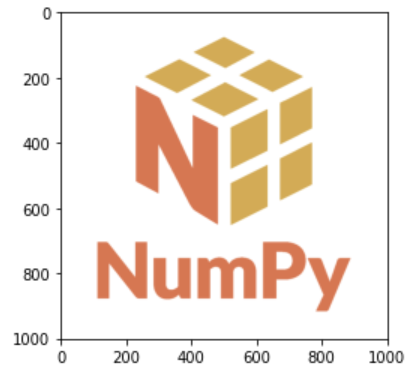
The NumPy logo with red values and blue values switched

Giới thiệu về NumPy

Flipping multiple axes

flipped_except_colors_logo = np.flip(logo_rgb_array, axis=(0, 1))
plt.imshow(flipped_except_colors_logo)
plt.show()
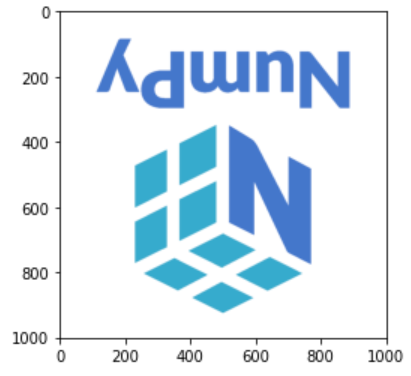
NumPy logo with the first and second axis flipped but not the third; colors are the same as the original

Giới thiệu về NumPy

Transposing an array

array = np.array([[1.1, 1.2, 1.3], 
                  [2.1, 2.2, 2.3], 
                  [3.1, 3.2, 3.3], 
                  [4.1, 4.2, 4.3]])
np.flip(array)
array([[4.3, 4.2, 4.1],
       [3.3, 3.2, 3.1],
       [2.3, 2.2, 2.1],
       [1.3, 1.2, 1.1]])
array = np.array([[1.1, 1.2, 1.3], 
                  [2.1, 2.2, 2.3], 
                  [3.1, 3.2, 3.3], 
                  [4.1, 4.2, 4.3]])
np.transpose(array)
array([[1.1, 2.1, 3.1, 4.1],
       [1.2, 2.2, 3.2, 4.2],
       [1.3, 2.3, 3.3, 4.3]])
Giới thiệu về NumPy

Setting transposed axis order

transposed_logo = np.transpose(logo_rgb_array, axes=(1, 0, 2))
plt.imshow(transposed_logo)
plt.show()
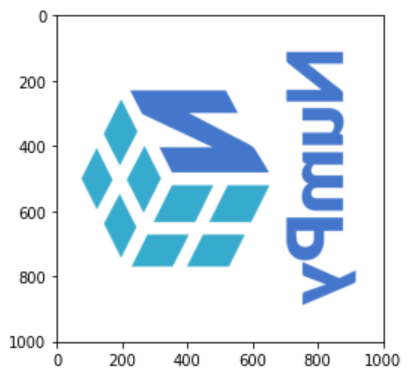
Numpy logo with rows and columns transposed so that the logo appears mirrored and on its side

Giới thiệu về NumPy

Let's practice!

Giới thiệu về NumPy

Preparing Video For Download...