Effektiver mit Copilot arbeiten

Microsoft Copilot in Word

Stéphanie Visser

Sr AI Product Manager, Microsoft

Einstieg

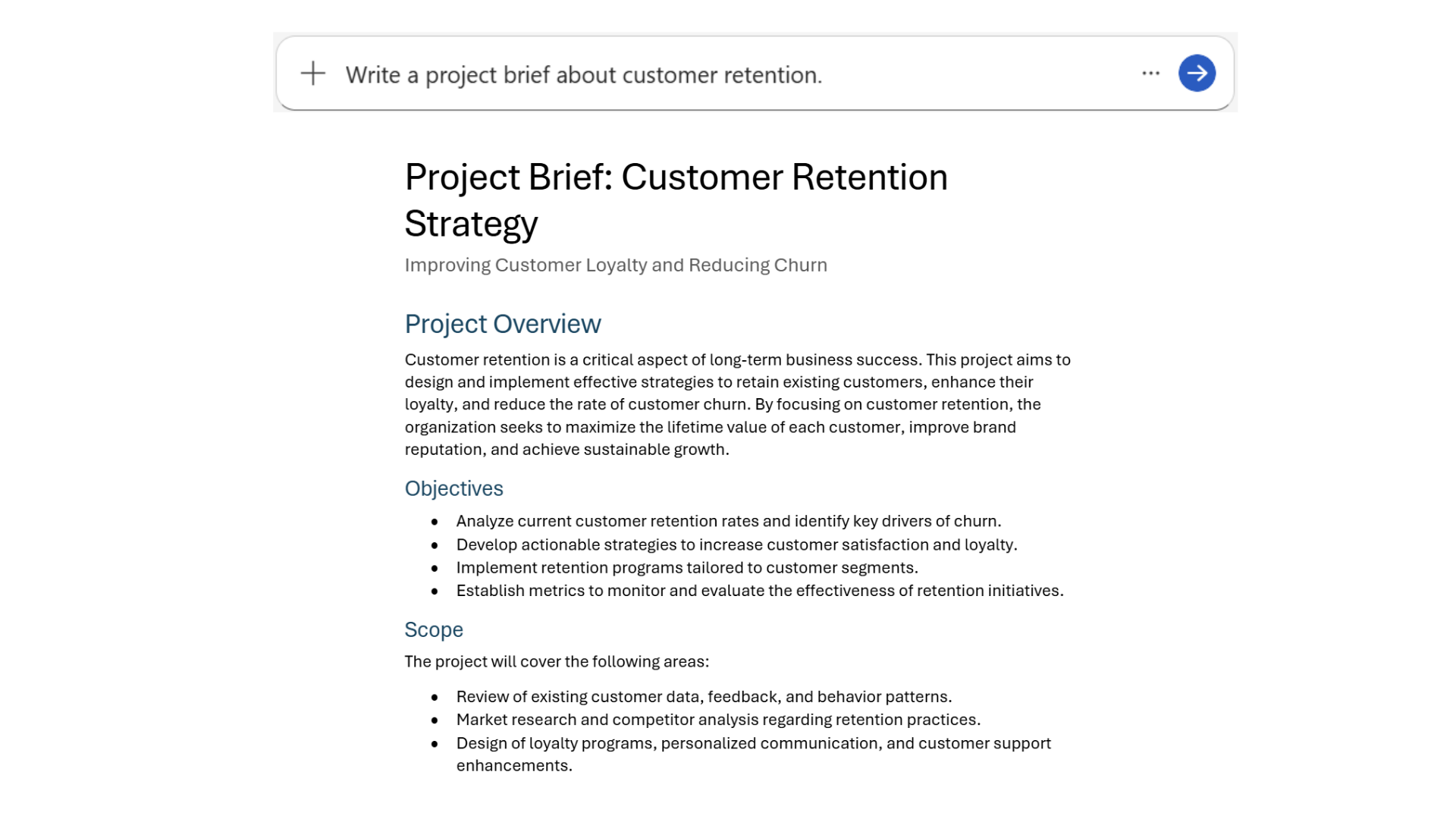
  • Verfasse ein Projektbriefing zur Kundenbindung
basic_prompt.png

Microsoft Copilot in Word

Spezifische Ausgaben erhalten

4.png

Microsoft Copilot in Word

Das Prompting-Framework

5.png

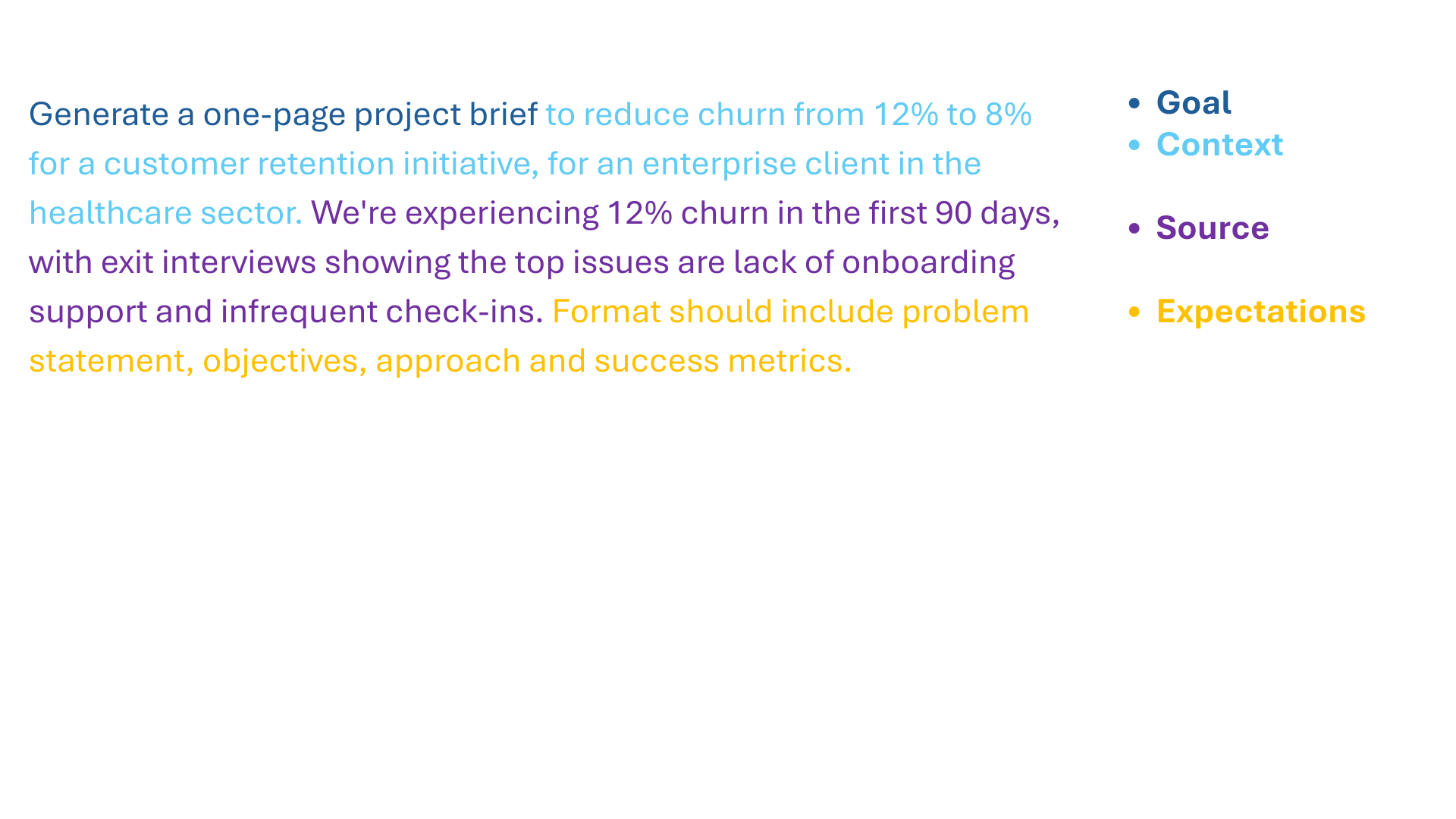
  • Ziel. Welche Antwort willst du von Copilot?
  • Kontext. Warum brauchst du sie und wer ist beteiligt?
  • Quelle. Welche Informationsquellen oder Beispiele soll Copilot nutzen?
    • Grounding
  • Erwartungen. Wie soll Copilot antworten, um sie zu erfüllen?
Microsoft Copilot in Word

Das Framework in Aktion

framework_prompting.png

Microsoft Copilot in Word

Konkrete Prompts liefern Ergebnisse

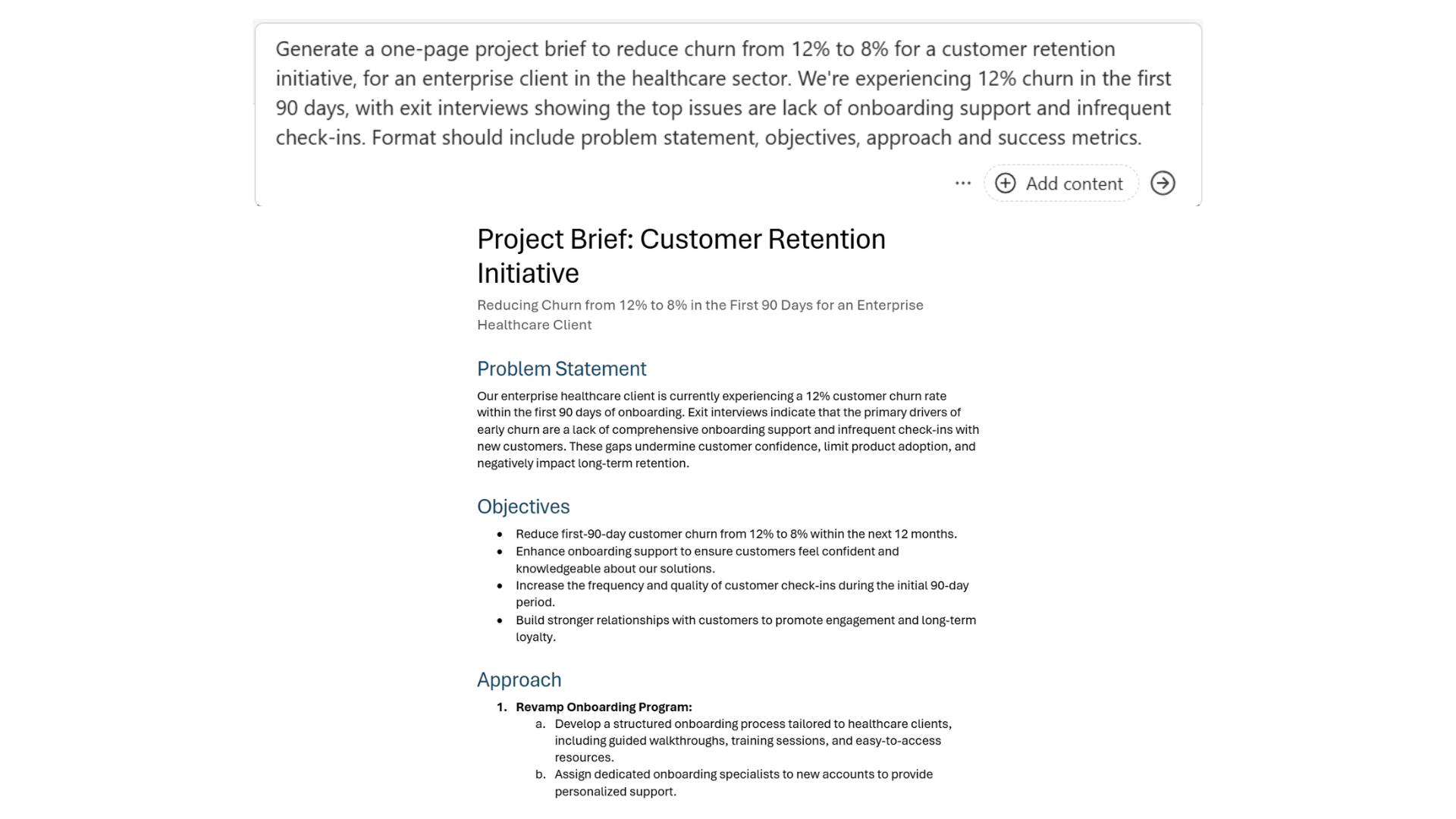
spezifische_aufforderung.png

Microsoft Copilot in Word

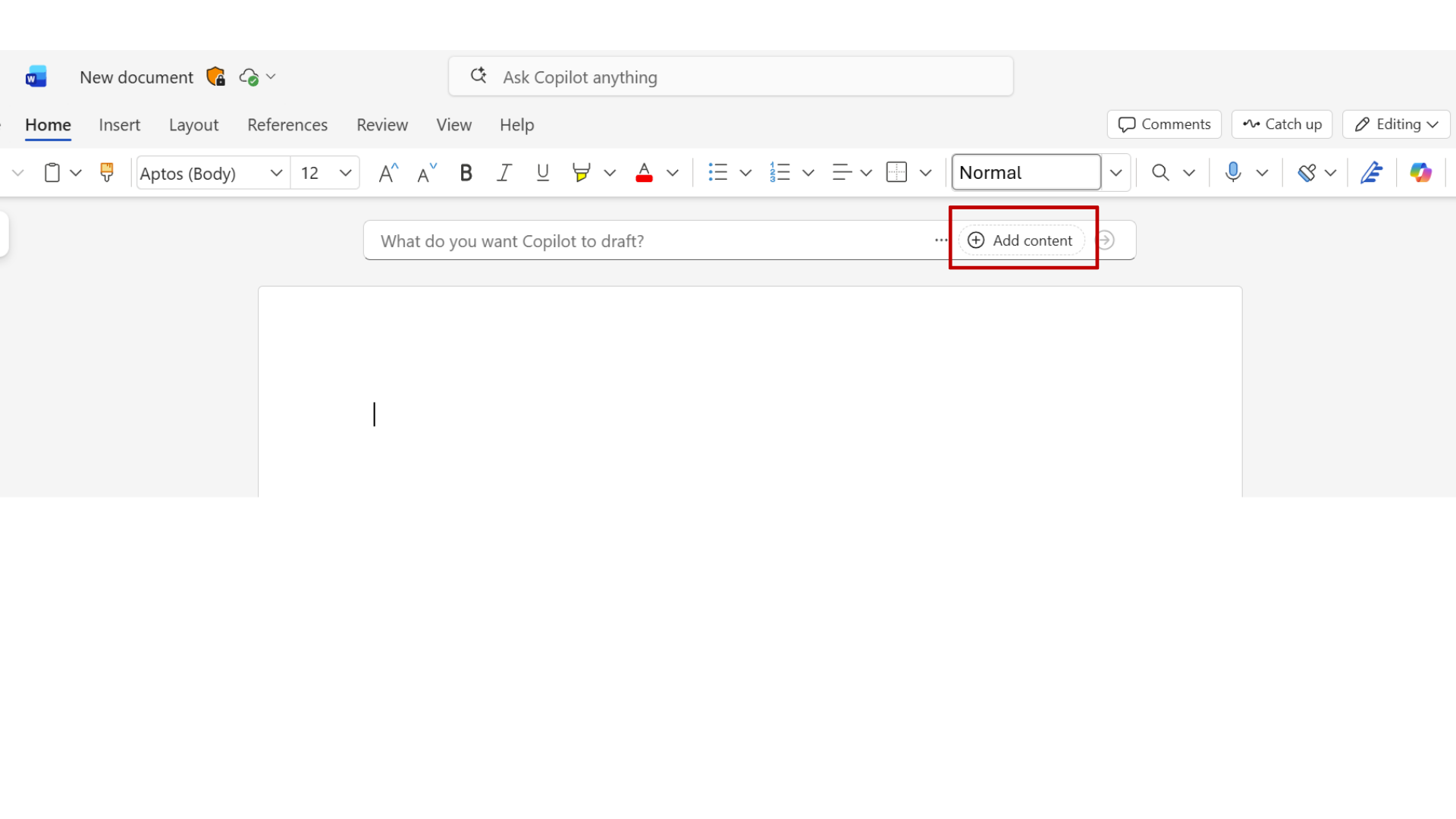
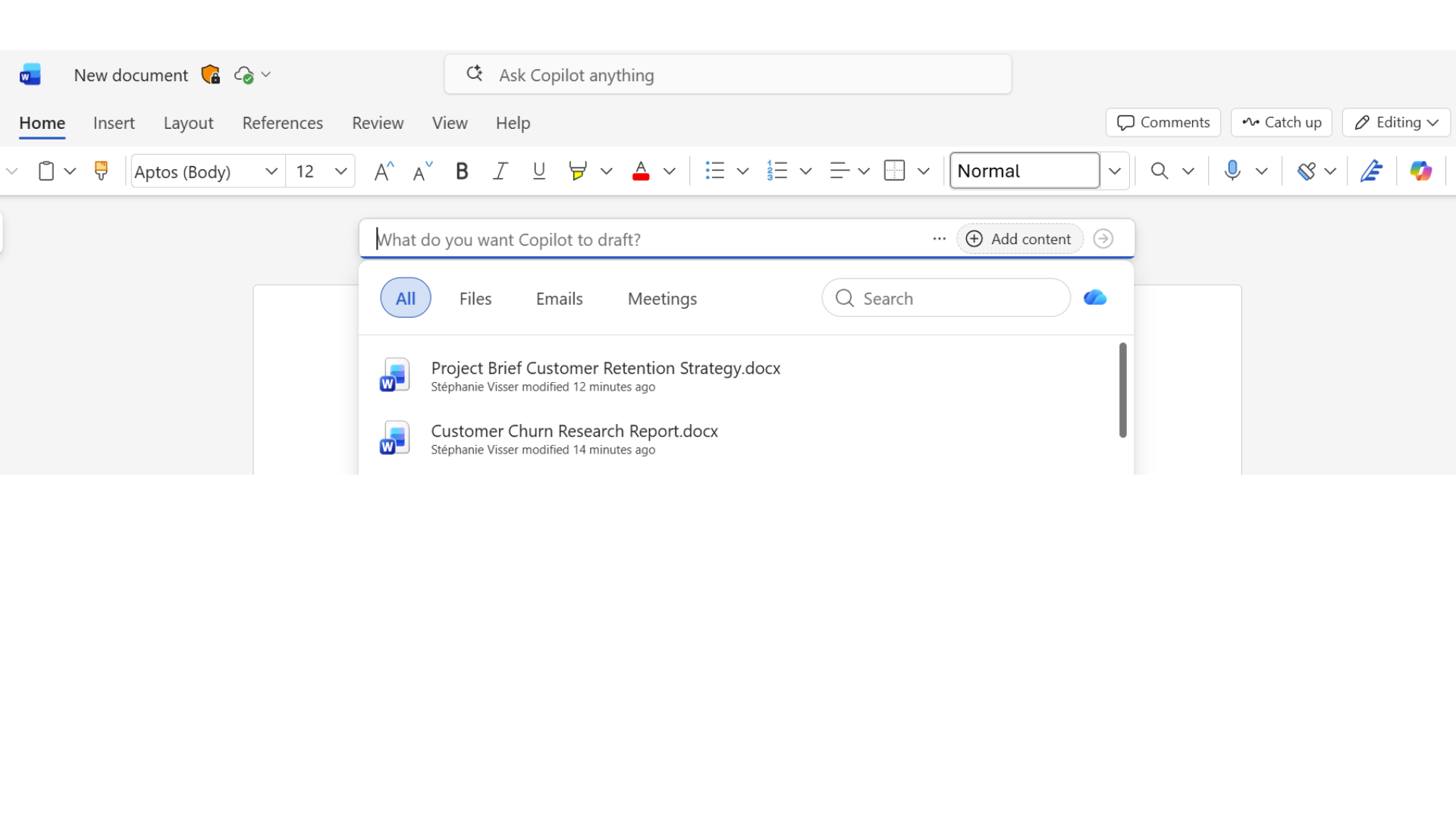
Inhalte hinzufügen

11.png

Microsoft Copilot in Word

Inhalte hinzufügen

10.png

Microsoft Copilot in Word

Inhalte hinzufügen

12.png

Microsoft Copilot in Word

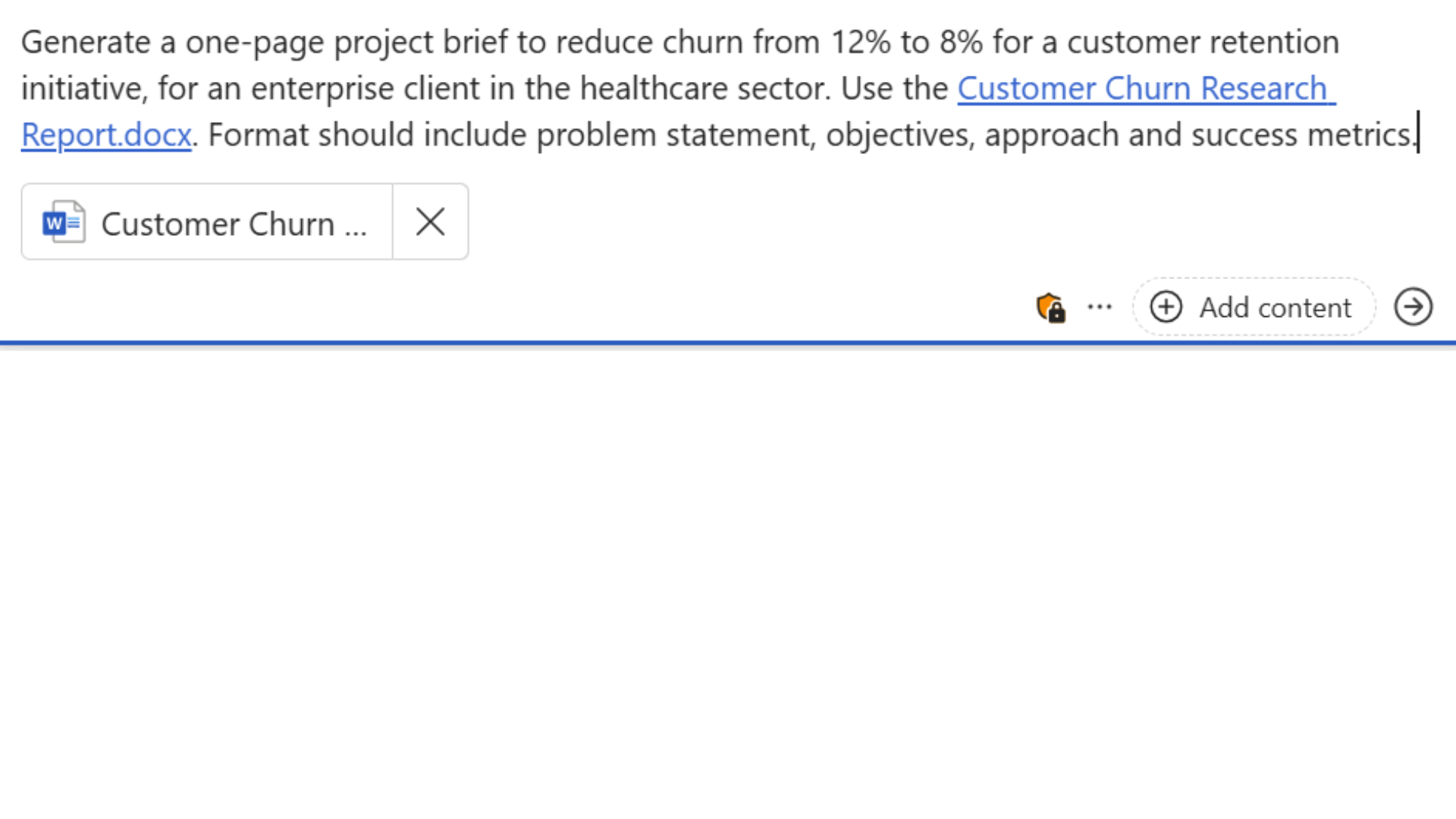
Mit echten Daten untermauern

grounding_prompt.png

Microsoft Copilot in Word

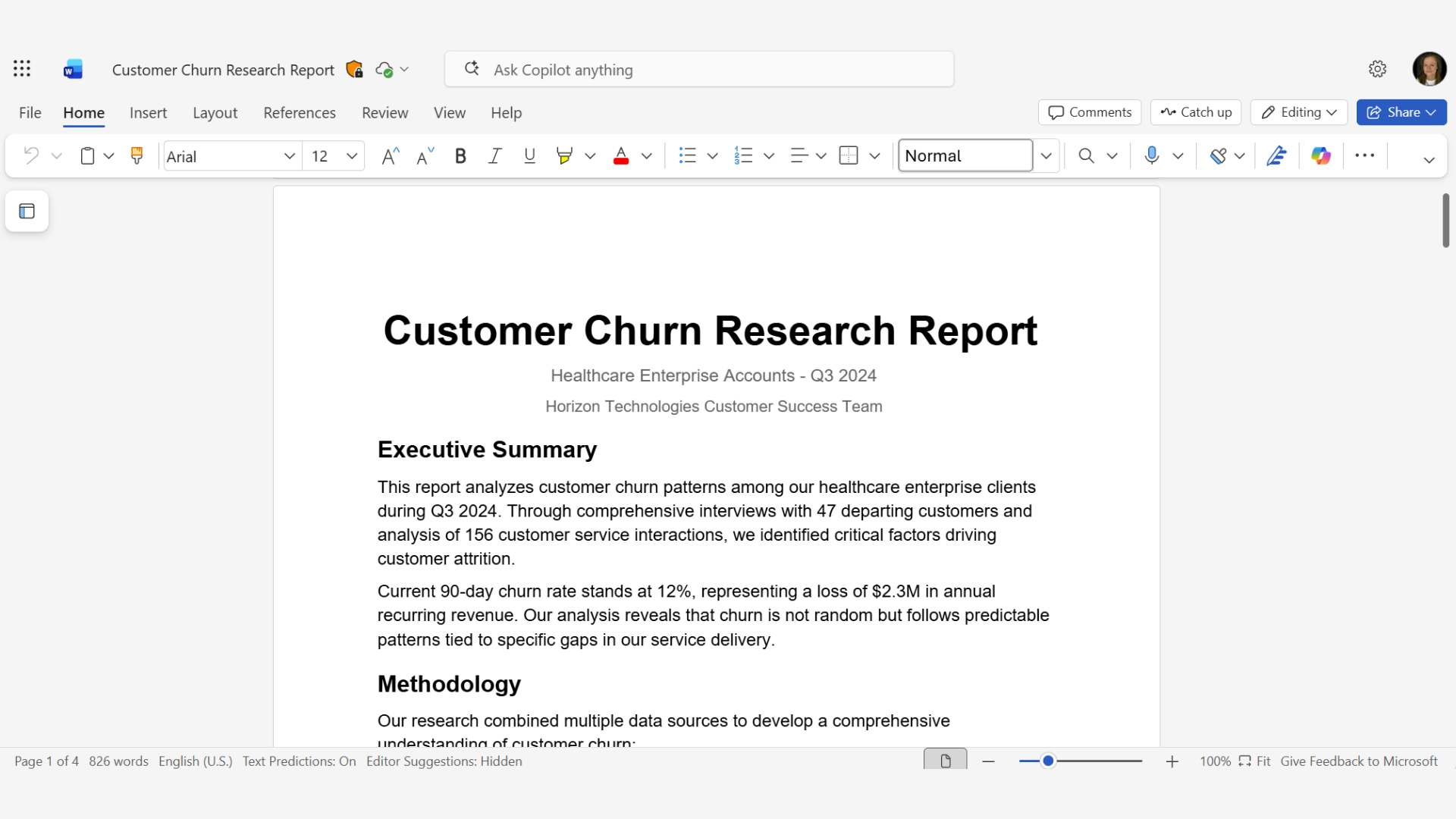
Mit echten Daten untermauern

churn_report.png

Microsoft Copilot in Word

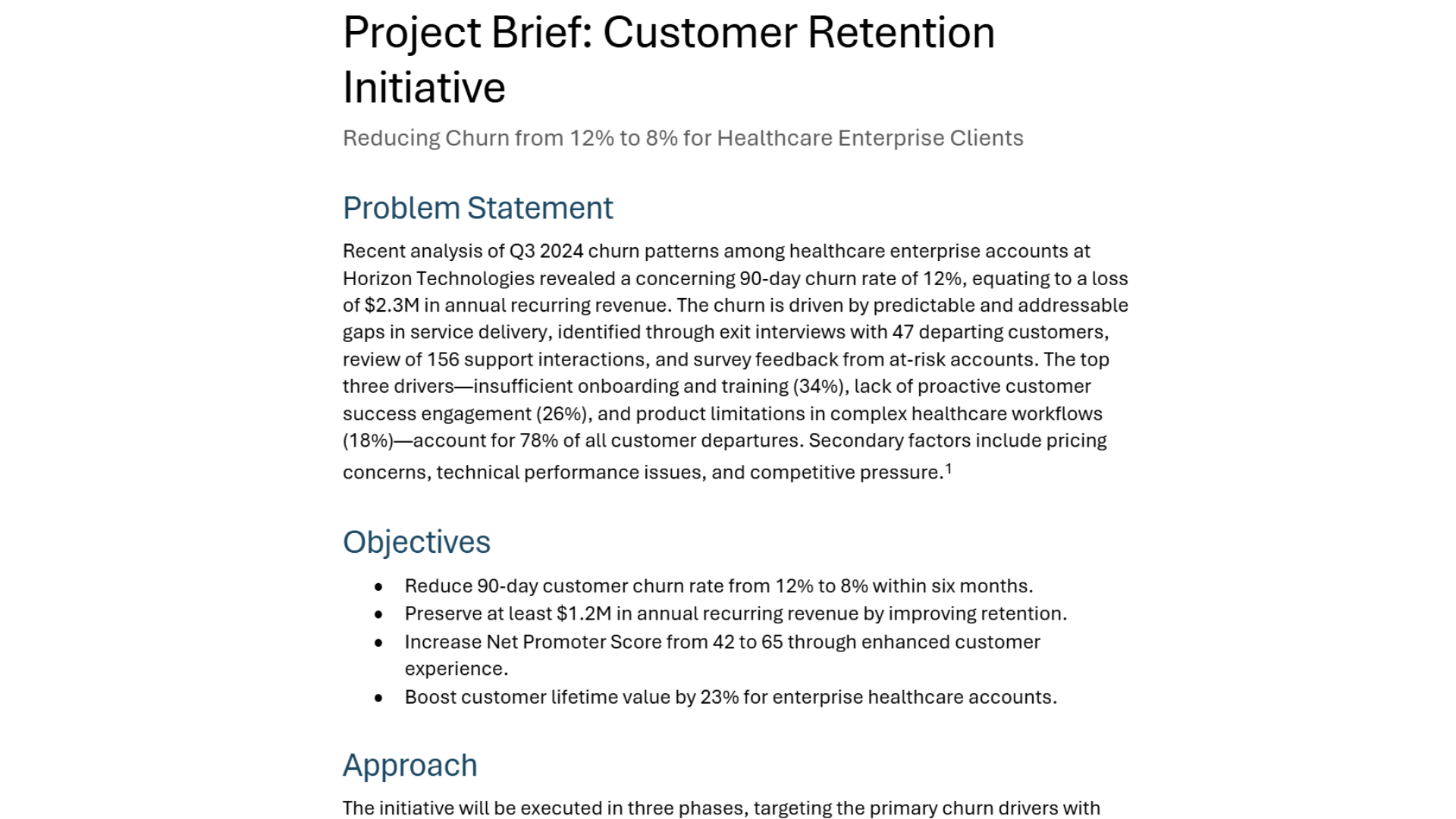
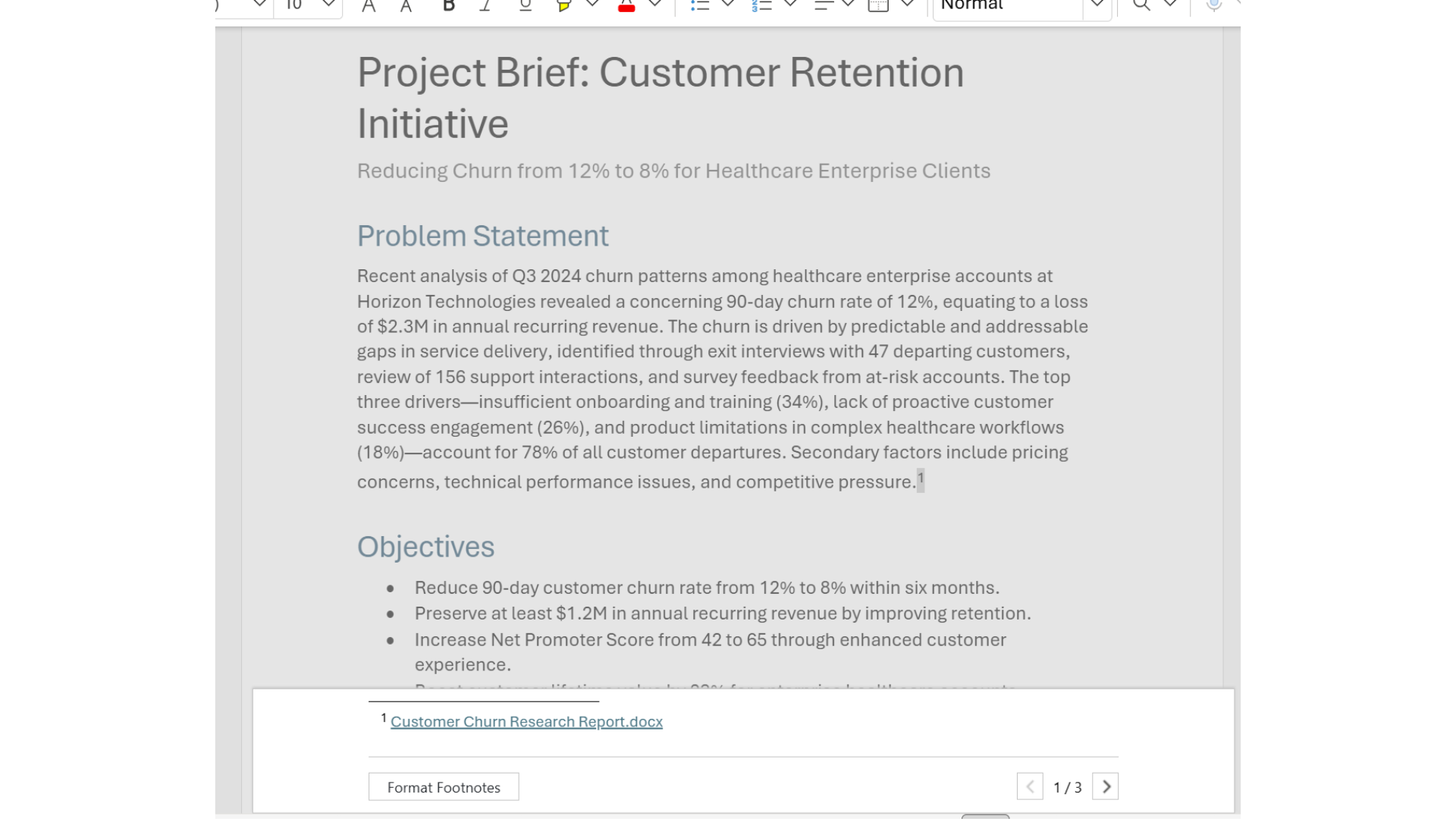
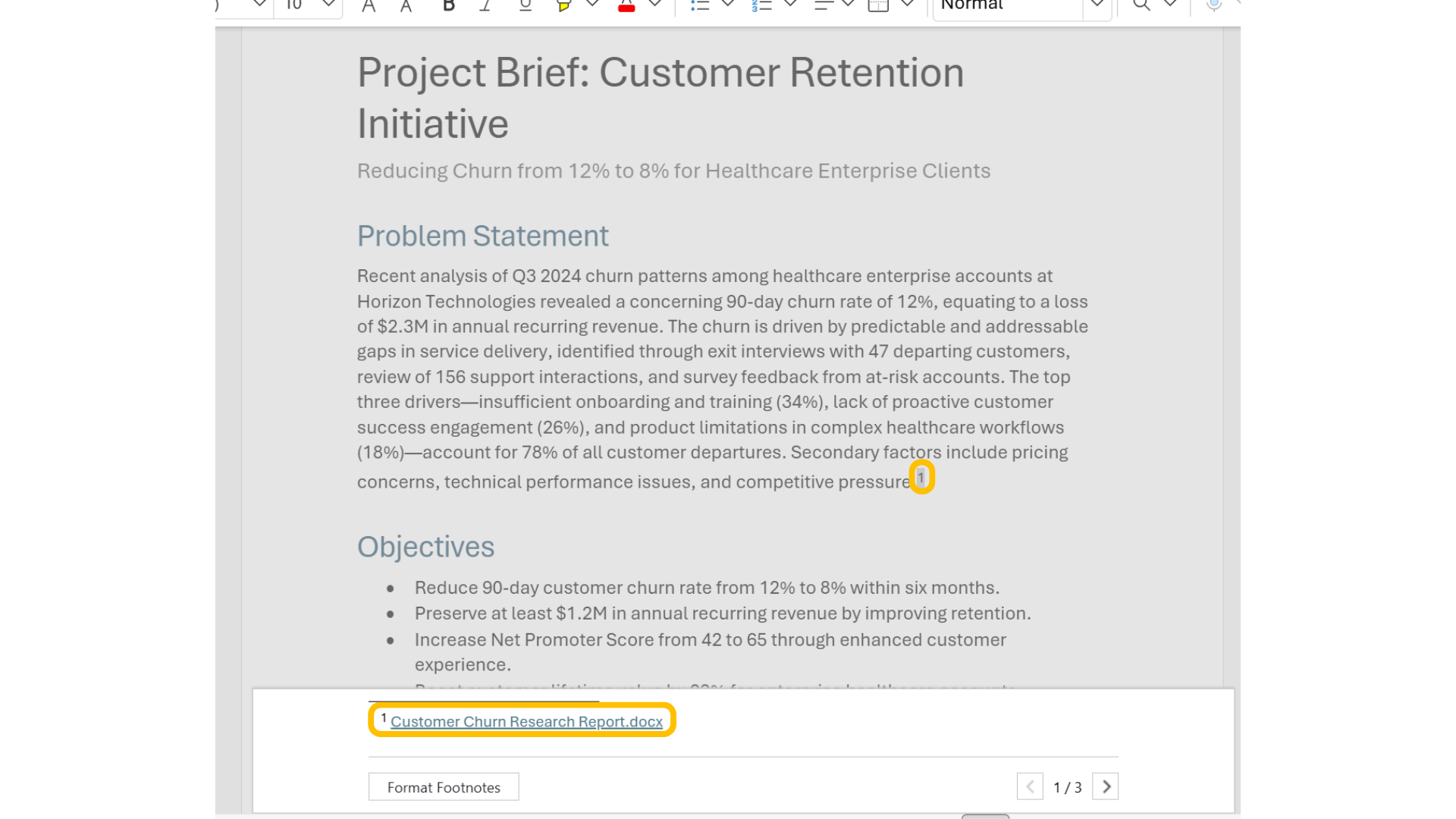
Quellen prüfen

15.png

Microsoft Copilot in Word

Quellen prüfen

16.png

Microsoft Copilot in Word

Drei zentrale Erkenntnisse

$$

$$

  • Schreibe bessere Prompts mit dem Vier-Teile-Framework
  • Erde Copilot, indem du auf andere Dokumente verweist
  • Verwende Zitate, um Informationen zu prüfen

wichtigste_erkenntnisse.png

Microsoft Copilot in Word

Lass uns üben!

Microsoft Copilot in Word

Preparing Video For Download...