Authentication Methods and Network Policies

Snowflake Management, Governance & Collaboration

Emily Melhuish

Technical Curriculum Developer, Snowflake

What is Authentication?

  • Authentication verifies identity before roles or privileges are checked
  • Username and password is the most familiar form
  • Different methods suit different use cases
  • A human analyst has different requirements from an automated pipeline
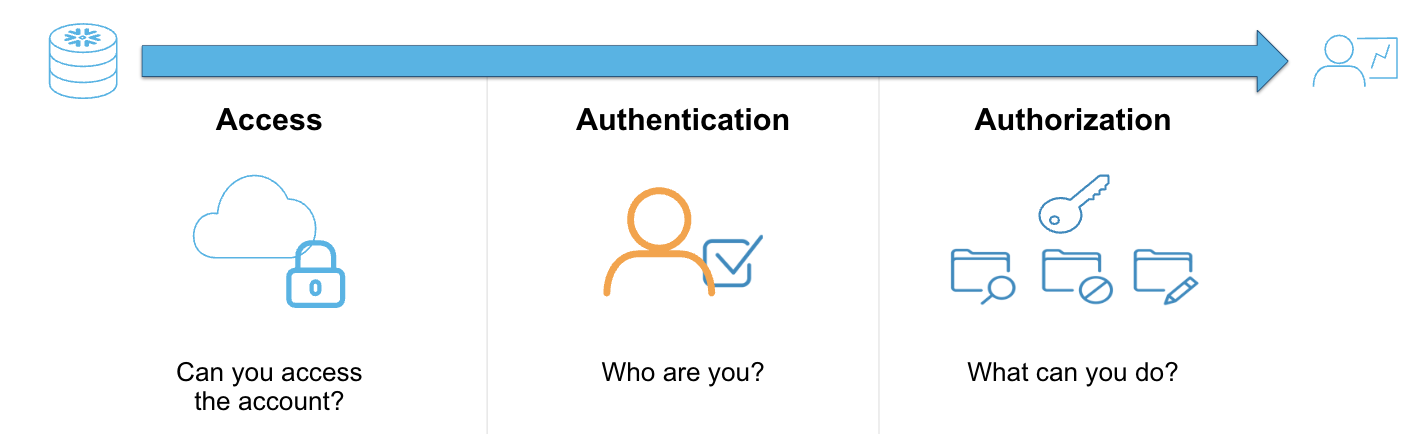
Authentication.png

Snowflake Management, Governance & Collaboration

Authentication Methods & Frameworks

Supported authentication methods:

  • Username and password
  • Multi-factor authentication (MFA)
  • Federated authentication (SSO/SAML 2.0)
    • Okta or Microsoft Entra ID
  • OAuth, Key-Pair, Programmatic Access Token (PAT)
    • Best for third party tools like BI platforms
Snowflake Management, Governance & Collaboration

Password and MFA

Authentication Method How It Works Key Benefit Admin-Enforceable?
Password authentication Username and password login Baseline access for all users N/A
Multi-factor authentication (MFA) Password plus a second factor: Passkey or TOTP (time-based one-time password) Protects account even if password is compromised Yes
1 [Snowflake: MFA Methods](https://docs.snowflake.com/en/user-guide/security-mfa#restricting-which-mfa-methods-are-available)
Snowflake Management, Governance & Collaboration

Key-Pair Authentication

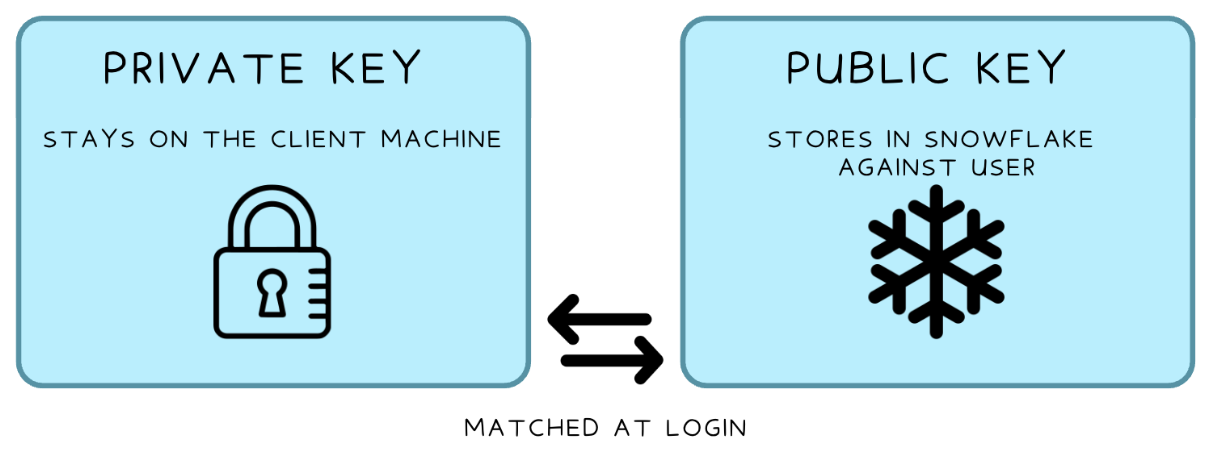
Flow between private and public key

ALTER USER pipeline_svc SET RSA_PUBLIC_KEY = '<your_public_key_here>';
Snowflake Management, Governance & Collaboration

SSO and OAuth

SSO / SAML

  • Claro employees log into Snowflake with existing company credentials
  • The identity provider handles verification
  • Snowflake trusts the result
    • Okta, Microsoft Entra ID
    • Any SAML compliant IDP

OAuth

  • Designed for third-party tools (BI platforms, integrations)
  • Handles authorization without exposing user credentials to the tool
Snowflake Management, Governance & Collaboration

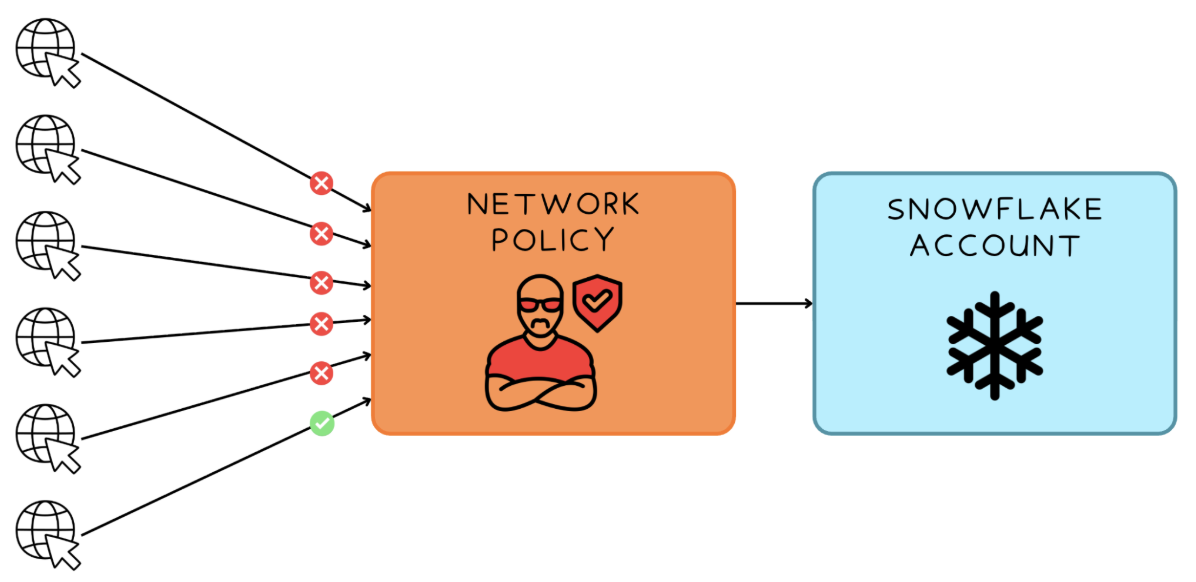
What is a Network Policy?

Website with network policy in place

1 [Snowflake: Network Policies](https://docs.snowflake.com/en/user-guide/network-policies)
Snowflake Management, Governance & Collaboration

Creating a Network Policy

Create network rules, then reference them in the policy

CREATE NETWORK RULE claro_allowed_ips
  TYPE = IPV4
  VALUE_LIST = ('10.0.0.0/8', '203.0.113.5');

CREATE NETWORK RULE claro_blocked_ips
  TYPE = IPV4
  VALUE_LIST = ('198.51.100.0');

CREATE NETWORK POLICY claro_network_policy
  ALLOWED_NETWORK_RULE_LIST = ('claro_allowed_ips')
  BLOCKED_NETWORK_RULE_LIST = ('claro_blocked_ips');
Snowflake Management, Governance & Collaboration

Applying a Network Policy

Apply at account or user level

ALTER ACCOUNT SET NETWORK_POLICY = claro_network_policy;
ALTER USER pipeline_svc SET NETWORK_POLICY = claro_network_policy;
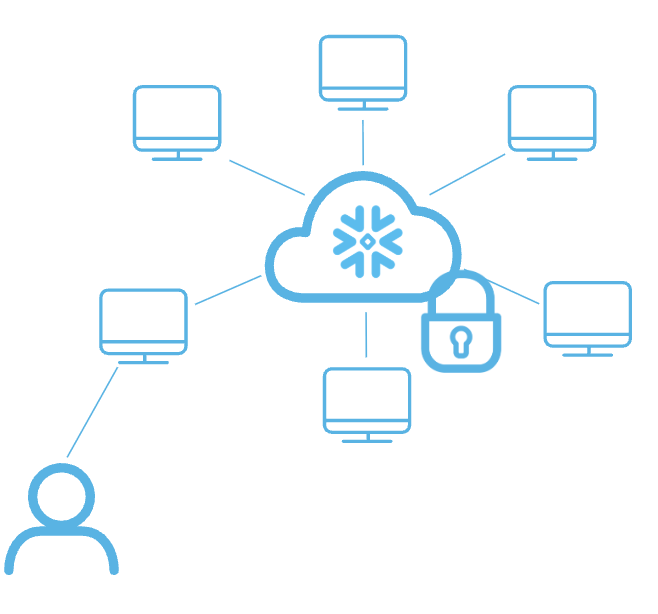
Network policy representation.png

Snowflake Management, Governance & Collaboration

Private Connectivity

  • Network policies restrict IPs over the public internet
  • Private connectivity routes traffic through a private network endpoint
  • Traffic never traverses the public internet
  • Supported by AWS PrivateLink, Azure Private Link, and Google Cloud Private Service Connect
  • Used by organizations with strict data residency or compliance requirements
Snowflake Management, Governance & Collaboration

Let's practice!

Snowflake Management, Governance & Collaboration

Preparing Video For Download...