Data Protection and Business Continuity

Snowflake Management, Governance & Collaboration

Emily Melhuish

Technical Curriculum Developer, Snowflake

The Business Continuity Problem

Diagram showing three risk scenarios: accidental deletion, region outage, and cross-region data residency, each with its corresponding Snowflake solution

  • Analyst accidentally deletes records - Time Travel handles that
  • Cloud region outage makes Claro's account unavailable - failover groups handle that
  • EU users need data that only exists in a US account - replication handles that
  • Different risks require different tools
Snowflake Management, Governance & Collaboration

Time Travel and Fail-Safe

Timeline diagram

  • Time Travel enables you to restore data to a previous state
  • Window depth depends on your edition
    • Standard: Up to 1 day
    • Enterprise: Up to 90 days
  • Fail-Safe: a 7-day recovery buffer beyond the Time Travel window: requires contacting Snowflake Support
Snowflake Management, Governance & Collaboration

Zero-Copy Cloning: Operational Patterns
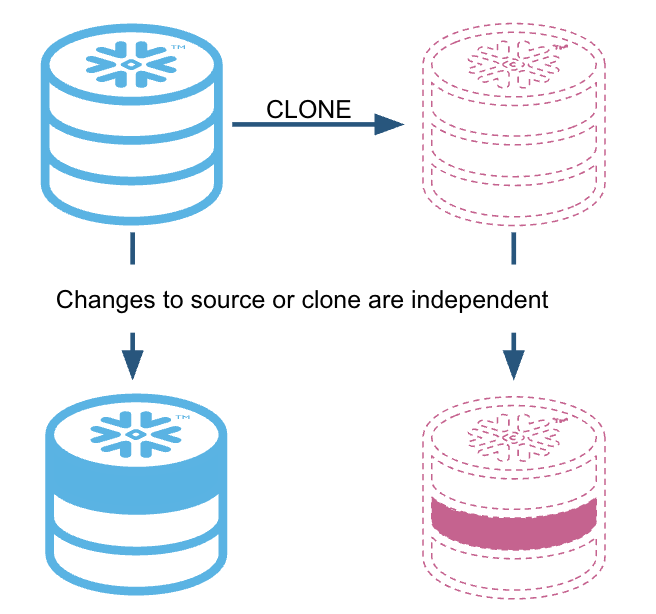
  • Clone a table before any risky bulk operation
  • Instant copy - no storage overhead at creation
  • If migration fails, restore from the clone
  • Writes to the clone never touch the source

Zero Copy Cloning.png

1 Snowflake Learning Material
Snowflake Management, Governance & Collaboration

What is Replication?

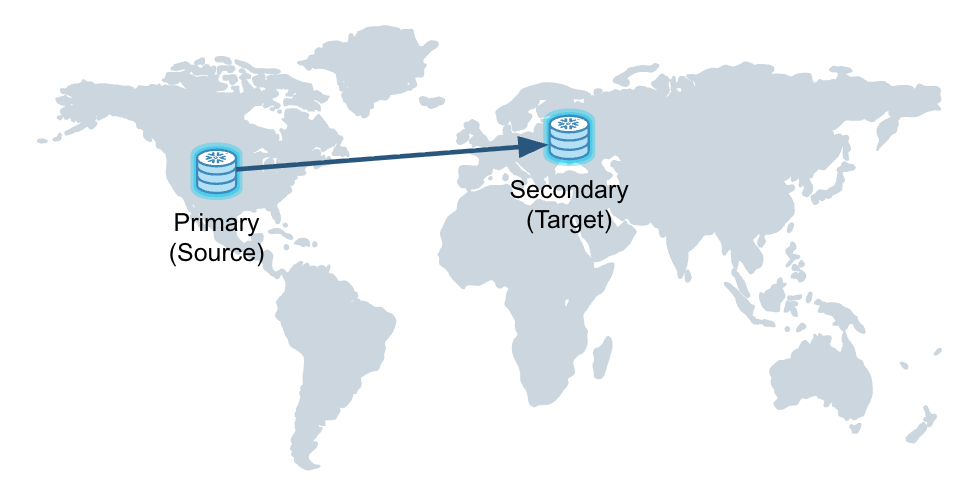
  • Copies data across account boundaries
  • Asynchronous — target is near-real-time, not a live mirror

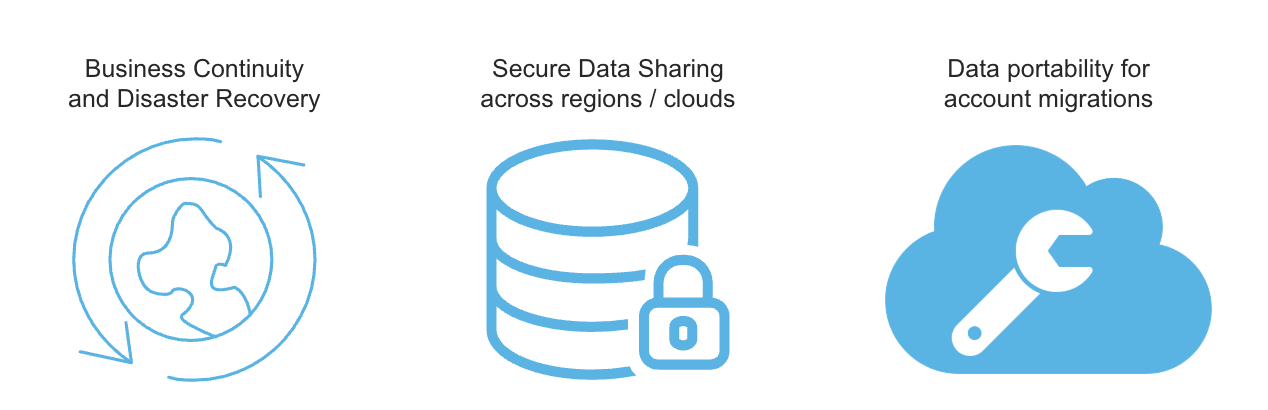
Use cases
Screenshot 2026-05-17 at 7.33.30 pm.png

Replication example.png

Snowflake Management, Governance & Collaboration

Replication Groups

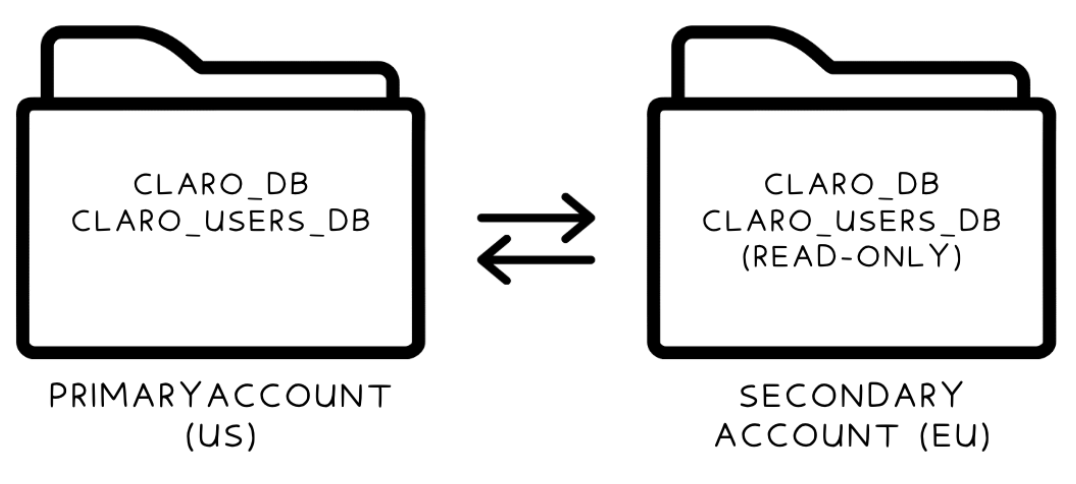
Diagram of a replication group containing two databases on the US-East primary account, with arrows to read-only replicas on the EU-West secondary account

Snowflake Management, Governance & Collaboration

Creating a Replication Group

-- On the primary account
CREATE REPLICATION GROUP claro_replication_group
  OBJECT_TYPES = DATABASES
  ALLOWED_DATABASES = claro_db, claro_users_db
  ALLOWED_ACCOUNTS = claro.eu_west;

-- On the secondary account
CREATE REPLICATION GROUP claro_replication_group
  AS REPLICA OF claro.us_east.claro_replication_group;

-- Trigger a refresh
ALTER REPLICATION GROUP claro_replication_group REFRESH;
Snowflake Management, Governance & Collaboration

Failover Groups: What They Add

  • Builds on replication groups with one critical addition
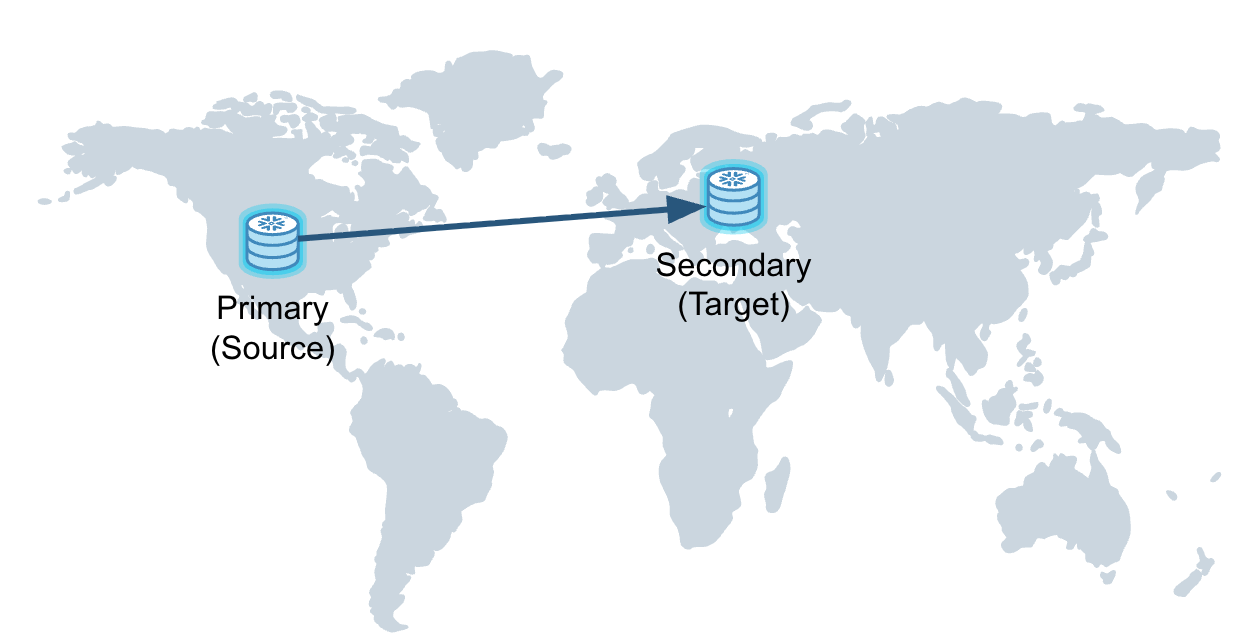
  • Secondary can be promoted to primary if the primary goes down
  • Secondary is always read-only
  • Promoted secondary becomes writable — takes over as source of truth
  • Also replicates account objects: users, roles, warehouses, resource monitors

Failover example.png

Snowflake Management, Governance & Collaboration

Planned Failover and Failover Mechanics

  • Planned Failover - planned: primary demotes, secondary promotes; no data loss
  • Failover - unplanned: primary unavailable, secondary promotes immediately
  • Replication is asynchronous - changes after the last refresh are not in the secondary
  • Refresh frequency is a key RPO design decision

Failover example.png

Snowflake Management, Governance & Collaboration

Let's practice!

Snowflake Management, Governance & Collaboration

Preparing Video For Download...