Building pipelines with CodePipeline
Automating Deployments on AWS
Dunieski Otano
Amazon Web Services Solutions Architect
Multi-stage pipelines
Anatomy of a CodePipeline pipeline
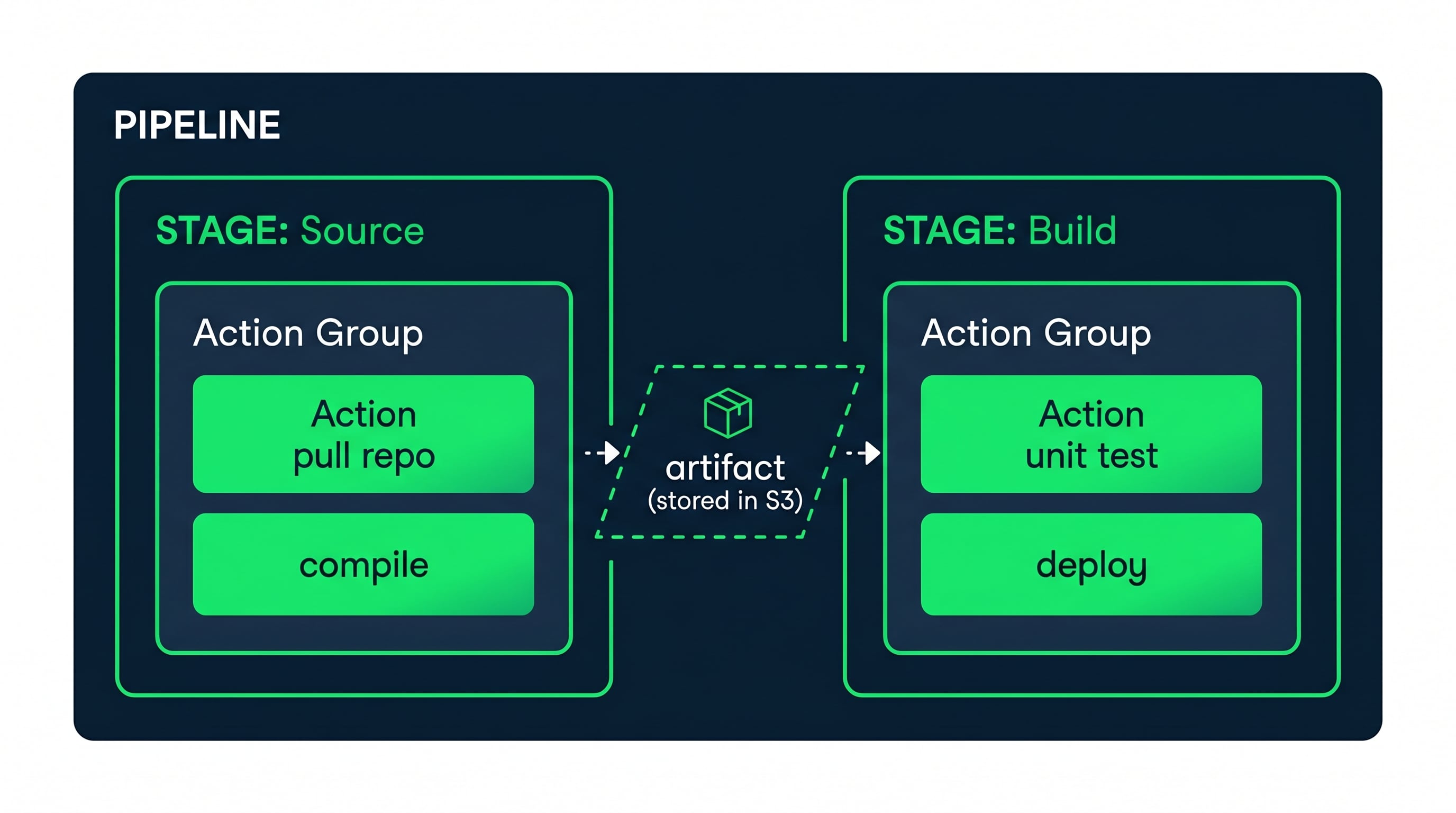
A pipeline is a sequence of
stages
Each stage contains
action groups
with
actions
Actions produce and consume
artifacts
(stored in S3)
The next stage consumes artifacts as input
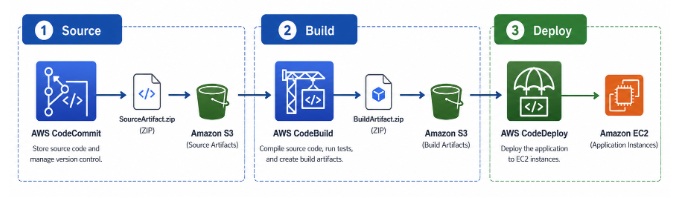
Connecting source, build, and deploy
Source stage
: CodeCommit detects a push, outputs source artifact
Build stage
: CodeBuild receives source, outputs build artifact
Deploy stage
: CodeDeploy receives build artifact, deploys to target
Pipeline runs end-to-end on every code push
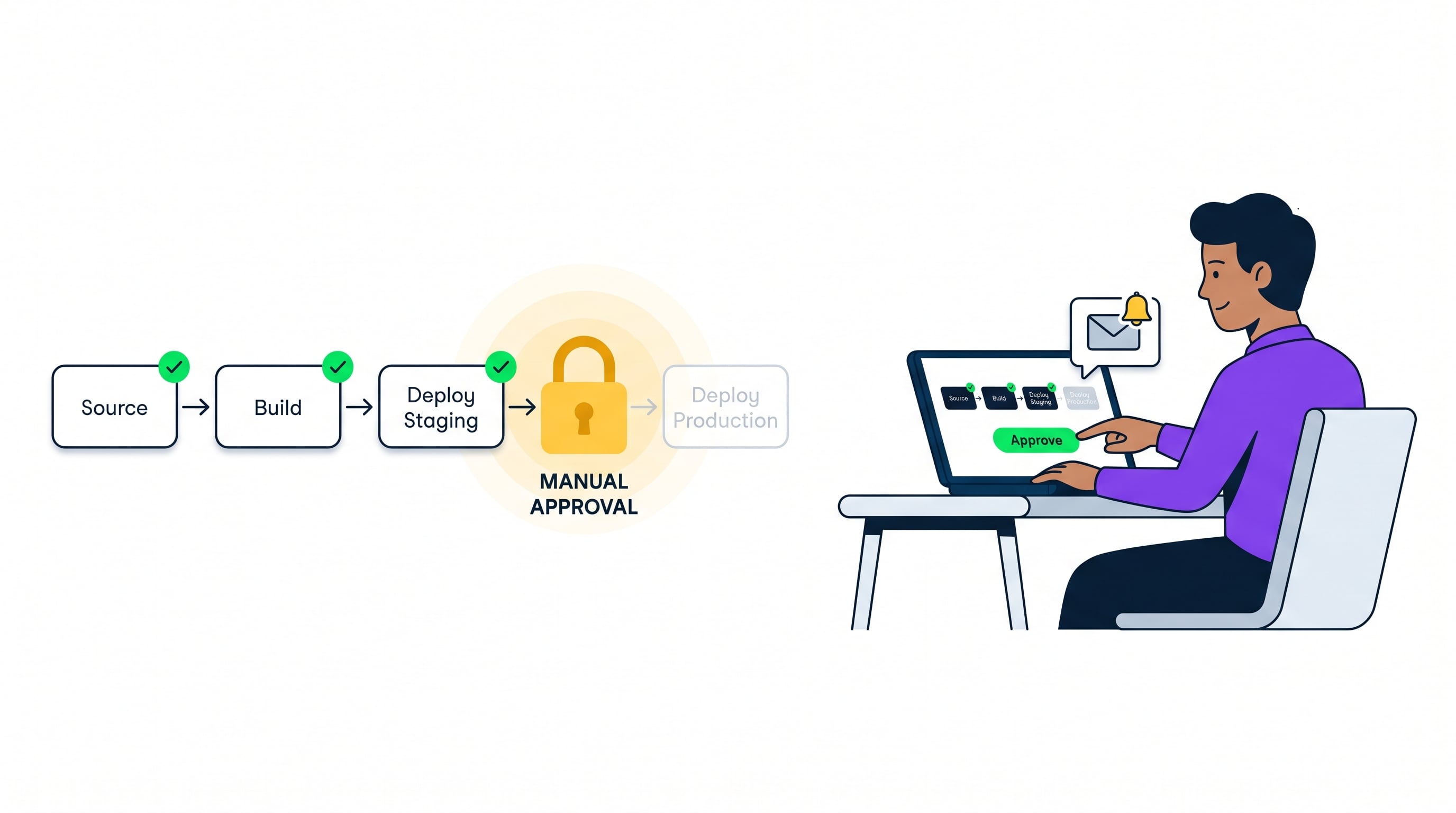
Manual approval actions
Manual approval
: Human gate between stages
Pipeline pauses until someone approves or rejects
Common use: gate between staging and production
Status shows "
Waiting for approval
"; supports SNS notifications
Stage transitions and pipeline control
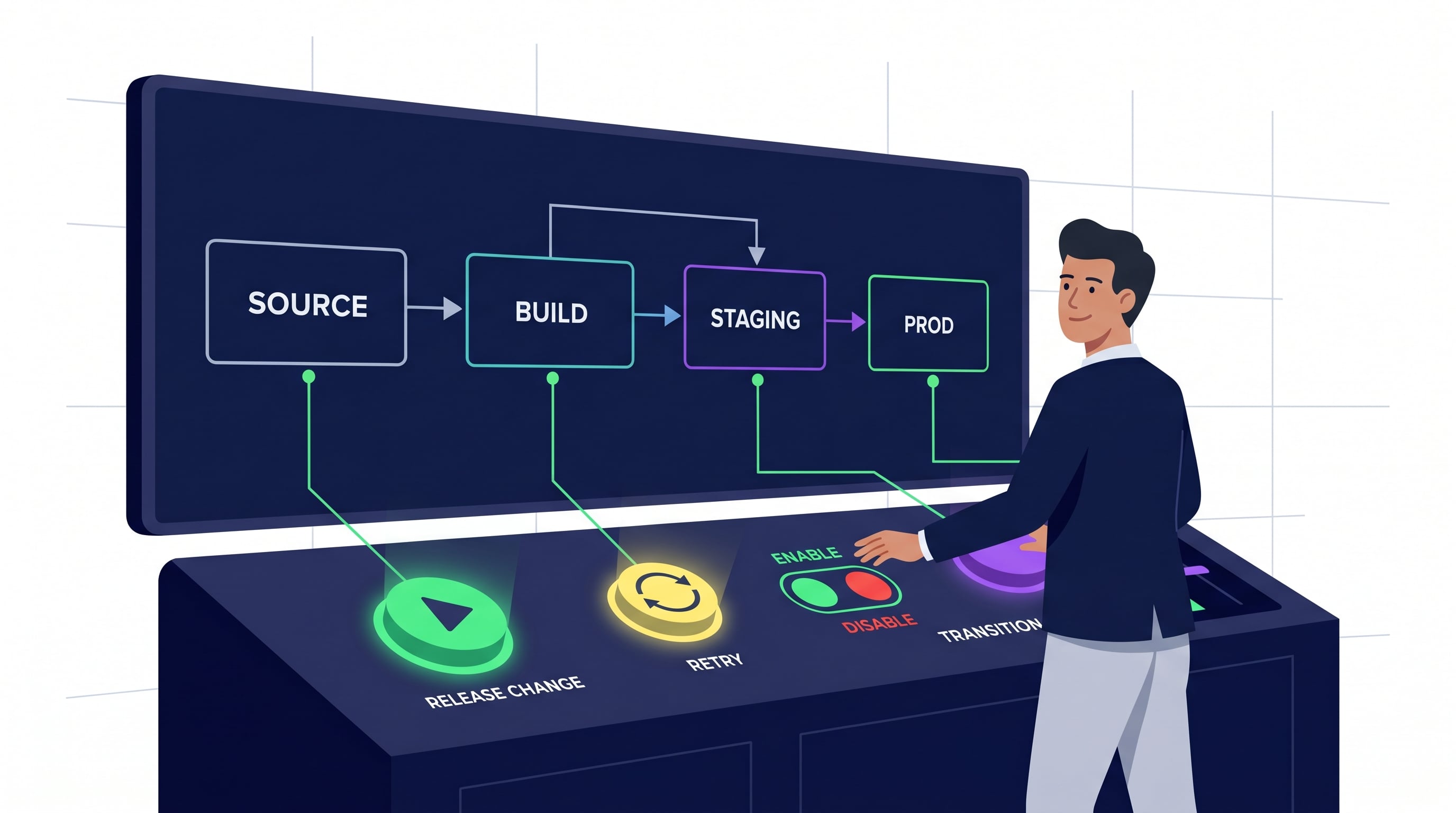
Enable/disable transitions
between stages
Disable to pause the pipeline at a specific point
Retry failed actions
without restarting the pipeline
Release change
manually to push a specific revision
Pipeline event notifications
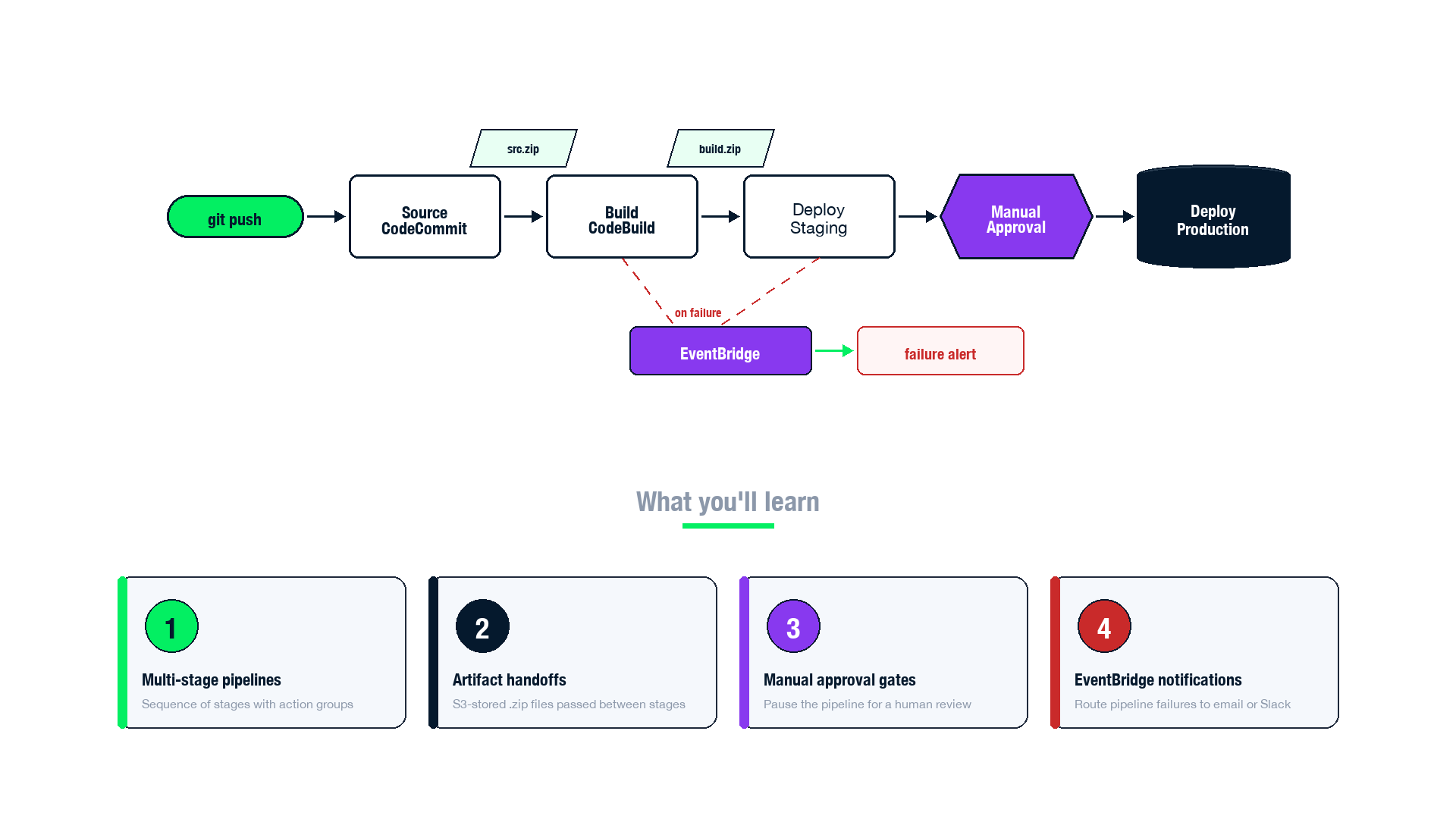
CodePipeline sends events to
Amazon EventBridge
Events include: pipeline started, stage succeeded, stage failed
Create
EventBridge rules
to route events to targets
SNS topics for email/SMS alerts
Lambda functions for custom automation
Event detail includes pipeline name, stage name, and failure reason
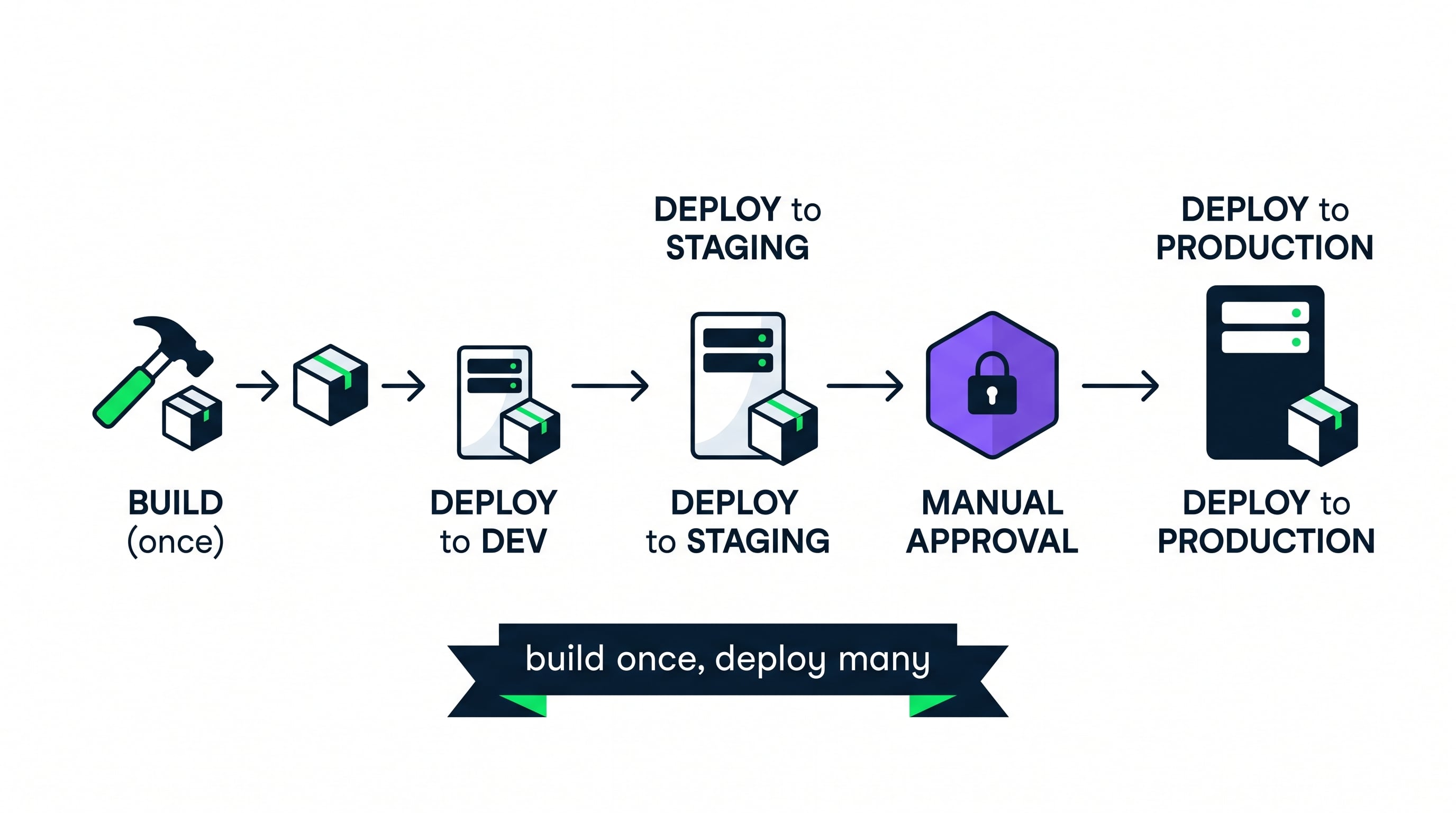
Multi-environment pipeline design
Single pipeline deploys to
multiple environments
Build once, then promote: Dev -> Staging -> Approval -> Prod
Same artifact flows through every environment
What you tested is exactly what you deploy
Let's practice!
Automating Deployments on AWS
Preparing Video For Download...