Test, run history, and the diagnostic loop

Intermediate Power Automate

Dani Kahil

Solution Architect | Microsoft MVP

The Test pane
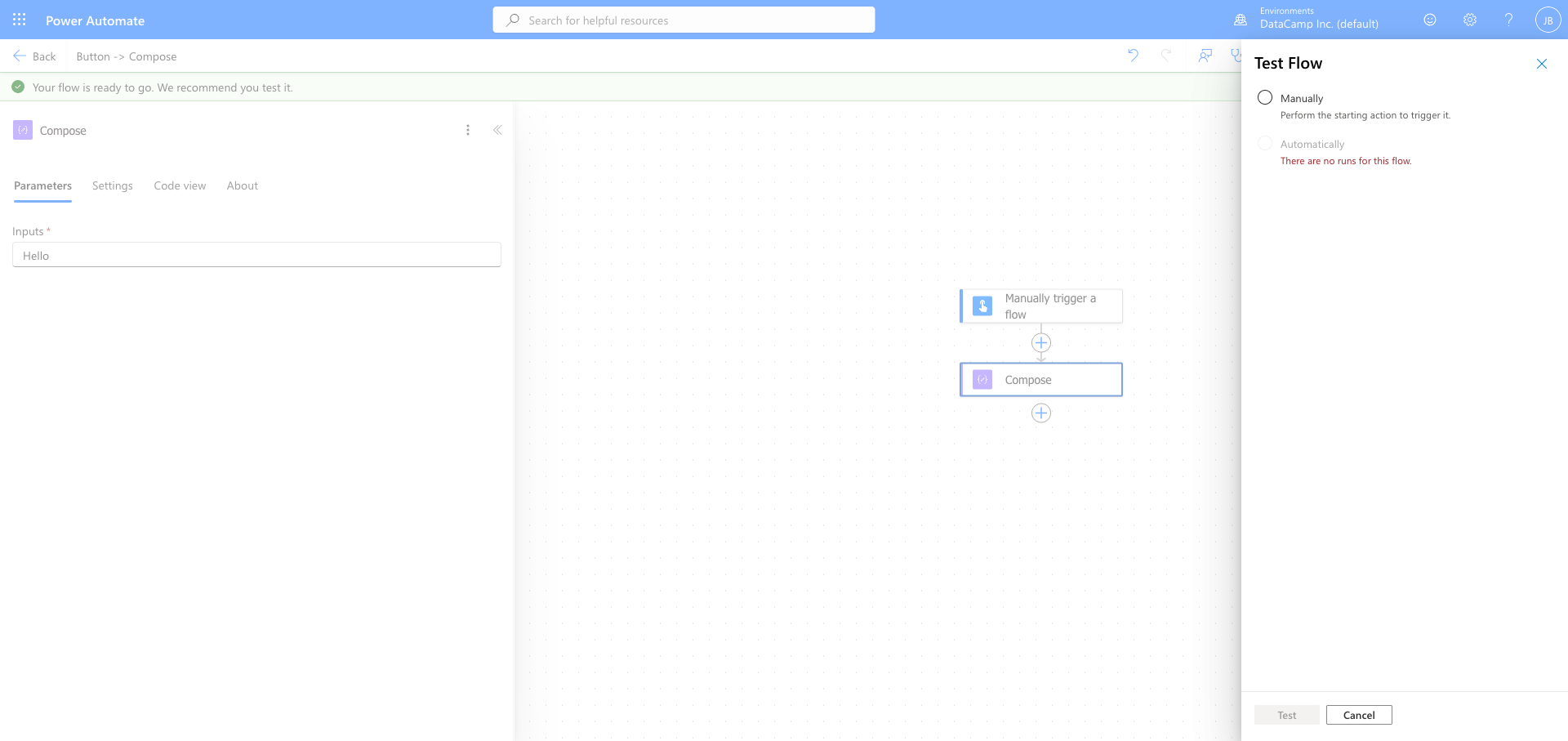
 

Test Flow pane showing Manually and Automatically test options


  • Manually - trigger the flow now
  • Automatically - capture the next real trigger
  • Both surface a live run you can step through
Intermediate Power Automate

Run history

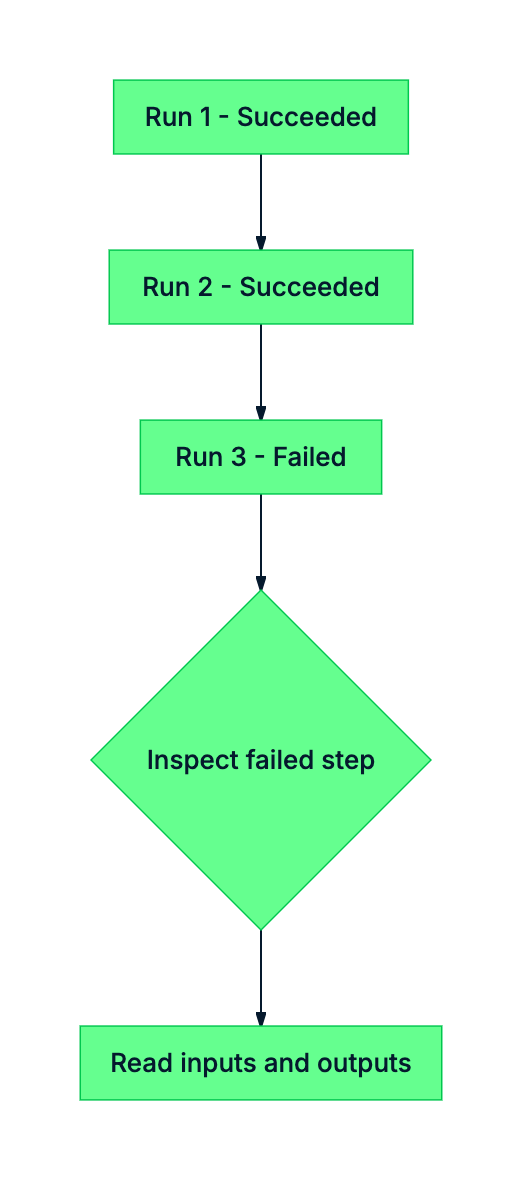
mermaid: run history diagnostic flow


  • Every run logged for 28 days
  • Filter by status, date, trigger
  • Click into any run to replay it
Intermediate Power Automate

Inputs and outputs: the diagnostic superpower
Power Automate run-step detail panel showing an expanded action with its Inputs section and Outputs section visible, including the Show raw outputs link

Every action exposes its inputs and outputs. - Show raw outputs surfaces the JSON the connector returned. - Raw outputs reveal internal column names (ContractValue) that can differ from display names (Contract Value).

Intermediate Power Automate

The diagnostic loop

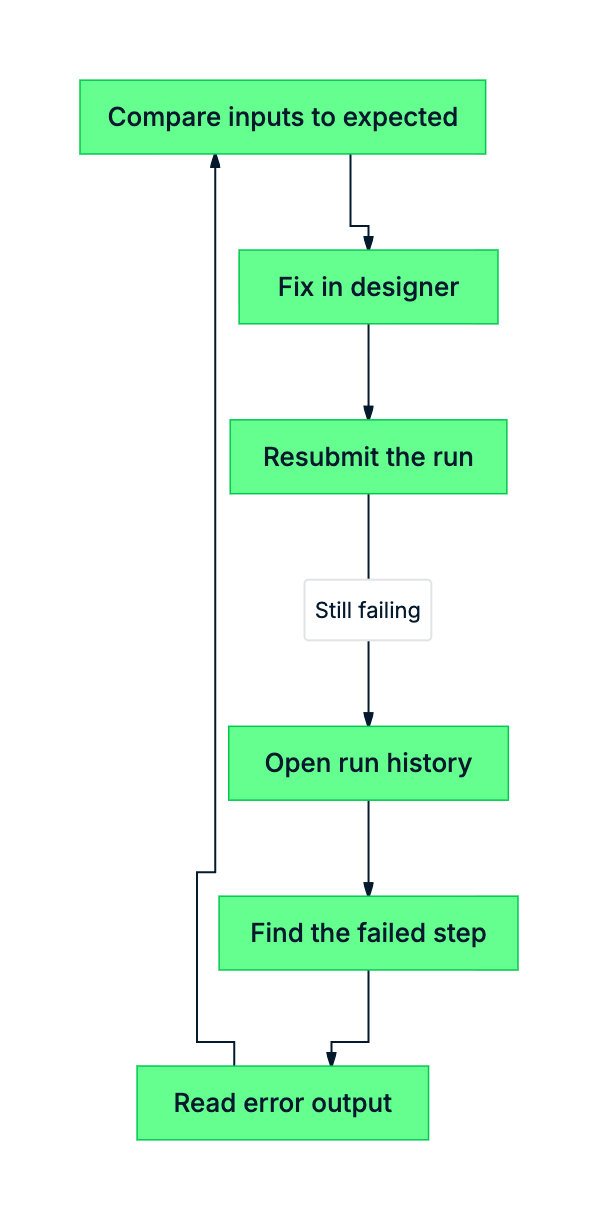
mermaid: diagnostic loop


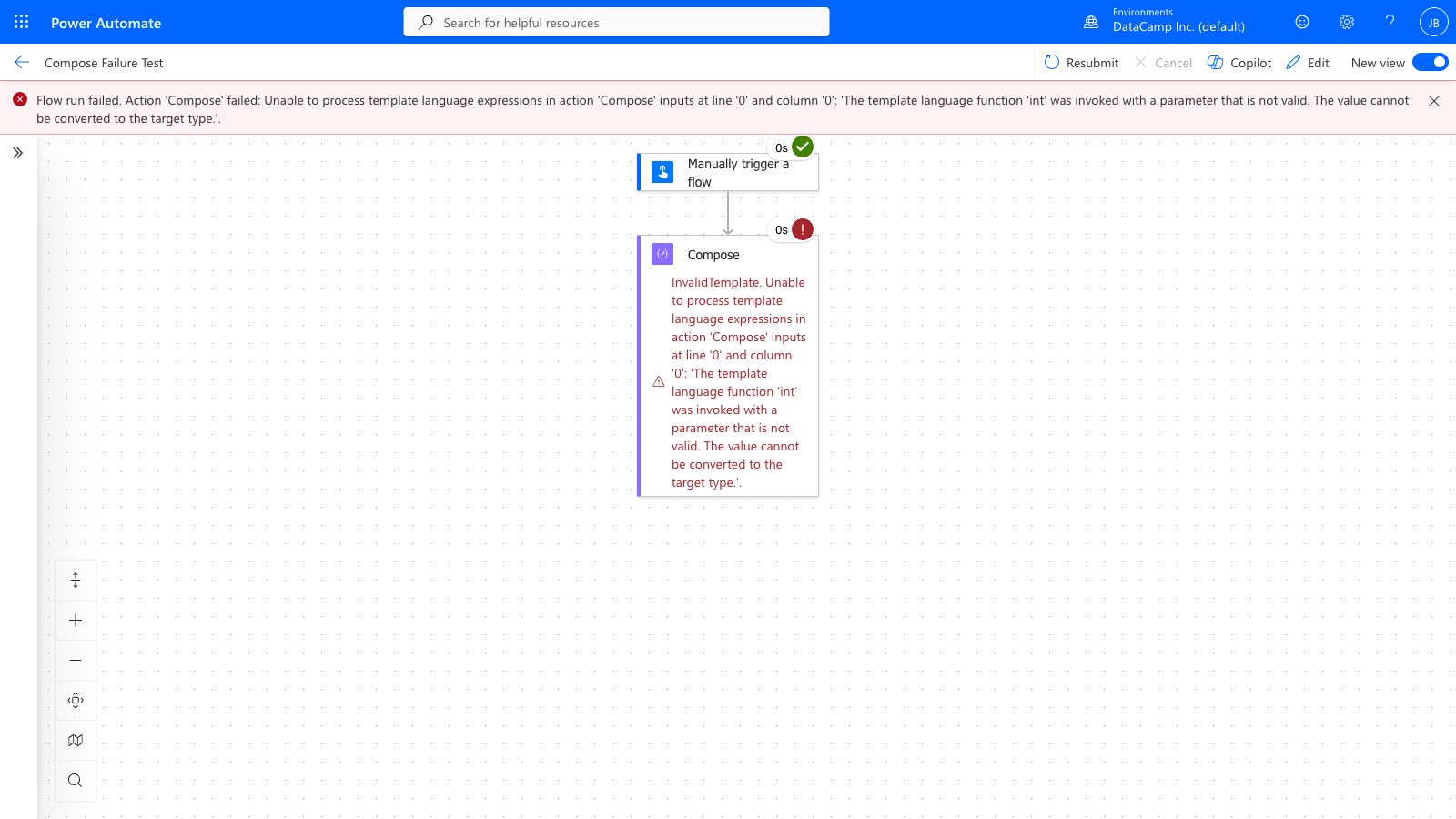
  • Read the failed step's error output
  • Compare inputs to what you expected
  • Fix, then Resubmit the same run
Intermediate Power Automate

Flow Checker as the pre-flight check


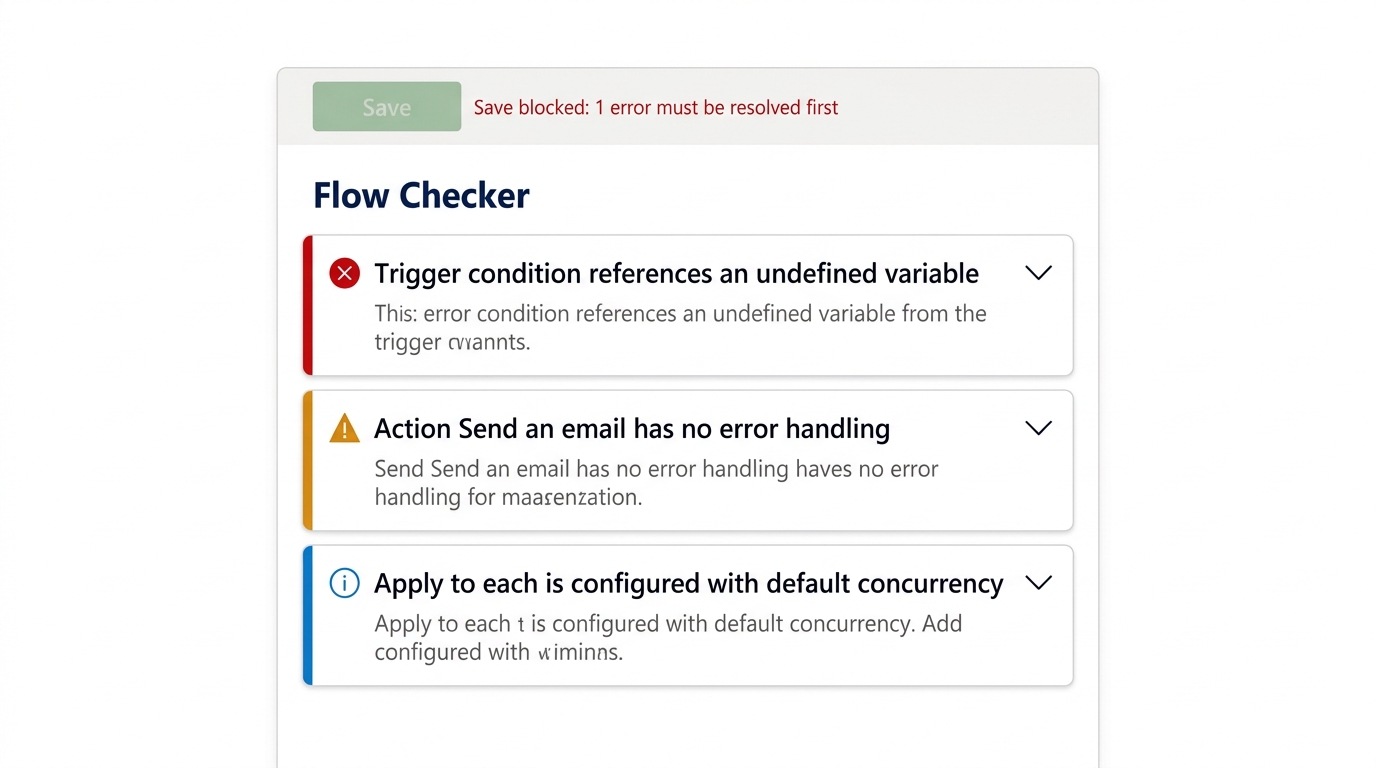
screenshot_flow_checker_three_findings: Power Automate Flow Checker panel showing three findings stacked, with severity icons, including a missing error handler warning, an undefined variable error, and a default concurrency notice


  • Static analysis - runs before save
  • Mixes blockers with style warnings
  • Read each finding - don't auto-fix everything
Intermediate Power Automate

Let's practice!

Intermediate Power Automate

Preparing Video For Download...