Run-after: catching failures gracefully

Intermediate Power Automate

Dani Kahil

Solution Architect | Microsoft MVP

There is no try-catch in Power Automate
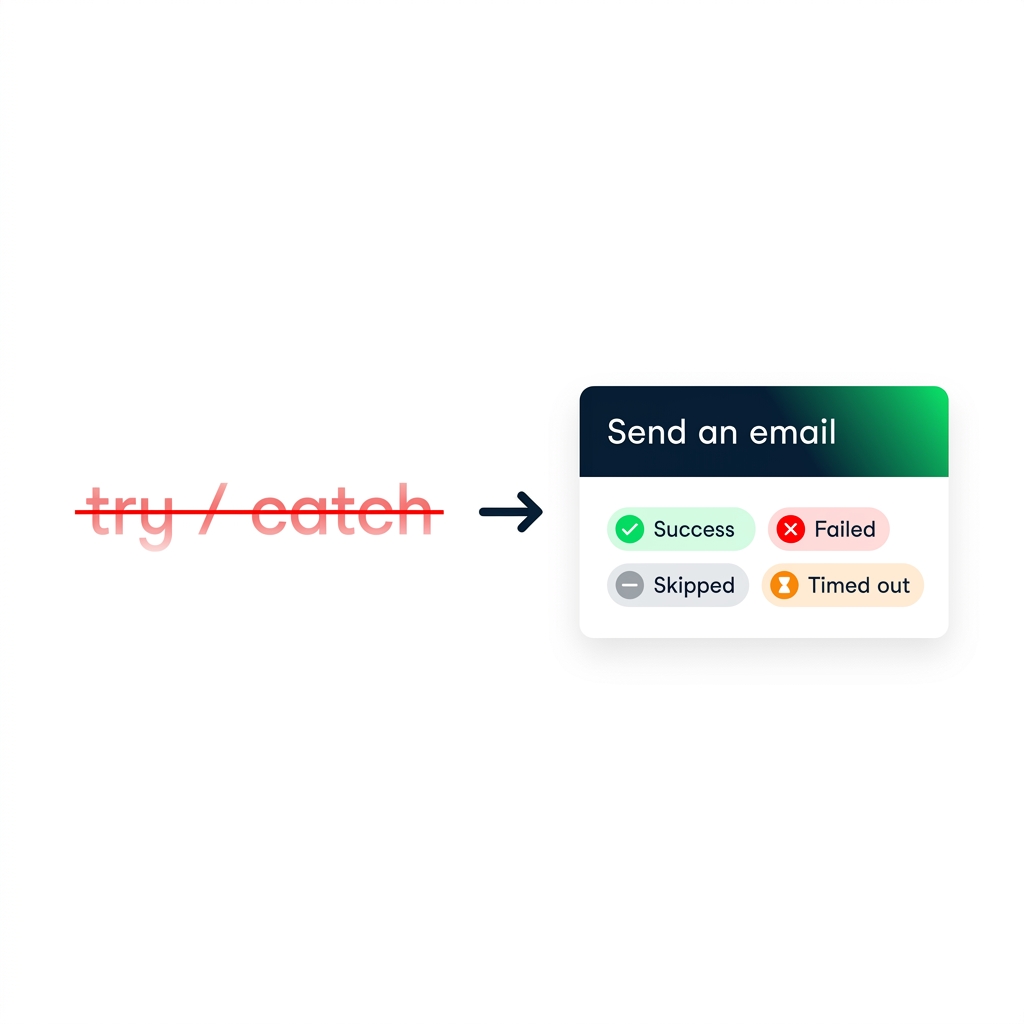
nanobanana: A clean flat minimalist illustration on a pure white background. On the left, the text "try / catch" written in a red strikethrough font, faded. On the right, a single action card labelled "Send an email" with four small status pills underneath labelled "Success", "Failed", "Skipped", "Timed out", with checkmark and X icons in DataCamp green and red. A bold arrow points from left to right.


  • No try / catch keyword
  • Every action has a run-after setting
  • Run-after = which preceding-step statuses trigger this step
Intermediate Power Automate

The four run-after states
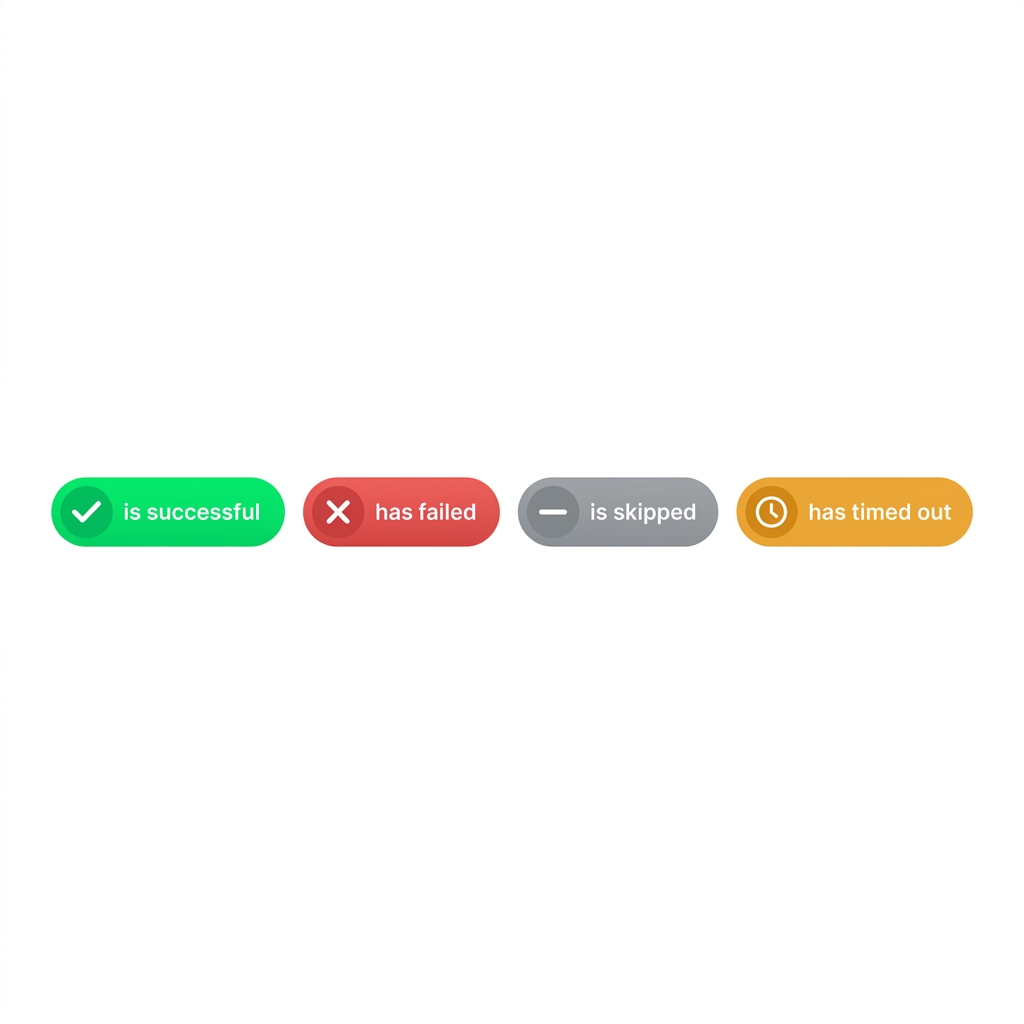
nanobanana: A clean flat illustration on a pure white background showing four equally sized horizontal pill-shaped status badges in a row. Each pill is labelled, in order: "is successful" (DataCamp green with a checkmark), "has failed" (red with an X), "is skipped" (grey with a dash), "has timed out" (amber with a clock icon). Minimalist, no shadows, equal weight on all four.


  • is successful — the default
  • has failed — the action errored
  • is skipped — a Condition or Scope skipped it
  • has timed out — exceeded its time limit
Intermediate Power Automate

Parallel branches as the failure-handler pattern

$$
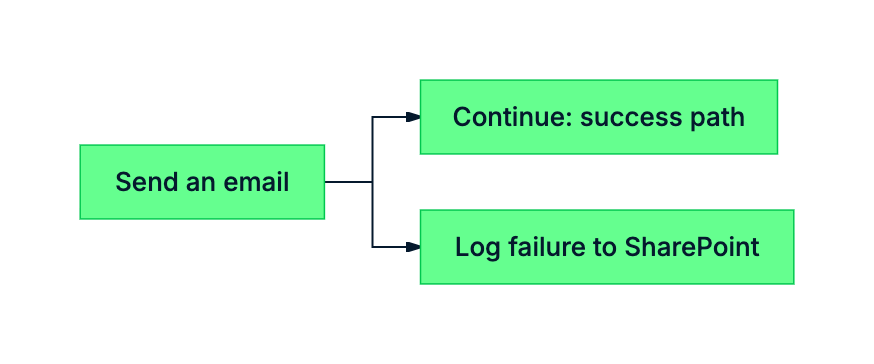
mermaid: green-navy: Send an email branching into a success path and a parallel failure-handler logging to SharePoint


  • Add a parallel branch after the risky action
  • Set its run-after to has failed OR has timed out
  • Original path keeps its default of is successful
Intermediate Power Automate

The most common run-after bug


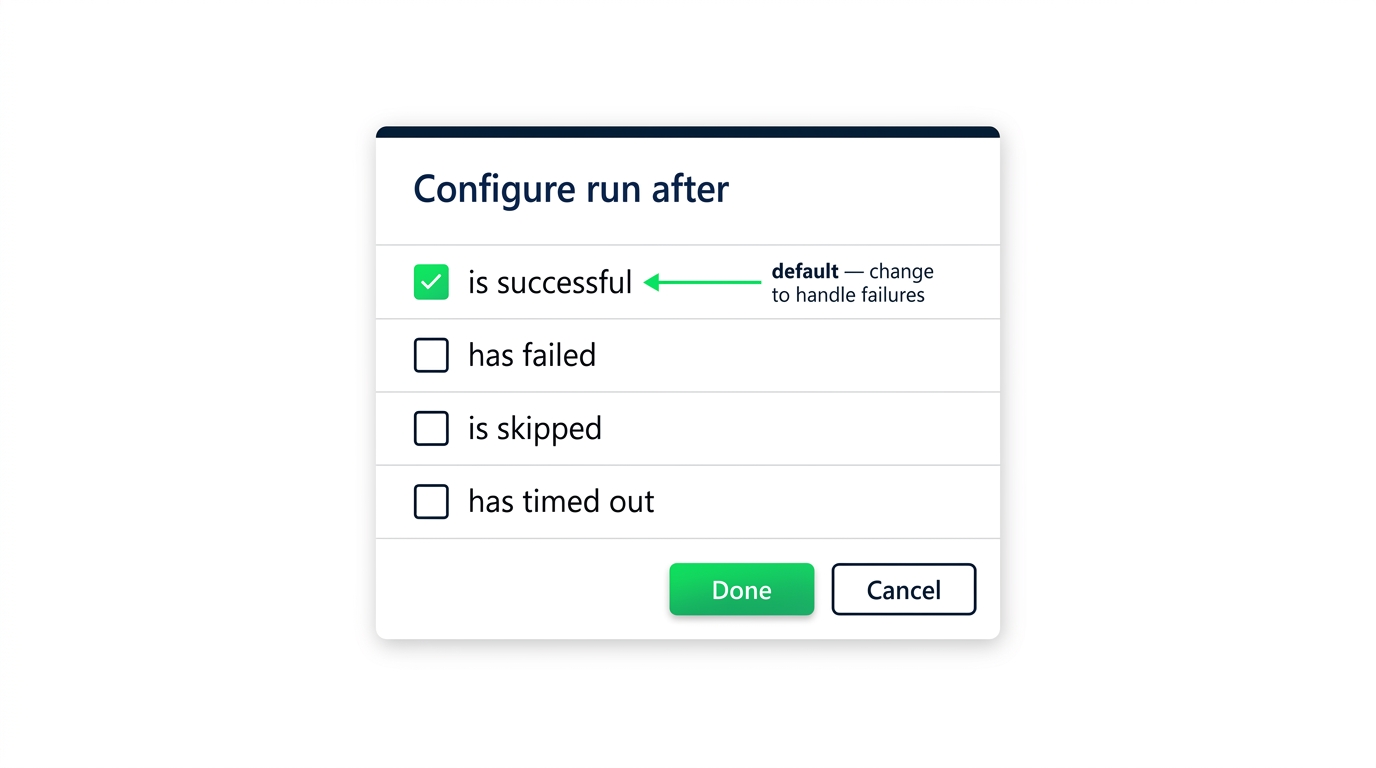
screenshot_run_after_dialog_default_is_successful: Power Automate run-after configuration dialog with four checkboxes for is successful, has failed, is skipped, has timed out - only is successful is checked, with a callout highlighting it as the default that needs to change


  • A failure handler with the default never fires
  • New branches inherit is successful
Intermediate Power Automate

Retries: parallel branches give you redundancy
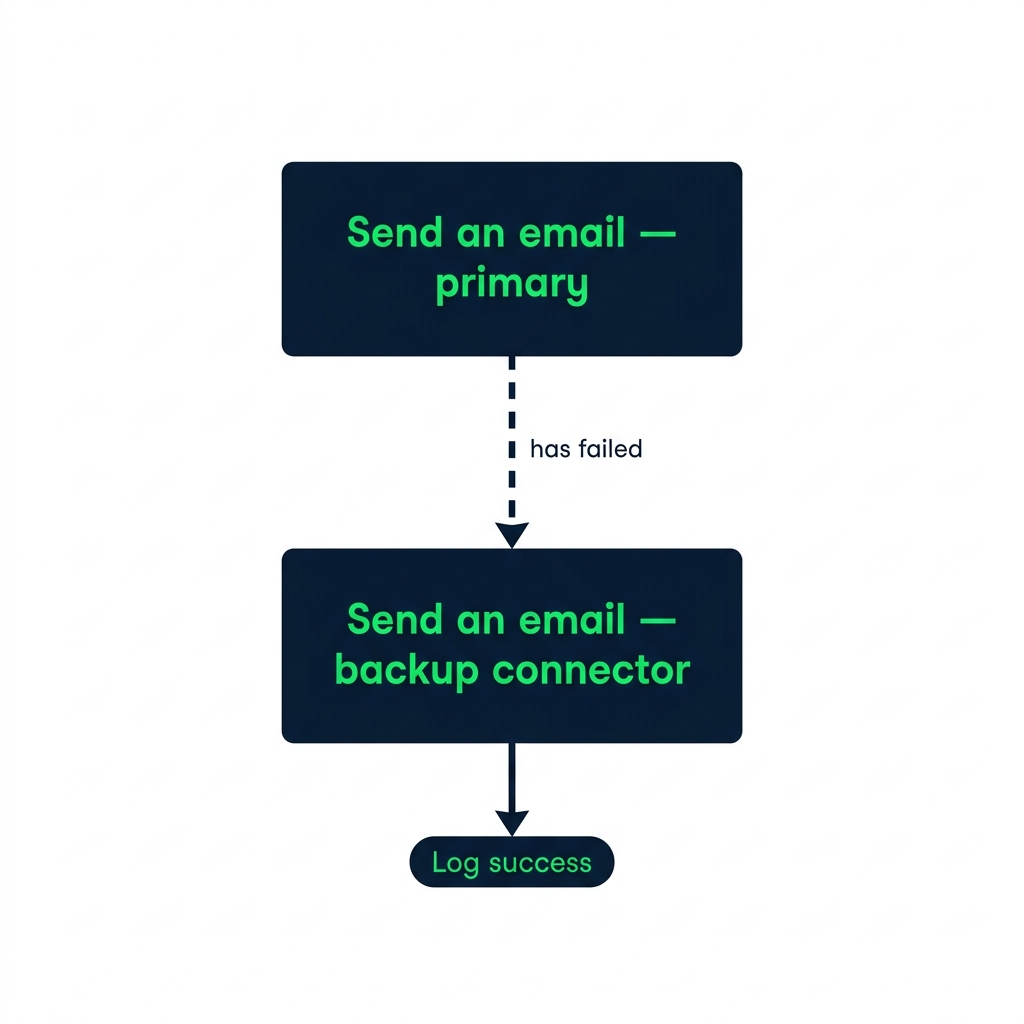
nanobanana: A clean flat illustration on a pure white background showing one action card labelled "Send an email — primary" with a downstream "Send an email — backup connector" beneath it, connected by a dashed arrow labelled "has failed". The backup card has its own downstream "Log success" pill. DataCamp green and navy. Minimalist.


  • Use run-after to chain a retry on a different connector
  • A parallel branch keeps the original path independent
Intermediate Power Automate

Let's practice!

Intermediate Power Automate

Preparing Video For Download...