The full renewal pipeline

Intermediate Power Automate

Dani Kahil

Solution Architect | Microsoft MVP

The pipeline, end to end
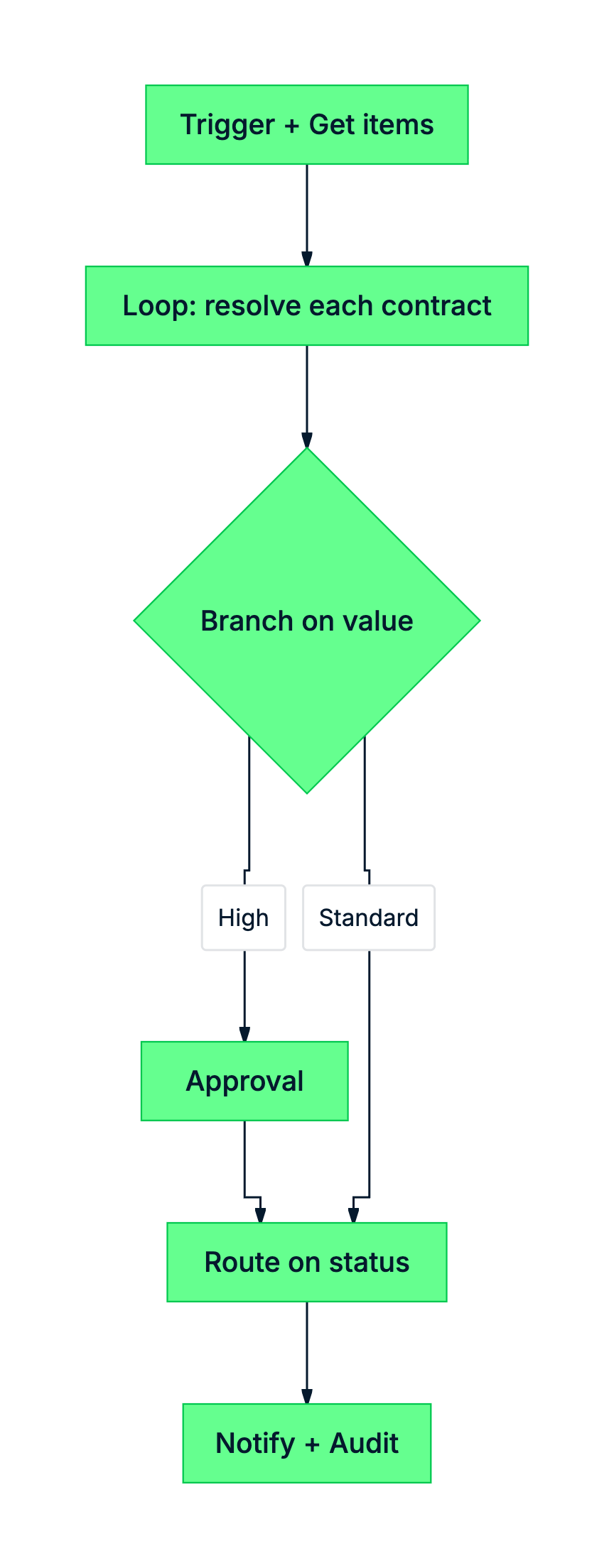
 

  • Trigger → Read → Loop → Resolve
  • Branch on value → route on status
  • Notify → audit

mermaid: green-navy: full renewal pipeline

Intermediate Power Automate

What makes it production-ready

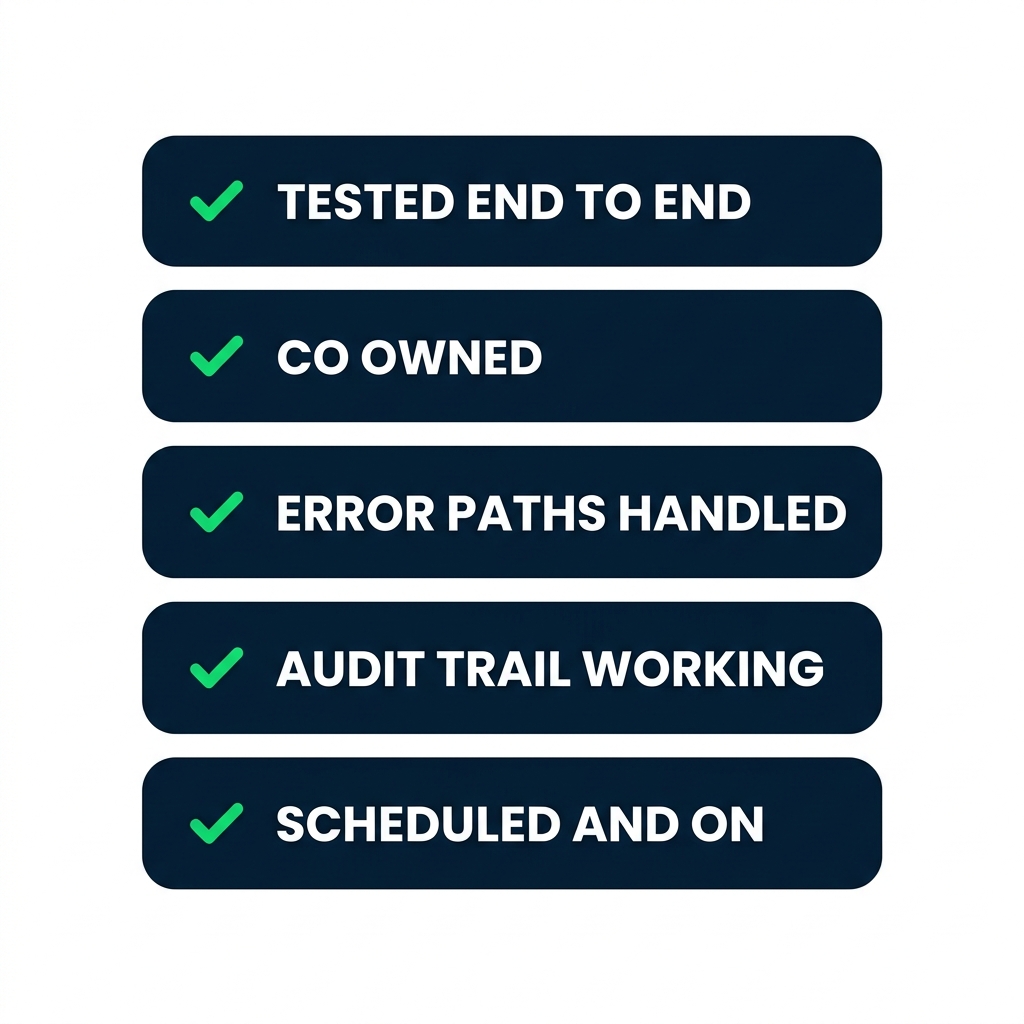
nanobanana: A clean flat minimalist illustration on a pure white background. Five horizontally stacked rounded rectangle cards in a vertical column, each with a small green checkmark on the left. From top to bottom the cards are labelled in bold uppercase: "TESTED END TO END", "CO OWNED", "ERROR PATHS HANDLED", "AUDIT TRAIL WORKING", "SCHEDULED AND ON". No other elements. Flat 2D, no shadows.


  • Tested with a real trigger run, not just Test flow
  • Co-owned so it survives a personnel change
  • Error branches catch transient failures
  • Confirm triggers and schedules work as expected
Intermediate Power Automate

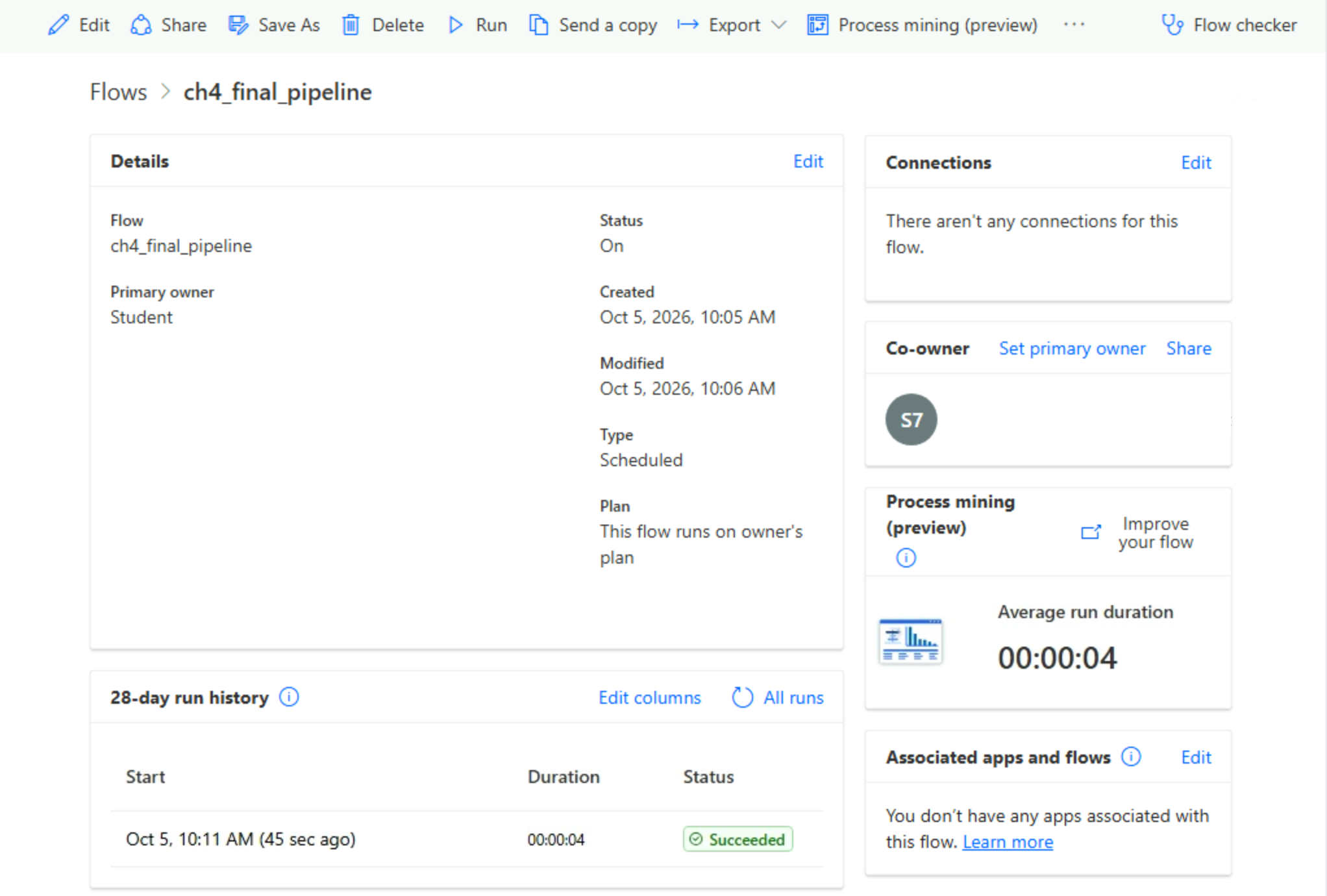
Test, then turn it on

Power Automate flow details page showing the Run history tab populated with several green successful runs and the Turn on toggle in the active enabled state

Manual test → inspect run history → turn the flow on → verify next scheduled run

Intermediate Power Automate

Common mistakes worth a second pass

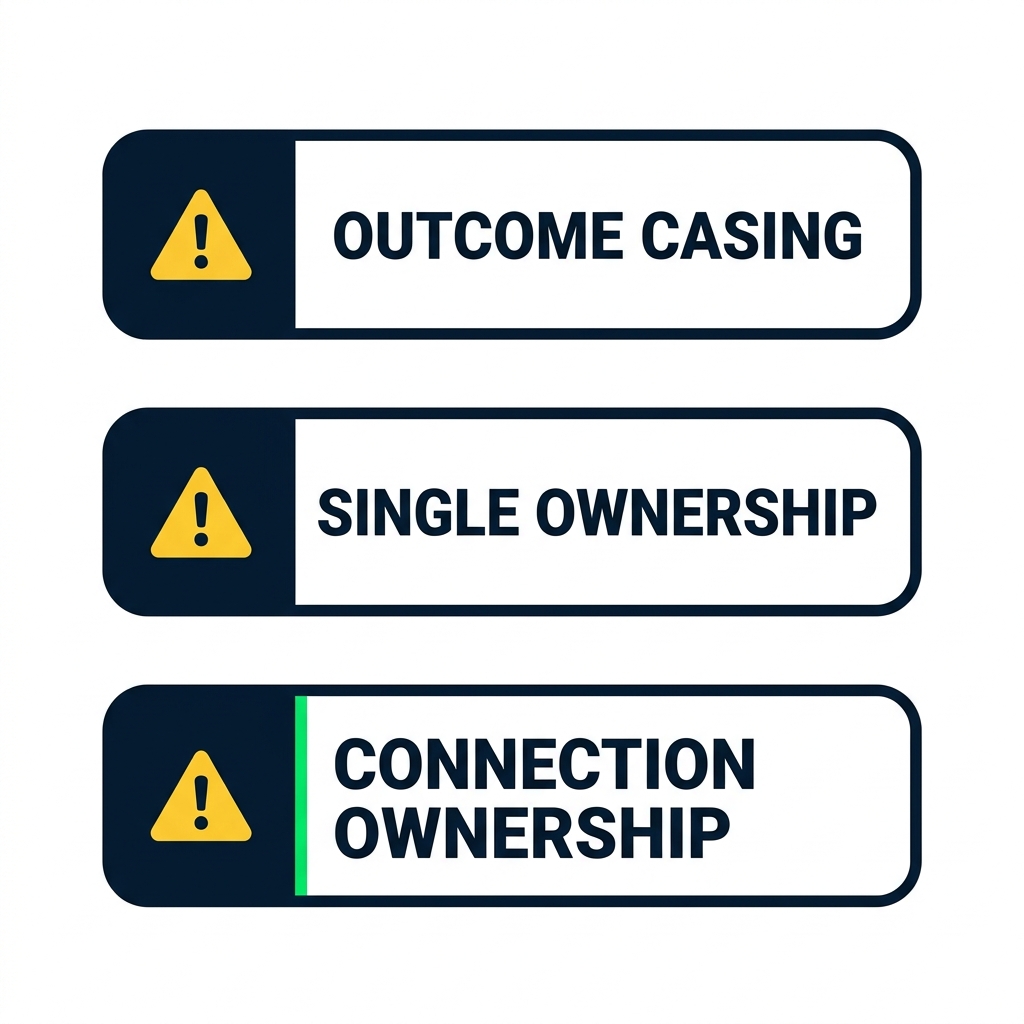
nanobanana: A clean flat minimalist illustration on a pure white background. Three rounded rectangle warning cards arranged vertically, each with a small yellow warning triangle on the left. From top to bottom the cards read in bold uppercase: "OUTCOME CASING", "SINGLE OWNERSHIP", "CONNECTION OWNERSHIP". No other elements. Flat 2D, no shadows.


  • Outcome is 'Approve' - capital A
  • Single ownership = continuity risk
  • Connection owner leaves → flow fails
Intermediate Power Automate

Let's practice

Intermediate Power Automate

Preparing Video For Download...