Sharing, ownership, and going to production

Intermediate Power Automate

Dani Kahil

Solution Architect | Microsoft MVP

Owners and run-only users
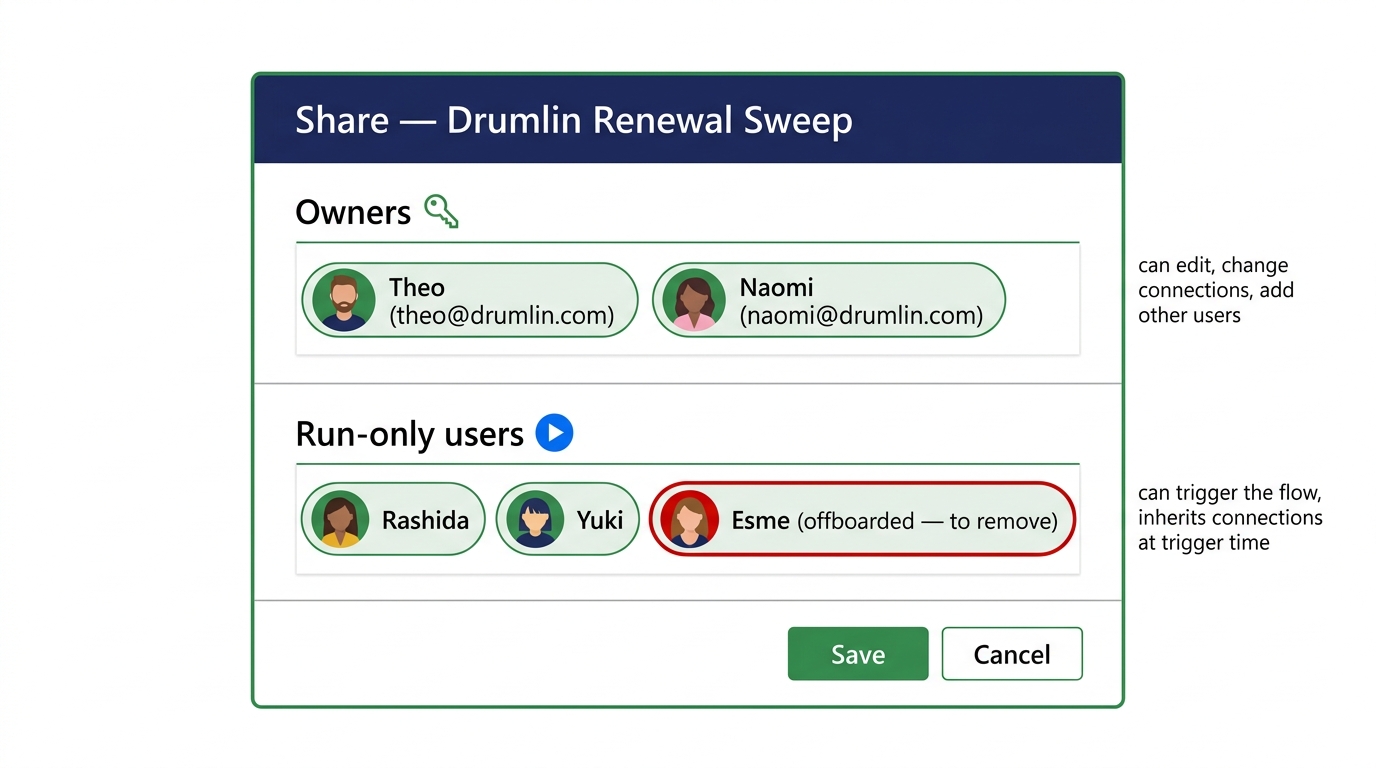
 

The Share dialog for a Power Automate flow showing the Owners section at the top and Run-only users section below, each with a list of assigned principals


  • Owners - can edit the flow and its connections
  • Run-only users - can trigger it but not modify
  • Run-only inherits the flow's connection auth
Intermediate Power Automate

Single ownership is a continuity risk
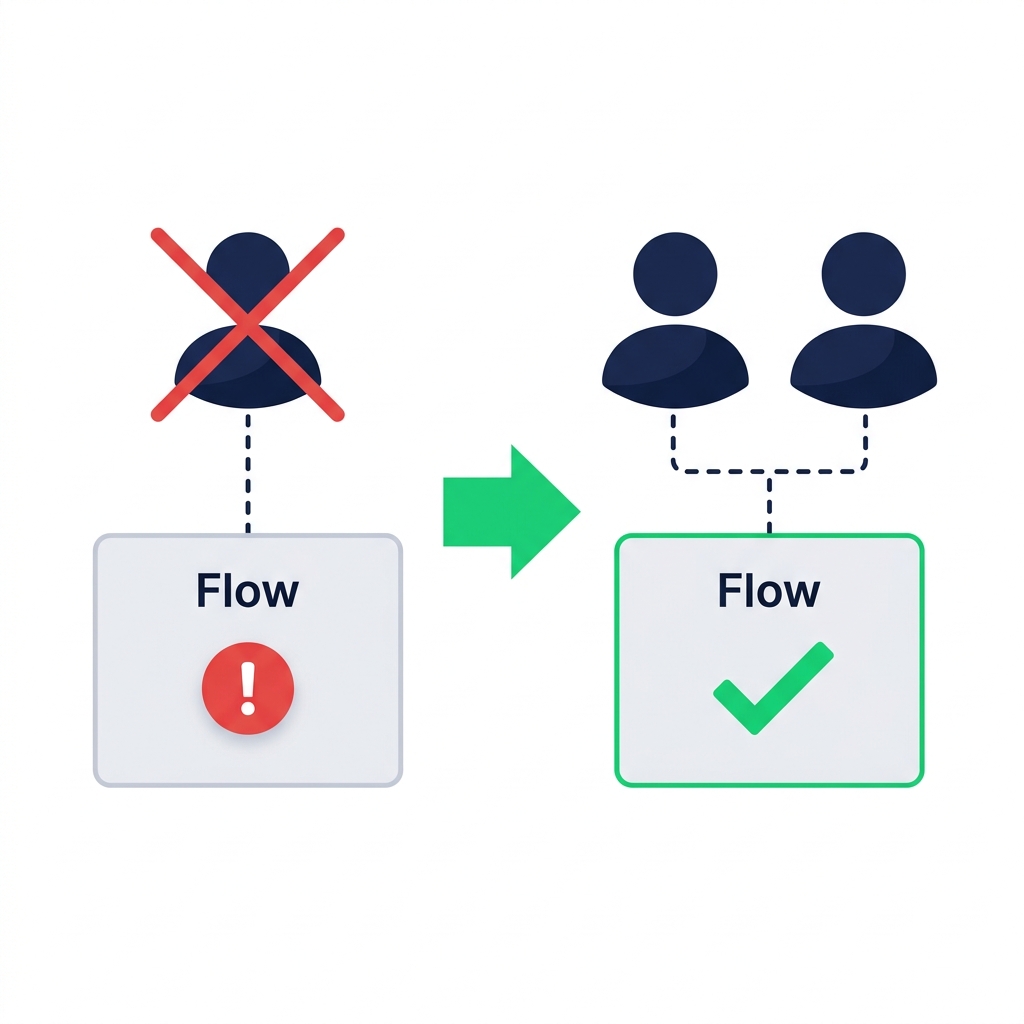
nanobanana: A clean flat minimalist illustration on a pure white background. On the left, a single rectangular flow card labelled "Flow" with a small user icon above it connected by a dashed line. The user icon has a large red X struck through it, indicating the user has left. The flow card below shows a red error badge. On the right, the same flow card has two user icons connected to it, both healthy, with a green checkmark on the flow card. A green arrow points from left to right indicating the move from single owner to co-owners is the safer pattern. No labels other than "Flow" on each card.

  • Single owner leaves → connections invalidate → flow fails  ·&nbsp
  • Co-ownership = continuity insurance
Intermediate Power Automate

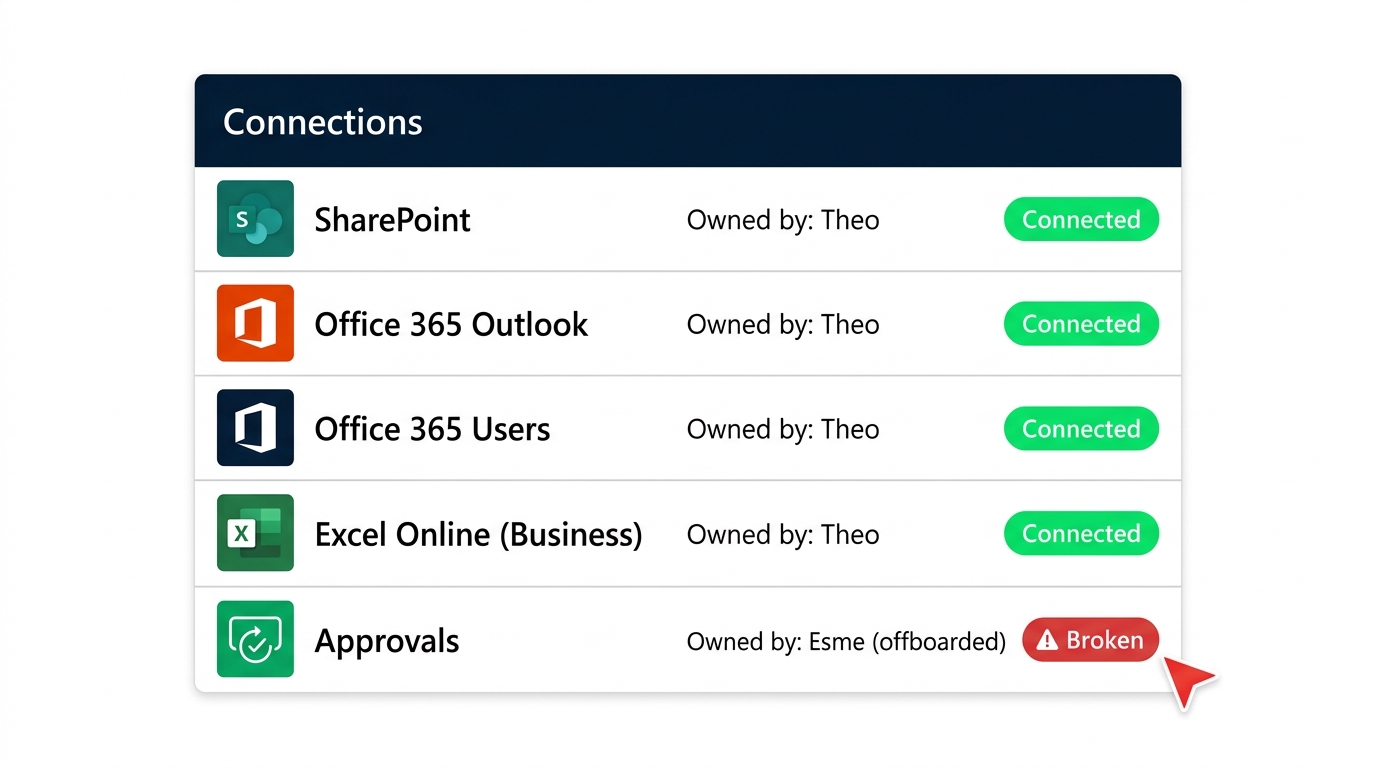
Connections are user-scoped


Connections panel inside the Power Automate flow details, showing each connector with the owning user listed beside it


  • Each connector authenticates as one specific user
  • Co-owners can swap a connection for their own
  • Service accounts are the production-grade option
Intermediate Power Automate

Environment promotion: Dev, Test, Prod
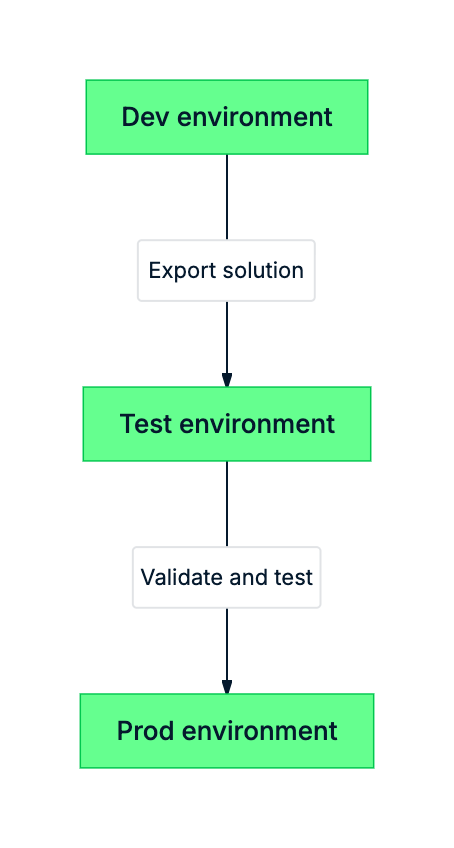
mermaid: environment promotion


  • Dev - build and break things freely
  • Test - user acceptance against realistic data
  • Prod - live users, live runs, change-controlled
Intermediate Power Automate

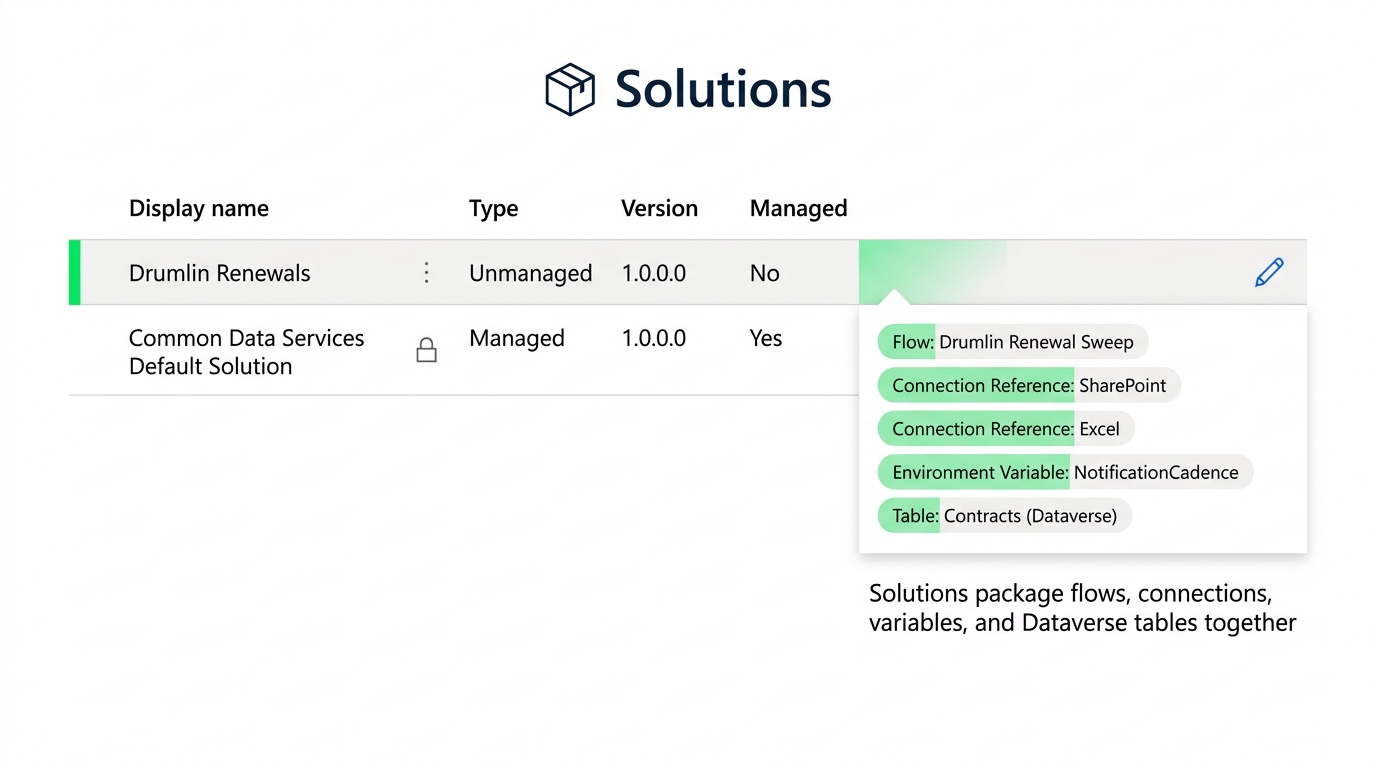
Solutions: the production wrapper


Power Automate Solutions list view showing a solution containing flows, connection references, environment variables, and data tables packaged together


  • A Solution is a container of related components
  • Connection references decouple connections from the flow
  • Environment variables decouple URLs and IDs from the flow
Intermediate Power Automate

Let's practice!

Intermediate Power Automate

Preparing Video For Download...