Approval types and custom responses

Intermediate Power Automate

Dani Kahil

Solution Architect | Microsoft MVP

The four approval types
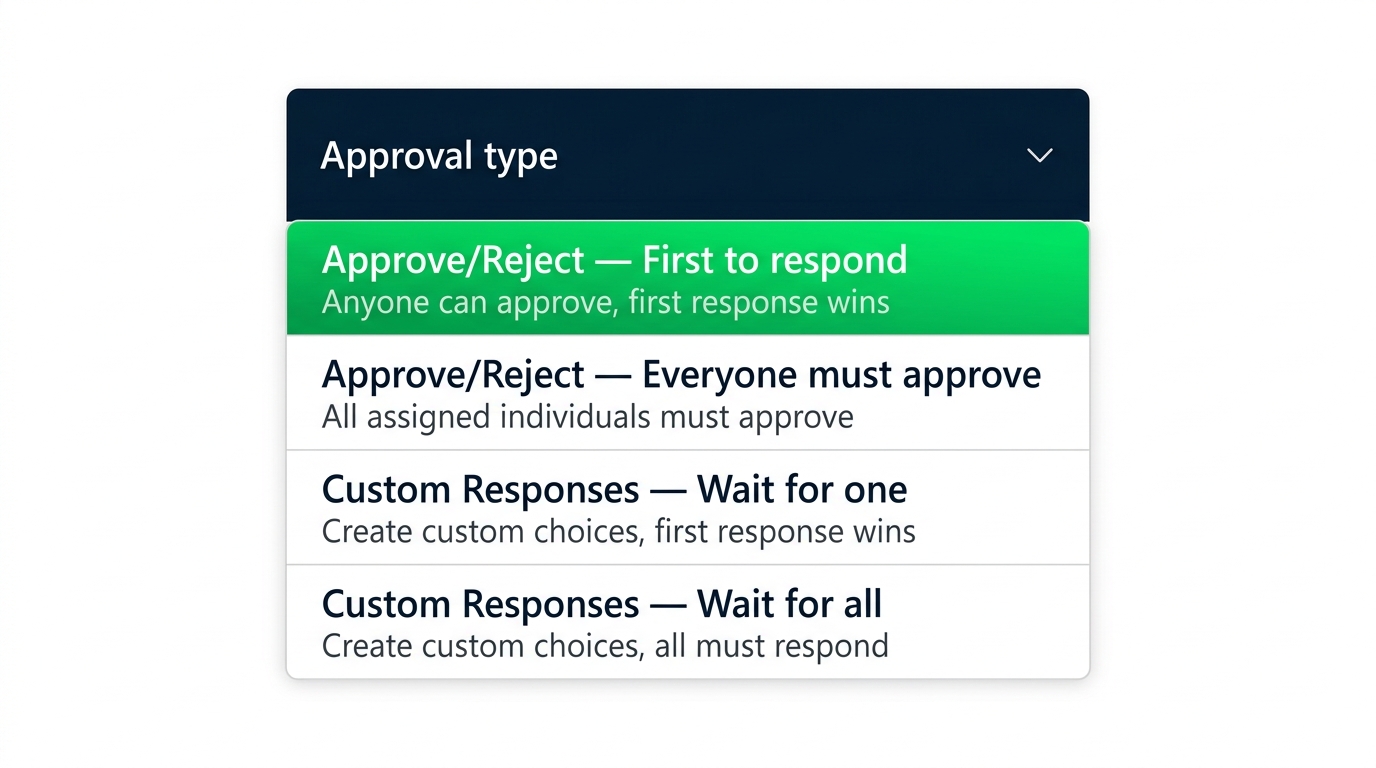
 

Approval type dropdown in the Power Automate designer showing all four options: Approve/Reject - First to respond, Approve/Reject - Everyone must approve, Custom Responses - Wait for one, Custom Responses - Wait for all


  • First to respond - any one approver decides
  • Everyone must approve - all must agree
  • Custom Responses - replace Approve/Reject with named choices
  • Sequential - approvers are asked one at a time, in order
Intermediate Power Automate

Parallel approvals: First to respond vs Everyone must approve
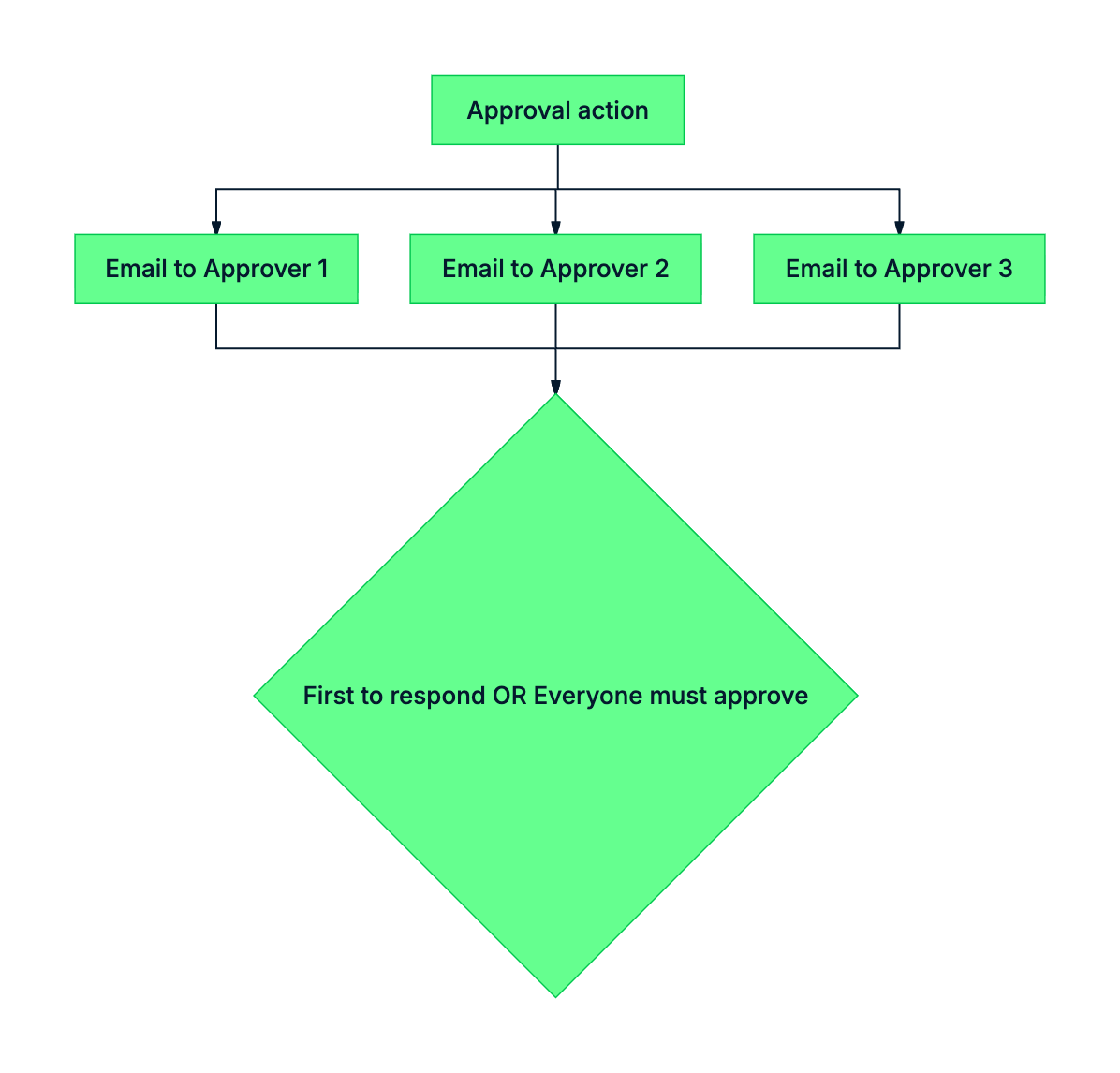
mermaid: green-navy: Parallel approval sends the email to all assignees at once; First to respond fires on the first reply, Everyone must approve waits for the last reply


  • Both fire the email to all assignees at once
  • First to respond - one reply ends the wait
  • Everyone must approve - all replies must agree
Intermediate Power Automate

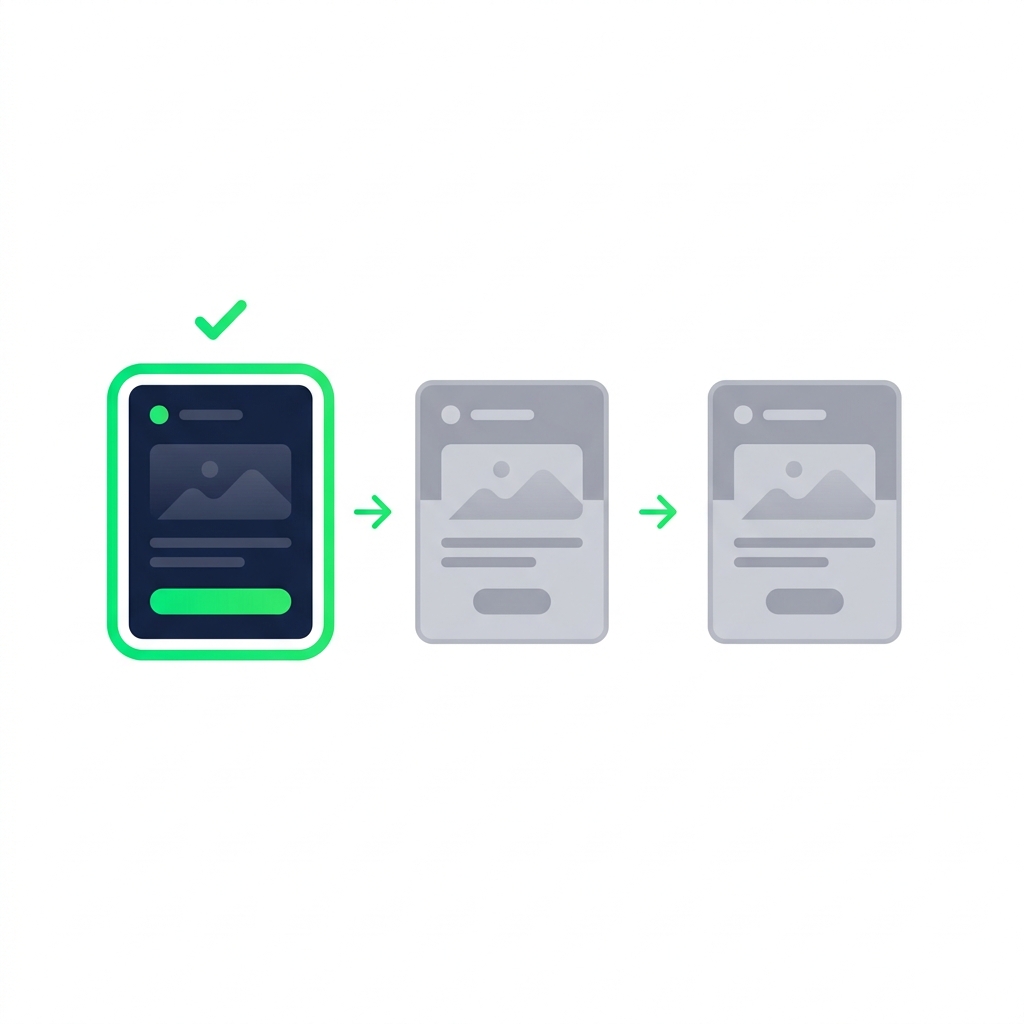
Sequential approvals

  • Approver 1 responds
  • Approver 2 is notified → responds
  • Approver 3 is notified → responds
  • One reject anywhere ends the chain

nanobanana: A clean flat minimalist illustration on a pure white background. Three rectangular cards labelled "Approver 1", "Approver 2", and "Approver 3" arranged left to right, connected by green right-pointing arrows. The first card is highlighted with a thicker green border showing it is currently active. The second and third cards are greyed out, indicating they have not yet been notified. A small green checkmark sits above the first card. No other elements.

Intermediate Power Automate

Custom responses

$$

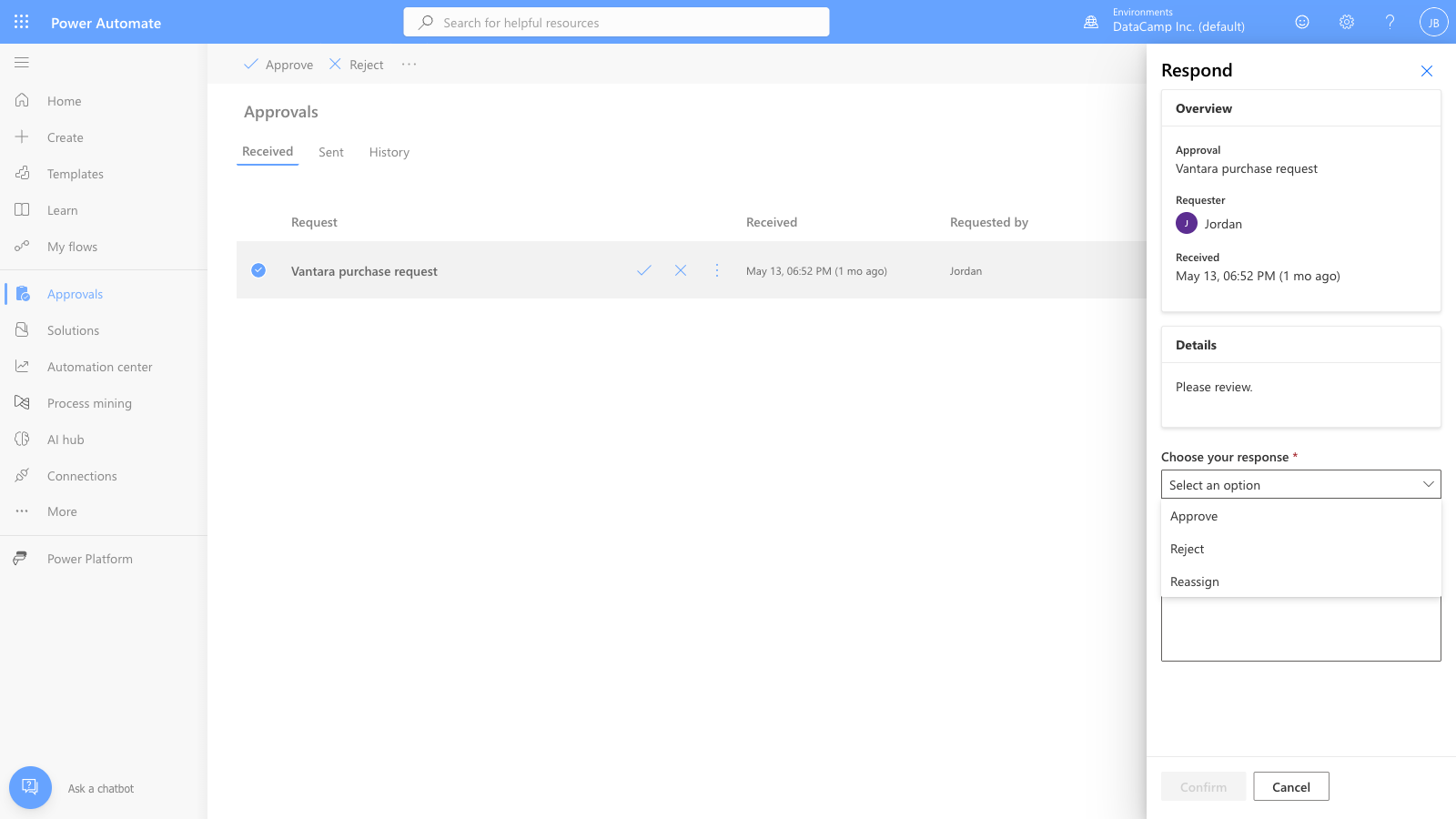
Power Automate Custom Responses approval configuration showing named response options that replace the default Approve/Reject buttons


  • Replace Approve/Reject with your own labels
  • Up to 5 responses for inline Outlook rendering
  • Branch downstream with Switch on Outcome
Intermediate Power Automate

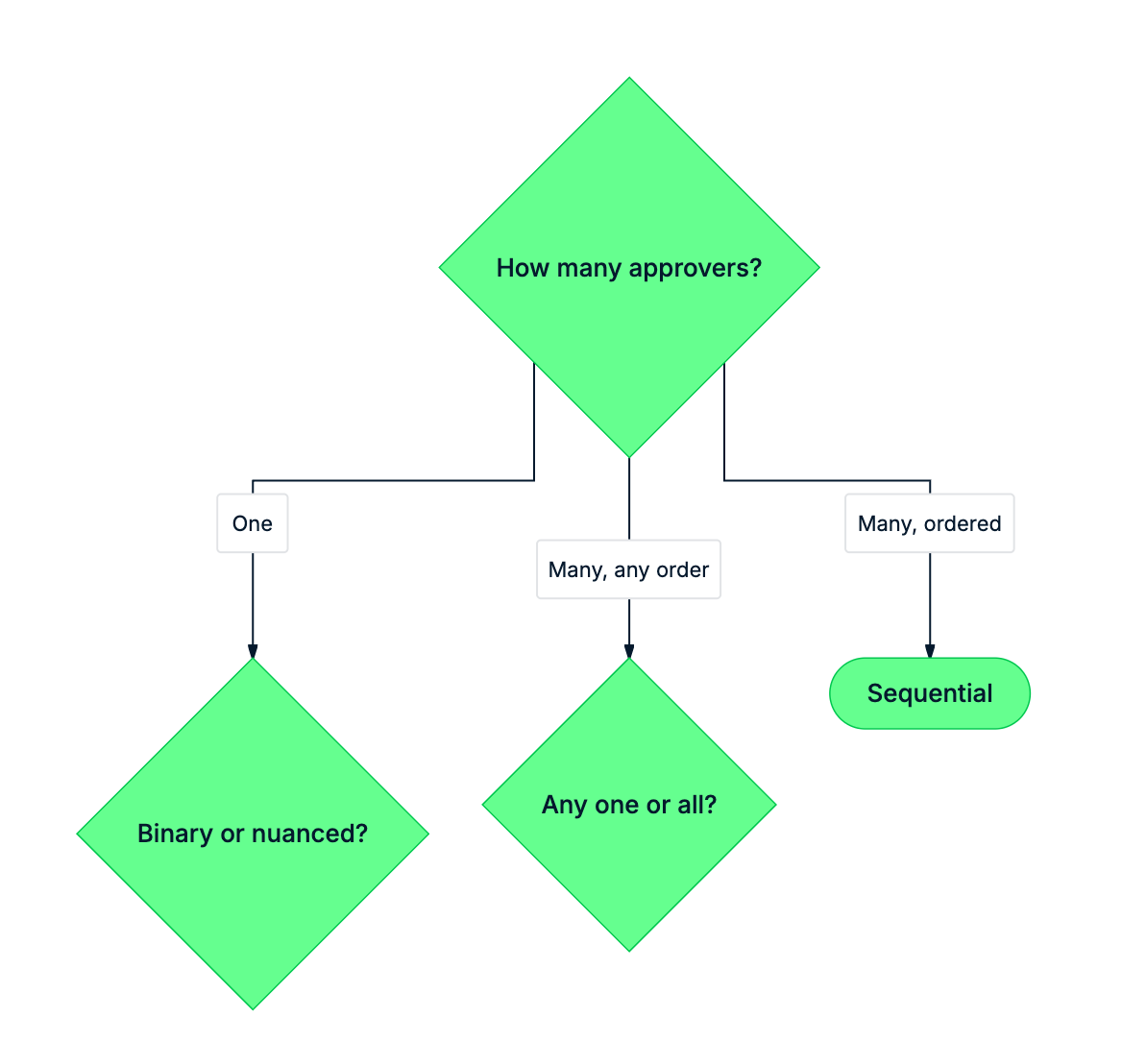
Picking the right type

mermaid: green-navy: Decision tree for picking an approval type based on number of approvers and decision shape


  • One approver → First to respond or Custom Responses
  • Many approvers, order matters → Sequential
  • Many approvers, all must agree → Everyone must approve
Intermediate Power Automate

Let's practice!

Intermediate Power Automate

Preparing Video For Download...