Picking the right trigger

Intermediate Power Automate

Dani Kahil

Solution Architect | Microsoft MVP

What you'll learn

$$

Power Automate


  • Chapter 1 → Pick the right trigger for the job
  • Chapter 2 → Act on Dataverse and SharePoint data
  • Chapter 3 → Add conditional logic and reliability
  • Chapter 4 → Route through approvals, then ship a capstone
Intermediate Power Automate

Meet the instructor

$$

Dani Kahil, Solution Architect & Microsoft MVP


  • Dani Kahil - Solution Architect | Microsoft MVP
  • Founder of Kahil Consulting; speaker, MVP, real-world automation builder
  • 15+ years across Power Platform, Dynamics 365, and Azure DevOps

$$

Prereq: Introduction to Power Automate (or equivalent experience)

Intermediate Power Automate

A flow's first decision

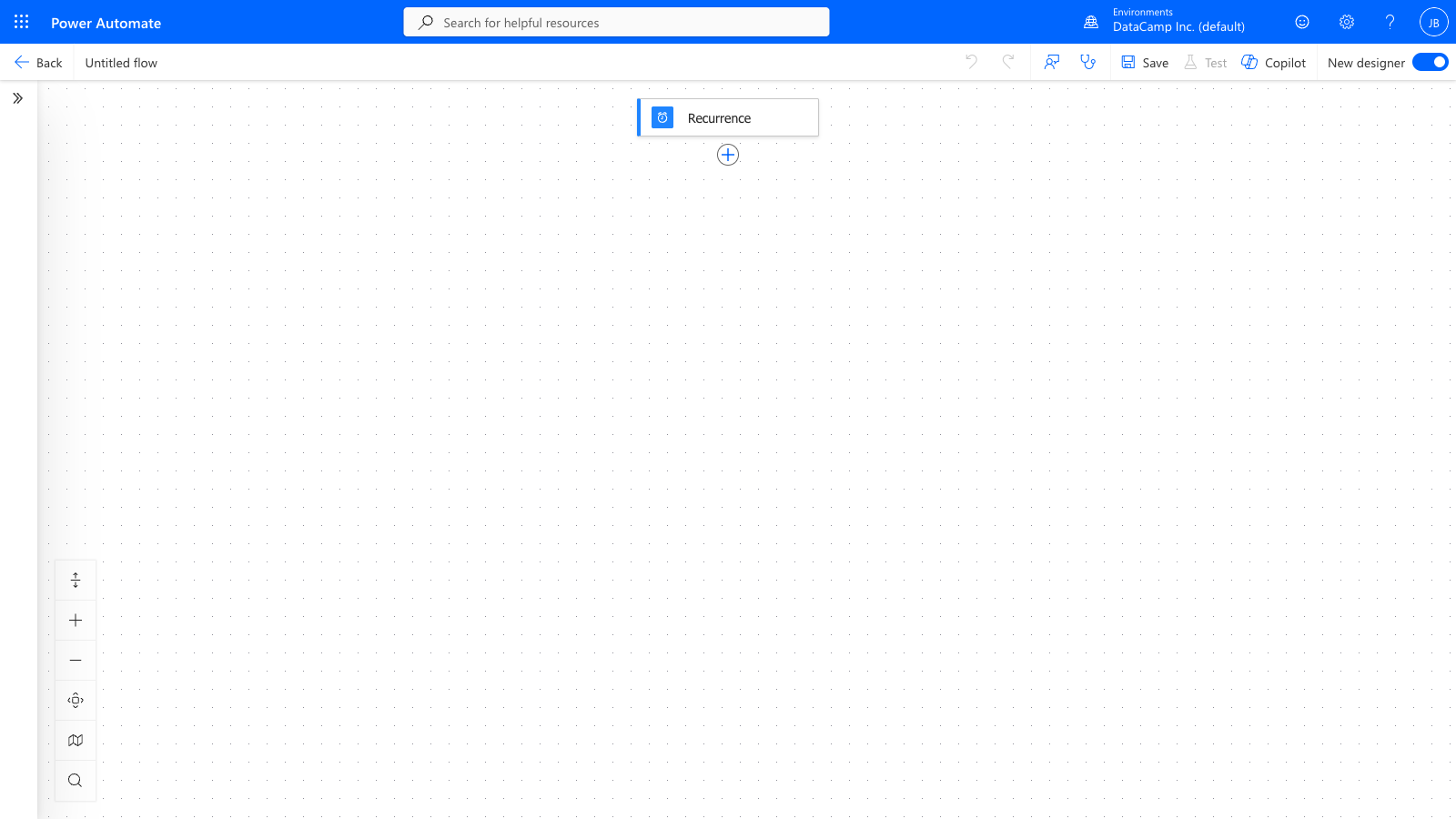
The Power Automate designer canvas showing a flow with a trigger at the top and sequential action cards connected by arrows

Intermediate Power Automate

The three trigger families


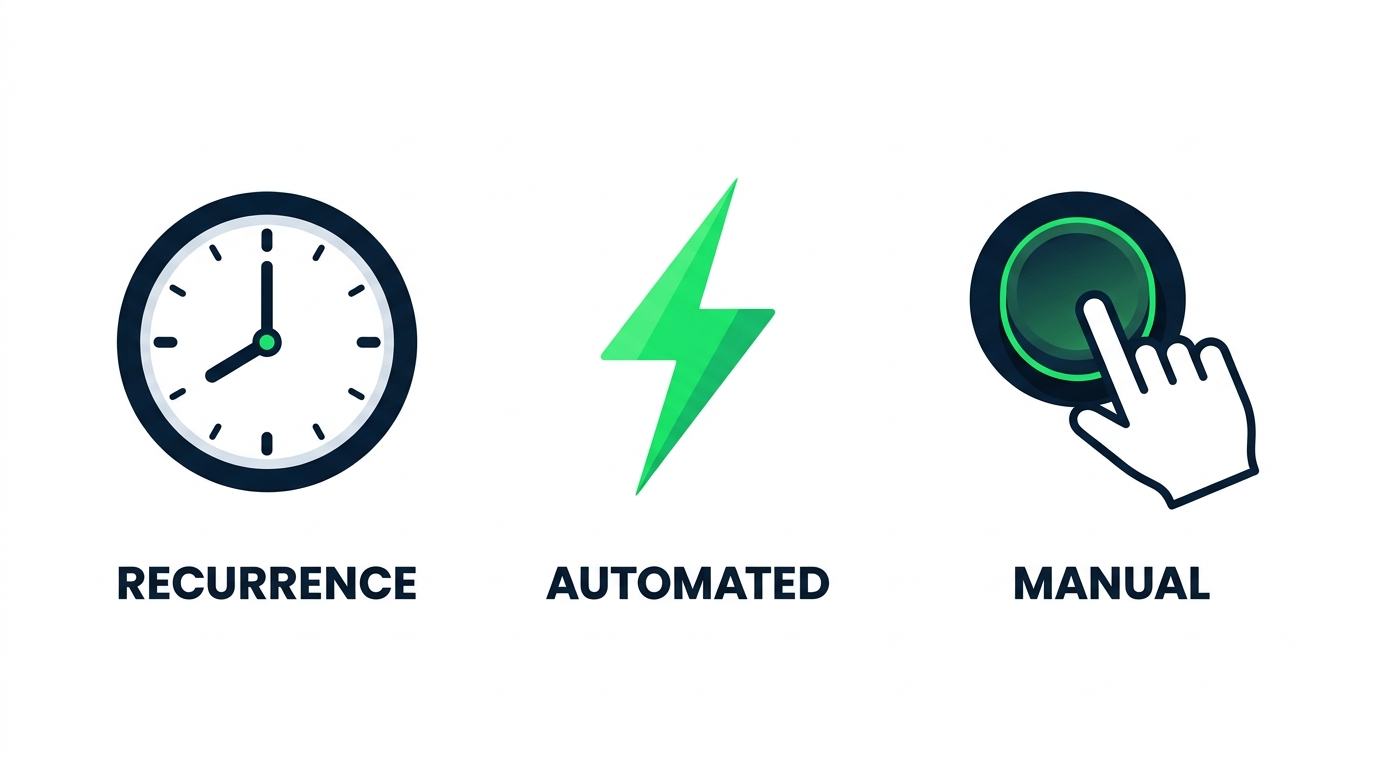
Three trigger family icons — clock, lightning bolt, button


  • Recurrence — fires on a schedule
  • Automated — fires on a source-system event
  • Manual — fires when a person presses a button
Intermediate Power Automate

Manual triggers can take inputs


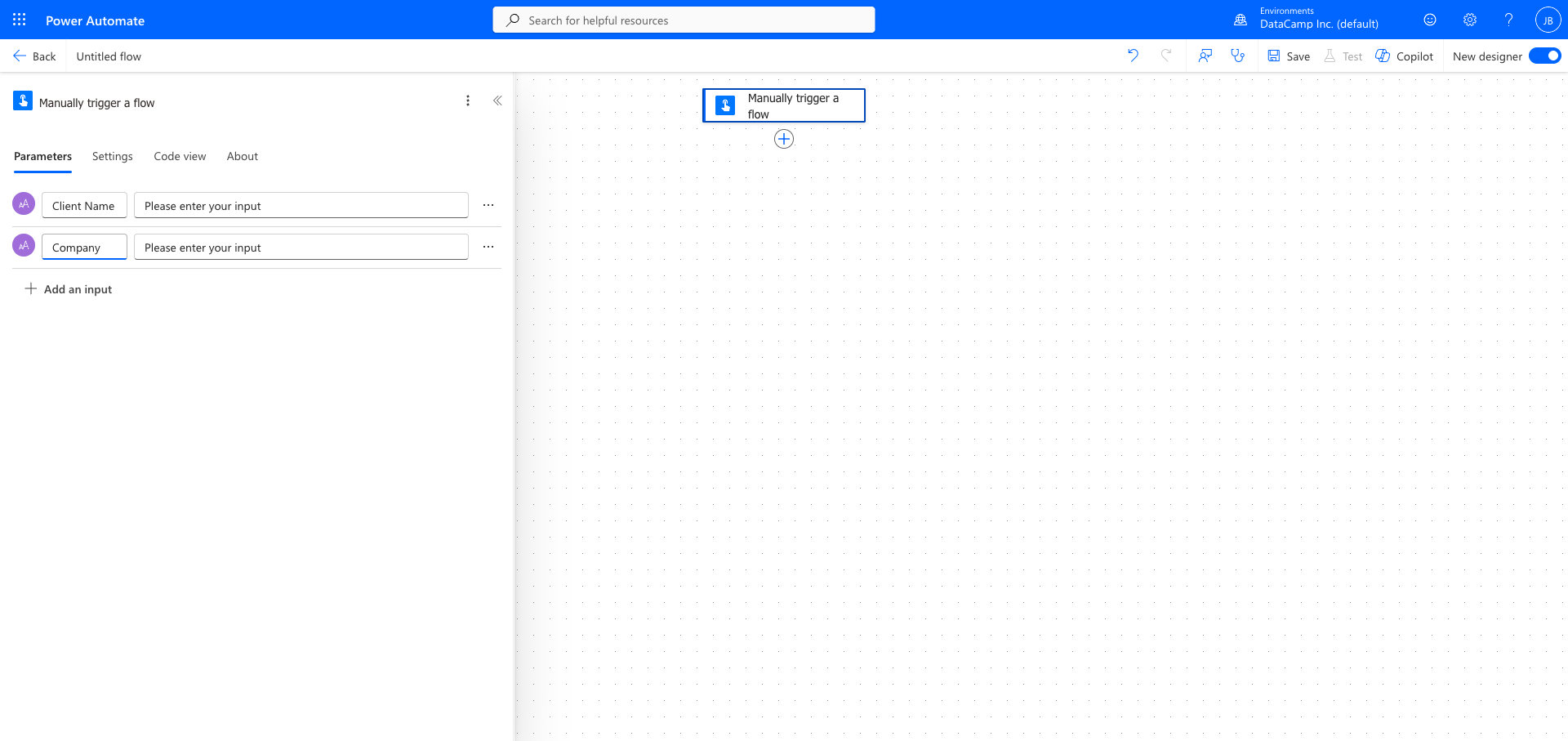
Manual trigger configuration with Client Name and Company text inputs


  • Add inputs on the trigger card - Text, Number, Yes/No, and more
  • Downstream actions read them via dynamic content
  • Right call for ad-hoc tools that need values from the user
Intermediate Power Automate

The same flow, three different triggers
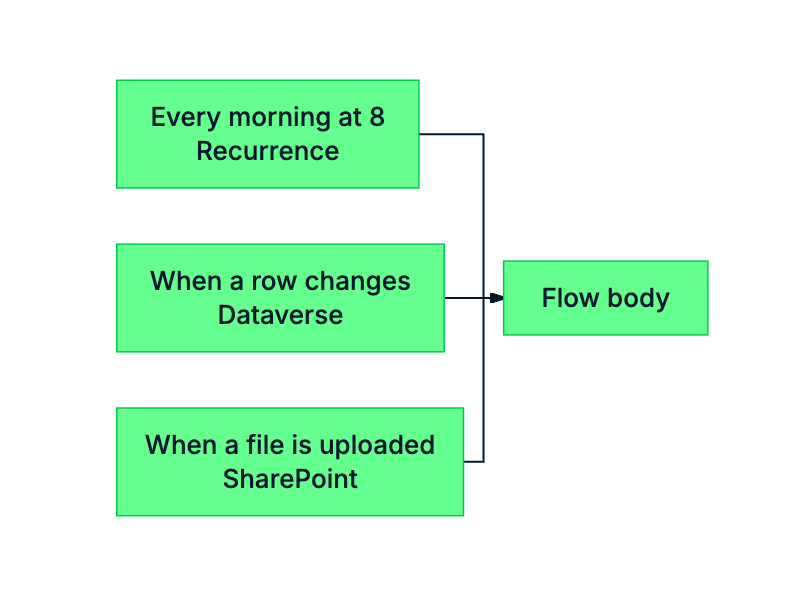
 

mermaid: green-navy: Same flow body, three different trigger heads


  • Same flow body, three trigger options
  • The trigger describes the event
  • Pick the trigger that matches when the work should start
Intermediate Power Automate

Templates as starting points

$$

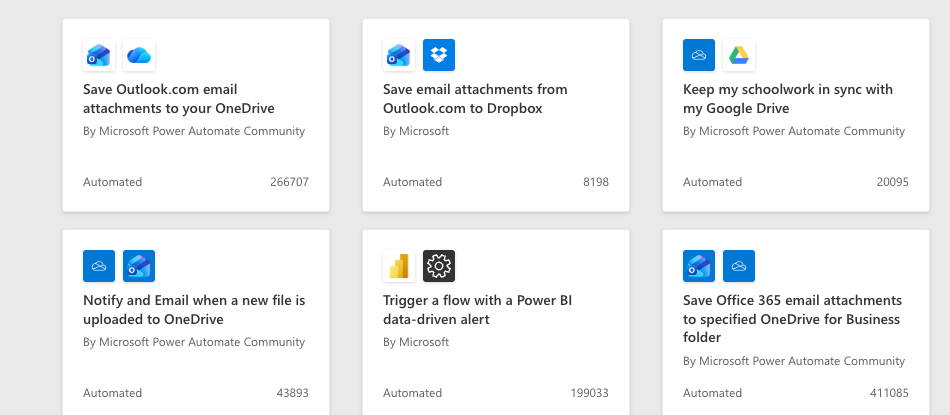
Power Automate Templates gallery — a 3x2 grid of pre-built flow templates with names readable

Hundreds of pre-wired flows  ·  Right template = right trigger  ·  Always audit before you adopt

Intermediate Power Automate

Let's practice!

Intermediate Power Automate

Preparing Video For Download...